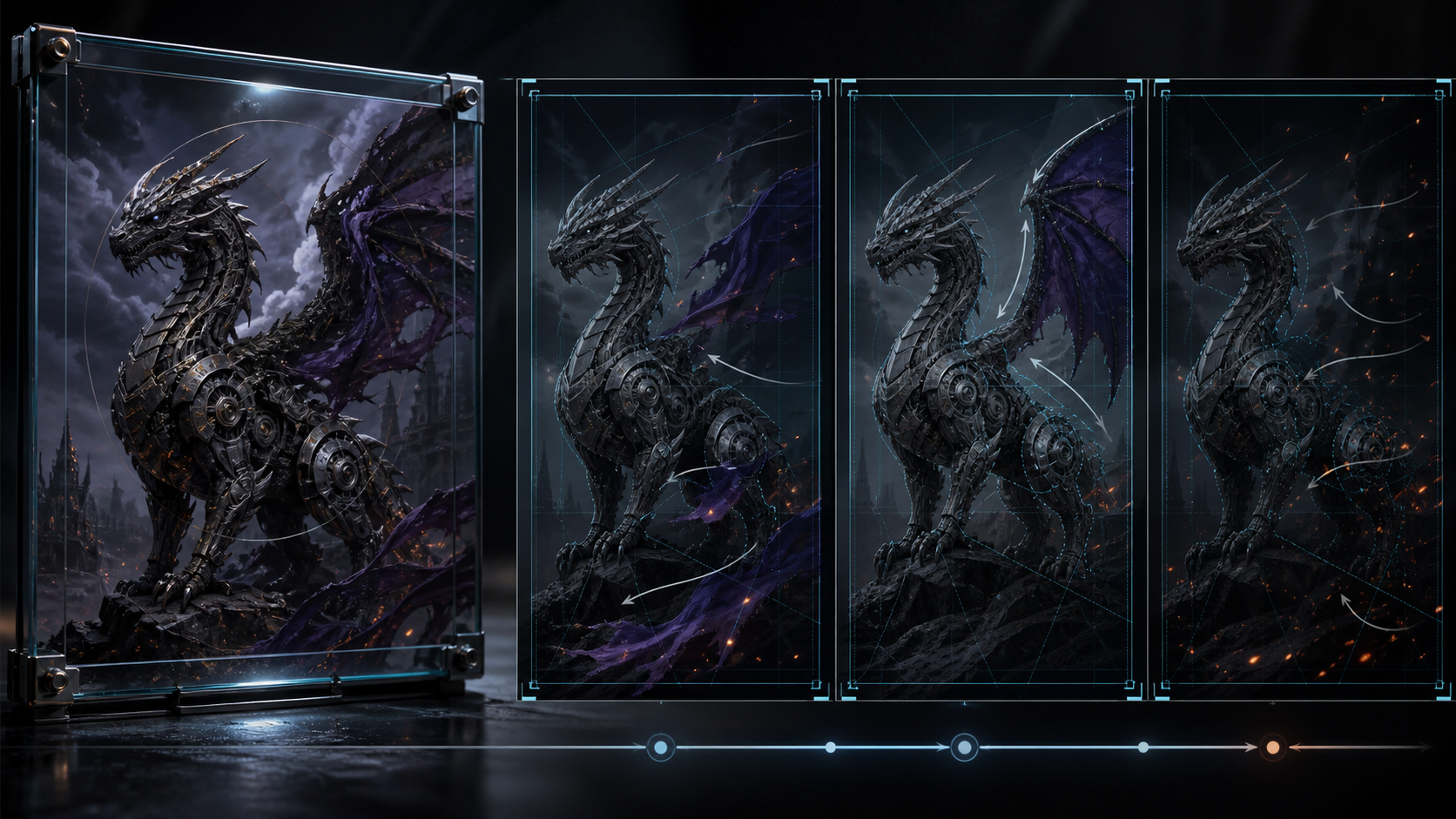
An NSFW animation from image AI workflow begins with more than a picture and a motion prompt. Mature material needs a written definition of what the source authorizes: who the adult subject is, which pose and level of coverage are approved, what action may be added, and where the result may appear.
Without those constraints, image-to-video can drift beyond the brief. A face can change, a subject can appear younger, clothing can shift, a pose can imply a new act, or the camera can reveal an area that was never part of the approved image. Visual quality alone is not enough.
The production tool used throughout this guide is a constraint sheet: a short record of the elements that may move and the elements that must remain fixed. It connects the studio workflow, aspect-ratio examples, creator use cases, credit planning, platform evaluation, and FAQs.
Responsible-use baseline: Mature workflows must use lawful, rights-cleared material involving consenting adults. Never create or share content involving minors, age-ambiguous subjects, non-consensual intimate imagery, exploitation, deceptive impersonation, or an unauthorized likeness.
Classify the Source Before You Animate
Different still images require different evidence.
Original Synthetic Character
Keep the prompt, model record, and editable project source when available. Confirm that the character is unambiguously an adult and does not imitate a real person without permission. Review for accidental resemblance before publication.
Original Illustration
Confirm that you created the work or hold a license covering AI transformation, mature contexts, and distribution. A commission agreement may grant display rights without granting animation or commercial adaptation rights.
Authorized Adult Photography
The recognizable adult needs specific, informed permission for synthetic motion and the intended mature context. A release for an ordinary photo shoot does not automatically cover AI animation, altered actions, face replacement, advertising, or distribution on a new platform.
Stock, Archive, or Third-Party Image
Read the license carefully. Sensitive-use clauses can prohibit adult, political, medical, defamatory, or misleading contexts even when ordinary commercial reuse is allowed. Public access and ownership of a file do not establish transformation rights.
If the source category or permission is uncertain, do not upload it.
Build the Constraint Sheet
Create one page or table beside the project:
| Constraint | Decision to record |
|---|---|
| Adult status | How the depicted person or character is confirmed as an adult |
| Identity | Fictional, self, or specifically authorized adult |
| Source rights | Owner, license, consent record, and permitted transformations |
| Approved pose | What body position and framing may remain |
| Coverage | Clothing, crop, and degree of exposure that must not expand |
| Allowed motion | One subject action plus optional environmental motion |
| Prohibited change | Identity, apparent age, anatomy, clothing, pose meaning, or background elements that cannot drift |
| Camera boundary | Locked, push-in, pan, or other motion that will not reveal unapproved areas |
| Destination | Private draft, authorized client work, or named publication channel |
| Disclosure | Synthetic-media and age-gating requirements |
The sheet is both a prompt aid and a rejection standard. If a generated variant violates one row, discard it even if another part looks impressive.
Choose the Creation Method
Image to Video is the central workflow because the approved still anchors the starting composition. The prompt describes how that frame changes.
Text to Video is useful when no source image is needed and a fictional scene can be built from language. Reference inputs can guide style or composition on supported models, but they require their own rights record. Video to Video can transform footage you control when preserving motion matters.
Face replacement carries the highest identity risk. Use it only for your own likeness or a confirmed adult who has approved the exact transformation and context. It should never be treated as a casual personalization feature for a celebrity, former partner, private person, or public-profile image.
Five Steps to Create the Animation
Step 1: Enter the Creation Studio
Review available models before choosing settings. Duration, ratio, resolution, reference support, and credit use vary by model. Do not assume every option exports 1080p or accepts the same inputs.
Step 2: Select Image to Video and Upload
Upload the rights-cleared working copy. Check orientation, crop, and source quality. Make sure the still already matches the approved coverage and adult presentation; do not rely on a prompt to correct an unsuitable source.
Step 3: Write the Motion Prompt From the Constraint Sheet
Use this order:
approved adult or fictional subject + one allowed action + one environmental cue + camera behavior + locked identity, age, pose, coverage, and setting
Example:
An original fictional adult fantasy character slowly turns their head toward the window; candlelight shifts softly across the room; locked camera; preserve adult appearance, facial design, seated pose, clothing coverage, anatomy, furniture, and warm painted style.
The prompt cannot enforce consent or guarantee stability. It communicates the brief; the creator still performs the review.
Step 4: Generate and Preview
Generate a short test at a practical setting. Watch the whole clip, then scrub frame by frame. Compare it with the source and constraint sheet.
If the action is too large, simplify the verb. If the camera reveals unapproved content, lock it. If the face or apparent age shifts, reject the result rather than trying to disguise the error in editing.
Step 5: Refine and Download
Change one variable per iteration:
- subject motion;
- camera movement;
- environmental intensity;
- prompt wording about the frozen elements;
- model or supported setting.
Download only a variant that passes every constraint. Keep the prompt, model, settings, source version, consent record, and review note with the final export.
Three Safer Prompt Patterns by Aspect Ratio
The original workflow uses a cinematic landscape, vertical portrait, and square fantasy example. These rewrites retain that teaching structure without explicit instructions or an unapproved real identity.
16:9 Cinematic Illustration
An original fictional adult night-club singer seated on a velvet stage chair; one slow hand gesture and a slight head turn; warm practical lights flicker in the deep background; locked wide camera; preserve adult facial design, seated pose, formal coverage, anatomy, furniture, and cinematic painted style.
Use landscape when the environment and negative space contribute to the story.
9:16 Authorized Fitness Portrait
An authorized image of a confirmed adult athlete; one controlled shoulder movement and brief confident glance; subtle gym light shift; locked vertical framing; preserve identity, apparent age, outfit coverage, body proportions, hands, and background equipment.
For a real adult, the permission must cover AI animation, the intended mature or promotional context, and distribution.
1:1 Fantasy Character
An original fictional adult winged guardian in a mystical forest clearing; wings open slightly as nearby luminous plants pulse; centered square composition; locked camera; preserve adult design, armor coverage, anatomy, pose, face, and illustrated texture.
The square format emphasizes a centered subject and controlled surrounding effect. Ratio availability remains model-dependent.
The durations mentioned by another service should not be treated as VideoAny specifications. Choose a supported model duration and trim during editing when needed.
Review the Five High-Risk Drifts
1. Apparent-Age Drift
Compare facial proportions, skin texture, body scale, clothing, and overall presentation across frames. Reject any version in which a mature subject becomes youthful or age-ambiguous. Never animate a minor in a mature context.
2. Identity Drift
Look for changing eyes, jawline, nose, hairline, tattoos, scars, or other distinguishing features. A different-looking person cannot inherit the original subject's consent.
3. Coverage Drift
Check clothing edges, crop boundaries, pose, hands, and camera. The generation must not reveal more than the source or agreement authorized. Do not use “the model did it” as an excuse to publish an unapproved result.
4. Action and Consent Drift
A source still authorizes only what the agreement says it authorizes. The generated movement must not imply a sexual act, interaction, or emotion beyond the approved brief. When multiple adults appear, each person needs context-specific permission.
5. Anatomy and Setting Drift
Watch hands, limbs, body intersections, furniture, mirrors, and background figures. An artifact can change who appears to be touching whom or introduce an unintended person. Reject ambiguous or exploitative outcomes.
Output and Destination Review
Common ratios such as 16:9, 9:16, and 1:1 are available across parts of VideoAny's model catalog, not universally. Resolution is also model-specific; select models support 1080p or higher, while others have lower maximums.
Before export:
- confirm the intended crop and interface-safe area;
- review the full-resolution file for subtle drift;
- prepare a synthetic-media disclosure where required;
- verify age-gating, thumbnail, advertising, and monetization rules;
- ensure the destination permits the mature context;
- retain a way to respond to a rights-holder or takedown request.
Successful generation does not equal publication permission.
Use Cases for Rights-Cleared Adult Animation
- Adult artists and illustrators: animate an original character while keeping design and coverage stable.
- Authorized photographers: add a limited motion study to an adult portrait under an appropriate release.
- Adult creators: produce a short lawful clip involving consenting adults for a destination that permits it.
- Adult-industry marketers: create controlled promotional motion from licensed imagery and approved claims.
- Meme and parody creators: animate original or lawfully reusable material without targeting a private person or presenting fabrication as fact.
- Hobbyists: experiment with fictional adult characters and non-identifying original art.
- Storytellers: turn an approved keyframe into a brief adult-oriented narrative beat before editing a larger sequence.
Each use case needs a constraint sheet adjusted to its risks. Marketing adds commercial rights; parody adds impersonation and context concerns; portrait work adds identity review.
Credits and Iteration
VideoAny uses credits, but the calculation depends on model, duration, resolution, and settings. Many video models price by generated seconds; some configurations use a fixed amount per generation. Do not import a universal dollar-per-second rate or assume duration is limited only by the size of a credit balance.
Budget for rejection. Identity- or coverage-sensitive material may require several safe tests, and some variants should never be used. Start with short clips and practical resolution, then render the approved motion at the required quality on a model that supports it.
Creative Flexibility Versus “No Filters”
The useful comparison between adult animation tools is not a claim that anything can be generated. Compare:
- whether the required input mode and model settings exist;
- how duration, ratio, resolution, and credits are shown;
- whether model or upstream policy blocks are handled clearly;
- how the service terms address lawful use and abuse;
- what privacy and retention information is actually published;
- whether the resulting workflow supports review and documentation.
VideoAny supports mature creative workflows under its terms and content policy. It does not turn an unauthorized image into an authorized one, promise acceptance of every prompt, grant ownership of third-party material, or override destination rules.
Frequently Asked Questions
Is VideoAny completely uncensored?
Do not interpret “NSFW” as no rules. VideoAny supports mature workflows with minimal filtering under a content policy, while legal, consent, model, upstream, and platform limits still apply.
What kind of image can I upload?
Use an original synthetic adult character, your own illustration, or a photograph or asset with rights covering AI transformation and the intended context. Do not upload minors, age-ambiguous mature material, non-consensual imagery, or an unauthorized likeness.
Can I share the result on social media?
Only if the destination's current policies allow the content and format. Check mature-content, manipulated-media, disclosure, age-gating, advertising, and monetization rules.
How long can the animation be?
Duration options depend on the selected model. Credit balance alone does not define the available lengths. Review the current controls before planning.
Which aspect ratios are supported?
Common choices include 16:9, 9:16, and 1:1 on parts of the catalog, but each model exposes its own set.
What if the first result is wrong?
Reject any variant that violates adult status, identity, coverage, or consent. Simplify one motion instruction, regenerate, and document the change.
Motion Must Stay Inside the Agreement
A mature image can anchor style, identity, pose, and composition, but generation adds new meaning with every frame. Write that meaning before you animate it.
Classify the source, record the authorization, build a constraint sheet, choose one motion, and review apparent age, identity, coverage, action, and anatomy. An NSFW animation from image AI is ready only when the motion stays inside both the creative brief and the consent agreement.