Introduction
The reference article promotes a script-to-roleplay video workflow for adult creators using the same core promises found across its platform pages: few content refusals, multiple image and video modes, fast HD output, anonymous use, private libraries, crypto checkout, and user ownership. It also says effective prompts combine subject, wardrobe, environment, lighting, camera, and motion.
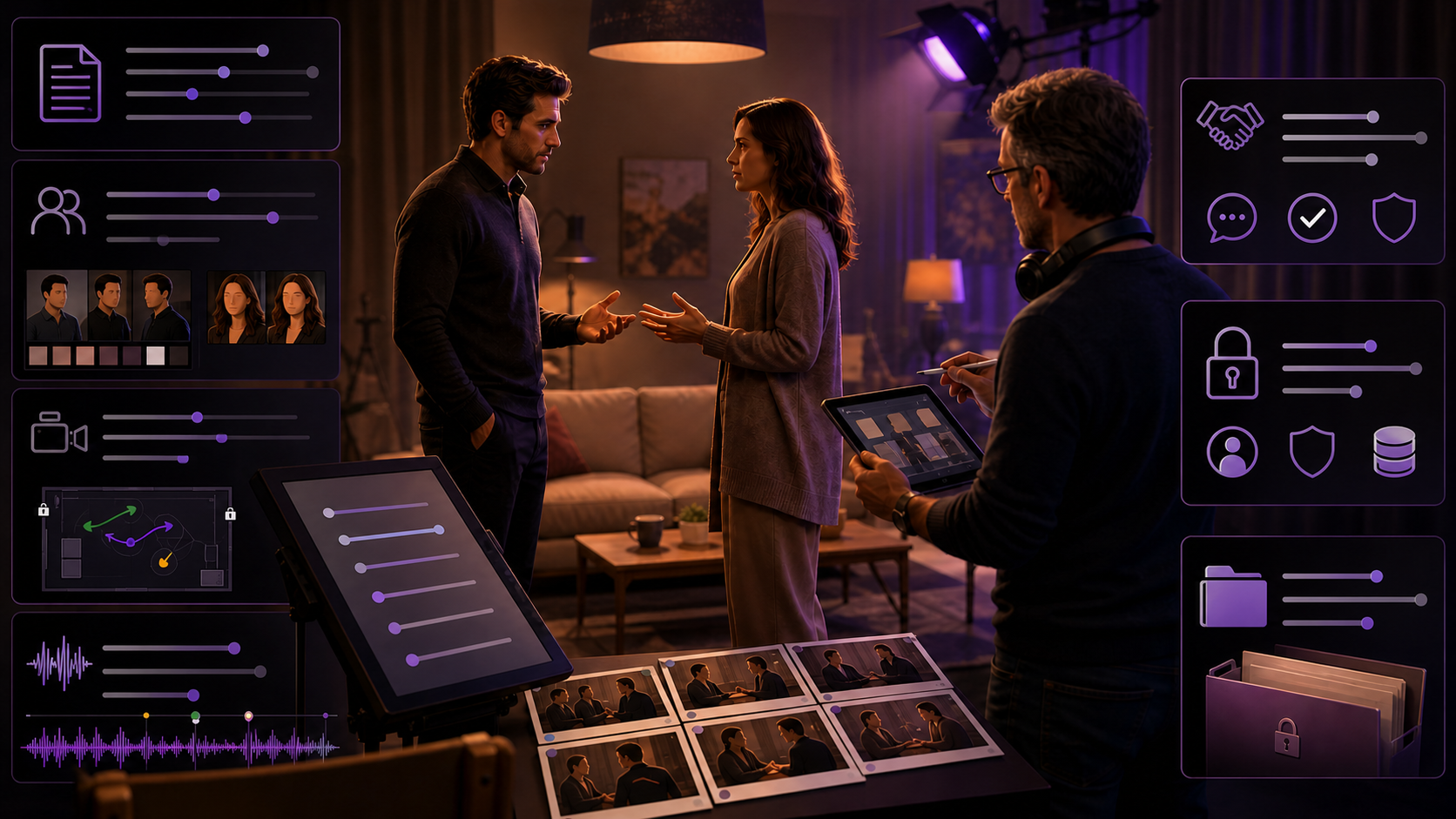
A finished scripted scene needs more than one long prompt. Dialogue, character goals, blocking, shot continuity, voice rights, and editorial timing must be translated into separate, reviewable assets. This guide preserves the source’s workflow and privacy questions while building a real script-to-shot method. The source platform’s unrestricted-content, anonymity, speed, resolution, billing, privacy, and ownership claims are not VideoAny claims.
Adult-only boundary: every character must be fictional and clearly adult, or portrayed by a real adult who gave explicit, informed permission for the exact roleplay, edits, voice use, and distribution. Never create sexualized media involving minors or non-consenting real people.
Why Start From a Script?
A script gives a production stable reference points that improvised generation lacks:
- Character objectives: What each adult character wants in the scene.
- Boundaries: What is permitted, excluded, and dependent on documented performer consent.
- Dialogue beats: The emotional turn, interruption, reaction, and final line.
- Physical blocking: Where characters begin, move, interact, and end.
- Props and continuity: Objects, wardrobe states, and environmental details that must persist.
- Editorial rhythm: Which beats need a wide shot, close reaction, insert, or pause.
The script should identify every mature element clearly enough for rights and consent review before visual generation begins.
Convert the Script Into a Scene Breakdown
Do not paste the whole screenplay into a video generator. Create a production table for each scene:
- Scene purpose: What changes by the end of the scene?
- Adult characters: Fictional identity or performer authorization, stable visual traits, costume, and current emotional state.
- Setting: Time, location, layout, practical lights, and important props.
- Consent notes: Allowed portrayal, prohibited actions, audience, platforms, and expiration or revocation terms.
- Dialogue segments: Short lines or reactions that can be timed independently.
- Shot list: Establishing shot, coverage, close reactions, details, and transition.
- Audio plan: Authorized voice, room tone, music, and effects.
This breakdown becomes the bridge between a narrative document and generation prompts.
Build a Character and Set Bible
Character consistency is easier when you freeze a small set of descriptors and references:
- adult age category and fictional identity;
- face, hair, body silhouette, and distinctive non-sensitive features;
- exact wardrobe materials, colors, accessories, and continuity state;
- posture, expression range, and movement style;
- set floor plan, furniture, entrances, light direction, and color palette;
- camera language, lens feel, contrast, and grain.
Use only references you own or are authorized to process. Avoid celebrity or private-person likenesses. Store consent records separately from generative assets with stricter access controls.
A Script-to-Video Workflow
The source reduces the process to describe, generate, refine, and download. A controlled scripted workflow looks like this:
- Approve the adult script and boundaries. Complete consent, age, rights, and distribution review before generation.
- Create non-explicit character and set keyframes. Validate identity, costume, environment, and light without exposing sensitive source material.
- Rehearse with storyboards or animatics. Test blocking, eyelines, shot order, and dialogue timing using stills.
- Generate one short shot at a time. Give each clip one action, one camera move, and a clear start and end state.
- Record or synthesize authorized dialogue. Use only voices and performances you may legally and contractually use.
- Apply lip sync selectively. Close dialogue shots need careful review of consonants, profile angles, teeth, and facial continuity.
- Edit reactions and pauses. Roleplay depends on listening and response, not only spoken lines.
- Repair failed shots. Change one prompt variable or reference at a time and preserve successful neighboring footage.
- Finish and review. Add audio, captions, color, disclosure, and final delivery checks.
VideoAny offers general text-to-video, image-to-video, and lip-sync routes that can support authorized story assets. Check current models and content rules; this article does not claim unrestricted adult roleplay or script-to-video automation.
Turn a Script Beat Into a Shot Prompt
The source identifies subject, wardrobe, environment, lighting, camera, and motion as core prompt components. Add narrative context while keeping the prompt non-graphic and production-oriented:
- Beat: The dramatic purpose and emotion at this moment.
- Adult character: Stable fictional traits and the current expression.
- Wardrobe: Exact continuity details from the character bible.
- Environment: Visible landmarks and prop positions.
- Lighting: Direction, contrast, practical sources, and color temperature.
- Camera: Framing, angle, lens feel, and one movement.
- Action: One clear gesture or movement with start and end states.
- Continuity constraints: What must not change from the previous shot.
Dialogue should be stored separately with speaker, line, timing, emotional direction, and voice authorization. This makes revisions safer and more predictable than burying everything in a single prompt.
Why Mainstream Tools May Refuse Adult Scripts
General-purpose AI providers often restrict sexual content at both prompt and upload stages. Even a fully authorized adult reference may be rejected under the provider’s product policy. Specialized services may accept a wider range of consensual adult fiction, but a responsible service still needs safeguards against minors, non-consensual intimate imagery, identity abuse, trafficking, coercion, and unlawful content.
“Uncensored” does not mean that every script is lawful, permitted, or safe. Read the current acceptable-use policy before sharing sensitive scripts or references.
Privacy, Ownership, and Safety
The source platform advertises anonymous login, crypto payment, private-by-default libraries, no prompt sharing, and user ownership. Verify the details:
- Are scripts, dialogue, uploads, outputs, and moderation logs used for training?
- How long are source files, generated clips, previews, and backups retained?
- Can staff, vendors, or collaborators access flagged projects?
- Are share links indexed or guessable?
- Does deletion remove derived files and backups?
- What license does the platform receive, and what commercial license does the creator receive?
- Who owns the script, character, voice, music, performance, and source imagery?
An output-ownership promise cannot grant rights to a screenplay, likeness, voice, performance, image, or song that the user did not control.
Final Scene Checklist
Before release, verify adult status and consent, script rights, likeness and voice permissions, action boundaries, character and set continuity, eyelines, dialogue sync, captions, music rights, synthetic-media disclosure, destination rules, and exported file quality. Review the final scene with audio and once again muted.
FAQs
Can a solo creator adapt a script this way?
Yes, if the scene is short and the creator maintains a breakdown, visual bible, shot ledger, audio rights record, and consent documentation.
Should I generate from the full script?
No. Break it into scenes, beats, and individual shots so continuity and failures can be controlled.
How do I keep dialogue scenes coherent?
Lock character references, screen direction, eyelines, lighting, and prop positions, then cut between short coverage shots.
What matters most before publishing?
Adult consent and rights come first, followed by continuity, audio authorization, disclosure, channel rules, and final-file review.
Conclusion
The source article’s prompt components and generate-refine-download loop are useful foundations. A script becomes publish-ready video only after it is broken into consent-aware scenes, consistent characters, controlled shots, authorized dialogue, and a careful edit. Treat every vendor privacy or ownership promise as something to verify, not a substitute for production records.