Categories: AI Video, AI Image, Creator Guides
Tags: videoany, ai video, ai video generator, ai content creation, creator guide
Introduction
AI video generation tools offer powerful capabilities for creators looking to innovate their content. This guide delves into the core functionalities of AI video platforms, focusing on how features like face swapping, image-to-video, and text-to-video can be integrated into a practical workflow. We'll explore the creative potential, practical applications, and important considerations for responsible AI media creation.
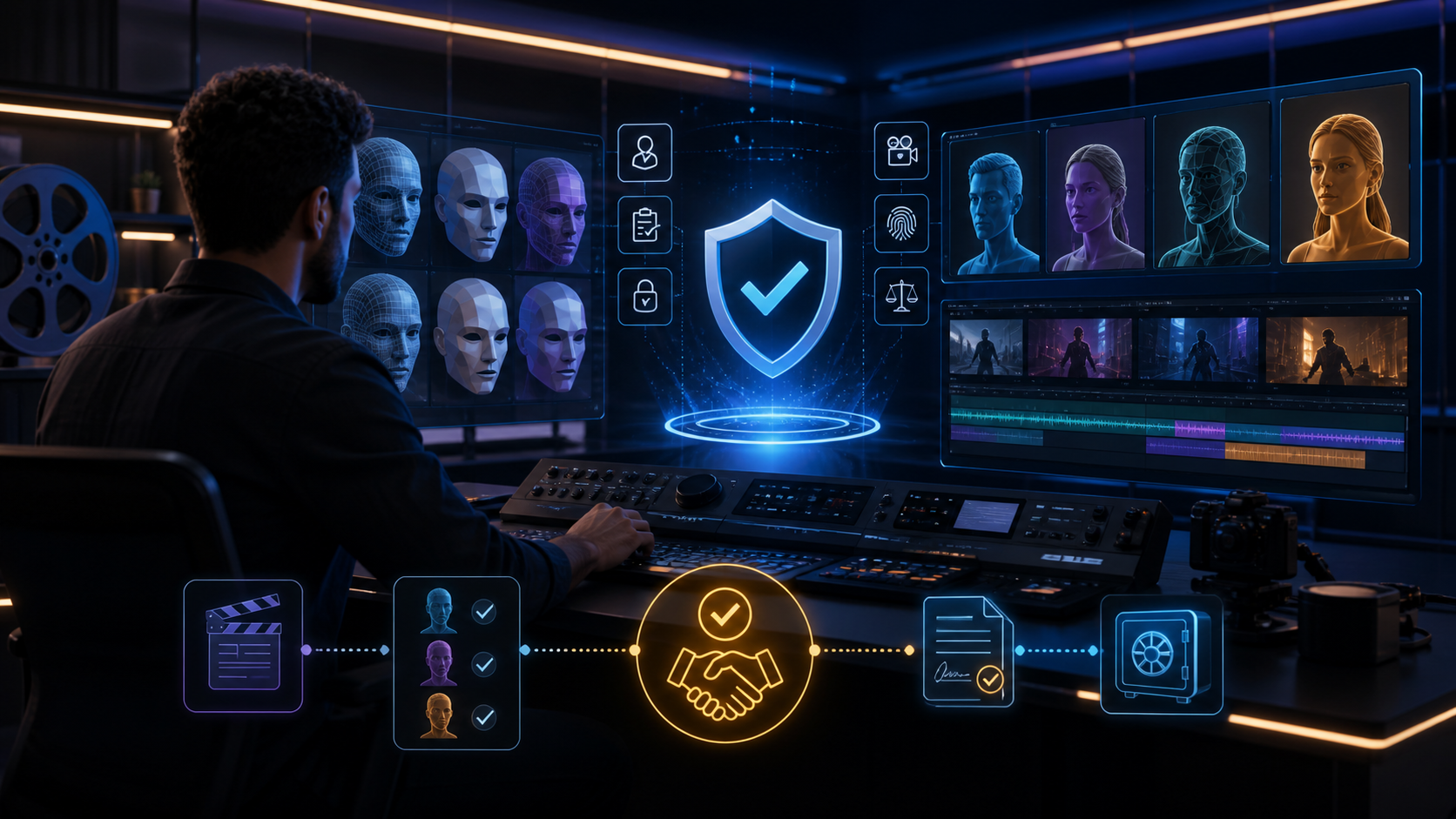
Responsible use: Mature-content workflows must be limited to lawful material involving consenting adults. Never create or share content involving minors, non-consensual imagery, unauthorized likenesses, or material that violates platform terms or applicable law.
Key Capabilities in AI Video Creation
Modern AI video platforms provide a comprehensive suite of tools designed to streamline and enhance video production. Here’s an overview of essential features that empower creators:
AI Face Swap
This feature allows for personalized content creation by intelligently mapping a source face onto a character in a target video. Users typically upload a clear image of a face and an existing video. The AI then integrates the source face, aiming to maintain expressions and lighting for a realistic result. When utilizing face swap technology, it is crucial to ensure all content is created with explicit consent from individuals whose likenesses are used and adheres to all applicable laws and platform policies.
Explore VideoAny's face swap capabilities: VideoAny Face Swap
Image-to-Video Generation
Bring static visuals to life by transforming images into dynamic video clips. This process often involves uploading an image and providing a text prompt to describe the desired motion. For example, you could animate a character portrait with subtle breathing and blinking, or generate dynamic scenes from a single picture. This method is ideal for creating unique motion graphics or adding life to still photography.
Discover how to animate images with VideoAny: VideoAny Image-to-Video
Text-to-Video Generation
The classic AI generation method, text-to-video allows creators to build video content from scratch using descriptive text prompts. The more detailed the prompt, the more precisely the AI can interpret and generate the desired scene. This feature can be combined with other tools, such as face swap, for truly customized narratives. A detailed prompt might describe "A cyberpunk detective smoking in a futuristic bar, neon lights reflecting on the wet street outside, cinematic."
Start creating videos from text with VideoAny: VideoAny Text-to-Video
Reference Image to Video
Achieve incredible control over the aesthetic of your AI-generated videos by using a reference image to guide the style, color, and composition. This technique helps ensure the final video aligns with a specific visual theme, brand identity, or artistic vision, providing a consistent look and feel across your content.
Video-to-Video Transformation
Transform existing footage by uploading a video and applying new styles or effects through text prompts. This allows for significant aesthetic changes, such as converting a daytime scene into a neon-lit nightscape or applying a painterly artistic style to standard video footage.
Output Quality and Aspect Ratios
Professional video production often requires high-quality output and adaptability to various platforms. The ability to export videos in high resolution ensures a polished final product. Additionally, supporting multiple aspect ratios—such as 16:9 for web, 9:16 for social media stories, and 1:1 for square posts—is essential for creators to format content perfectly for diverse audiences and platforms.
Navigating Content Policies and Creative Freedom
The landscape of AI content generation involves various platforms, each with its own content policies and moderation guidelines. While some tools are designed for broad audiences with strict content filters, others may offer more flexibility. Creators should always understand and adhere to the specific terms of service of any platform they use. It is paramount to ensure that all generated content is legal, ethical, and respects the rights and privacy of individuals, especially when using likenesses or creating sensitive material. Responsible AI creation prioritizes consent and compliance with local regulations.
How to Use AI Face Swap for Video
Creating an AI face swap video typically involves a straightforward process:
- Prepare Your Assets: You'll need a clear source image of the face you wish to swap (e.g., JPG, PNG) and a target video (e.g., MP4, MOV) where the face will be applied. Higher quality source files generally lead to better results.
- Upload to the Platform: Access the face swap tool on your chosen AI video platform and upload both your source image and target video.
- Initiate Generation: Follow the platform's instructions to start the face swap process. The AI will then intelligently map the source face onto the character(s) in the video.
- Review and Refine: Once generated, review the video for realism, lighting consistency, and expression accuracy.
- Export: Export your final video in the desired resolution and aspect ratio.
Use Cases for AI Video Tools
The capabilities of AI video generators open up a world of possibilities for various creators:
- Social Media Creators & Meme Makers: Generate engaging, viral content by creatively swapping faces onto popular formats or reaction clips. This allows for unique video memes that capture attention.
- Marketers & Advertisers: Produce personalized ad content at scale. Imagine creating video messages featuring a spokesperson whose appearance resonates with specific audience demographics (always with proper permissions and consent). Dynamic A/B testing with different visual elements can help optimize campaign effectiveness.
- Hobbyists & Artists: Experiment with digital art in a new medium. Create short films, explore narrative concepts, or simply enjoy seeing familiar faces in iconic scenes. AI tools provide a powerful canvas for artistic expression.
- Responsible Creative Exploration: AI tools can facilitate diverse creative projects, from educational content to artistic endeavors. It is essential to ensure that all creations are made with consent, respect privacy, and comply with legal and ethical standards.
Pricing Considerations
AI video generation platforms typically operate on a credit-based system or subscription model, where usage is tied to the complexity and duration of the generated content. Understanding the pricing structure is an important step for creators planning their projects.
Practical Weekly Workflow
To maximize efficiency and creative output with AI video tools, consider integrating them into a structured workflow:
- Define the Content Outcome: Begin by clearly outlining your goal—whether it's a short advertisement, a scene for a story, a tutorial clip, a music visual, or a social media post.
- List Required Inputs: Identify all necessary assets: text prompts, reference images, product shots, character designs, storyboards, scripts, or audio files.
- Generate Iteratively: Work in small passes, generating or editing short segments rather than attempting to complete an entire video in one go. This allows for easier adjustments and refinements.
- Review Critically: After each generation, review the clip for continuity, pacing, visual clarity, potential caption space, sound needs, and platform-specific formatting.
- Document and Save: Keep records of your prompts, source assets, and export settings. This makes it easier to reproduce variations or build upon successful generations.
Conclusion
AI-assisted video production thrives when approached as a systematic process. While creative vision remains central, a well-defined workflow—featuring clear inputs, controlled iteration, and thorough review—transforms raw AI generations into polished, communicative video content.
FAQs
1) Can this workflow work for a solo creator? Yes. Solo creators can start by focusing on one repeatable format, keeping their asset list manageable, and refining their workflow after each published piece of content.
2) Should I generate first or write the edit plan first? It's generally beneficial to write a short plan or outline first. Even a simple structure helps you evaluate whether the AI output effectively supports the final video's objective.
3) What should I check before publishing an AI video? Before publishing, check for continuity, motion quality, caption accuracy, sound synchronization, appropriate aspect ratio, pacing, and whether the video clearly conveys its intended message without requiring additional explanation.
4) How does VideoAny fit into this workflow? VideoAny serves as a powerful tool for visual generation and variation within your workflow. You can use its features to create initial clips, then combine and refine these with traditional editing, captions, audio, and platform-specific formatting to produce a complete video.