Categories: AI Video, AI Image, Creator Guides
Tags: videoany, ai video, ai video generator, ai content creation, creator guide
Introduction
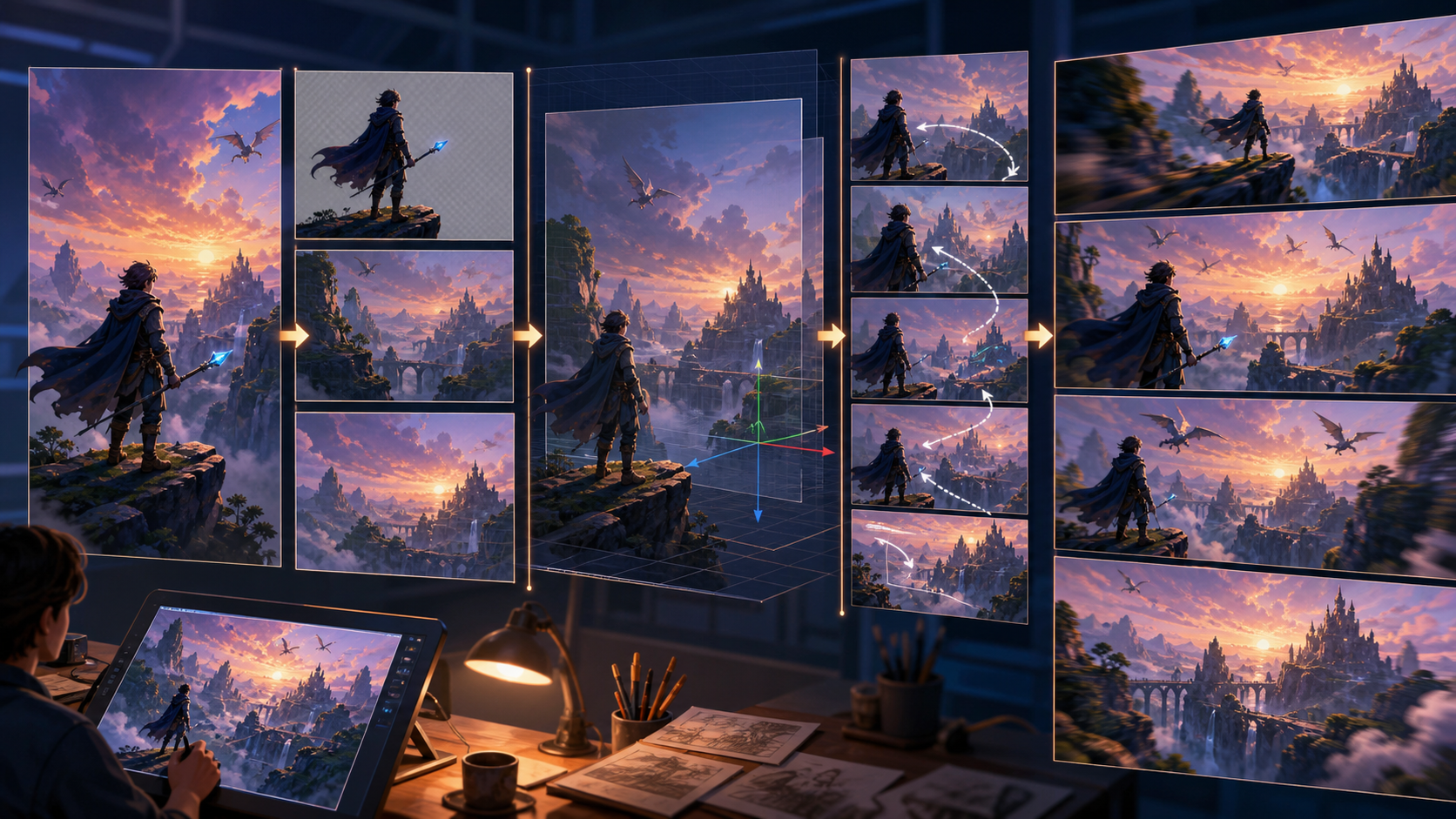
AI video generation is most effective when treated as a structured production pipeline rather than a random experiment. Many creators struggle with "drift"—where the AI loses coherence or invents unwanted elements—simply because the source material wasn't optimized for motion. By following a disciplined workflow, you can ensure your final output remains consistent, high-quality, and aligned with your creative vision.
At VideoAny, we emphasize responsible, consent-based creation. This guide outlines a professional approach to image-to-animation, focusing on preparation and intent to help you achieve better results.
The Image-to-Animation Workflow
1. Generate or Select a Clean Still
The foundation of any AI animation is the source image. If your still is low-quality or poorly composed, the motion model will struggle to fill in the gaps.
- Quality: Use sharp, well-lit images.
- Composition: Avoid tight crops. If the subject is right at the edge of the frame, the model is forced to "hallucinate" or invent new visual data to accommodate movement, which is the primary cause of visual drift. Ensure your 16:9 or 9:16 frame has enough "breathing room" for the subject to move naturally.
2. Write a Precise Motion Brief
Video models function best when given clear, concise instructions. Avoid long, complex screenplays.
- Keep it brief: Use one or two sentences.
- Limit verbs: Stick to a maximum of two verbs per prompt (e.g., "She turns toward the camera and smiles").
- Focus on intent: Describe the movement clearly so the model understands the desired outcome without needing to interpret abstract concepts.
3. Lock the Camera
Before generating, decide on your camera movement.
- Standard options: Stick to locked shots, slow drift, or handheld styles.
- Complexity warning: Advanced movements like orbits, dollies, or crane shots require specialized model tuning. Attempting these without the right setup often leads to wasted generations and inconsistent motion.
4. Select the Model Tier
Different models are optimized for different types of motion. Match your model choice to the complexity of your brief. If you are animating a character, ensure you are using a model capable of maintaining identity and consistent movement. Always ensure your content adheres to platform policies regarding consent and ethical use.
5. Trim and Refine
Post-generation editing is a critical step that many creators overlook.
- The 6-Frame Rule: Almost every AI clip benefits from a 6-frame trim at both the beginning and the end.
- Why it works: The opening frames are often where the model "warms up" to the motion, while the trailing frames tend to over-extrapolate, leading to distortion. Trimming these ensures a clean, professional loop or transition.
Addressing Drift and Quality Issues
Drift occurs when the model loses track of the original image data. If you notice your clips falling apart, return to Step 1. Image-to-animation AI is often forgiving with motion but extremely sensitive to the quality of the source frame. If the still isn't ready to be animated, no amount of prompting will fix the resulting video.
Practical Weekly Workflow
- Define the Outcome: Determine if you are creating a social post, a product demo, or a story scene.
- Gather Inputs: Collect your reference images and write your motion brief before opening the tool.
- Iterate in Small Passes: Don't try to generate a full-length video in one go. Create small, manageable clips and review them for continuity.
- Review and Save: Check for visual clarity and pacing. Save your successful prompts and settings to build a library of repeatable styles.
Conclusion
AI-assisted video production is most powerful when it is repeatable. By focusing on high-quality source images, clear motion briefs, and precise post-generation trimming, you can turn raw AI output into polished, professional content.
Ready to start your next project? Explore our tools at VideoAny and check out our Image-to-Video capabilities to begin.
FAQs
1. Can this workflow work for a solo creator? Yes. By focusing on a repeatable format and keeping your asset list organized, you can maintain a high-quality output without a large team.
2. Should I generate first or write the plan first? Always write the plan first. A clear outline helps you determine if your source image is suitable for the motion you want to achieve.
3. What should I check before publishing an AI video? Check for continuity, motion quality, pacing, and whether the final video clearly communicates your intended message.
4. How does VideoAny fit into this workflow? VideoAny provides the creative tools needed to generate and refine your visual assets, which can then be combined with your own editing, audio, and formatting to create a final, cohesive project.