Categories: AI Video, AI Image, Creator Guides
Tags: videoany, ai video, ai video generator, ai content creation, creator guide
Introduction
In the rapidly evolving landscape of digital content creation, the ability to bring static images to life is a game-changer. Imagine taking a cherished photograph, a breathtaking piece of digital art, or even a simple sketch, and watching it transform into a dynamic, moving scene. This is no longer the stuff of science fiction, thanks to sophisticated AI technology that can generate live photos from images. VideoAny stands at the forefront of this innovation, providing a powerful yet accessible platform for creators to turn their visions into captivating video content.
This guide explores the core concepts behind AI-powered image-to-video transformation and outlines a practical workflow for planning, generating, editing, and publishing dynamic video content with VideoAny.
Responsible use: Animate an identifiable person only with the subject's consent and the image rightsholder's authorization. Never use images of minors or age-ambiguous people, and do not create unauthorized likenesses, deceptive impersonations, non-consensual intimate media, or misleading evidence.
VideoAny: Your Gateway to Dynamic AI Video Creation
VideoAny brings several AI video starting points into one creation workflow. The useful question is not whether one platform can satisfy every production need, but which input mode best matches the asset you already have and the shot you need to deliver.
You can begin with text, an image, or existing video, then review the generated clip in an editor before publication. Starting from a still image is the most direct path when preserving the source composition matters.
What VideoAny Offers: Transforming Images into Live Video
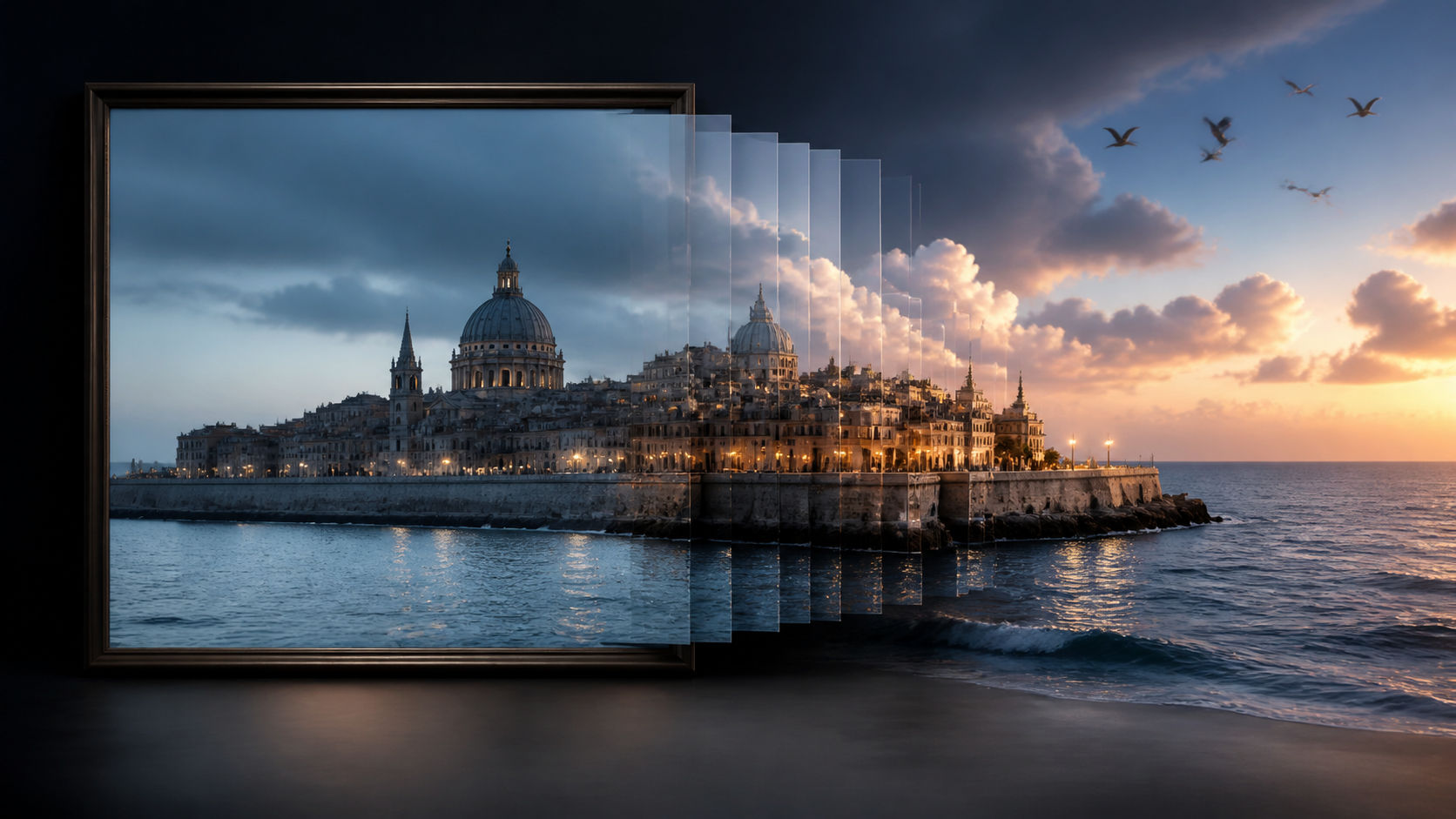
The ability to animate static images is a significant advancement in content creation. VideoAny offers a powerful solution for transforming any image into a dynamic live photo. This technology allows you to take a still picture and infuse it with motion, creating engaging visual narratives that capture attention.
Our platform supports diverse input methods, including the transformation of images into dynamic video. This means you can leverage your existing visual assets – be it photographs, digital art, or graphic designs – and bring them to life with AI-driven animation. This capability is crucial for creators looking to add a new dimension to their visual storytelling.
Empowering Creative Expression with AI Video Tools
At VideoAny, we understand the importance of creative liberty. Many AI platforms can impose strict content policies, which can sometimes hinder artistic expression by blocking certain types of content. This can be frustrating for artists, filmmakers, and creators who need the freedom to explore diverse themes and narratives.
VideoAny aims to provide tools that empower you to bring your unique vision to life. Whether you are creating art that challenges conventions, developing niche content, or simply exploring ideas that fall outside the mainstream, our platform supports a broad spectrum of creative endeavors. This freedom is crucial for:
- Artistic Exploration: Experimenting with new visual styles and storytelling techniques.
- Niche Content Creation: Producing specialized content that caters to specific audiences.
- Narrative Development: Crafting compelling stories with dynamic visuals.
While AI offers immense creative potential, VideoAny emphasizes responsible and ethical media creation. Users are encouraged to adhere to platform guidelines and legal standards, ensuring all content respects privacy, intellectual property, and community well-being.
Practical Weekly Workflow
- Define the Content Outcome: Clearly identify your goal – whether it's a short ad, a scene for a story, a tutorial clip, a music visual, a product demo, or a social media post.
- List Required Inputs: Gather all necessary assets: a prompt, a reference image, a product shot, a character design, a storyboard frame, a script, or audio.
- Generate and Edit Iteratively: Work in small passes rather than attempting to complete the entire video in one go. Generate short clips or variations, then refine.
- Review and Refine: Evaluate the generated clip for continuity, pacing, visual clarity, caption space, sound requirements, and suitability for the target platform.
- Save Assets and Settings: Document your prompts, source assets, and export settings. This makes it easier to reproduce variations or iterate on successful generations.
Conclusion
AI-assisted video production is most effective when approached as a repeatable system. While the creative idea remains paramount, a robust workflow with clear inputs, controlled iteration, and a thorough review process is essential to transform raw AI generations into polished, communicative video content.
Next Step
Explore VideoAny's capabilities and start transforming your images into dynamic videos today: https://videoany.io/image-to-video
FAQs
1) Can this workflow work for a solo creator? Yes. Start with one repeatable format, keep the asset list small, and improve the workflow after each published clip.
2) Should I generate first or write the edit plan first? Write a short plan first. Even a simple outline helps you judge whether the AI output supports the final video.
3) What should I check before publishing an AI video? Check continuity, motion quality, captions, sound, aspect ratio, pacing, and whether the video communicates the intended idea without extra explanation.
4) How does VideoAny fit into this workflow? Use VideoAny where visual generation or variation is needed, then combine the resulting clips with editing, captions, audio, and platform-specific formatting.