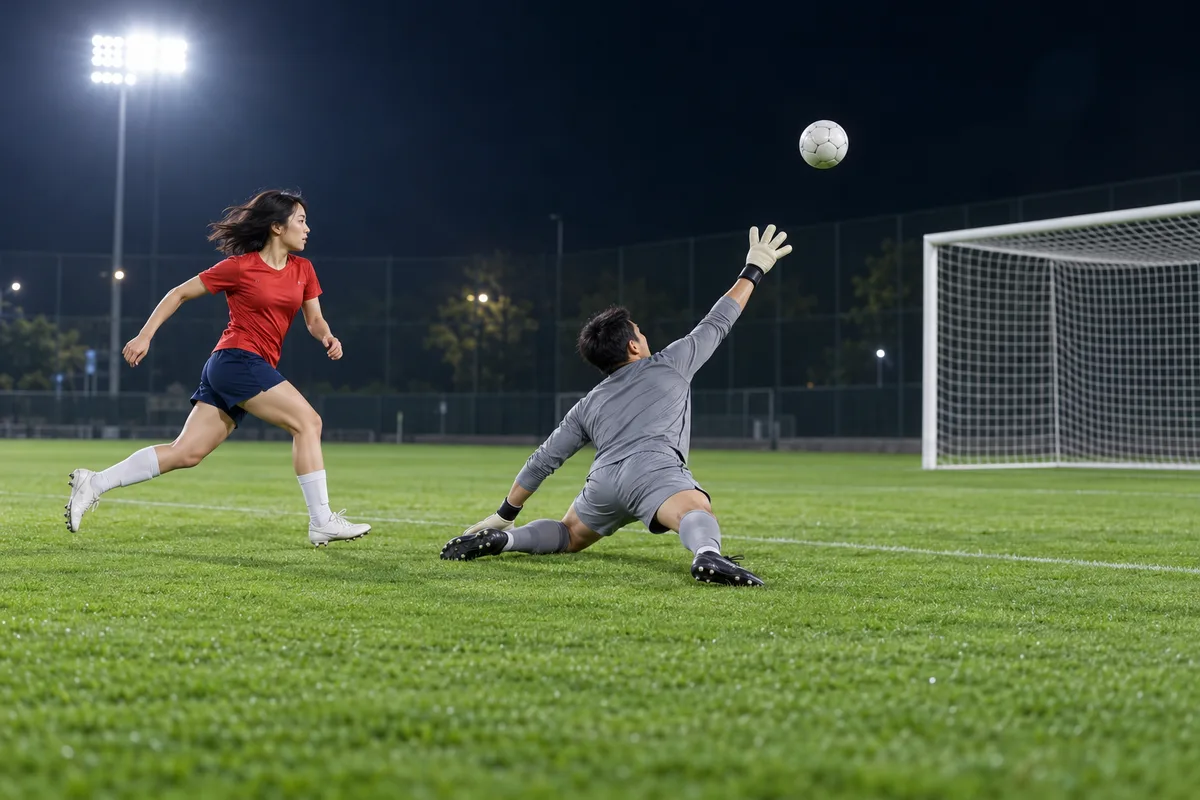
External visual reference from AI Effects. Not a VideoAny-generated result.
The chip-and-pause football joke is about composure: the attacker lifts the ball over an approaching goalkeeper, briefly holds their position and finishes into the open goal. Putting an everyday outfit into that scene makes the move feel unexpected.
AI Ozil Goal on VideoAny creates a 5-second, 720p video with Seedance 2.5 for 568 credits. One uploaded photo supplies the opening frame and aspect ratio. The preset then develops a short football scene around the subject. It is silent and offers an interpretation of the chip, pause and finish, rather than a frame-by-frame reconstruction of a particular match.
1. Give the model a complete body reference
A clear full-body photo is the most useful starting point for an action involving the feet. Show both legs and shoes, with a little floor visible underneath. Keep the face recognizable and the body separate from nearby people or objects.
A waist-up photo can be used, but it asks the model to invent the lower body needed for the football action. Avoid a seated pose with hidden legs, a long object across the body or a tight crop cutting through the knees. A balanced standing pose is easier to connect to a short athletic movement.
You do not need a ball or football kit in the upload. The preset uses the person’s own clothing as a reference, with a generated pitch, goalkeeper and defenders. Clothing details and facial likeness may vary.
Choose the crop before uploading. A landscape source leaves more width for the ball and goal; a vertical one emphasizes the player but provides less side room. This effect follows the source image’s aspect ratio.
2. Upload and verify the generation details
Open the effect, sign in and select Click to upload. Choose one JPG or PNG up to 20 MB. Inspect the preview for the correct person and as much useful body detail as possible, then wait for uploading to finish.
Confirm Seedance 2.5 · 720p, 5-second clip, the photo-based aspect ratio and 568 credits. The action is a fixed preset. There is no field for specifying a club, an exact match sequence or additional choreography.
Select Generate once when the image and credit balance are ready. Processing may take several minutes. If progress checking fails, check generation history before creating another task.
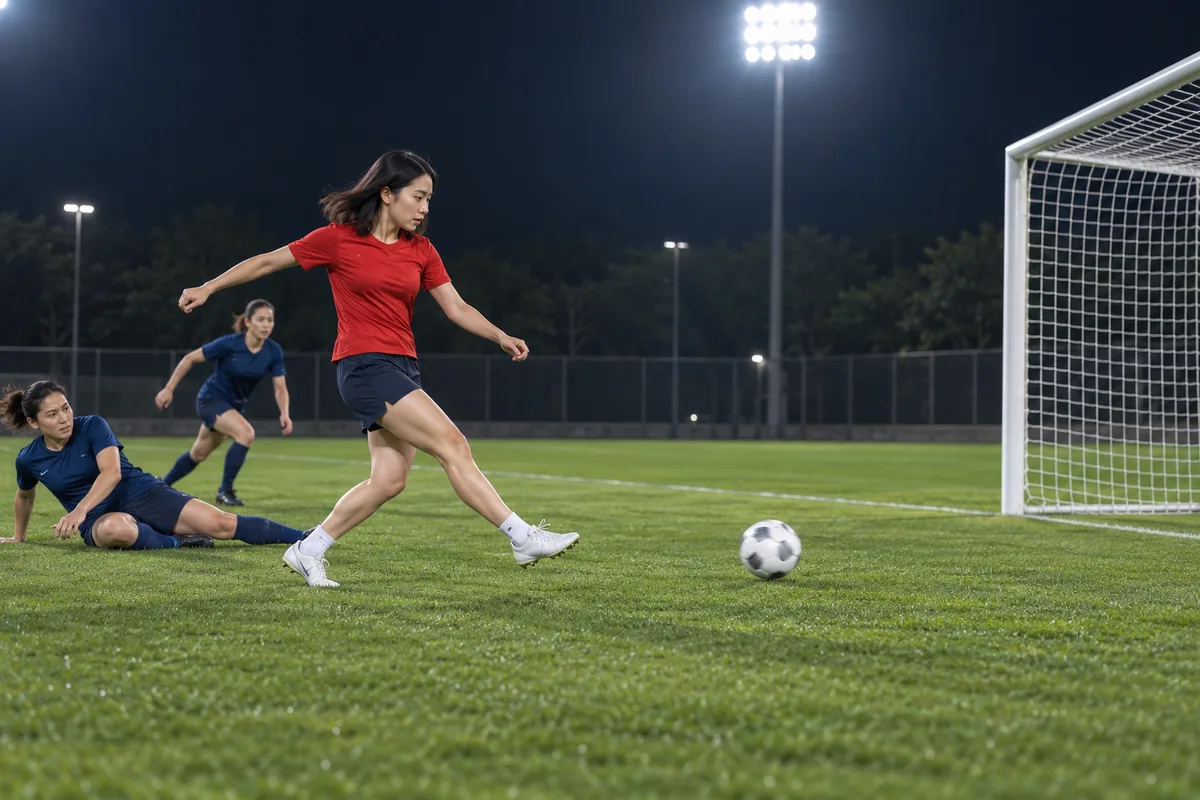
External visual reference from AI Effects. Not a VideoAny-generated result.
3. Trace the ball through the short action
Watch at normal speed before inspecting individual frames. The core question is whether the viewer can follow a short chip, a pause and a finish without losing the main player.
Then check:
- Ball continuity: does one readable ball travel between the player, goalkeeper area and goal, or does it duplicate or disappear?
- Foot contact: do the feet remain plausible around the chip and finishing touch?
- Lead identity: does the uploaded person remain distinct from the supporting players?
- Space: is there enough visible pitch and goal for the finish to make sense?
A five-second clip has limited time for several actions. Judge a clear simplified sequence rather than requiring every defender movement or camera beat from an external reference.
4. Improve the reference when the action is unclear
If the legs deform, try a full-body photo with both shoes visible and separated. If the person blends with defenders, use a cleaner solo input. If the ball repeatedly leaves a narrow frame, consider a wider source composition before another generation.
Keep the strongest continuous portion when editing, but avoid cutting so tightly that the setup for the finish disappears. Slow-motion playback is useful for review; the final clip should also read at normal speed.
5. Download and add the finishing context
Use Download video when the result is ready. Add any crowd noise or music separately, since there is no stadium or broadcast audio in the generated file. Keep text outside the path of the ball and the player’s feet. An AI label and a playful caption give the post context. The effect uses your subject rather than trying to turn them into a specific player, and it is independent of Mesut Özil, clubs and leagues.