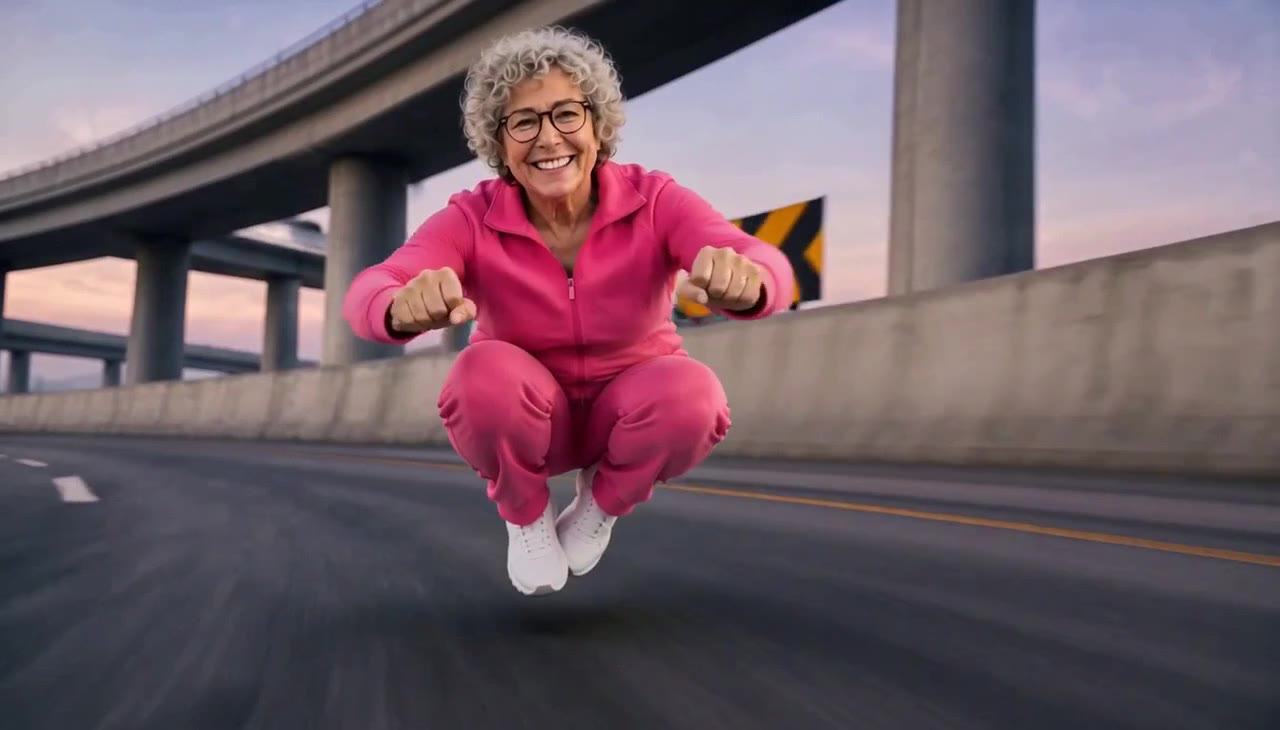
External visual reference from Crazy Frog AI. Not a VideoAny-generated result.
The invisible-bike chase works through an intentionally missing object: a person crouches with hands forward as though gripping handlebars, yet there is no motorcycle beneath them. A red sport bike following behind makes the visual joke easier to understand.
AI Crazy Frog Race on VideoAny creates a 5-second, 720p video with Seedance 2.5 for 568 credits. It begins with one uploaded photo and develops a sunny motorway chase. The output follows the source photo’s aspect ratio and is silent. The preset uses a person as the lead; it does not add the cartoon frog character.
1. Pick a person photo with room for the pose
Choose a sharp full-body photo with both arms and legs visible. A waist-up photo is accepted, but a full-body image gives a clearer reference for the crouching position and feet. Keep some space around the subject instead of cropping at the wrists or knees.
Even daylight can be useful for clear facial and outfit detail. You do not need a road, a helmet or a real motorcycle in the input. A cluttered bike photo may make the invisible-bike idea harder to distinguish from the objects already present.
Avoid crossed limbs, a bag covering the torso or another person overlapping the subject. The model needs to build a new crouching action while keeping the uploaded person recognizable, so a straightforward solo image is a useful starting point.
Prepare the crop for the final composition. A wider source can leave more room to see the pursuer, while a tall crop emphasizes the lead pose. The effect follows your photo rather than forcing a vertical format.
2. Confirm the single-photo preset
Open the effect, sign in and use Click to upload to choose one JPG or PNG up to 20 MB. Check the preview for a readable face and a clear body outline. Let the upload complete.
Read the preset details: Seedance 2.5 · 720p, 5-second clip, photo-based aspect ratio and 568 credits. The invisible handlebars, motorway and following red motorcycle come from the fixed scene instructions. You do not need to supply a separate bike image or write a chase prompt.
Select Generate once when your input and balance are ready. Generation may take several minutes. If progress cannot be checked or a timeout appears, review generation history before starting another task.
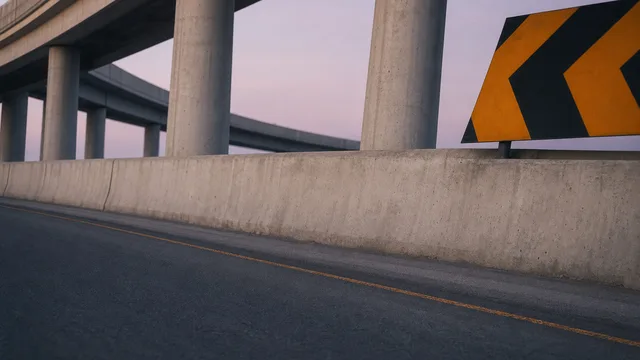
External visual reference from Crazy Frog AI. Motorway-setting reference. Not a VideoAny-generated result.
3. Make sure the missing bike reads as a joke
Watch the transition from your photo into the chase. The key image is the lead person holding a coherent riding pose with empty space beneath them, while a separate rider follows behind.
Inspect these details:
- Hands and arms: both hands should sit forward in a plausible handlebar position rather than fuse together.
- Legs and feet: the crouch should feel balanced, without duplicated limbs or feet merging into the road.
- Lead versus pursuer: the uploaded person and red-helmet rider should remain separate subjects.
- Motion: the chase should stay continuous and readable, without a sudden crash or a confusing jump in position.
An attractive highway alone is not enough. If the invisible-bike pose is unclear at phone size, the central idea needs a better take or a clearer crop.
4. Use the failed detail to choose a better input
If hands or legs distort, try a photo with visible, separated limbs. If the face drifts, choose a sharper image with less extreme lighting. If the red bike is lost outside the frame, consider a wider source photo before another attempt.
The fixed preset creates its own short chase, so it cannot promise an exact angle or timing from an external meme reference. Choose a result where the lead pose and following bike are both easy to read.
5. Download and edit for the punchline
Use Download video after the result appears. Add sound separately if desired; the generated clip contains no Axel F recording or engine audio. Keep captions above the arms or below the feet rather than over the empty riding space. Preview the edit once without sound to check that the joke still works, and label it as AI-generated. The effect is independent of Crazy Frog and its owners.