AI Crazy Frog Race
Race along a highway in an invisible-motorbike pose, with a red superbike chasing behind you.
A sharp daylight full-body photo gives the crouched pose more reference. Keep hands and feet in frame; no bike photo is needed.
568 credits per 5-second video
External visual references, not VideoAny-generated results. They illustrate the setting or style; the generated 5-second clip may differ.
Explore the highway-chase setting
These references pair an airborne riding pose with an empty overpass-road setting. The road image illustrates the location rather than a chase result.
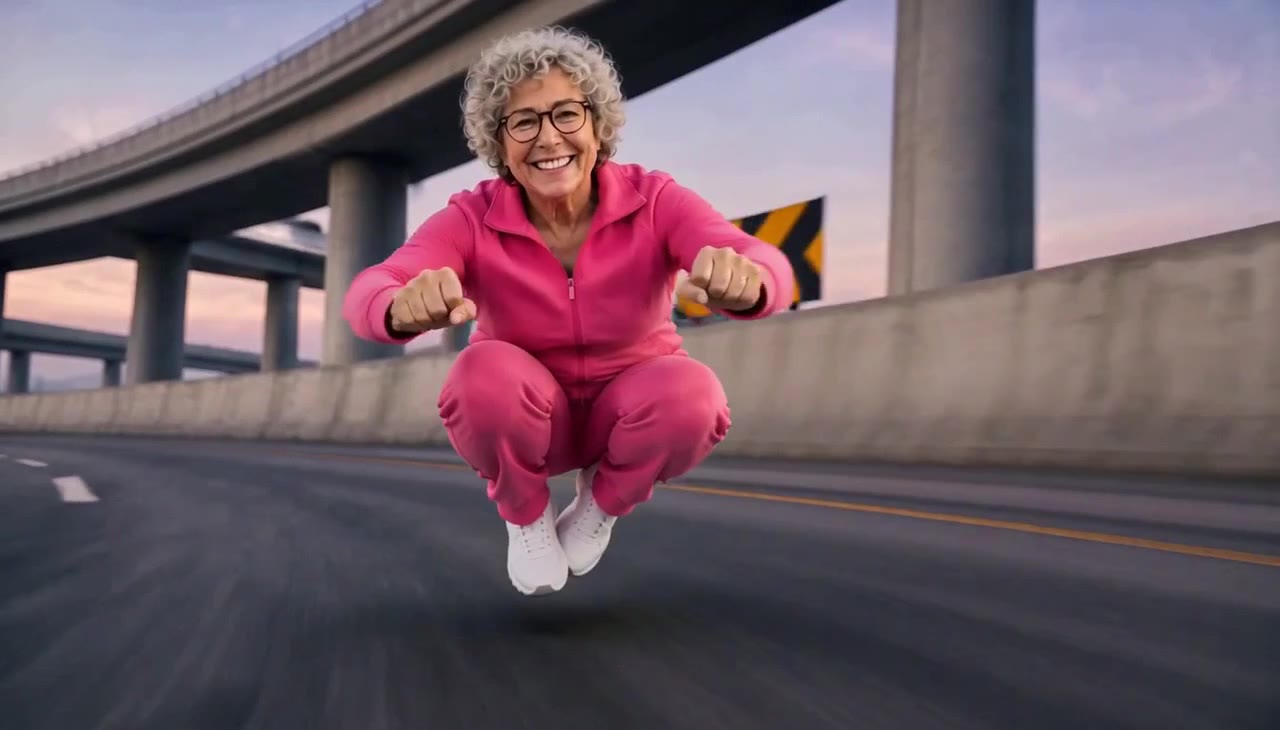
Invisible-bike pose reference
A smiling grey-haired rider in a pink tracksuit crouches in the air over an overpass road, holding both fists forward in a riding pose.
Crazy Frog AI ↗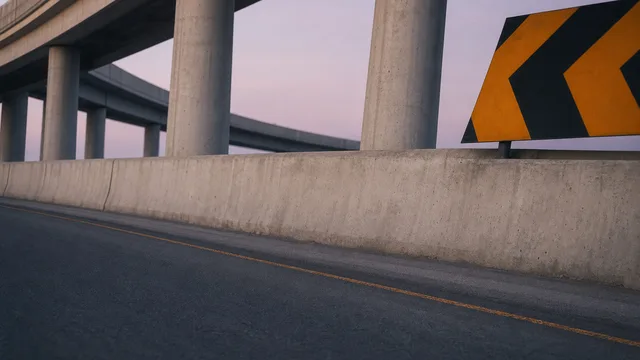
Overpass setting reference
An empty road runs beneath concrete flyovers, with barriers and a yellow-and-black turn sign. This is a setting reference without riders or a pursuit.
Crazy Frog AI ↗External visual references, not VideoAny-generated results. They illustrate the setting or style; the generated 5-second clip may differ.
Upload your photo
Choose one sharp full-body photo of one person. Visible hands and feet help define the riding pose.
Generate your video
Sign in, check that you have 568 credits and select Generate. Allow several minutes for the 5-second video.
Preview and download
Preview the crouched pose, highway movement and following bike, then download the silent clip.
AI Crazy Frog Race FAQ
The person in your photo takes a crouched, invisible-motorcycle riding pose on a highway while a red superbike follows behind. The effect focuses on the human riding gag.
No. This is an independent meme-inspired effect, with no affiliation to Crazy Frog or its owners. The prompt focuses on a person rather than adding the cartoon frog.
No. Upload one full-body photo of a person. The highway and pursuing motorcycle are part of the generated scene.
Each generation costs 568 credits. You need at least 568 credits in your account to start.
No. The video is silent. Add your chosen audio separately after downloading.
Blurred images, complex poses, content checks or temporary service issues can affect generation. AI may alter facial details, clothing and motion. If progress cannot be checked, review your generation history before starting again.
One photo is used for image-to-video generation with Seedance 2.5: 5 seconds, 720p, 568 credits, no audio. The aspect ratio follows the source photo. Generation can take several minutes; 5 seconds is the clip length.
Ready to create your next release?
Upgrade for faster queues, higher resolutions, and expanded usage options.