Categories: AI Video, AI Image, Creator Guides
Tags: videoany, ai video, ai video generator, ai content creation, creator guide
Introduction
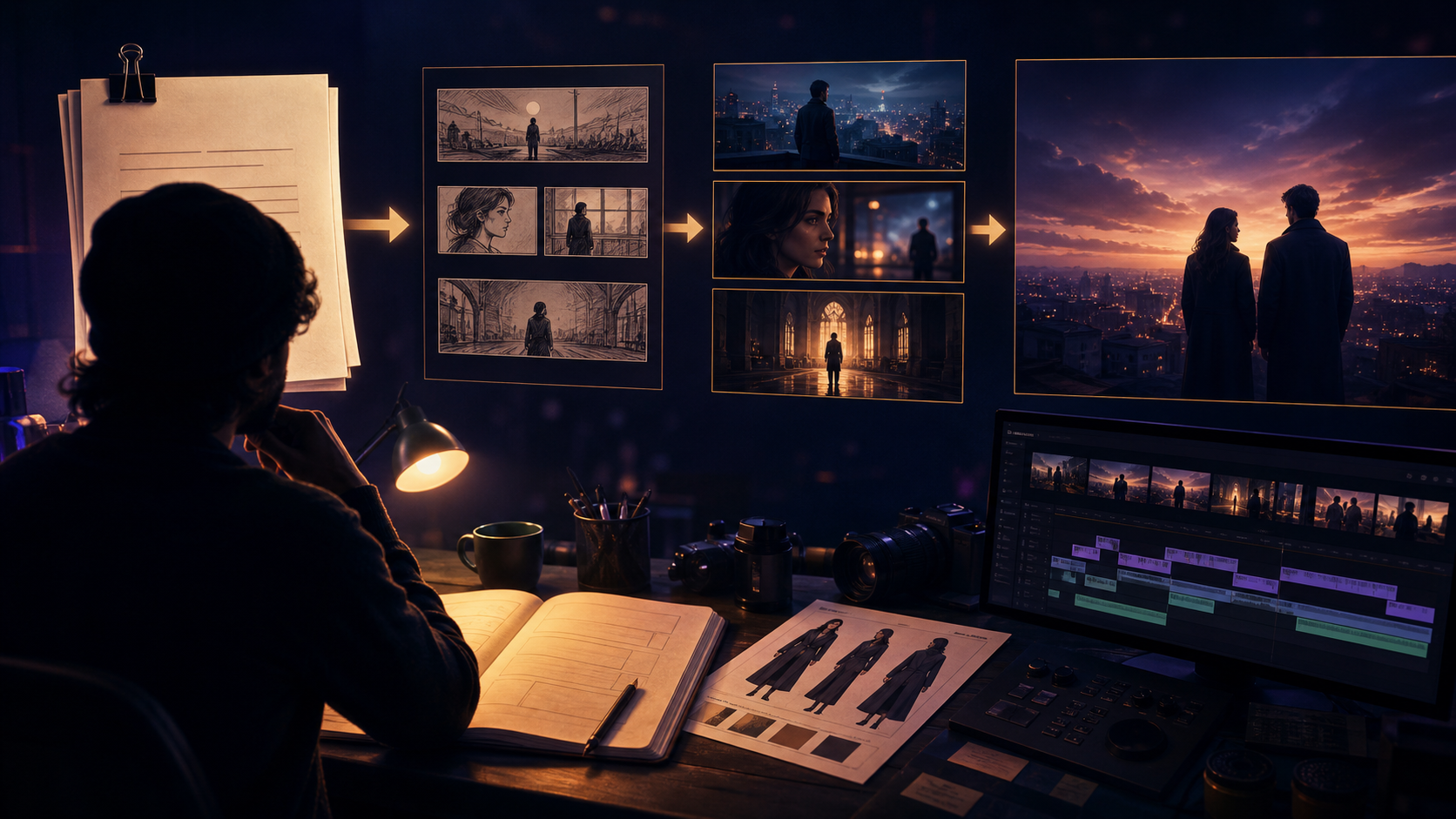
Modern AI video workflows are most effective when they provide a clear, repeatable structure for production. Whether you are an artist, filmmaker, or digital creator, the ability to translate a vision into dynamic motion requires more than just a prompt—it requires a systematic approach to planning, generation, and refinement. This guide explores how to integrate advanced AI tools into your creative pipeline to produce high-quality short films.
Responsible use: Mature-content workflows must be limited to lawful material involving consenting adults. Never create or share content involving minors, non-consensual imagery, unauthorized likenesses, or material that violates platform terms or applicable law.
Core Production Features
To build compelling narratives, creators need a versatile toolkit that handles character consistency and visual transformation. VideoAny provides a suite of features designed to support these creative requirements.

Face Swap Technology
Character development is the backbone of any film. Using face swap technology, creators can maintain identity consistency across different scenes. This is particularly useful for parody, personalized storytelling, or ensuring that a specific character persona remains recognizable throughout a narrative arc.
Note: Always ensure you have the necessary rights and consent when using likenesses in your creative projects.
Image to Video Generation
Static assets are often the starting point for complex visual storytelling. By utilizing image to video tools, you can transform illustrations, digital art, or photographs into animated sequences. This is an ideal method for creating atmospheric intros, conceptual transitions, or establishing shots that set the tone for your film.
Text to Video Generation
The ability to manifest a scene from a description is a powerful tool for rapid prototyping. By using text to video generation, you can iterate on complex ideas quickly. The key to success here is descriptive precision—the more detail you provide regarding lighting, camera angle, and movement, the more control you exert over the final output.
Practical Weekly Workflow
Treat your AI video production as a professional system rather than a series of random experiments.
- Define the Outcome: Determine the format of your project—whether it is a short social clip, a story scene, or a product demo.
- Prepare Assets: Gather your reference images, scripts, and character designs before opening the tool.
- Iterative Generation: Generate clips in small, manageable segments. Do not attempt to create an entire film in one prompt.
- Review and Refine: Check each clip for pacing, visual continuity, and clarity. Use these segments as building blocks for your final edit.
- Documentation: Save your successful prompts and settings. This creates a "style library" that makes future projects significantly faster to execute.
Conclusion
AI-assisted video production is strongest when it is treated as a repeatable system. While the creative vision remains the most important element, a structured workflow—incorporating clear inputs and disciplined iteration—is what turns raw AI generations into polished, professional content.
FAQs
1) Can this workflow work for a solo creator? Yes. By focusing on one repeatable format and keeping your asset list organized, a solo creator can manage the entire production pipeline efficiently.
2) Should I generate first or write the edit plan first? Always write a plan or storyboard first. Even a simple outline helps you evaluate whether the AI output aligns with your narrative goals.
3) What should I check before publishing an AI video? Review for continuity, motion quality, aspect ratio, and pacing. Ensure the video communicates the intended idea clearly without requiring external explanation.
4) How does VideoAny fit into this workflow? Use VideoAny for the visual generation and variation stages, then integrate the resulting clips into your preferred editing software for final assembly, sound design, and captioning.
Media References
- https://cdn.videoany.io/blog/create-short-uncensored-ai-films-online/20260818122448-7hqji9rj.png
- https://cdn.videoany.io/blog/create-short-uncensored-ai-films-online/20260818122450-4q28cjzw.png
- https://cdn.videoany.io/blog/create-short-uncensored-ai-films-online/20260818122451-h6fqz7kw.png
- https://cdn.videoany.io/blog/create-short-uncensored-ai-films-online/20260818122452-xkwcsghc.png