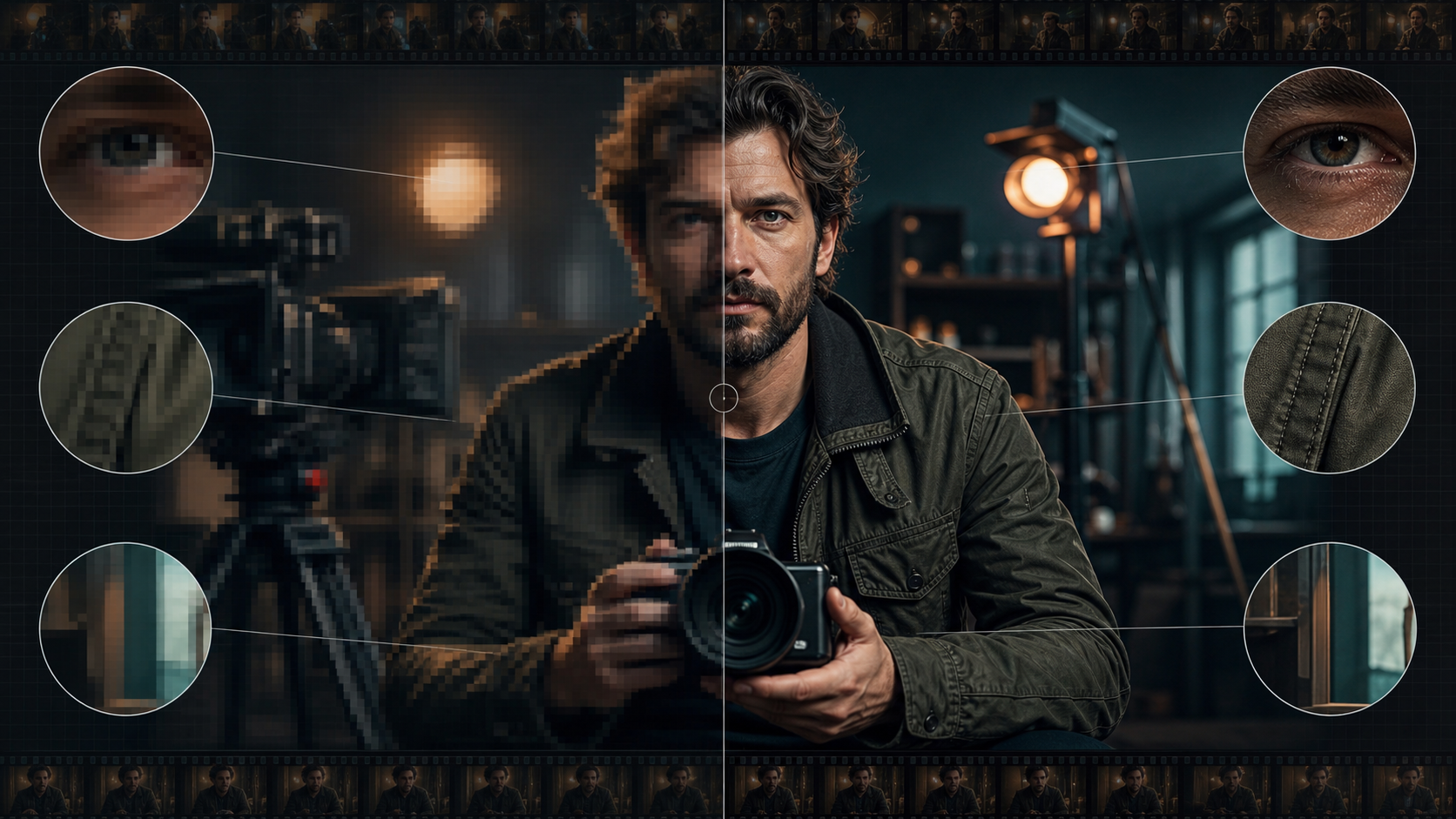
Upscaling Creates Pixels, Not Evidence
An AI video upscaler increases output dimensions and predicts plausible high-frequency detail. It cannot recover information that the camera never captured. Fine eyelashes, skin texture, fabric weave, and background edges may be reconstructed convincingly, but they are still model-generated estimates.
The reference page markets an adult-only, unrestricted platform with text, image, and video modes; optional references; 1080p output; multiple aspect ratios; rapid results; private storage; ownership; anonymous use; and crypto payment. Those are source-platform claims, not VideoAny guarantees. Verify current upscaling capability, file specifications, prices, privacy, acceptable-use rules, and commercial terms directly.
For mature footage, every depicted person must be clearly adult and have consented to AI processing and the intended distribution. Upscale only media you own or are licensed to transform. Never enhance intimate footage of minors or non-consenting real people.
Inspect the Source Before Processing
Record:
- true pixel dimensions and whether the file was previously upscaled;
- frame rate and whether it is constant or variable;
- codec, bitrate, chroma sampling, and color space;
- interlacing, telecine, or dropped frames;
- compression blocks, ringing, mosquito noise, and banding;
- focus, motion blur, rolling shutter, and stabilization problems;
- grain or digital noise;
- adult identity, likeness rights, and consent scope.
A low-bitrate 1080p file can contain less useful detail than a clean 720p master. Start from the highest-quality authorized source rather than a social-media download.
Separate Restoration Tasks
Do not ask one pass to denoise, deblur, stabilize, interpolate, colorize, sharpen, and upscale aggressively. Each operation can create artifacts that the next one amplifies.
A conservative order is:
- deinterlace or correct frame cadence;
- repair damaged frames and severe compression;
- stabilize only when necessary;
- apply restrained denoise while protecting texture;
- upscale at a modest factor;
- inspect temporal consistency;
- add controlled sharpening and grain;
- encode a high-quality master, then delivery copies.
Preserve an untouched original and document every setting.
Choose a Realistic Scale Factor
Two-times enlargement is often easier to control than four-times. Large jumps tempt the model to invent pores, eyelashes, hair strands, seams, jewelry, or text that change from frame to frame.
Evaluate the destination. If the final player displays 1080p, producing an enormous file may not improve perception. Upscale to meet delivery, reframing, stabilization, or archival needs—not simply to claim a larger number.
Protect Adult Identity
Faces are the highest-risk area. An upscaler can subtly change eye shape, age, makeup, skin marks, facial hair, or expression. For a consenting adult performer, those changes can become a different representation from what was approved.
Review:
- apparent age and facial proportions;
- eye direction and eyelid shape;
- teeth and mouth during speech;
- hairline, eyebrows, facial hair, and skin marks;
- hands and body edges;
- costume texture and logos;
- tattoos or identifying marks covered by consent.
Reject any result that makes adult age ambiguous or alters identity materially. Do not use sharpening to disguise a hallucinated face.
A Practical Workflow
1. Create a short test range
Select 5–10 seconds containing a close-up, motion, hands, fabric, fine background lines, and a cut. It should represent the hardest material in the project.
2. Produce conservative variants
Compare a traditional scaler, a low-strength AI pass, and a stronger AI pass. Keep all other settings equal.
3. Review at native size
Inspect still frames at 100% and watch motion at normal speed. A crisp still can conceal crawling pores, shimmering hair, and unstable fabric.
4. Compare against the original
Use synchronized side-by-side and difference views. Ask whether detail is more legible or merely more assertive.
5. Process in scenes
Different shots may need different denoise and sharpening. Do not force one setting across daylight, low light, animation, screen capture, and heavy motion.
6. Verify the export
Check dimensions, frame rate, duration, color, audio sync, bitrate, and playback. A service label such as “1080p” does not replace file inspection.
VideoAny’s general video-to-video route may support transformation workflows for permitted media, but this article does not claim it is a dedicated upscaler or an unrestricted adult-content service. Check current models and rules before use.
Temporal Artifacts to Watch
- skin texture that crawls between frames;
- hair strands appearing and disappearing;
- fabric weave changing direction;
- sharpened halos pulsing around faces;
- background lines shimmering during pans;
- text and logos mutating;
- grain frozen to the subject instead of the frame;
- mouth and teeth changing during dialogue;
- scene cuts contaminated by blended frames.
If temporal instability increases, reduce enhancement strength or handle that shot with a conventional scaler.
Grain, Noise, and the “Plastic” Look
Aggressive denoise removes pores, fabric, and film texture. The upscaler then invents smooth surfaces or false edges. Preserve meaningful texture, and add a controlled final grain only after processing. Grain should be consistent with the source and delivery codec, not used to hide identity errors.
For archival film, retain a clean master and a restoration master. Do not permanently erase the source’s photographic character.
Measuring Quality
Pixel count is only one metric. Evaluate:
- true visible detail rather than sharpening halos;
- temporal stability;
- adult identity and age fidelity;
- edge integrity during motion;
- color and skin-tone preservation;
- compression at delivery bitrate;
- subtitle and graphic clarity;
- audio sync and total duration.
Use blind comparisons where possible. The larger file should not win merely because it looks sharper at first glance.
Privacy and Ownership
The source claims private libraries, no prompt sharing, no real-name requirement, full ownership, and crypto payment. Verify upload retention, deletion, training use, gallery defaults, human review, subprocessors, and transformation rights in current policies.
Upscaling intimate or identity-sensitive footage requires special care because the service receives the entire source video. Payment method does not automatically eliminate logs, and an output license cannot cure missing performer, photographer, or source-video rights.
Final Checklist
- Every depicted person is clearly adult and consented to AI enhancement.
- Source video and distribution rights are documented.
- Highest-quality authorized source is used.
- Restoration tasks are separated and settings are recorded.
- Scale factor is appropriate for delivery.
- Face, age, hands, costume, text, and fine texture pass temporal review.
- Export dimensions, frame rate, color, bitrate, audio sync, and duration are verified.
- Original, restoration master, and delivery copy are preserved separately.
FAQs
Can AI turn any old clip into true 4K?
It can create a 4K-sized file, but missing detail is predicted rather than recovered. Quality depends on the source and temporal stability.
Should I denoise before upscaling?
Usually, but conservatively. Removing too much texture produces plastic surfaces and gives the model less real information.
Why does the face look different after enhancement?
The model may have invented facial detail. Reduce strength, use a better source, or protect the face with a different workflow.
Does this article claim VideoAny is uncensored or a dedicated upscaler?
No. It distinguishes source-platform marketing from a general VideoAny transformation route governed by current policies.
Conclusion
Good upscaling is restrained restoration. Begin with the best authorized source, separate technical tasks, enlarge conservatively, and inspect motion—not just still frames. A trustworthy result preserves the consenting adult’s identity and the source’s character while meeting a real delivery need.