Categories: AI Video, AI Image, Creator Guides
Tags: videoany, ai video, ai video generator, ai content creation, creator guide
Introduction
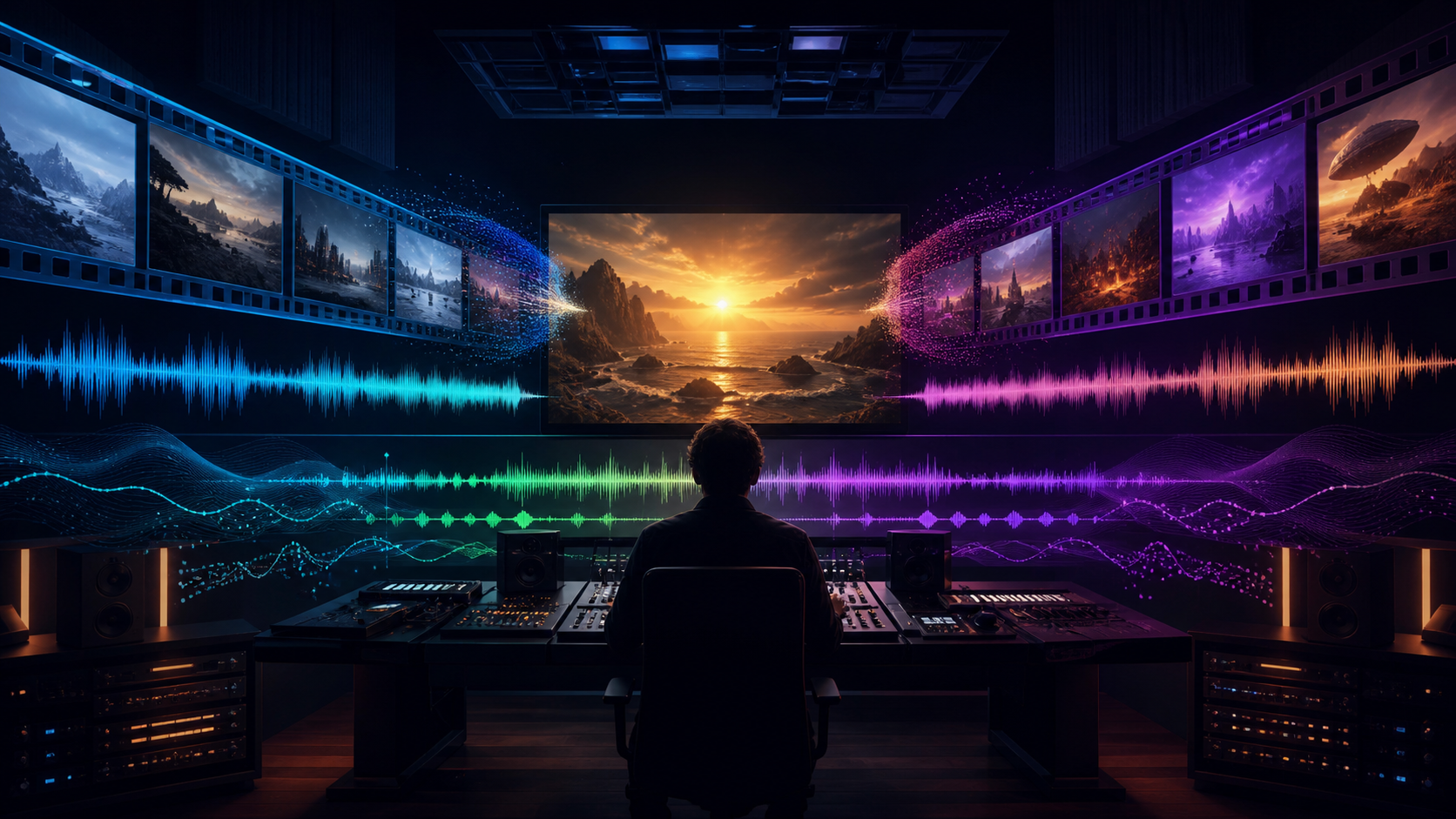
Modern AI video workflows are most effective when they prioritize clarity and production quality over mere speed. For creators looking to move beyond silent clips, the integration of synchronized sound is a critical step in building immersive content. This guide explores how to approach video generation with audio, focusing on planning, technical execution, and the review processes necessary to produce professional results.
Responsible use: Mature-content workflows must be limited to lawful material involving consenting adults. Never create or share content involving minors, non-consensual imagery, unauthorized likenesses, or material that violates platform terms or applicable law.
Core Production Concepts
1) Key Features for Integrated AI Media
Successful AI video production relies on a suite of tools that handle both visual and auditory elements. When working with VideoAny, the goal is to leverage features that allow for precise control over the final output. By utilizing text-to-video or image-to-video capabilities alongside audio integration, creators can ensure that their narrative remains cohesive and engaging.

2) Creating Synchronized Content
The process of bringing a vision to life starts with a clear plan. Whether you are producing character-driven narratives or atmospheric visual stories, the synchronization of sound is what separates a basic clip from a polished project.
- Define the Outcome: Determine if you are creating a short ad, a narrative scene, or a music-driven visual.
- Prepare Inputs: Gather your prompts, reference images, and audio assets before beginning the generation process.
- Iterative Generation: Rather than attempting to generate a long, complex sequence in one pass, focus on creating shorter, high-quality segments that can be combined later.

3) Versatile Use Cases
AI-assisted video tools are highly adaptable. Creators across various niches use these platforms to generate:
- Narrative Storytelling: Building immersive scenes for adult-oriented fiction or character studies.
- Fan Art and Animation: Bringing static concepts to life with movement and sound.
- Comedic Sketches: Using AI to iterate quickly on timing and visual punchlines.
Responsible Creation and Best Practices
When working with AI, it is essential to prioritize ethical standards. Always ensure that your content is created with the consent of all involved parties and adheres to legal guidelines. Responsible AI usage means respecting intellectual property and avoiding the creation of non-consensual or harmful material. By focusing on creative expression that respects these boundaries, you contribute to a healthier and more sustainable digital ecosystem.
Practical Weekly Workflow
- Define the Goal: Start with a specific outcome, such as a social post or a short story scene.
- Collect Assets: Organize your prompts, character designs, and audio files.
- Small Passes: Generate in short segments to maintain control over the output.
- Review: Check for continuity, pacing, and visual clarity.
- Refine: Save your successful prompts and settings to make future variations easier to produce.
Conclusion
AI-assisted video work is strongest when treated as a repeatable production system. The creative idea remains the most important factor, but a structured workflow—involving clear inputs, controlled iteration, and a rigorous review step—is what turns raw generations into finished, professional communication.
Next Step
Explore the full suite of creative tools at VideoAny.
FAQs
1) Can this workflow work for a solo creator? Yes. Start with one repeatable format, keep your asset list manageable, and refine your process after each published clip.
2) Should I generate first or write the edit plan first? Always write a plan first. Even a simple outline helps you evaluate whether the AI output aligns with your final vision.
3) What should I check before publishing an AI video? Verify continuity, motion quality, sound synchronization, aspect ratio, and pacing. Ensure the video clearly communicates its intended message.
4) How does VideoAny fit into this workflow? Use VideoAny to handle visual generation and variation, then combine those clips with your preferred editing software for final assembly and sound mixing.