Categories: AI Video, AI Image, Creator Guides
Tags: videoany, ai video, ai video generator, ai content creation, creator guide
Introduction
Modern AI video workflows are most effective when they prioritize clarity and intentionality over raw speed. Transforming a creative concept into a polished video requires more than just a powerful tool; it demands a structured pipeline for planning, generation, and refinement. This guide outlines how to integrate VideoAny into a professional production system, ensuring your creative output remains consistent and high-quality.
Responsible use: Mature-content workflows must be limited to lawful material involving consenting adults. Never create or share content involving minors, non-consensual imagery, unauthorized likenesses, or material that violates platform terms or applicable law.
Establishing a Production Pipeline
To move beyond experimental generation, creators should treat their AI workflow as a repeatable system. Whether you are producing social media content, narrative shorts, or visual experiments, the following framework helps maintain control over the final result.
1. Define the Creative Outcome
Before opening any generation tool, define your goal. Are you creating a short-form ad, a narrative scene, or a product demo? Establishing the intent early dictates the type of assets you need and the style of the final output.
2. Asset Preparation
List the required inputs before you begin. This might include reference images, specific character designs, storyboard frames, or scripts. Using consistent source material—such as image-to-video inputs—helps maintain visual continuity across multiple clips.
3. Iterative Generation
Avoid the "all-in-one" approach. Generate your video in small, manageable segments. This allows you to review motion quality, pacing, and visual clarity at each stage. If a specific segment doesn't meet your standards, you can refine the prompt or input parameters without re-generating the entire project.
4. Review and Refine
Once your clips are generated, evaluate them against your initial plan. Check for continuity, caption placement, and audio synchronization. Using tools like lip-sync or video-dubbing can further enhance the professional feel of your final production.
Treat 1080p as a Delivery Check, Not a Quality Promise
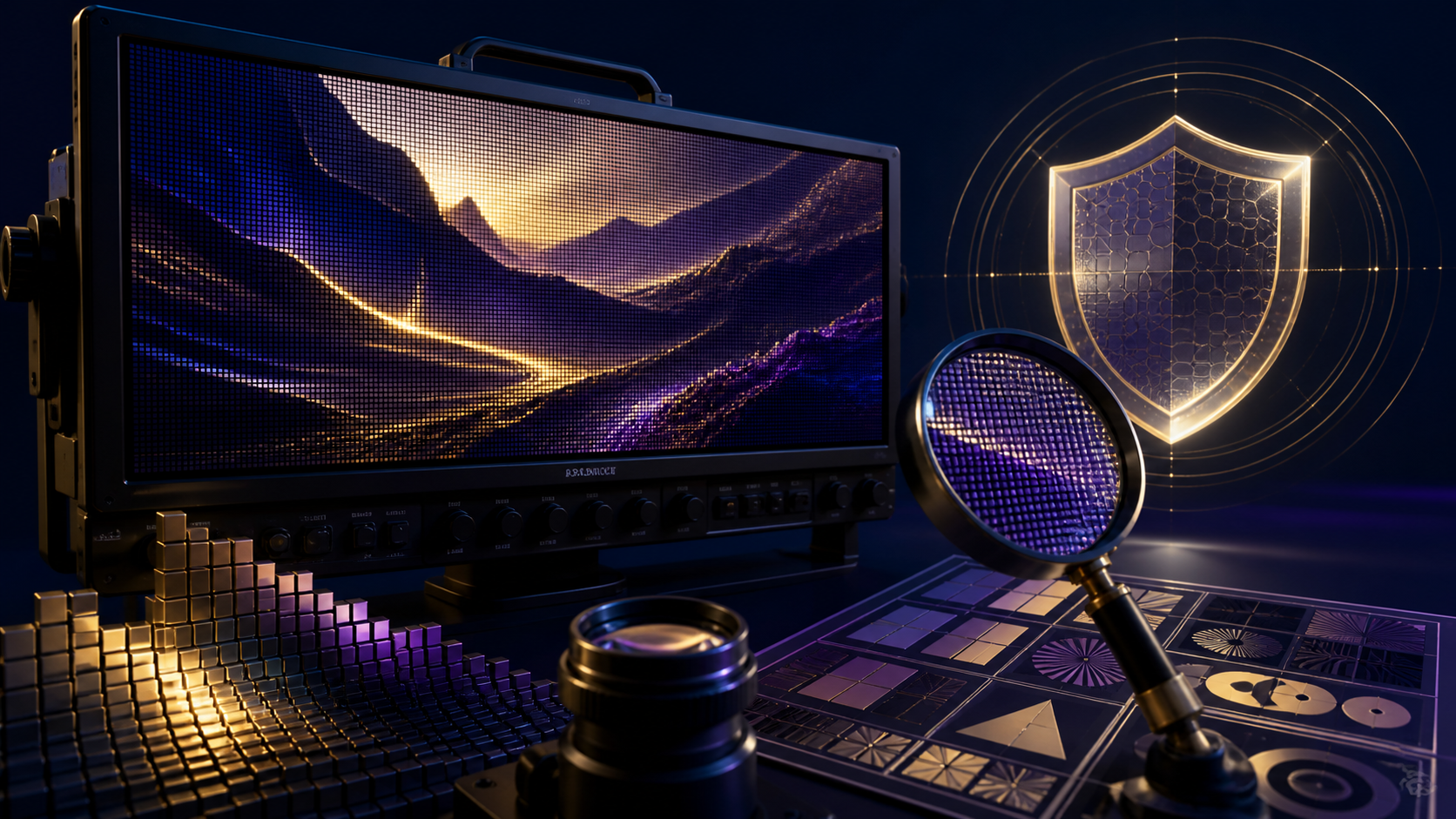
A 1920-by-1080 file can still contain soft faces, unstable edges, compression blocks, or inconsistent detail. Verify the model, plan, aspect ratio, and export options currently shown in the product before generation because availability can change. If full-HD delivery is required, record it in the brief, but judge the resulting clip at 100 percent scale rather than assuming the container dimensions guarantee usable detail.
Inspect fine textures, hair, hands, high-contrast borders, gradients, fast motion, and repeated patterns. Compare the exported file with the preview and check its actual frame size, frame rate, duration, codec, and bitrate in your editor. Avoid repeatedly re-encoding accepted clips; assemble from the highest-quality originals and create platform-specific copies only at the final delivery stage.
For several short generations, match color and sharpness before joining them. A conservative upscale can support a delivery target, but it cannot restore missing anatomy or temporal consistency. If a shot fails those checks, revise the input or motion brief and regenerate it. Clear technical acceptance criteria make resolution part of a reliable workflow instead of a marketing shorthand.
Responsible AI Creation
As you explore the capabilities of AI-generated media, it is essential to prioritize ethical standards. Always ensure that your content creation respects the rights and privacy of others. When using features like face-swapping or character generation, ensure you have the necessary consent and that your content complies with applicable laws and platform terms. Responsible creation involves avoiding the generation of non-consensual imagery or content that violates the rights of individuals.
Practical Weekly Workflow
- Plan: Write a brief outline or storyboard. Even a simple plan helps you judge whether the AI output aligns with your vision.
- Generate: Use text-to-video or image-to-video tools to create your base clips.
- Iterate: Review each clip for pacing and visual coherence.
- Finalize: Combine your clips with audio and captions, ensuring the final product communicates your intended message clearly.
- Archive: Save your prompts, source assets, and settings. This makes reproducing a specific style or creating variations much faster in the future.
Conclusion
AI-assisted video production is most powerful when treated as a systematic process. By combining clear creative goals with controlled iteration and a rigorous review step, you can turn raw AI generations into polished, professional communication.
FAQs
1) Is this workflow suitable for solo creators? Yes. By focusing on one repeatable format and keeping your asset list organized, a single creator can produce high-quality content efficiently.
2) Should I generate first or plan first? Always plan first. A simple outline or storyboard helps you evaluate whether the AI output will actually support your final video goals.
3) What should I check before publishing an AI video? Verify continuity, motion quality, caption legibility, sound balance, aspect ratio, and pacing. Ensure the video communicates its message without requiring extra explanation.
4) How does VideoAny fit into this workflow? VideoAny serves as the engine for visual generation and variation. Use it to create your base assets, then integrate those clips into your broader editing workflow for final formatting and audio layering.