Categories: AI Video, AI Image, Creator Guides
Tags: videoany, ai video, ai video generator, ai content creation, creator guide
Introduction
Modern AI video workflows are most effective when they prioritize clarity and intentionality. Moving beyond simple generation, professional creators use AI to streamline production pipelines—from initial concept and storyboarding to final editing and distribution. This guide outlines a structured approach to integrating AI-powered animation tools into your creative process, ensuring that every clip serves a specific narrative or marketing goal.
Responsible use: All creative workflows must be limited to lawful material involving consenting adults. Never create or share content involving minors, non-consensual imagery, unauthorized likenesses, or material that violates platform terms or applicable law.
Strategic Production Blocks
To maintain high quality, treat your AI generation as a modular production system. By breaking down your project into manageable segments, you gain better control over the final output.
- UGC Remake Series: Adapt existing user-generated content by applying AI-driven stylistic transformations. This is an excellent way to refresh evergreen content while maintaining the original engagement hook.
- Prompt Engineering & Breakdowns: Treat every prompt as a production checkpoint. Define your visual goal, gather your reference assets, and test small clips before committing to a full-length render.
- Narrative Mini-Series: Use consistent character design and environment prompts to build a cohesive story across multiple short-form videos.
- Trending Audio Integration: Sync your AI-animated visuals with trending audio tracks to maximize platform reach. Always ensure your visual narrative complements the rhythm and tone of the audio.
- Data-Backed Performance Recaps: Use analytics from your previous posts to inform your next generation. If a specific style or subject matter performs well, iterate on that success by creating variations.
The Professional Workflow
- Define the Outcome: Determine if you are creating a product demo, a social media story, or a narrative sequence.
- Asset Preparation: Collect your reference images, character designs, and scripts. Having a clear visual reference significantly improves the consistency of AI-generated motion.
- Iterative Generation: Avoid attempting to generate a perfect video in one pass. Use image-to-video tools to refine movement in small, controlled segments.
- Review and Refine: Evaluate each clip for continuity, pacing, and visual clarity. Check that the motion aligns with your original creative intent.
- Final Assembly: Combine your generated clips with professional editing, sound design, and captions to create a polished final product.
Responsible AI Creation
As you explore the capabilities of AI animation, it is essential to prioritize responsible creation. Always ensure that your content is produced with the consent of any individuals depicted. When working with AI-generated characters or avatars, focus on creative storytelling that respects platform terms and community guidelines. By maintaining ethical standards, you contribute to a more sustainable and professional AI creative ecosystem.
Match Motion to the Photo Type
Portraits, landscapes, products, and wildlife images need different motion strategies. A portrait usually benefits from a blink, subtle breathing, a small head turn, and restrained camera movement. Landscapes can tolerate stronger parallax and environmental effects. Product images need shape, label, and material preservation. Wildlife photos work best when motion remains plausible for the animal and the captured environment.
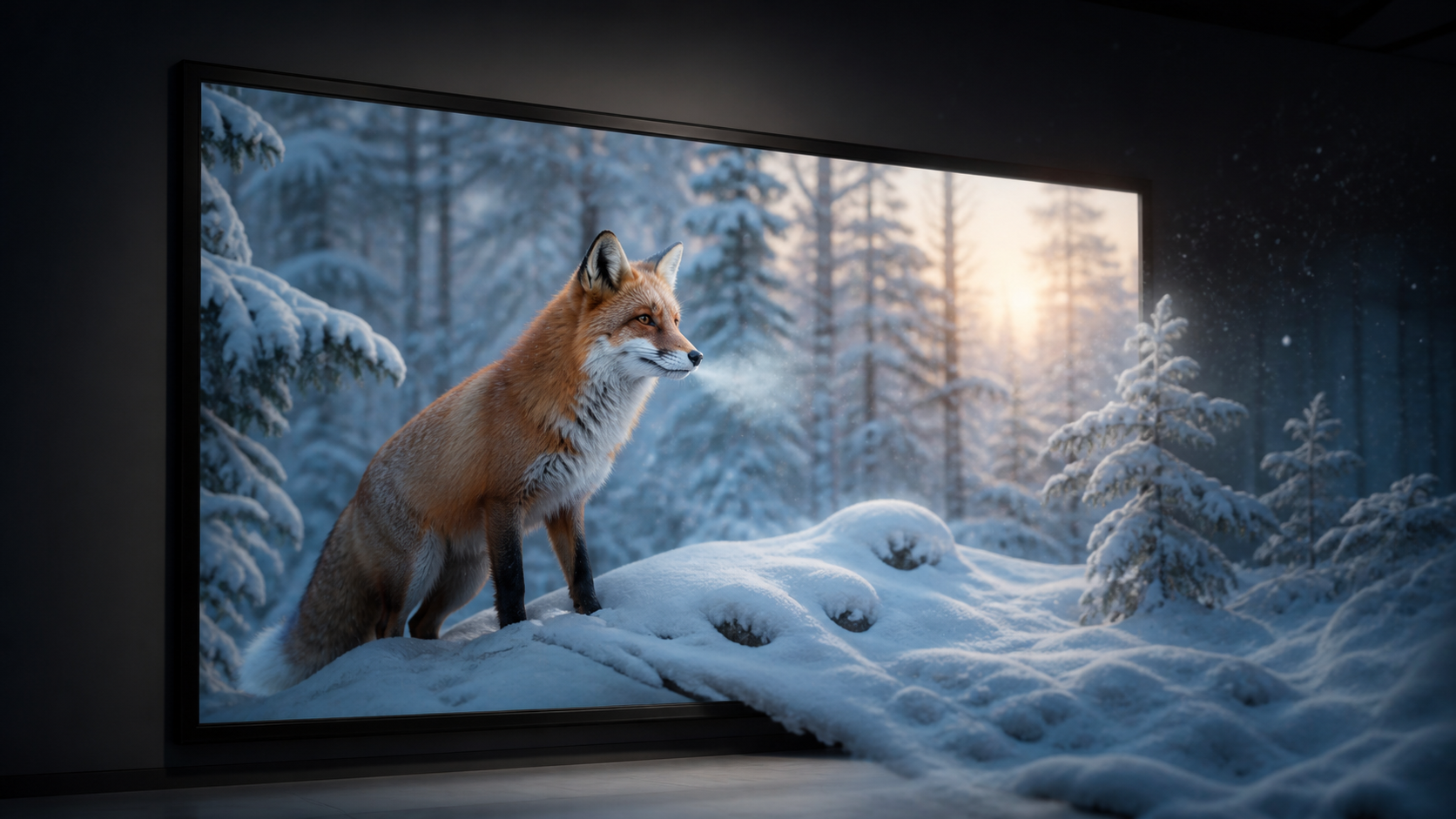
Create two lists before prompting: what moves and what stays fixed. For the fox cover concept, moving breath, drifting snow, slight fur motion, and a slow camera push are plausible; changing the fox's markings, leg position, or forest layout is not.
Evaluate the Animator with a Controlled Test
Use the same source photo and motion brief when comparing tools. Score source fidelity, temporal consistency, prompt control, artifact rate, export format, iteration cost, and privacy terms. Scrub every clip for warped anatomy, flicker, duplicated objects, unstable edges, and unintended changes in lighting.
Generate short tests before longer clips, change one instruction at a time, and record the successful prompt and settings. After generation, trim weak frames, add audio and captions, and confirm that the final crop works on the target platform. Retain the source image and rights record with the approved export.
Conclusion
AI-assisted video production is at its strongest when treated as a repeatable system. While the technology provides the tools for animation, the creator’s vision—supported by clear inputs and iterative review—is what defines the final quality. By standardizing your workflow, you can produce high-quality video content consistently and efficiently.
Next Steps
Explore the full suite of creative tools at VideoAny and start building your production pipeline today.
FAQs
1) Is this workflow suitable for solo creators? Absolutely. By focusing on repeatable formats and keeping your asset list manageable, a single creator can produce high-quality content that rivals larger production teams.
2) Should I generate first or plan the edit first? Always write a plan or storyboard first. Even a simple outline helps you determine if your AI-generated assets will effectively support your final video goals.
3) What should I check before publishing? Review your content for motion continuity, pacing, audio-visual synchronization, and platform-specific formatting. Ensure the video communicates its message clearly without requiring external explanation.
4) How does VideoAny fit into this workflow? VideoAny serves as your primary engine for visual generation and variation. Use it to transform static assets into dynamic video, then integrate those clips into your broader editing and distribution workflow.