Categories: AI Video, AI Image, Creator Guides
Tags: videoany, ai video, ai image generation, creator guide
Introduction
AI image generation has evolved from a technical novelty into a cornerstone of modern production workflows. Whether you are building storyboards, generating assets for video projects, or exploring creative concepts, understanding the mechanics behind the pixels is essential. This guide breaks down how these models function, how to structure effective prompts, and how to select a platform that aligns with your professional needs.
How AI Image Generation Works
At the heart of modern image generation are diffusion models. These systems function by iteratively "denoising" random visual data, gradually refining it into a coherent image that aligns with your input.
The process is guided by two primary inputs: your text prompt and, optionally, reference images. The model interprets your prompt to establish the semantic context, while reference images provide structural or stylistic guardrails. For creators, this means that the quality and predictability of your output are directly tied to the precision of your inputs. By providing clear, descriptive prompts and relevant visual references, you move from "guessing" the output to actively directing the model’s creative process.
Prompt Structure That Works
To achieve consistent results, adopt a structured approach to your prompting. A reliable formula follows a hierarchical order:
- Subject: Clearly define the primary focus of the image.
- Style: Specify the aesthetic (e.g., cinematic, photorealistic, illustrative).
- Lighting: Describe the mood and illumination (e.g., golden hour, studio lighting, soft shadows).
- Composition: Define the framing (e.g., wide shot, close-up, rule of thirds).
While some users rely on complex syntax or heavy weighting, it is often more effective to use reference images to define composition and style. This approach typically yields more natural results than relying solely on long, prose-heavy descriptions.
Choosing a Platform
Selecting the right platform is a critical decision for any creator. When evaluating tools, prioritize platforms that offer:
- Reference Image Support: Essential for maintaining visual consistency across multiple generations.
- Character Consistency: Look for features that allow you to lock in specific character traits or appearances for long-term projects.
- Responsible Use: Ensure the platform aligns with your professional standards. For creators working in mature or adult-oriented niches, it is vital to choose a service that supports these categories while maintaining a commitment to consent and legal compliance. Always prioritize platforms that respect the rights of individuals and adhere to ethical standards regarding the creation of AI media.
VideoAny is designed to support these advanced workflows, providing a robust environment for creators to integrate image generation into their broader video production pipelines.
Practical Workflow for Creators
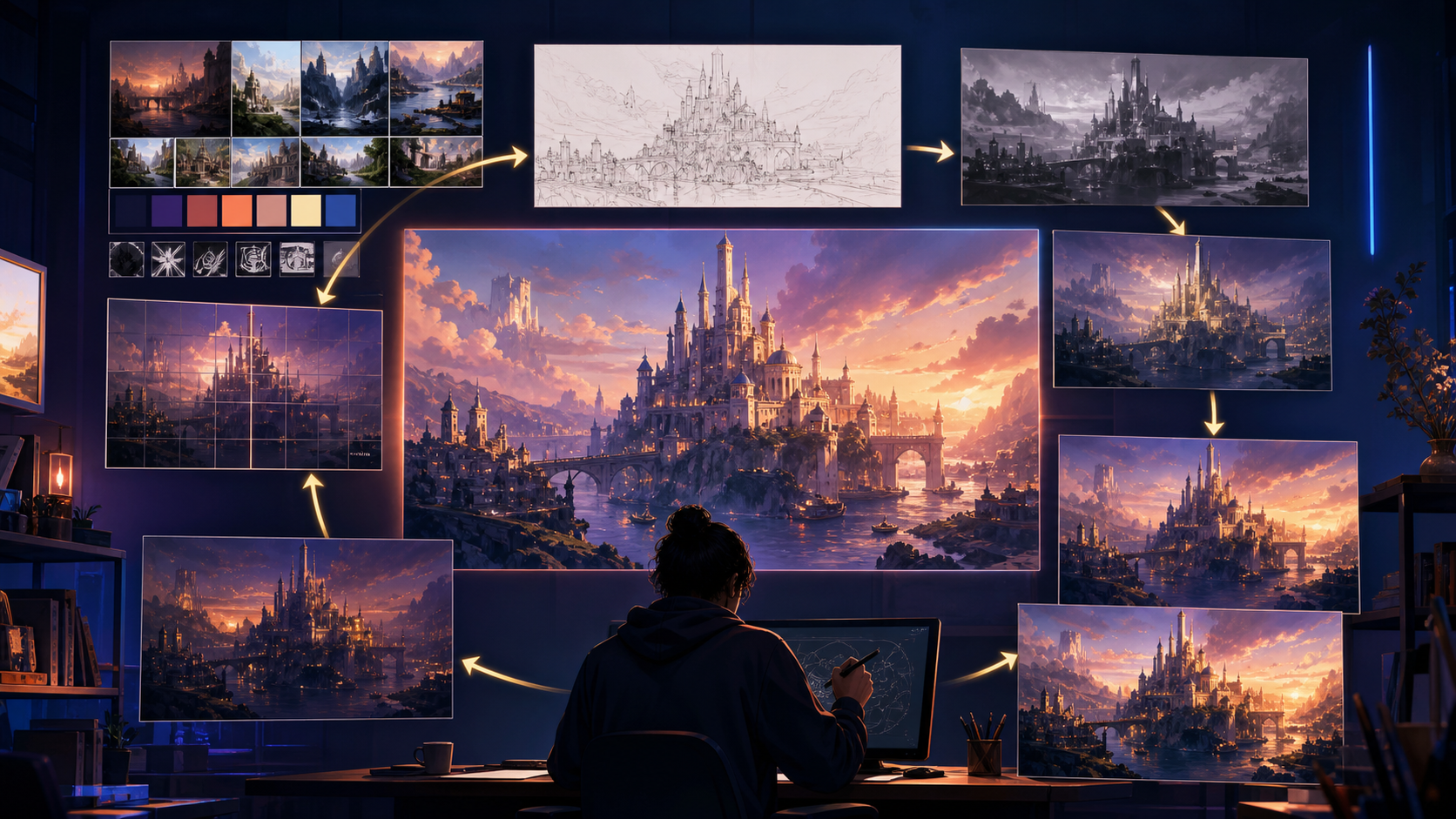
- Define the Outcome: Before generating, identify the specific need—whether it is a storyboard frame, a social media asset, or a background element.
- Prepare Inputs: Gather your reference images and draft your prompt based on the subject-style-lighting-composition hierarchy.
- Iterative Generation: Generate in small passes. Use VideoAny to refine your assets rather than attempting to create a perfect final product in a single click.
- Review and Refine: Check for continuity and visual clarity. If the output doesn't match your vision, adjust your reference images or prompt weights rather than starting from scratch.
Conclusion
AI-assisted creation is most effective when treated as a systematic production process. By mastering the fundamentals of diffusion models and maintaining a disciplined approach to prompting and iteration, you can turn raw AI generations into polished, professional content.
Explore the full suite of VideoAny tools here.
FAQs
1) Can this workflow work for a solo creator? Yes. By focusing on repeatable formats and maintaining a library of source assets, a solo creator can achieve high-quality output with significant efficiency.
2) Should I generate first or write the edit plan first? Always write the plan first. Having a clear storyboard or script ensures that your generated assets serve a specific purpose in your final project.
3) What should I check before publishing an AI video? Review for continuity, motion quality, aspect ratio, and pacing. Ensure the visual narrative clearly communicates your intended message.
4) How does VideoAny fit into this workflow? VideoAny serves as the central hub for your generation needs—from image-to-video transformations to advanced visual effects—allowing you to bridge the gap between static concepts and dynamic media.