Categories: AI Image, Creator Guides
Tags: videoany, ai image, ai content creation, creator guide
Introduction
The landscape of AI image generation is diverse, with tools ranging from general-purpose models to specialized platforms designed for specific creative needs. For creators working on mature or 18+ content, understanding the distinction between mainstream tools and specialized generators is essential for building an efficient, professional workflow. This guide explores the technical and operational differences between these platforms and how to approach production responsibly.
Responsible use: Mature-content workflows must be limited to lawful material involving consenting adults. Never create or share content involving minors, non-consensual imagery, unauthorized likenesses, or material that violates platform terms or applicable law.
Permissive vs. Restrictive Platforms
The primary difference between mainstream AI image generators and adult-focused platforms lies in their content moderation policies. Most consumer-facing AI tools apply broad, category-level filters that block a wide range of mature content to ensure suitability for general audiences.
In contrast, adult-oriented platforms are built to accommodate 18+ creative work. These platforms typically operate behind age-gated interfaces, requiring users to verify their age before accessing the generation tools. This distinction allows creators to explore mature themes without encountering the over-aggressive filtering often found in general-purpose AI applications.
Quality and Consistency in Generation
A significant challenge in AI image creation is maintaining visual continuity. When developing a series of images or a narrative project, creators need to ensure that characters and environments remain consistent across multiple generations.
The most effective adult-focused generators prioritize "character locking" or reference-based generation. This functionality allows a creator to upload a reference image or use a consistent seed to ensure that the same character appears across various scenes and poses. For creators, this is a vital feature that moves AI generation from a series of disconnected images into a cohesive production workflow.
Safety Guardrails and Responsible Creation
Even on platforms that are more permissive regarding adult content, safety guardrails remain a fundamental component of the technology. It is important to distinguish between creative freedom and the necessity of safety standards.
Legitimate platforms maintain strict blocks on illegal categories, including non-consensual imagery, content involving minors, and other prohibited material. These guardrails are a standard feature of responsible AI development, not a limitation on creative expression. Creators should always prioritize consent-based media creation and ensure their work complies with both platform terms of service and applicable local laws.
Practical Workflow for Creators
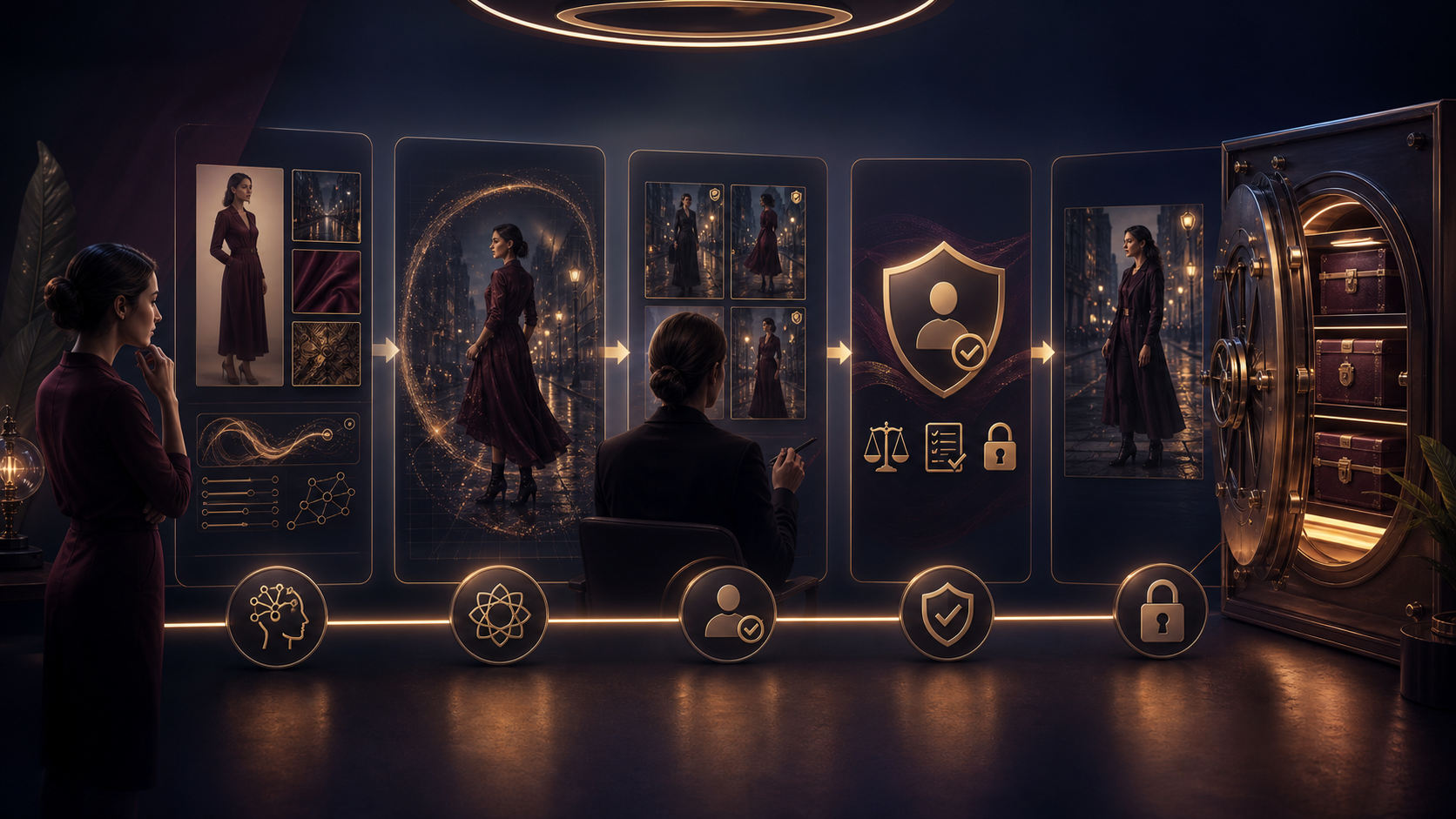
Building a professional AI production system requires more than just a prompt; it requires a structured approach to asset management and iteration.
- Define the Outcome: Start by identifying the final format, whether it is a short video, a character study, or a visual narrative.
- Prepare Inputs: Gather your reference images, character designs, and script outlines before beginning the generation process.
- Iterative Generation: Rather than attempting to generate a final result in one pass, use small, incremental generations to refine the output.
- Review and Refine: Evaluate your assets for continuity and quality. Use tools like VideoAny to integrate these images into a broader video production pipeline, utilizing features such as image-to-video or face-swap to enhance the final output.
- Archive Assets: Save your successful prompts and source assets to ensure you can reproduce or iterate on your work in the future.
Conclusion
AI-assisted creation is most effective when treated as a repeatable production system. By understanding the differences between platform capabilities and focusing on consistent, responsible workflows, creators can leverage AI to bring complex visions to life.
For those looking to integrate high-quality AI generation into their video projects, explore the tools available at VideoAny.
FAQs
1) Can this workflow work for a solo creator? Yes. By focusing on a repeatable format and maintaining a library of source assets, a solo creator can produce high-quality work efficiently.
2) Should I generate first or write the plan first? Always write a plan first. A clear outline helps you determine whether the AI output aligns with your creative goals, saving time and resources.
3) What should I check before publishing an AI-generated project? Always review for continuity, visual clarity, and pacing. Ensure that your content is compliant with platform policies and that all subjects have provided the necessary consent.
4) How does VideoAny fit into this workflow? VideoAny serves as a versatile platform for transforming static images into dynamic video content, offering tools for animation, editing, and enhancement that help turn raw generations into finished media. Explore the full suite of tools at VideoAny models.