Categories: AI Video, AI Image, Creator Guides
Tags: videoany, ai video, ai video generator, ai content creation, creator guide
Introduction
Modern AI video workflows are most effective when they prioritize clarity and intentionality over raw speed. Whether you are producing narrative shorts, social media content, or experimental visuals, the key to success lies in building a repeatable system. This guide outlines how to move from a creative concept to a polished final product using VideoAny, focusing on structured planning, iterative generation, and responsible production practices.
Responsible use: Mature-content workflows must be limited to lawful material involving consenting adults. Never create or share content involving minors, non-consensual imagery, unauthorized likenesses, or material that violates platform terms or applicable law.
The Foundation of AI Production
To maintain high standards in AI-assisted media, creators should treat every project as a production pipeline. This involves defining clear inputs—such as specific prompts, reference images, or character designs—and establishing review checkpoints.
When working with AI, it is essential to prioritize consent and ethical standards. Always ensure that the content you create respects the rights and privacy of others. AI tools should be used to enhance creativity, not to facilitate non-consensual content, impersonation, or the creation of harmful material. By adhering to responsible usage guidelines, you ensure that your creative output remains professional and sustainable.
Developing a Repeatable Workflow
Rather than attempting to generate an entire project in one pass, break your production into manageable segments. A robust workflow typically follows these steps:
- Define the Outcome: Start by identifying the format—whether it is a short advertisement, a narrative scene, or a social media post.
- Gather Assets: Collect your source materials, including scripts, storyboard frames, and reference images.
- Iterative Generation: Use VideoAny to generate clips in small, controlled passes. This allows you to refine the output of each segment before moving to the next.
- Review and Refine: Evaluate each clip for continuity, pacing, and visual clarity. Check that the motion quality aligns with your original vision.
- Final Assembly: Combine your generated assets with external audio, captions, and platform-specific formatting to complete your project.
Production Checkpoints
To ensure consistency across your content, treat these categories as production checkpoints:
- UGC Remake Series: Focus on adapting existing user-generated content into new, high-quality formats.
- Narrative Mini-Series: Plan your story arc in advance. Use image-to-video tools to maintain character consistency across multiple scenes.
- Trending Audio Remake: Align your visual generation with trending audio to maximize engagement, ensuring that your visual narrative complements the soundscape.
- Data-Backed Recaps: Use performance metrics from previous videos to inform your next generation, allowing you to iterate on what works best for your audience.
Animating Layered Abstract Artwork
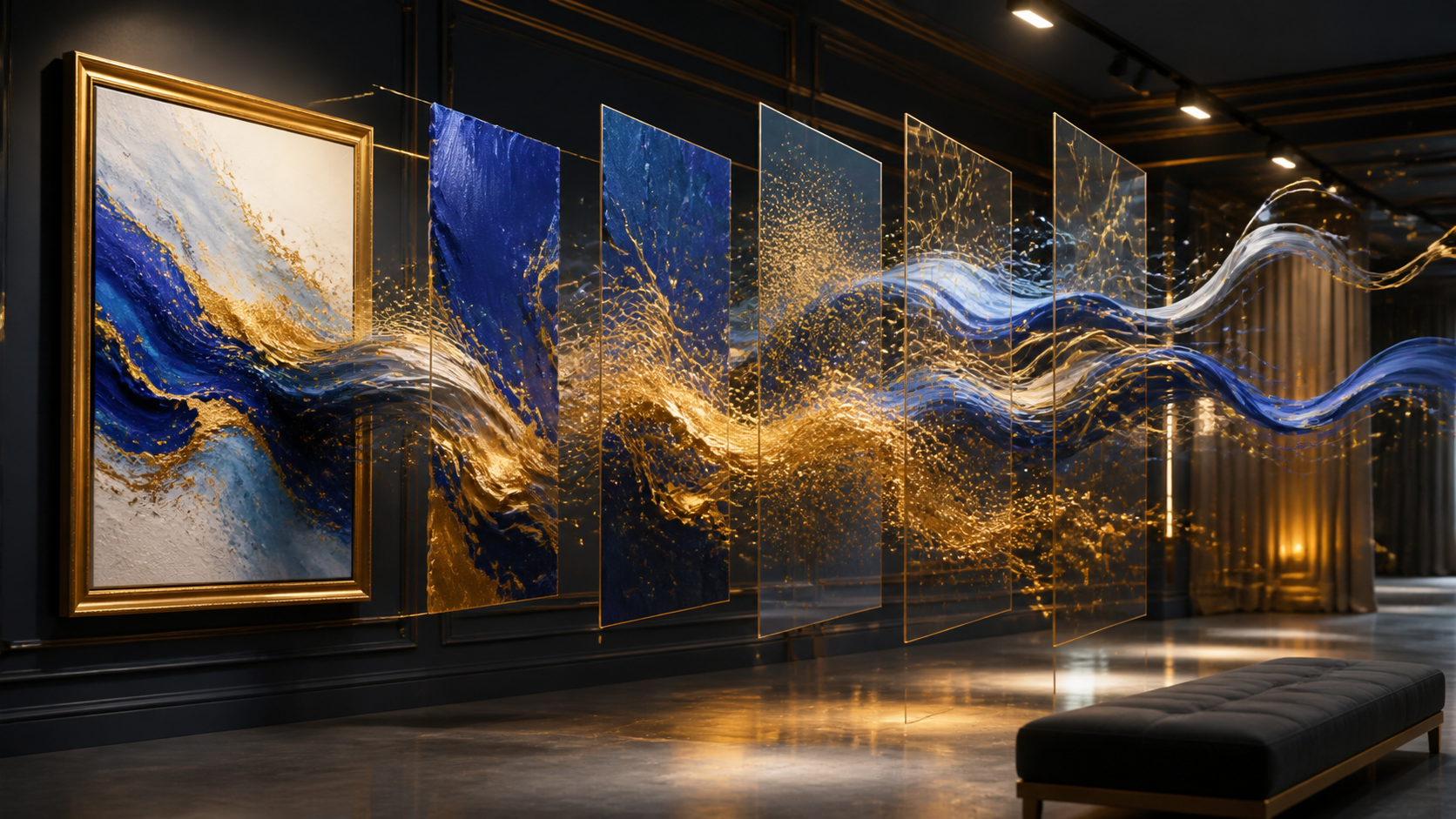
Abstract images benefit from a different motion plan than portraits or landscapes. First identify the visual hierarchy: the dominant cobalt mass, the gold accents, the quiet negative space, and the implied direction of each brushstroke. Preserve that hierarchy in the prompt. A useful first pass might ask for the blue forms to drift slowly while gold particles follow the painted curves; it should not simultaneously change the palette, invent recognizable objects, and rotate the virtual camera.
Separate depth into foreground, middle, and background even when the source is flat. The foreground can carry a small amount of parallax, the middle can provide the main flowing motion, and the background should remain comparatively stable. This creates dimension without making the composition feel liquid or structurally unrelated to the original. When a section contains delicate texture, lower the requested motion so small details do not flicker.
Evaluate the loop at normal speed and frame by frame. Watch for color contamination, borders that crawl, particles that appear from nowhere, and a final frame that cannot return cleanly to the opening pose. Keep two or three short variations with different motion strengths, then choose the least aggressive version that still communicates movement. In the final edit, use sound design and timing to add energy rather than asking the generation to solve every creative problem at once.
Conclusion
AI-assisted video production is strongest when treated as a systematic process. By focusing on clear inputs, controlled iteration, and a commitment to responsible creation, you can turn raw AI generations into compelling, professional communication.
Next Step
Explore the full suite of tools at VideoAny.
FAQs
1) Can this workflow work for a solo creator? Yes. By focusing on one repeatable format and keeping your asset list organized, a solo creator can produce high-quality results efficiently.
2) Should I generate first or write the edit plan first? Always write a plan first. A simple outline helps you determine if your AI-generated assets will effectively support your final video goals.
3) What should I check before publishing an AI video? Review your project for continuity, motion quality, caption accuracy, sound balance, and aspect ratio. Ensure the video communicates your intended message clearly.
4) How does VideoAny fit into this workflow? VideoAny serves as the engine for your visual generation and variation needs. Use it to create the core clips, then integrate them into your broader editing pipeline for final polish.