Introduction
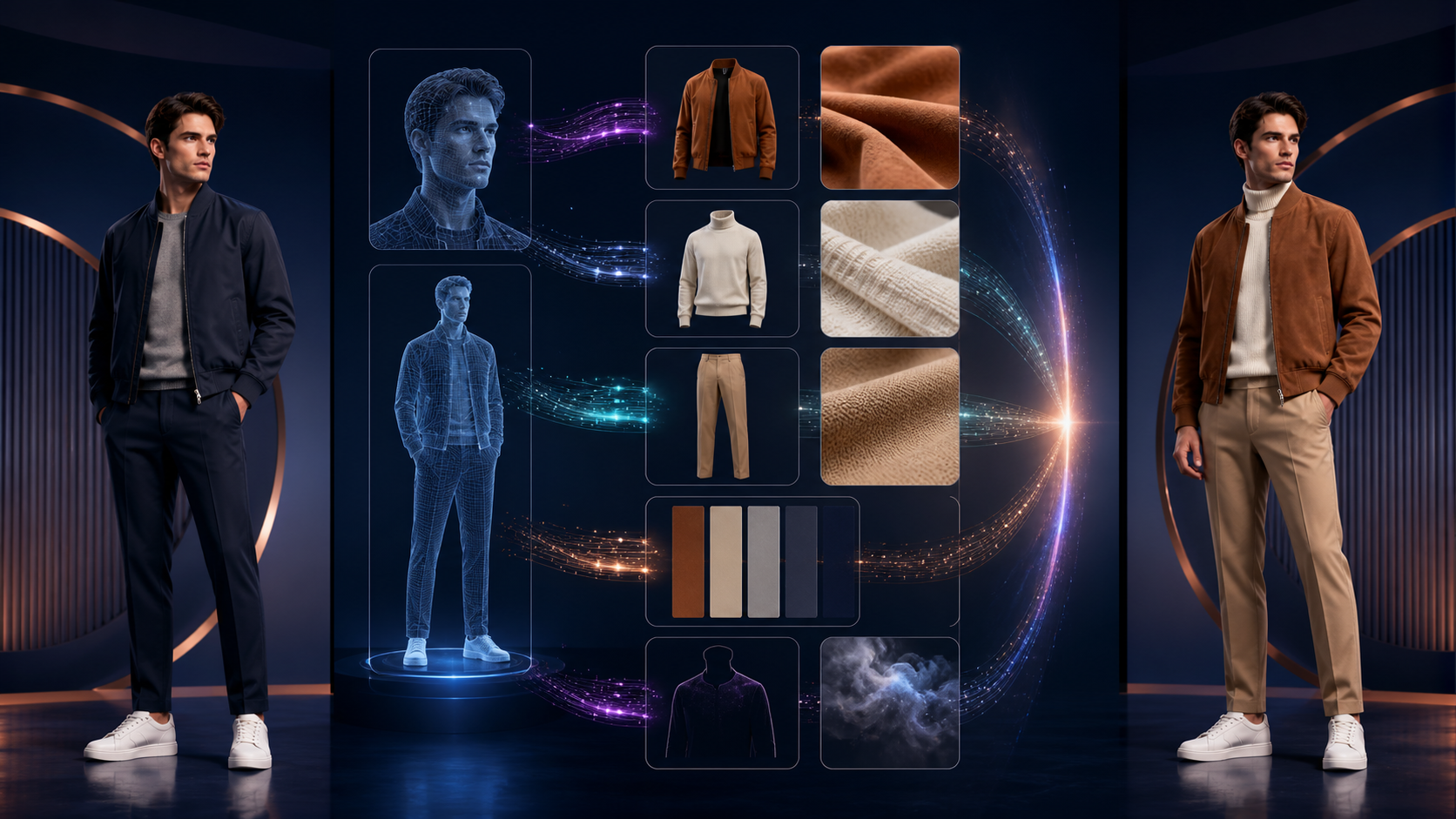
Effective AI-assisted editing is defined by precision and planning. Whether you are restyling a character for a social media reveal or developing a concept board, the quality of your output depends on how well you define your constraints. This guide outlines a professional workflow for using AI clothes-changing tools, emphasizing how to translate creative intent into clear, actionable prompts.
Define Your Production Goals
Before generating a single pixel, establish the destination of your asset. A design intended for a mobile screen requires a different silhouette and level of detail than one destined for a high-resolution print.
- Set the Scope: Determine if you are creating a social post, a character concept, or a video shot.
- Establish Constraints: Lock in your aspect ratio and composition early. Trying to fix a poor crop after the fact often leads to wasted effort and inconsistent results.
- The Acceptance Test: Define what a "successful" result looks like before you begin. If you cannot describe the specific cut of a sleeve or the intended lighting, the AI will struggle to provide it.
The Anatomy of a Strong Prompt
Avoid vague descriptors like "wear fantasy clothes." Instead, break your prompt into specific, logical clauses that the AI can process independently.
- Preservation: Clearly state what must remain untouched—face, hair, pose, hands, and background.
- Construction: Use technical vocabulary. Terms like "double-breasted closure," "box pleat," "satin lapel," or "ribbed cuff" provide the model with concrete structural instructions.
- Fit and Fabric: Be explicit about how the garment sits on the body. Avoid contradictory terms; if you want a layered look, define each layer separately to prevent the AI from confusing "skin-tight" with "flowing."
- Lighting: Describe the source of your rim light or ambient shadows to ensure the new clothing integrates naturally with the original subject.
The Iterative Workflow
Treat your first successful generation as a master reference. If you are working on a series, name the key traits that define the character and maintain them across every iteration.
- Small Batches: Change only one variable at a time. This allows you to isolate what works and discard what doesn't without losing your entire composition.
- Review at Scale: Always inspect your work at 100% resolution. Zooming in is essential to catch merged fingers, broken seams, or edge artifacts that aren't visible in a thumbnail.
- Local Repairs: If a specific area of an image is failing, use local editing tools to fix that region rather than regenerating the entire frame. This preserves the successful parts of your composition.
Responsible Creation and Rights
AI-assisted media creation carries a responsibility to respect original creators and subjects.
- Consent and Rights: Only use source photos, logos, or reference art that you own or have explicit permission to use. Always obtain consent before editing a recognizable person.
- Transparency: If you are creating conceptual mockups, label them clearly so viewers do not mistake them for documentary footage or real-world products.
- Compliance: Before any commercial release, review the platform’s terms of service and ensure your project adheres to relevant copyright, publicity, and trademark laws. Keeping a provenance note for client work is a professional standard that protects both you and your collaborators.
Conclusion
The most successful AI-assisted projects are those treated as repeatable production systems. By focusing on clear inputs, controlled iteration, and rigorous review, you can turn raw generations into polished, professional assets.
Explore the VideoAny suite to begin your next project with precision.
FAQs
1) How should a solo creator approach this workflow? Start with one repeatable format and a small asset list. Focus on refining your prompt structure for one specific task before expanding to more complex projects.
2) Should I write the plan or generate the image first? Always write the plan first. A clear outline acts as a roadmap, helping you evaluate whether the AI output actually supports your creative vision.
3) What is the most important check before publishing? Check for continuity, visual clarity, and platform-specific formatting. Ensure the final video communicates your intended idea clearly without requiring external explanation.
4) How does VideoAny fit into this process? VideoAny serves as the engine for your visual generation and variation needs. Once you have your assets, use the platform to refine your clips before moving them into your final editing, audio, and captioning workflow.