Travel Photos: Best Examples & How to Restore Old Travel ShotsRestore and enhance online — free to try
Bring old travel memories back to life. Upload a faded, blurry, grainy, or scratched photo and let AI restore color, clarity, and detail in seconds.
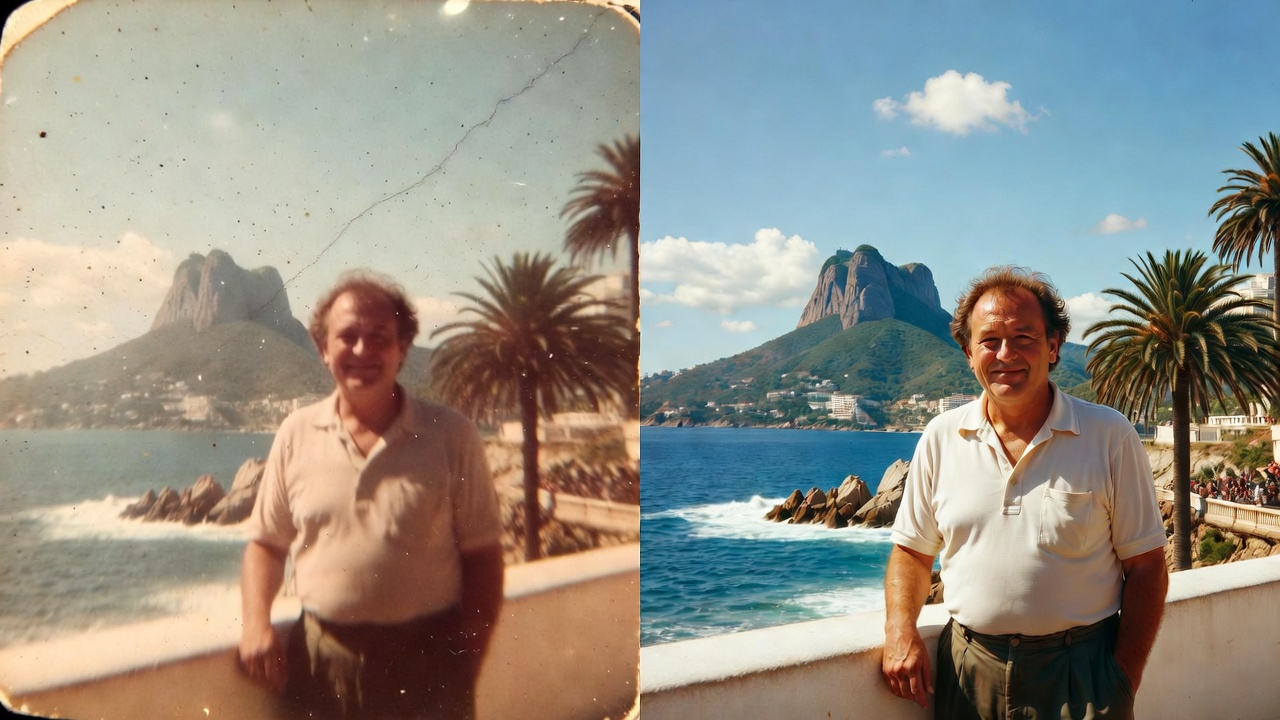
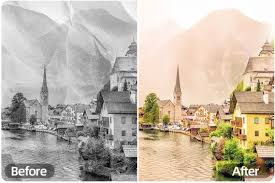
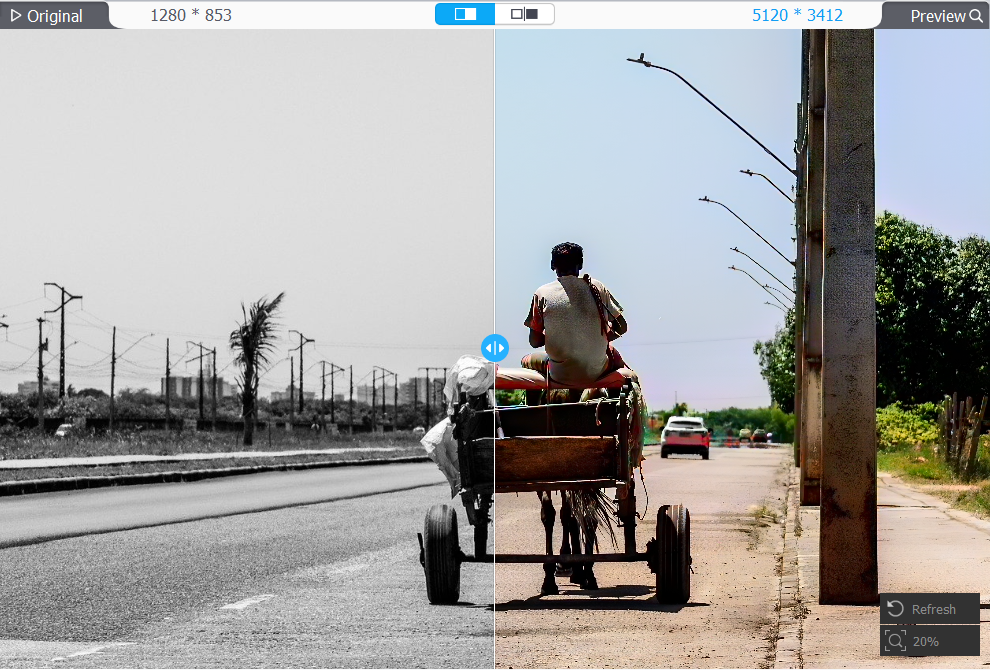
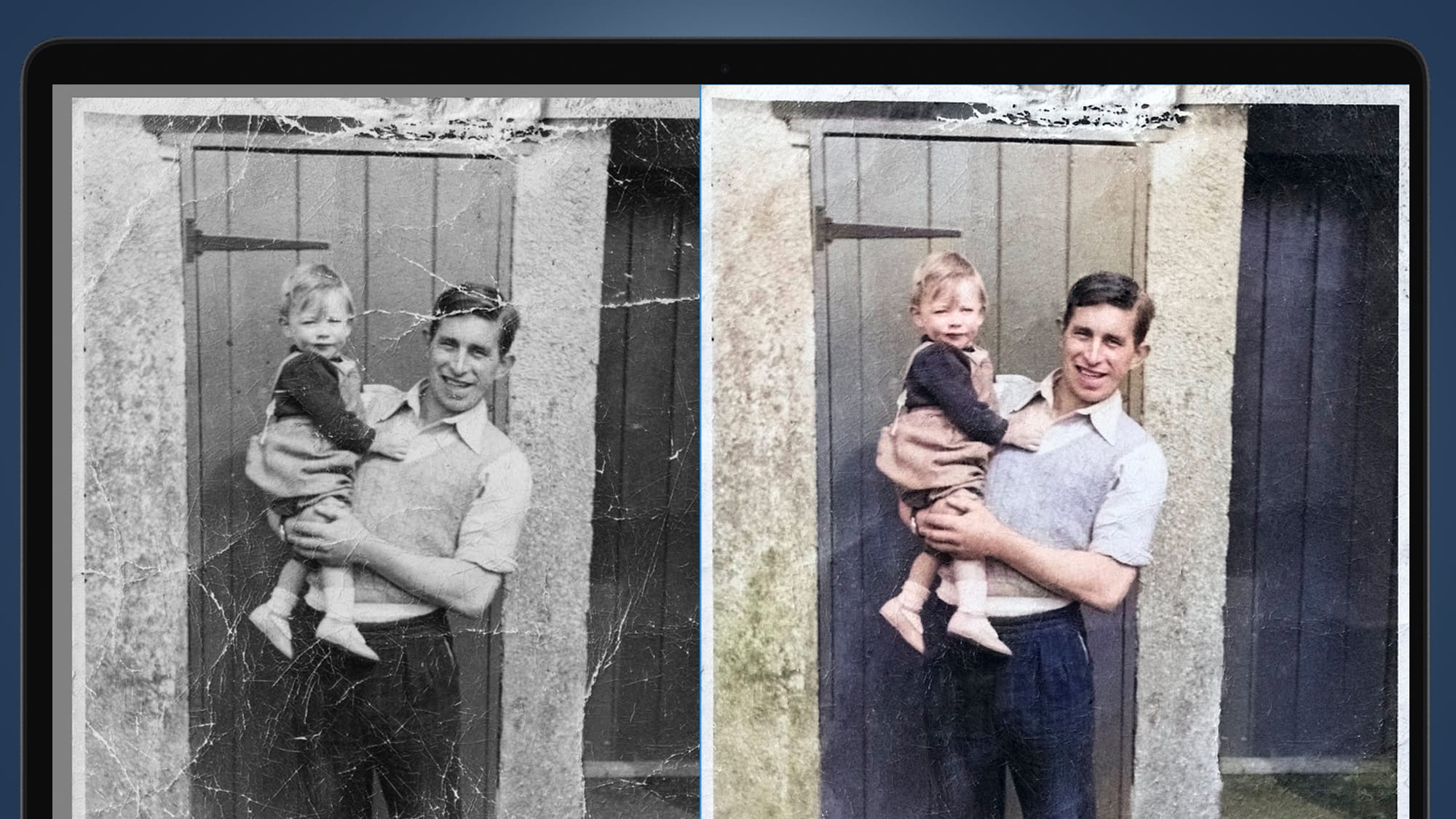
Restore Travel Photos Fast
Fix fade, blur, noise, scratches
One upload and a tuned restoration prompt to get a clean, natural-looking travel photo — ready to share or print.
Color Revival
Recover natural tones and bring back vibrancy without over-saturation.
Denoise + Deblur
Reduce grain and boost sharpness while keeping faces and landmarks realistic.
Scratch & Damage Repair
Minimize scratches, dust, and compression artifacts for a cleaner look.
One-Click Download
Export a high-quality restored image for social sharing or printing.
Travel Photo Restoration FAQ
Quick answers before you restore
Tips to get the best results while keeping your travel photos natural and true to the original.
Still have questions? Contact our support team


Restore Your Travel Photos Now
Free to try in your browser
Upload a travel photo, run the preset restoration prompt, and download a cleaner, sharper version in seconds.
- Fix faded colors and dull tones
- Reduce grain, noise, and blur
- Clean up scratches and damage
- Download ready-to-share results