Pixelated Portrait Sharpened: Best Examples & How to Fix Low-Res Faces to HDDe-pixelate and sharpen online — free to try
Turn a blocky, low-resolution portrait into a cleaner, sharper image. Upload a pixelated face photo to upscale, reduce artifacts, and recover natural detail in seconds.
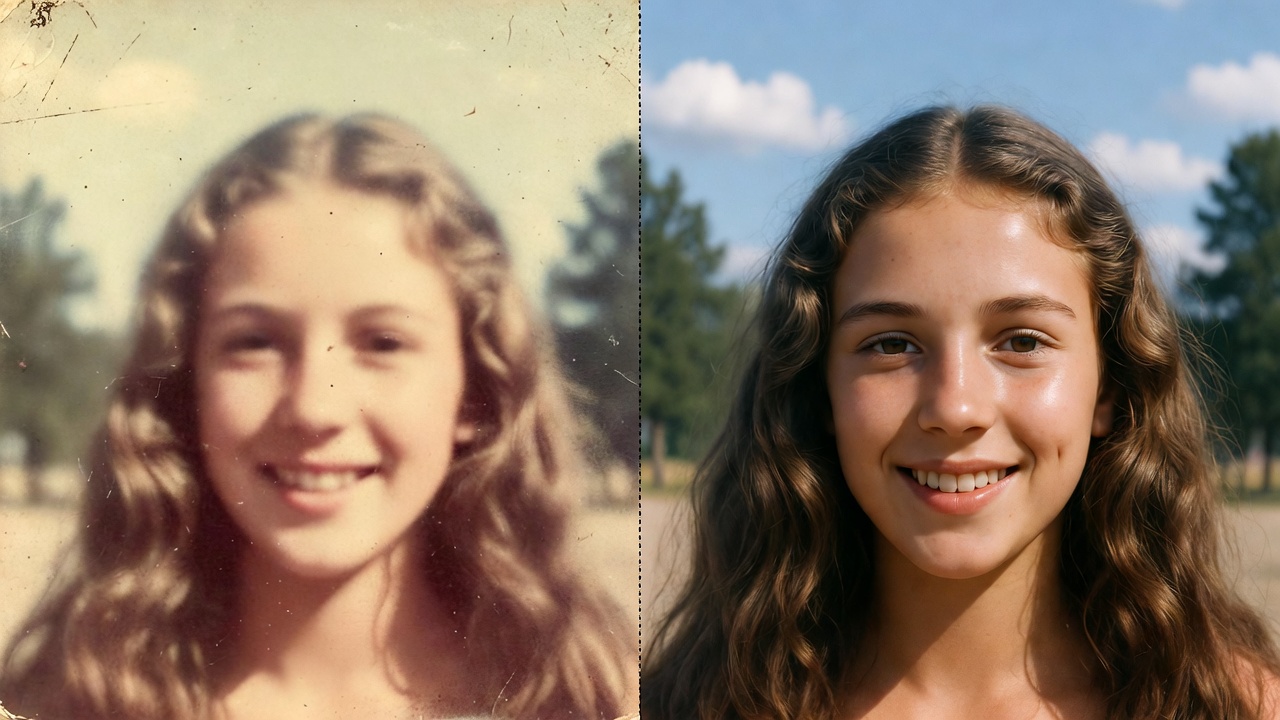
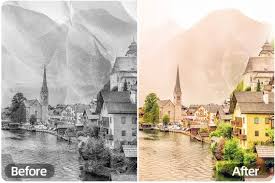
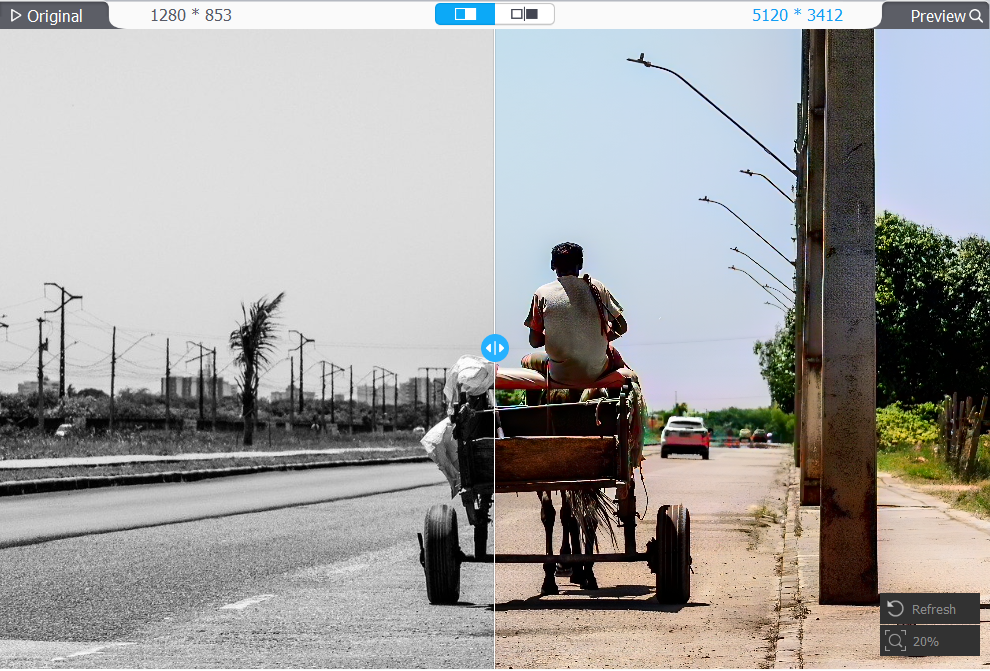
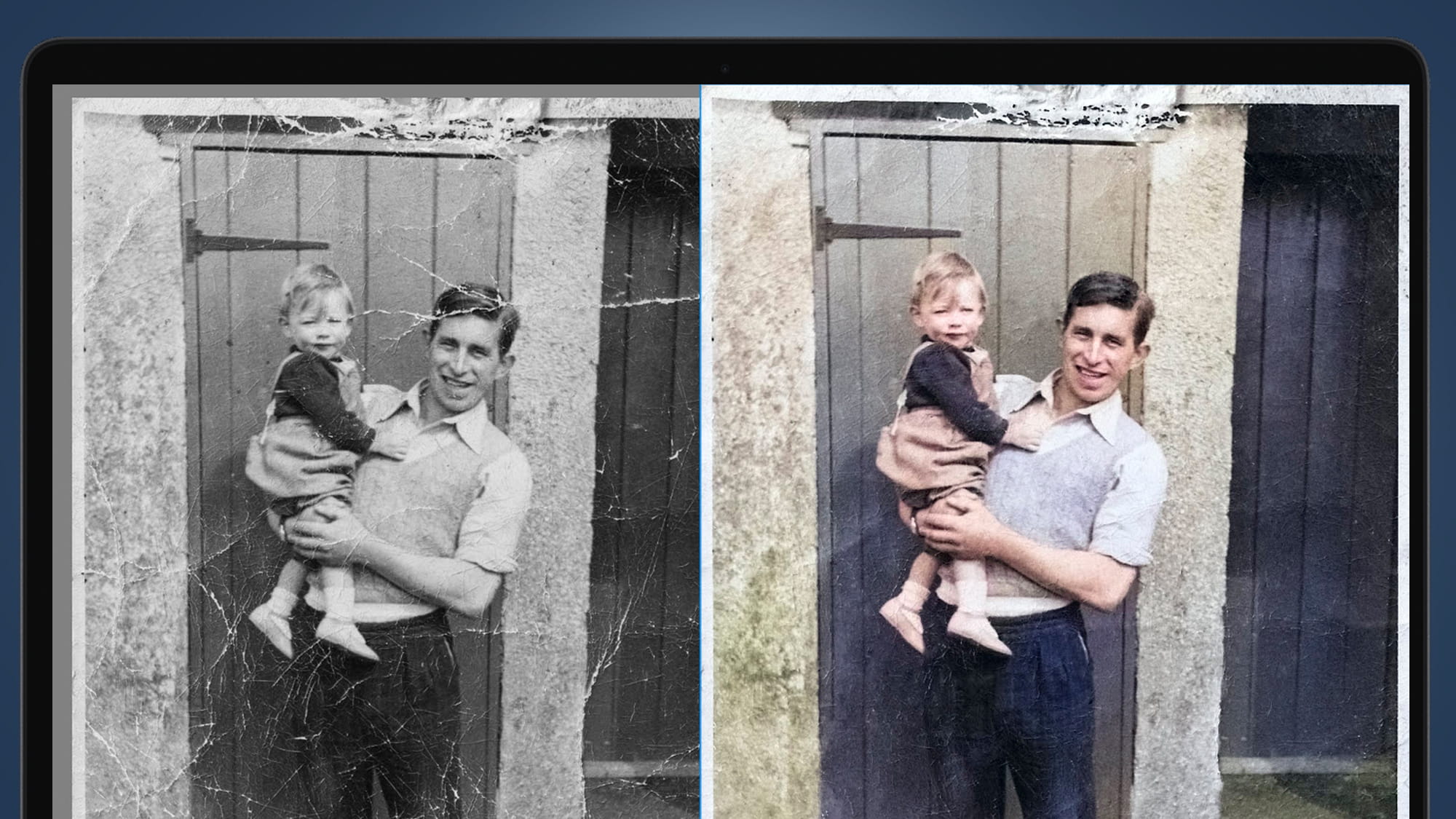
Fix Pixelated Faces Fast
Upscale, de-block, sharpen naturally
Use a tuned enhancement prompt to reduce blocky artifacts and recover detail while keeping identity and skin texture realistic.
Smart Upscaling
Increase resolution for clearer facial structure and cleaner edges.
De-pixelate Artifacts
Reduce blockiness, compression noise, and jagged edges without smearing.
Natural Sharpening
Improve eyes, hair, and contours while avoiding “AI-looking” over-sharpening.
One-Click Download
Export a sharper portrait for profiles, resumes, and social media.
Pixelated Portrait Sharpening FAQ
How to get clean, realistic results
Quick tips for enhancing low-res faces while keeping features faithful.
Still have questions? Contact our support team

Sharpen Your Pixelated Portrait Now
Free to try in your browser
Upload a low-res face, run the preset enhancement prompt, and download a cleaner, sharper portrait in seconds.
- Upscale low-resolution faces
- Reduce blocky artifacts and noise
- Sharpen eyes and details naturally
- Download a clean HD result