Blurry Landscape Enhanced: Best Examples & How to Fix Foggy Outdoor PhotosDehaze and deblur online — free to try
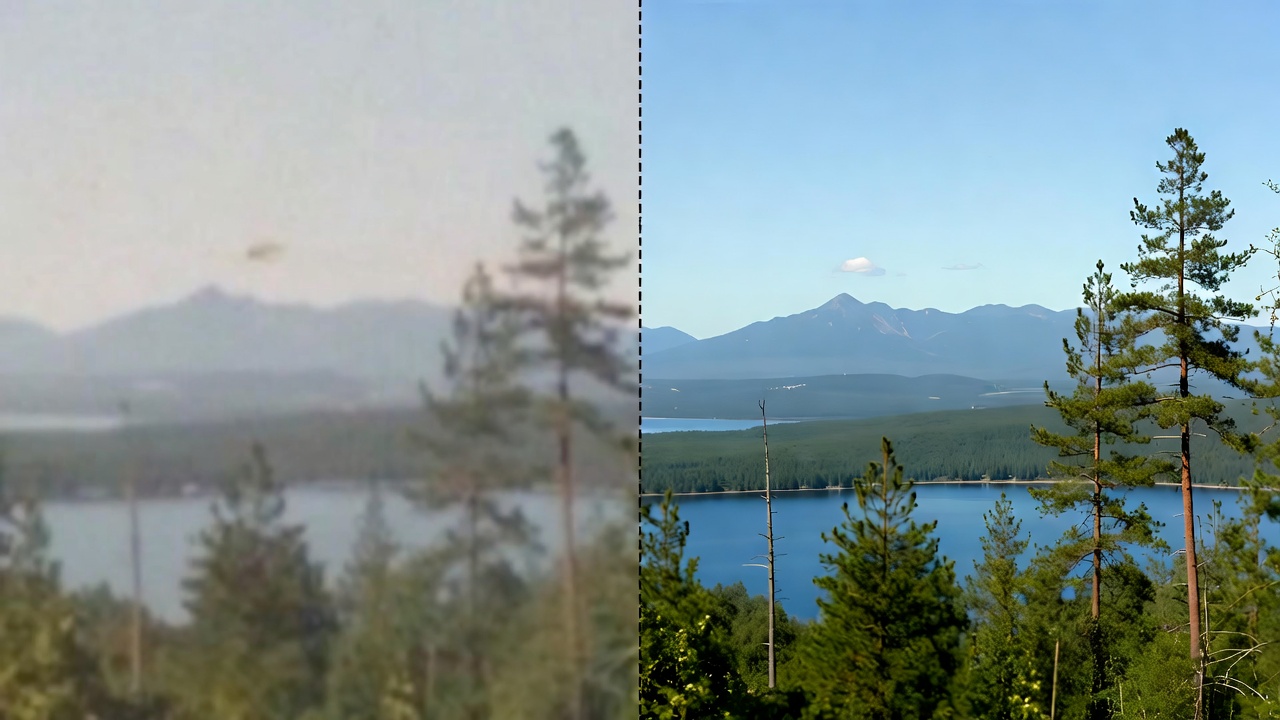
Make foggy, blurry landscape photos look clear again. Upload an outdoor photo to dehaze, reduce noise, sharpen detail, and restore natural color in seconds.
Enhance Blurry Landscapes Fast
Dehaze, deblur, upscale, sharpen
Use a tuned enhancement prompt to recover clarity and detail while keeping the scene realistic and the colors natural.
Dehaze + Clarity
Cut through fog and haze to reveal cleaner contrast and depth.
Deblur + Sharpen
Reduce motion blur and bring back crisp edges without harsh halos.
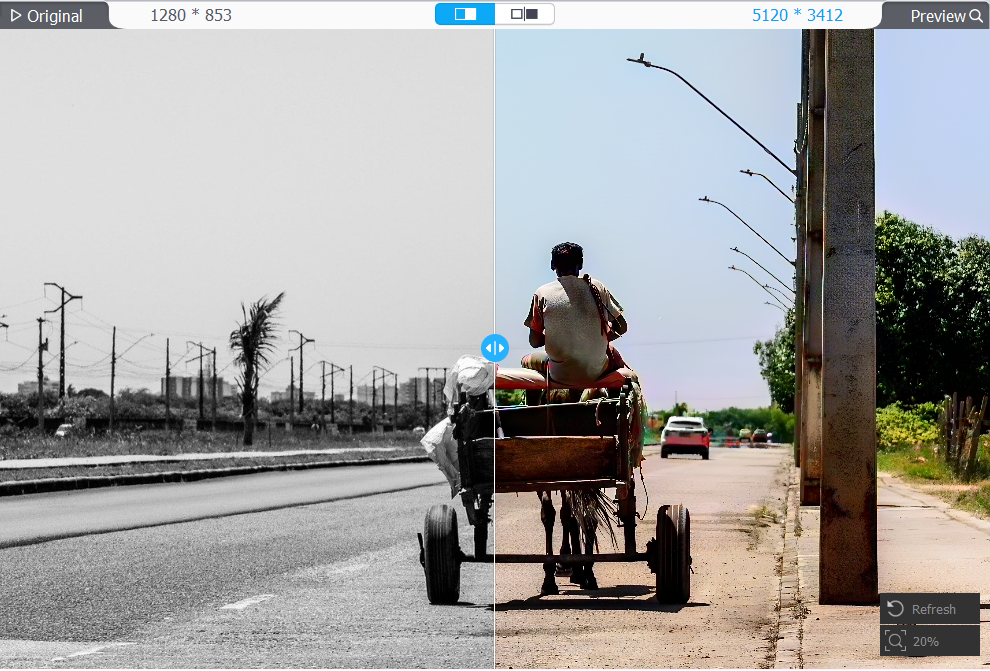
Upscale to 4K
Increase resolution for prints, wallpapers, and high-quality sharing.
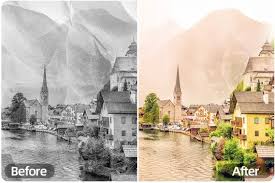
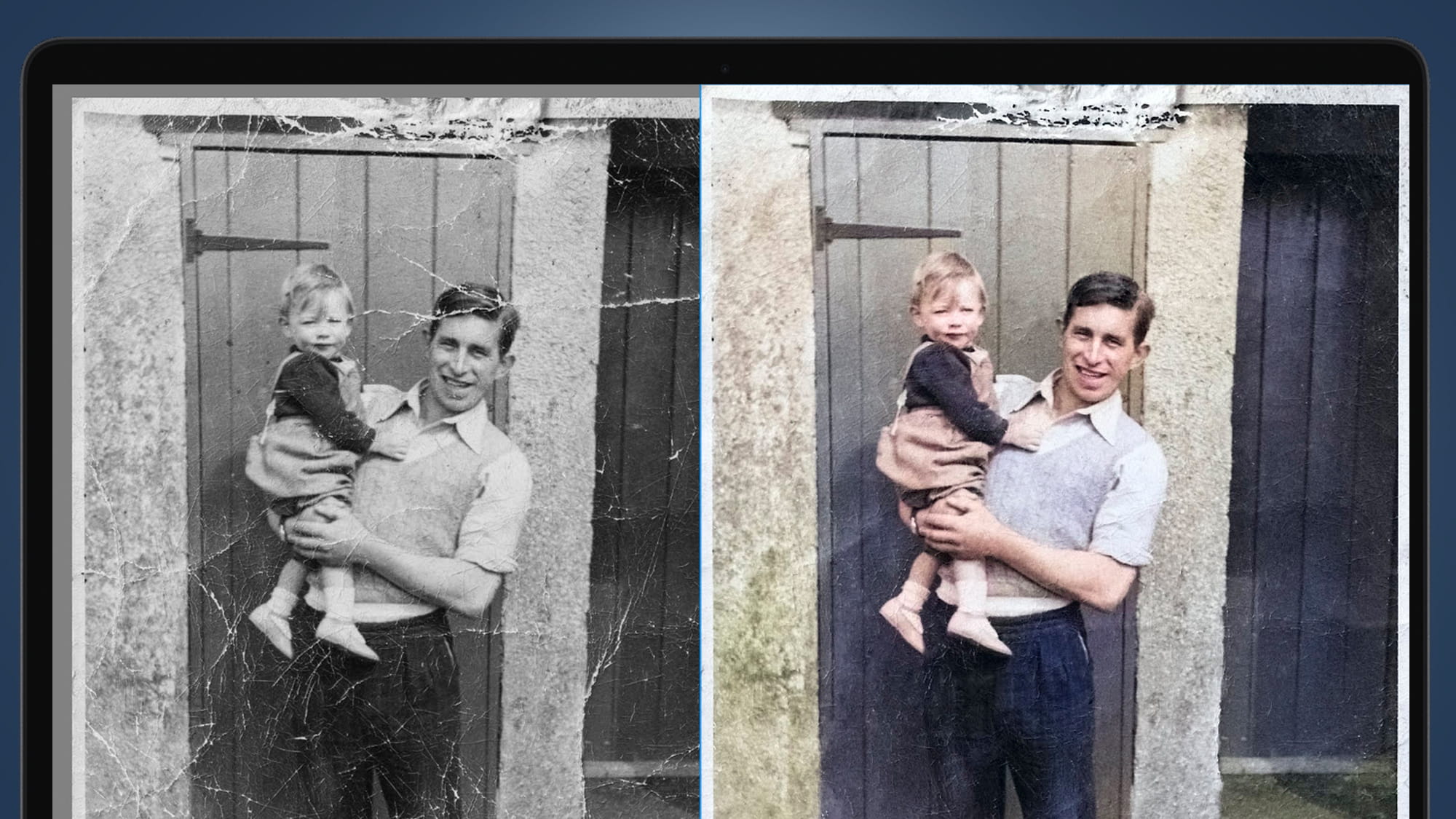
Natural Color Restore
Recover realistic tones and vibrancy without oversaturation.
Blurry Landscape Enhancement FAQ
Tips for clean, realistic results
Quick answers for dehazing, deblurring, and upscaling outdoor photos.
Still have questions? Contact our support team

Enhance Your Landscape Photo Now
Free to try in your browser
Upload a blurry outdoor photo, run the preset enhancement prompt, and download a clearer, sharper result in seconds.
- Dehaze fog and improve clarity
- Reduce blur and restore sharp detail
- Upscale for high-quality sharing
- Keep colors natural and realistic