Categories: AI Video Workflow, Creator Strategy, Production Process
Tags: videoany, ai creation studio, ai video workflow, content strategy, creator toolkit
Introduction
The quest for a "free AI cartoon generator" often leads to a maze of tools promising instant results. While many can quickly transform an image, few deliver the quality, consistency, or creative control needed for meaningful projects. This guide explores the current landscape of AI cartoon generation, highlighting common pitfalls and showcasing how VideoAny offers a more comprehensive solution.
“Free AI Cartoon Generator” Sounds Simple — But It Isn’t
A quick search for a free AI cartoon generator reveals countless options: upload a photo, click a button, get a cartoon. This sounds ideal for quick transformations, but the reality often falls short when attempting to create anything beyond a simple, one-off image. The promise of instant results rarely translates to meaningful creative output.
What Most Free Tools Get Right (and Wrong)
Free cartoon generators excel at speed. They can take a photo and stylize it in seconds, making them suitable for profile pictures, memes, or casual edits. However, their limitations quickly become apparent. Most deliver low-resolution, watermarked outputs with a handful of rigid preset styles. After a few uses, users often encounter paywalls, turning what seemed like a creation workflow into a mere demo. These tools typically lack:
- Style Control: Users are locked into limited presets, preventing fine-tuning or maintaining a consistent character identity across multiple images.
- Quality Consistency: The same photo can yield vastly different results depending on minor changes in lighting or angle, making reliable output impossible.
- Scalability: While generating a single image is easy, creating a series of images or anything more complex, like a short animation, quickly breaks these tools.
For content creators, storytellers, or YouTubers, these limitations are deal-breakers.
The Three Types of AI Cartoon Generators
Not all AI cartoon generators are created equal. Understanding their categories can save significant time and effort:
- Basic Filter Tools: These convert a photo into a cartoon avatar with a fixed style. They are best for casual fun or single avatars.
- Advanced Image Stylizers: Offering more style options and some customization, these tools provide better control but still focus on static images.
- AI Animation Platforms: These go beyond static images, enabling the creation of animated characters and short videos, often with greater consistency and control.
Why Cartoon Generation Is Moving Toward Video
The shift in content consumption is undeniable: cartoon generation is increasingly about dynamic video, not static images. Platforms like TikTok, YouTube Shorts, and Instagram Reels prioritize movement, emotion, and storytelling. Still frames, while useful, don't capture audience attention or convey narratives as effectively as animated content. This trend highlights the need for tools that can generate consistent characters and animate them seamlessly.
Final Thoughts
While free AI cartoon generators are abundant, most address only a fraction of the creative challenge. They are adequate for quick, superficial transformations but fall short when it comes to genuine creativity and scalability. They often provide a limited experience, pushing users towards paid subscriptions after minimal use.
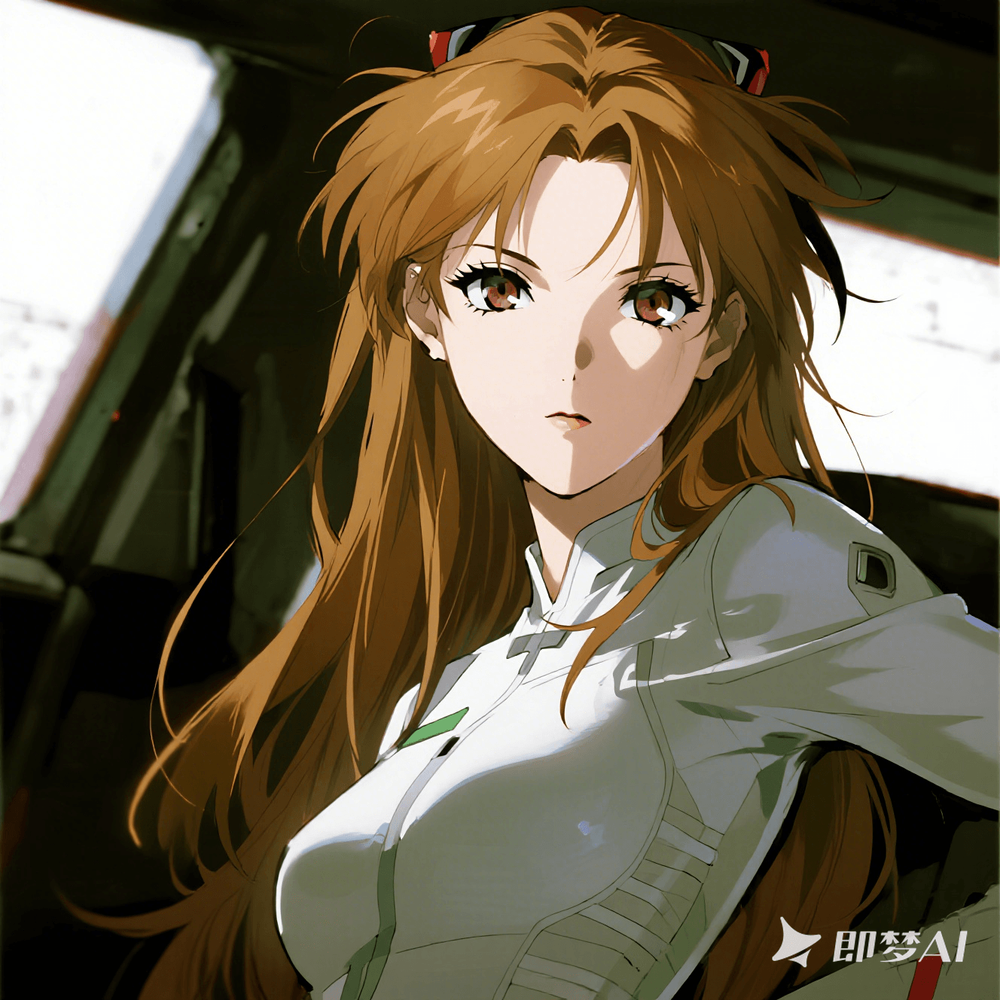
This is why VideoAny was built differently. You can start for free and transform a photo or even a text prompt into a consistent anime-style character. Furthermore, VideoAny allows you to generate short animated videos—all within a single platform. We aim to provide basic creative freedom without hidden limits, empowering creators to bring their stories to life with consistent characters and engaging animations.
Practical Weekly Workflow
To maximize your creative output with tools like VideoAny, consider this practical weekly workflow:
- Define Objectives: Choose 2-3 key creative blocks (e.g., character design, short animation, style exploration) and set a weekly objective for each.
- Draft: Create a concise first draft for each selected block using VideoAny's capabilities.
- Refine: Improve the structure, tone, and clarity of your creations.
- Test: Compare different variants using a single measurable KPI (e.g., engagement rate, character consistency).
- Scale: Focus on and scale only the formats and styles that consistently outperform your baseline.
Conclusion
Scaling content output reliably hinges on standardizing the production process. By maintaining a stable structure, iterating on specific sections, and scaling only what proves effective, creators can achieve consistent, high-quality results.
Next Step
Explore VideoAny workflow templates: https://videoany.io
FAQs
1) Can this workflow work for a solo creator? Yes. Start with a small weekly scope and reuse the same production blocks to build efficiency.
2) How many variants should I test per post? Testing 2 to 4 focused variants is usually sufficient to identify clear winners and optimize your content.
3) Should I prioritize trends or consistency? Use trends to gain reach and visibility, but maintain a consistent format system for long-term brand recognition and audience memory.