Categories: Pricing, AI Video, Creator Workflow
Tags: pay as you go AI video generator, AI video credits, one-time AI video credits, AI video generator pricing, VideoAny pricing
Introduction
Most AI video generators sell monthly plans first. That works if you create every week, but it can feel wasteful when your production schedule is uneven.
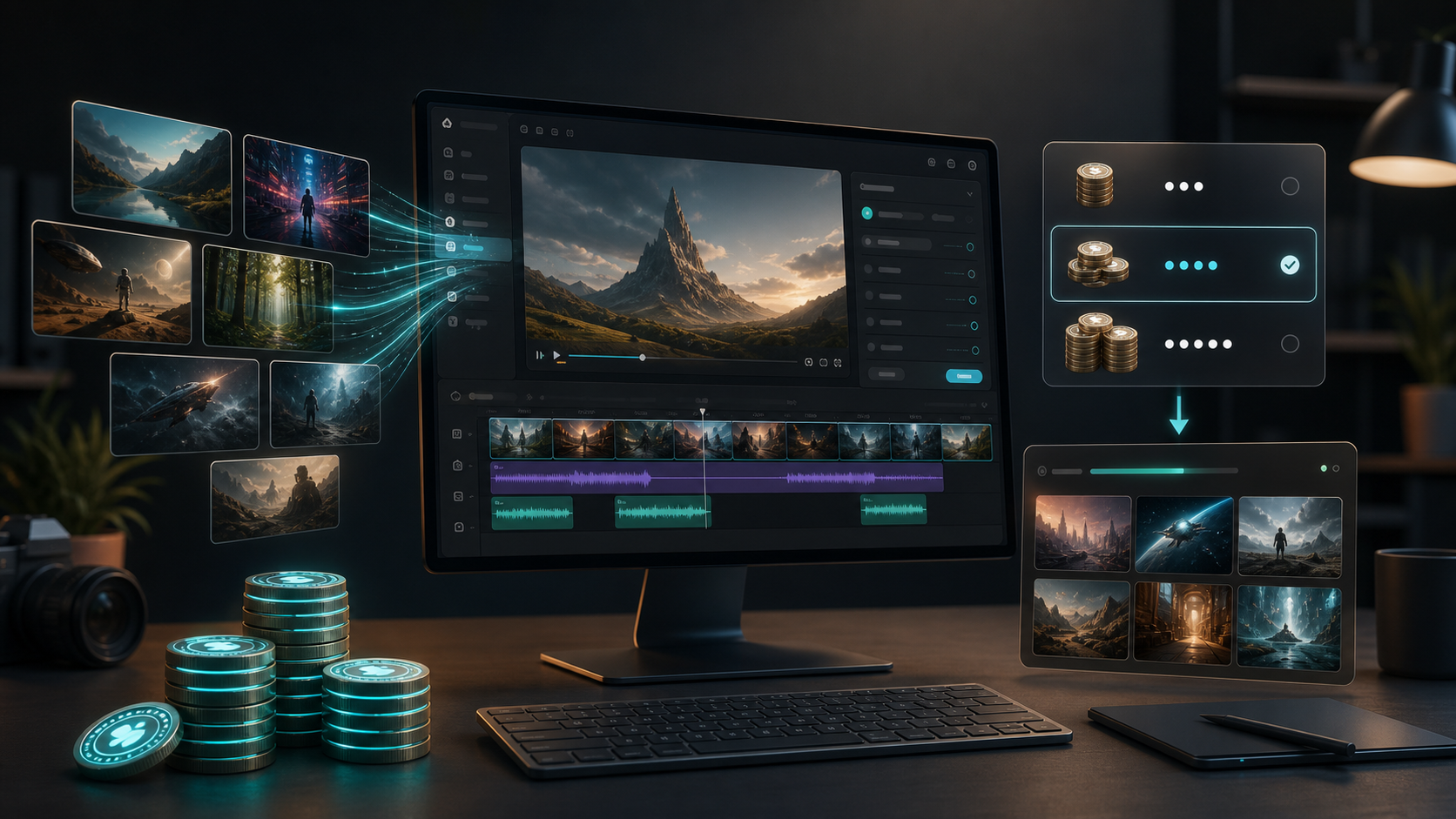
A pay-as-you-go AI video generator is different. You buy credits when you need them, spend those credits across video, image, and audio tools, and avoid paying for a subscription during quiet months.
That model is especially useful for creators who work in bursts: a batch of product ads this week, a few social clips next month, then a larger campaign later. Instead of guessing the perfect monthly tier, you can start with a credit pack and scale only when a project proves it needs more output.
What Pay-As-You-Go Means in AI Video
In AI video, "pay as you go" usually means three things:
- you buy a one-time credit pack
- each generation consumes credits based on model, duration, resolution, and workflow
- you can top up again without starting a recurring plan
The important part is control. AI video is experimental by nature. A prompt may need multiple attempts, a product shot may need several motion styles, and a social campaign may need variations for 9:16, 1:1, and 16:9 formats. A credit balance lets you budget those iterations directly.
VideoAny Pay-As-You-Go Credit Packs
VideoAny supports one-time credit packs for creators who do not want a subscription. The current packs in the VideoAny pricing configuration are:
| One-Time Pack | Total Credits | Approx. Cost Per Credit | Best For |
|---|---|---|---|
| $50 | 1,500 | $0.0333 | Light testing and occasional short clips |
| $100 | 3,800 | $0.0263 | Steady creators who want extra credits without a plan |
| $200 | 9,000 | $0.0222 | Heavy creators validating multiple campaigns |
| $500 | 38,000 | $0.0132 | Teams and studios with larger production batches |
| $1,000 | 80,000 | $0.0125 | High-volume creative teams |
| $2,000 | 170,000 | $0.0118 | Agency and studio-scale workflows |
The practical takeaway: larger packs lower your effective credit cost, while smaller packs keep the entry point simple.
Why Pay-As-You-Go Fits AI Video Better Than Fixed Minutes
AI video is not a normal video editor where every output takes the same amount of compute. Costs shift based on the model and result you ask for.
A 5-second draft with a fast model is not the same as a higher-resolution cinematic clip with more advanced motion. Image-to-video, text-to-video, video-to-video, audio-driven video, and effect-based workflows can all have different credit requirements.
That is why fixed "minutes per month" can be misleading. What matters is not just how many seconds you can generate. It is how many usable final clips you can produce after testing prompts, replacing failed ideas, and picking the best take.
When a Credit Pack Beats a Subscription
Choose pay-as-you-go if:
- you create in bursts instead of every week
- you want to test AI video before committing to a plan
- you need a separate project budget for a client
- you want credits available across multiple tools
- you do not want unused monthly credits to define your workflow
For example, a small ecommerce team may only need AI video during product launches. A marketing freelancer may need extra generation volume for one client campaign, then nothing for two weeks. A YouTube creator may want to test intros, thumbnails, shorts, and sound effects in one production sprint.
In those cases, a one-time pack is easier to reason about than a recurring plan.
When a Subscription Is Still Better
Subscriptions are still useful when AI video is part of your regular production pipeline.
If you publish daily, test prompts every week, or run content operations with multiple team members, a monthly or annual plan can make sense because it provides predictable credit volume and faster queues. VideoAny subscriptions currently include monthly or annual credit allocations across Starter, Professional, Enterprise, Ultimate, Scale, and Studio tiers.
The decision is simple:
- choose pay-as-you-go for flexible, project-based production
- choose subscription for consistent, high-volume production
- combine both when a subscription covers baseline work and one-time packs handle campaign spikes
How to Budget AI Video Credits
Use this simple formula before starting a campaign:
Estimated project credits = average credits per generation x expected attempts x number of final clipsThen add a retry margin. A safe starting point is 25-50% extra credits for prompt experiments, aspect-ratio variants, and failed ideas.
For example:
- 6 final clips
- 3 attempts per final clip
- 40 credits per attempt
- 50% retry margin
That gives:
6 x 3 x 40 = 720 credits
720 x 1.5 = 1,080 credits
That is the kind of project where a small credit pack is enough to test the workflow without committing to a monthly plan.
Best Pay-As-You-Go Workflows on VideoAny
Use Text to Video when you want to test a concept from a prompt. This is useful for ads, cinematic ideas, surreal visuals, and social-first clips.
Use Image to Video when you already have a strong image, product shot, character design, or thumbnail and want to animate it into a short clip.
Use Video to Video when you need to restyle existing footage or turn a rough source clip into a more polished AI version.
Use AI Video Effects when you want a faster template-style workflow for social effects, character moments, seasonal content, or image-led video trends.
Because VideoAny also includes AI image and AI audio workflows, a credit pack can support the whole production path instead of only the video render.
Pay-As-You-Go vs Free AI Video Generators
Free tools are good for early testing, but they often come with limits:
- watermarks
- queue delays
- lower resolution
- fewer model choices
- limited commercial rights
- strict monthly caps
Pay-as-you-go credits are better when you need enough control to finish a real project. You still keep spending flexible, but you avoid the biggest limitations of a free-only workflow.
Final Thoughts
A pay-as-you-go AI video generator is best for creators who want flexibility without a recurring bill. It turns AI video into a project-based cost: buy credits, test ideas, generate clips, and top up only when the next campaign needs it.
If you create occasionally, start with a smaller pack. If you already know you will generate in volume, larger packs reduce the effective cost per credit. And if AI video becomes part of your weekly production rhythm, a subscription can cover the baseline while one-time packs handle extra bursts.
Next Step
Compare current credit packs and plans on VideoAny Pricing, or start generating with VideoAny AI Video Generator.
FAQs
1) What is a pay-as-you-go AI video generator?
A pay-as-you-go AI video generator lets you buy credits without a subscription and spend them on video generations as needed.
2) Do pay-as-you-go credits work for image-to-video?
Yes. On VideoAny, credits can be used across supported AI video, image, and audio tools, including image-to-video workflows.
3) Is pay-as-you-go cheaper than a subscription?
It depends on your usage. Pay-as-you-go is usually better for occasional or project-based work. Subscriptions can be better when you generate consistently every month.
4) How do I estimate the cost of an AI video project?
Multiply the credit cost per generation by the number of attempts you expect, then add a retry margin for prompt tests and unusable outputs.
5) Can I use generated videos commercially?
Commercial use depends on your plan, the model used, and the applicable terms. Always confirm the current VideoAny pricing and usage terms before publishing client or commercial work.