Categories: AI Video, Creator Workflow, Guides
Tags: nsfw ai image to video, image to video nsfw, nsfw image to video ai, text to video, creator workflow
Introduction
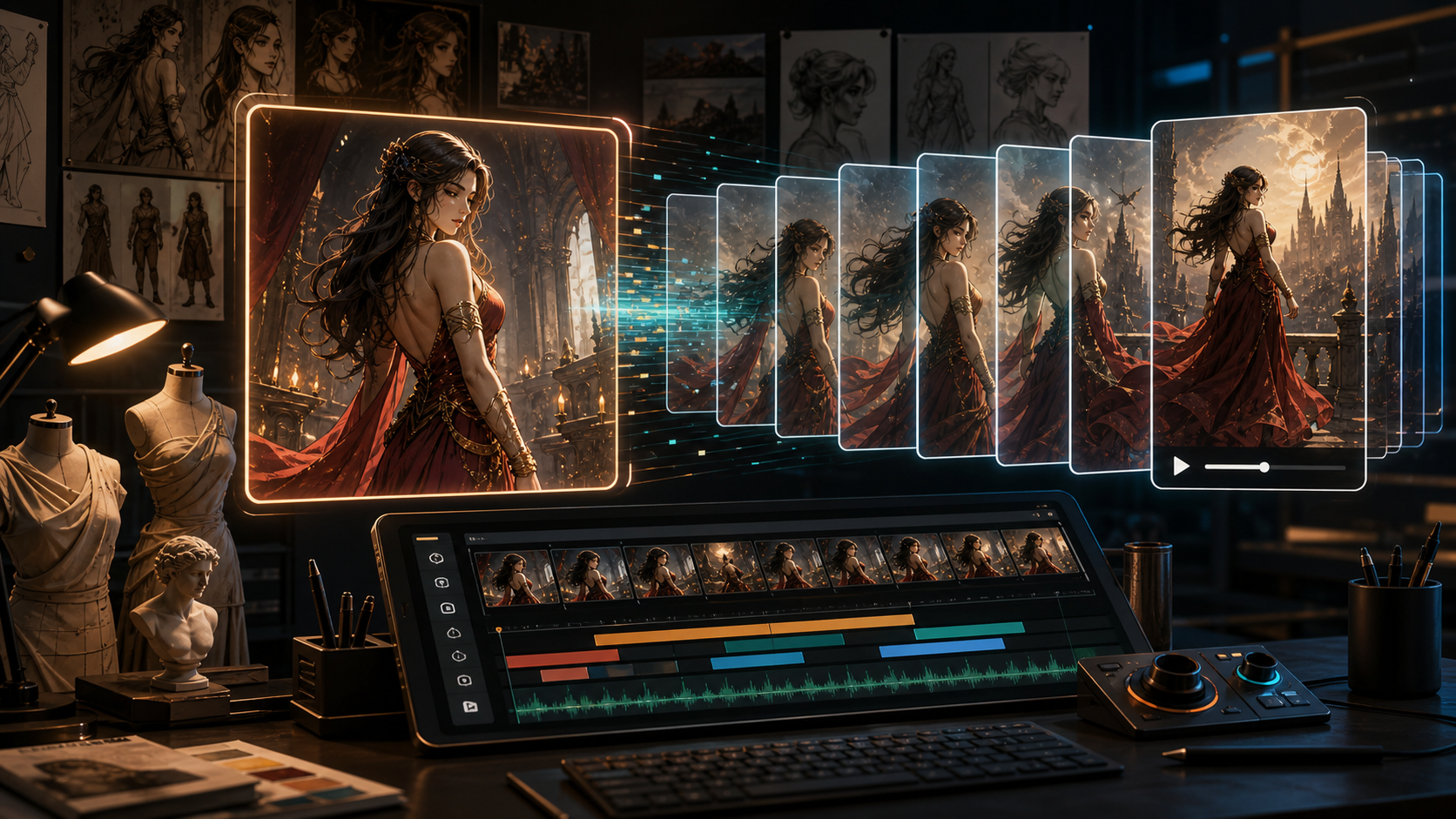
Creating high-quality animations for mature, romance, or dark fantasy genres has historically been difficult due to aggressive policy filters on mainstream cloud platforms. Utilizing an nsfw ai image to video engine is crucial for artists who require absolute creative independence when animating custom sketches, 3D character renders, or romantic illustrations.
By transitioning from static drawings to motion sequences without safety blockages, creators can maintain visual consistency and produce compelling, cinematic narratives. In this guide, we walk you through the parameters, workflows, and tools designed for unrestricted image animation.
The Advantages of Image Seed Animation
For complex projects, relying solely on text-to-video engines is often insufficient. Starting with an image seed provides a rigid framework:
- Anatomical Accuracy: Keeps custom body shapes, facial proportions, and structures consistent across frames.
- Aesthetic Continuity: Preserves specific colors, brush strokes, shading, and lightning styles.
- Scene Control: Restricts movement to the specific area of focus rather than morphing the entire screen.
"An image seed acts as an anchor for neural networks. When animating complex concepts, starting with an image seed is the only way to avoid the chaotic shape shifting that typically occurs with text prompts." — Maximilian Cole, Technical Lead at RenderLabs LLC
Tuning Motion Settings in Unrestricted Environments
Unmoderated engines require deliberate configuration to prevent visual noise.
The layout below represents the key setting thresholds for optimal rendering:
| Configuration Parameter | Value Range | Recommended Setting | Outcome |
|---|---|---|---|
| Motion Intensity | 1 - 10 | 3 - 5 | Stable, smooth motion without morphing |
| Camera Zoom Scale | -5 to +5 | +1.5 (slow zoom) | Cinematic focus shift |
| Denoising Strength | 0.1 - 1.0 | 0.75 | Balanced frame-to-frame consistency |
| Sampling Steps | 10 - 50 | 25 | Optimal speed vs resolution quality |
| FPS Output | 8 - 24 | 16 | Fluid playback for previews |
Step-by-Step Production Guide
To animate your artwork using VideoAny's premium suite, follow these steps:
- Select Your Image Seed: Use a high-definition illustration with sharp borders.
- Upload to the Image to Video Tool: This is the direct, unmoderated pipeline.
- Refine Your Text Prompt: Describe the expected movement (e.g., wind blowing hair, slow breathing motion, ambient neon light glow).
- Execute the Render: Wait for the server to process the physics simulation.
- Post-Processing: If the clip requires sound integration, use the Video to Audio Tool to extract or sync background tracks.
3 Rules for Stable Mature Animations
To keep characters from warping during motion:
- Focus on Environmental Motion first: Start by prompting the background (wind, smoke, dust) to test how the model handles the artwork's atmosphere.
- Keep Prompts Positive: Avoid telling the model what not to do. Instead, explicitly state the precise motion you want (e.g., only head tilts slightly).
- Clean Up Lighting: Ensure your starting image does not have chaotic shadows, which can cause the AI to generate erratic, moving patterns.
Conclusion
Leveraging nsfw ai image to video capabilities allows independent animators to bring their creative stories to life without censorship. Engines like VideoAny provide the processing power and parameters needed to translate static artwork into cinematic motion with absolute freedom.
FAQs
1) Does VideoAny save my uploaded images to a public database?
No. Your uploaded assets are processed privately in transient sessions. If you generate as a guest, the data is automatically discarded after your session ends.
2) Can I animate stylized 2D anime drawings?
Yes. Unrestricted engines support diverse art styles, from photorealism to stylized 2D, anime, and claymation.
3) How long can the generated clips be?
Standard generations are 4 seconds long. You can chain multiple clips together or use an extender to construct longer sequences.