What a “3D Character Video Generator” Usually Produces
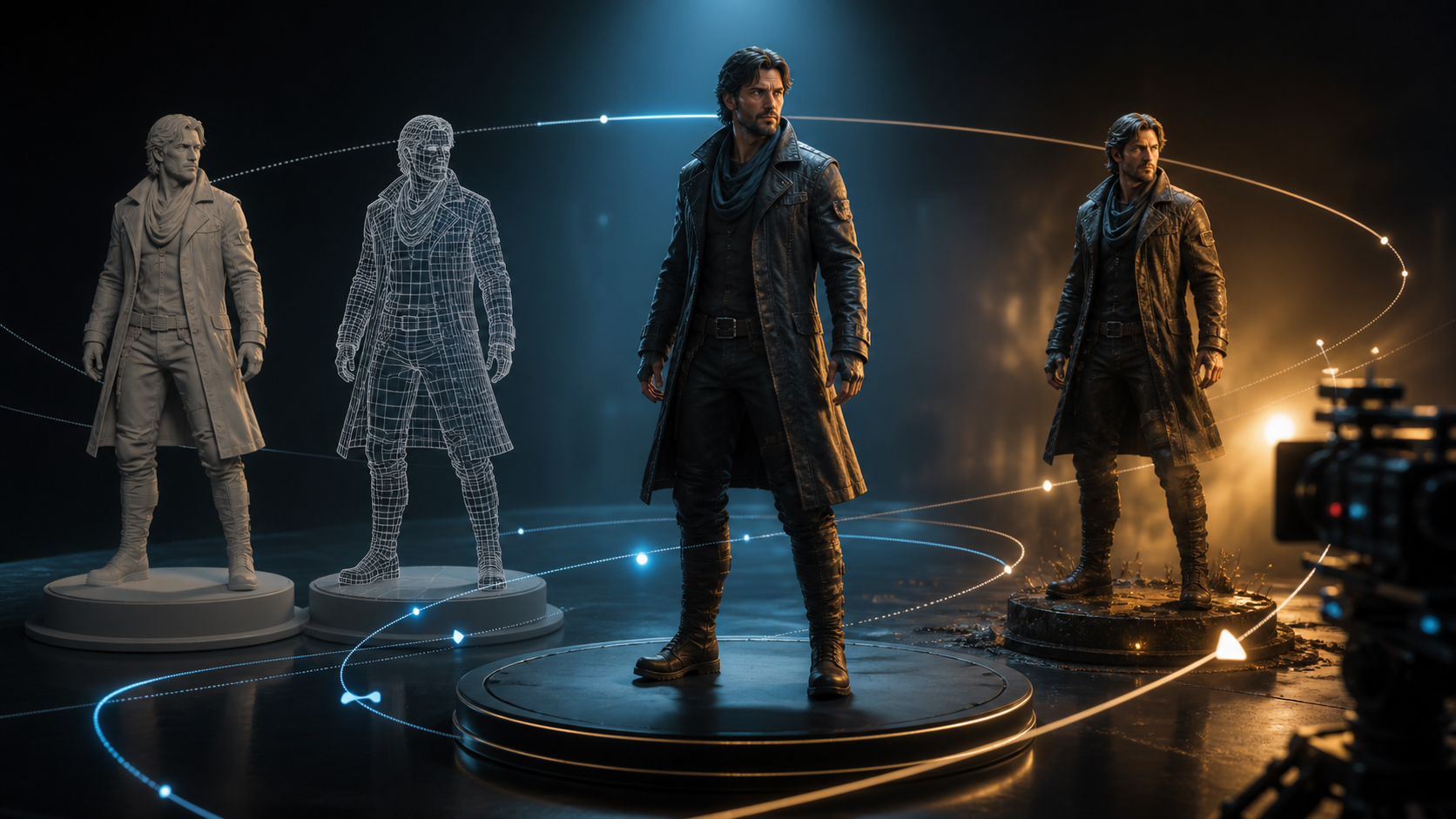
The phrase can describe two very different workflows. A conventional 3D pipeline creates an actual mesh, materials, skeleton, animation, lights, and cameras that artists can edit. Most generative video tools instead create a flat video that looks like a 3D render. The clip may be visually convincing, but it normally does not include an exportable character rig or reusable geometry.
That distinction matters when evaluating the reference page. It promotes an adult-only, unrestricted generator with text, image, and video modes; 1080p exports; multiple aspect ratios; private use; crypto payment; and rapid results. Those are claims made by the source platform. They are not VideoAny specifications or guarantees, so confirm them in the current product, terms, pricing, and downloaded files.
For any adult-oriented project, use only original fictional adults or likenesses supplied with explicit permission. Never depict minors, never use a real person in an intimate context without consent, and never treat “uncensored” as permission to ignore law, platform rules, or performer rights.
Why 3D-Styled Characters Drift in Video
A single image can hide inconsistent geometry. Motion exposes it. As a character turns, the model must infer the back of the hair, the thickness of clothing, the shape of accessories, and how every surface responds to light. Common failures include:
- facial proportions changing between angles;
- hair or accessories merging into the shoulders;
- materials switching from leather to fabric or metal;
- fingers and joints bending without a plausible skeleton;
- costume details moving to the wrong side;
- background lighting changing during a camera move;
- the “3D” look flattening into illustration or live action.
The solution is not a longer prompt. Build a small, controlled character specification and test it in stages.
Build a Character Bible Before Animation
Create one page that defines features the model must preserve:
Identity
Specify an unmistakably adult age range, face shape, skin tone, eye color, hairstyle, height, and broad proportions. Avoid names or traits that imitate a real performer, celebrity, game character, or copyrighted franchise.
Costume
Describe the silhouette first, then materials, colors, fasteners, seams, and asymmetrical details. Record what appears on the character’s left and right sides. For mature styling, keep the design consensual and age-unambiguous; start with a fully clothed reference sheet so identity can be evaluated safely.
Surface language
Choose one render vocabulary: realistic PBR, stylized game cinematic, clay, cel-shaded 3D, or another coherent look. Define skin roughness, fabric response, metal highlights, and the amount of film grain.
Proportion and movement
Note the character’s posture, stride, gesture scale, and center of gravity. A compact motion profile is often more effective than a long personality biography.
Turnaround views
Prepare authorized front, three-quarter, side, and back views with the same neutral light and costume. Even if the tool accepts only one reference, a turnaround helps the human reviewer identify invented details.
A Source-Inspired Production Workflow
The reference page proposes a five-step loop: choose text/image/video mode, describe the scene, add a reference, select aspect ratio and duration, then download or remix. The following version adds checkpoints for 3D consistency.
1. Generate the look, not the scene
Create a neutral full-body portrait on a simple background. Check that the character reads as an adult, is original, and matches the character bible. Do not begin with complex action or a crowded environment.
VideoAny provides general text-to-image tools for supported concepts. Review the current model and content rules; this does not imply a dedicated unrestricted adult-character model.
2. Refine one approved reference
Correct costume placement, material response, and facial proportions before animation. Keep the reference clean, high contrast, and free of text or watermarks. Retain evidence that every reference asset is original or licensed.
3. Run a motion calibration
Use image-to-video for a short neutral test: a slow head turn, one step, or a 20-degree camera orbit. Evaluate the face at profile, joints at maximum bend, clothing collisions, and light response.
4. Add environment and camera separately
Lock the character before introducing a set. Then add one camera move at a time. A simple dolly or orbit reveals geometry better than fast handheld movement, which can conceal defects while creating new ones.
5. Use a second pass selectively
If motion is correct but the render style drifts, a controlled video-to-video pass may help on supported material. Keep transformation strength conservative and compare identity, costume, and frame edges against the original.
Prompt Anatomy for a 3D-Styled Adult Character
The source suggests combining subject, wardrobe, environment, lighting, camera, and motion. Add render style and continuity anchors:
Original fictional adult character, angular face and short black hair, layered charcoal expedition coat with an amber shoulder clasp on the left, realistic PBR game-cinematic render, empty circular studio stage, cool overhead key with warm rim light, natural 50 mm lens, slow 20-degree camera orbit while the character turns their head once, preserve face, costume seams, materials, proportions, and left-right accessory placement, no text or logos.
Use one action and one camera move. If the result fails, change one variable only. Saving prompt versions is essential because small wording changes can alter material, age presentation, or identity.
Quality Checks That Mimic a 3D Pipeline
Even without a real mesh, review the generated clip as if it came from a 3D department:
- Modeling: does the silhouette stay intact from every visible angle?
- Topology: do elbows, knees, shoulders, mouth, and fingers deform plausibly?
- Materials: do fabric, skin, hair, and metal keep distinct surface behavior?
- Rigging: do limbs move from stable joints without stretching or detaching?
- Lighting: do highlights and shadows follow a consistent source?
- Animation: does weight transfer through the feet and hips?
- Camera: is focal length stable, with no unexplained zoom or horizon shift?
- Compositing: do character edges, reflections, and contact shadows fit the set?
Reject a shot when defects change the character’s identity or create an ambiguous age. Do not rely on quick cuts to hide a rights or safety problem.
Testing the Source Page’s Feature Claims
If a service advertises “Full HD,” download a sample and inspect pixel dimensions, bitrate, and temporal detail rather than trusting the label. If it offers 9:16, 1:1, and 16:9, check whether each frame is composed natively or merely cropped. If credits are described per second, record charges for failures and reruns.
Privacy and ownership also require evidence. Check gallery defaults, upload retention, account deletion, training use, subprocessors, commercial rights, and whether generated outputs may resemble protected characters. Crypto payment does not by itself make an account anonymous, and possession of a file does not guarantee exclusive copyright.
Responsible Adult-Character Checklist
- The character is clearly and unambiguously an adult.
- The design is original and does not imitate a real person or protected franchise.
- Every uploaded image or clip is owned or licensed for this use.
- Consent covers generation, editing, distribution, and the intended audience.
- No minor-coded proportions, school-age framing, or age ambiguity is present.
- Output is reviewed frame by frame for anatomical and identity errors.
- Storefront, membership site, and social-platform rules are checked separately.
- Sensitive project files are retained only as long as necessary.
FAQs
Will the result be an editable 3D model?
Usually not. A generative video export is generally a 2D media file with a 3D-rendered look. Confirm supported export formats before expecting meshes, textures, or rigs.
Is one character image enough?
It may be enough for a short frontal shot, but side and back details are likely to be invented. A consistent turnaround and written character bible improve human review even when only one reference can be uploaded.
What should I test first?
Start with a slow turn on a plain stage. It reveals facial drift, material swaps, joint deformation, and camera inconsistency without the noise of a complex scene.
Does this guide promise unrestricted generation on VideoAny?
No. It analyzes the source page’s workflow and marketing claims, then presents a rights-aware production method. Availability and permitted content depend on current product policies.
Conclusion
Good 3D-styled character video begins with specification, not spectacle. Define an original adult character, stabilize the look in neutral views, test one joint or camera move at a time, and verify every service claim independently. A disciplined character bible and review pass do more for consistency than any “uncensored” label.