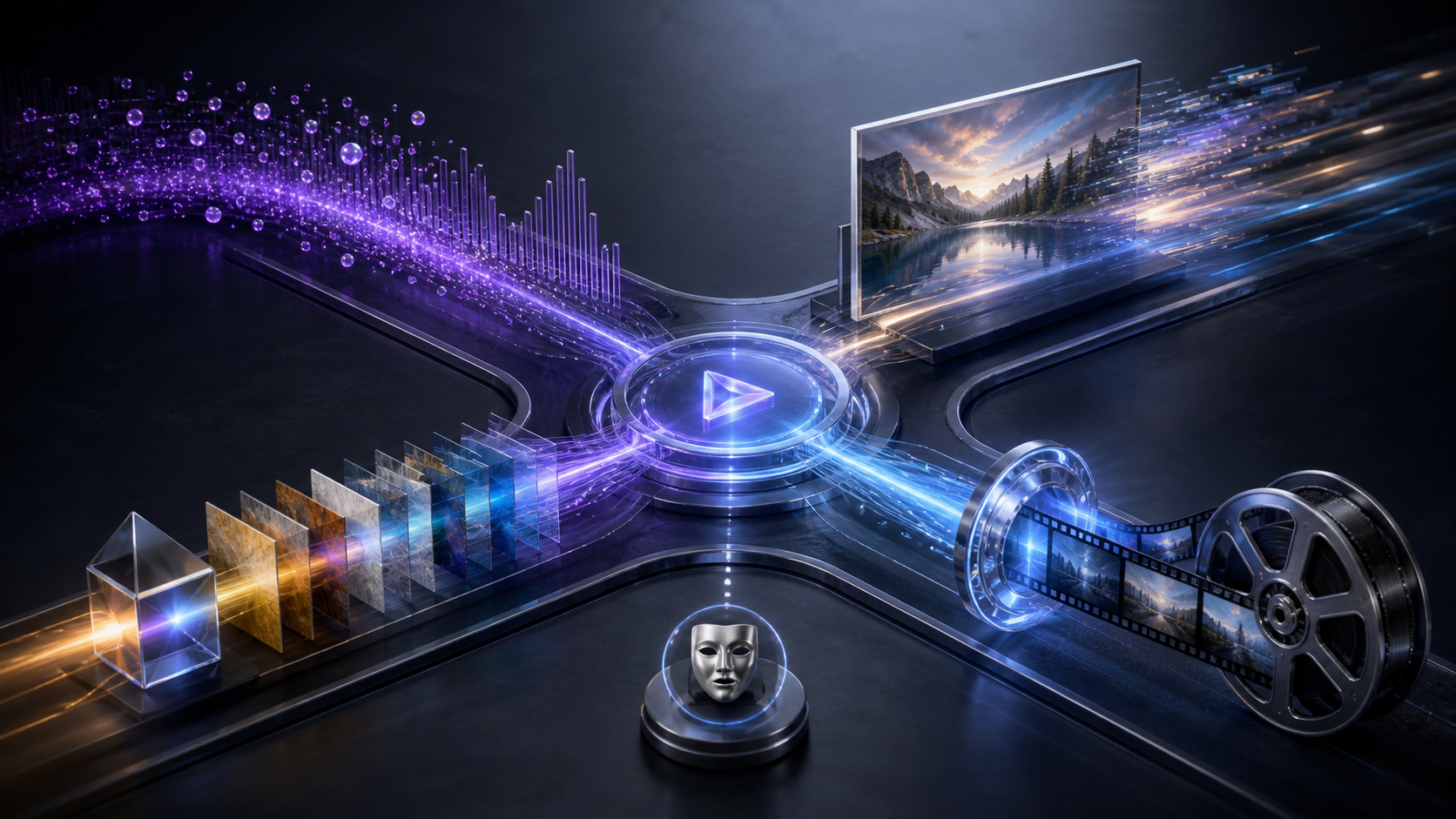
To make your own unrestricted AI video online, start with one decision that matters more than any clever prompt: what kind of input gives the model the right amount of control?
A written description offers broad freedom but little visual anchoring. A still image can anchor composition and character appearance. A reference can steer style. Existing footage can provide motion cues. An authorized face workflow focuses on identity. A poorly matched starting point can lead to repeated prompt edits; a suitable one gives the model clearer production context.
This guide compares those five approaches, then follows a practical path from concept and settings through generation, review, and export. Here, “unrestricted” means broad creative flexibility across supported modes and models—not permission to ignore VideoAny's terms, other platforms' rules, intellectual-property rights, or applicable law.
Responsible-use baseline: Use only lawful material you own or are authorized to transform. Mature content must involve consenting adults. Never create or share material involving minors, non-consensual imagery, exploitation, deceptive impersonation, or an unauthorized likeness.
The Input-Mode Decision Matrix
Use this matrix before you write a production prompt:
| Starting mode | Best when | Main control advantage | Main tradeoff | Rights checkpoint |
|---|---|---|---|---|
| Text to video | You have an idea but no source visual | Broad freedom over scene, camera, mood, and action | Character and composition can vary between generations | Avoid requesting a real person's identity or protected character |
| Image to video | You have an approved keyframe, portrait, product shot, or artwork | Strong control over initial appearance and framing | Motion may expose artifacts or drift away from the still | Own or license the image and have permission from recognizable adults |
| Reference-led video | You need a visual style or composition anchor | Helps keep an aesthetic direction consistent | A reference can over-constrain motion or transfer unwanted details | Document the reference source and permitted use |
| Video to video | You already control useful motion or timing | Retains action, rhythm, and camera movement | Transformation quality depends on the source clip | Confirm transformation and distribution rights for footage and people |
| Face workflow | Identity continuity is essential to an authorized project | Targets a specific approved likeness | Highest consent, deception, and reputation risk | Use only your likeness or an adult's explicit, context-specific permission |
The rule of thumb is simple: begin with the least sensitive input that still provides the control you need. If text can express the concept, you may not need a portrait. If motion is the hardest part, an owned video can be more useful than repeatedly animating a still.
Mode 1: Text to Video for Open-Ended Concepts
Text to Video is a useful starting point for story ideas, visual experiments, imaginary settings, and rapid previsualization. Because there is no source frame, the prompt must carry the composition.
Build the prompt in layers:
- Subject: a fictional adult character, object, creature, or environment.
- Action: one visible movement that can fit the clip duration.
- Setting: location, time, weather, and background activity.
- Camera: framing, angle, lens feel, and camera motion.
- Look: lighting, palette, texture, genre, and pace.
For example: “A fictional cybernetic stage performer in a rain-soaked future alley, slow turn toward camera, medium-wide framing, gentle dolly movement, magenta and cobalt reflections, cinematic noir atmosphere.” This controls the visual idea without invoking a real identity or packing several conflicting actions into one short shot.
Use text first when you want surprise. Switch to an image once you find a composition or character frame worth preserving across later shots.
Mode 2: Image to Video for a Controlled Starting Frame
Image to Video is useful for animating original art, authorized photography, product imagery, or a chosen frame from a storyboard. The image supplies subject, wardrobe, environment, color, and framing; the prompt should focus on what changes.
Good motion prompts describe a small action and camera behavior: fabric moving in a breeze, a light shifting across a room, a character turning slightly, or a slow push-in. Repeating everything already visible in the image can distract the model from motion.
Choose this mode when visual continuity matters more than total novelty. It is especially effective for artists animating a finished illustration and social creators turning a designed poster into a short loop. Before upload, verify the image license and permission for every recognizable adult. Publicly accessible does not mean authorized for AI transformation.
Switch back to text if the still is forcing an unwanted composition. Switch to video input if you need precise body movement or camera timing that a single frame cannot define.
Mode 3: Reference-Led Video for Style and Composition
A reference is a guide, not necessarily the literal first frame. It can help communicate a palette, material treatment, pose, lighting pattern, or composition that would take many words to describe.
Reference-led creation is valuable when a series needs stylistic unity. A filmmaker can reuse an approved visual direction across a sequence; a designer can establish a consistent material language; an animator can guide pose or framing before refining motion.
Keep the reference clean and relevant. Crop away unrelated details, then tell the model which property matters. “Use the blue-and-amber lighting and shallow depth of field” is more controllable than “make it like this.” Do not use someone else's artwork, photograph, or frame merely because it is convenient. Record its origin and license, and avoid asking for a living artist's exact signature style.
Switch to image-to-video when the reference must also become the opening frame. Switch to text when the style anchor is preventing the scene from developing naturally.
Mode 4: Video to Video for Motion-Led Transformation
Video to Video begins with timing, action, and camera movement already present. It is a useful option for restyling footage you recorded, producing authorized variations, or using a performance as a motion guide while changing the visual treatment.
Prepare the source before upload. Trim it to the action you need, stabilize distracting movement, and remove dead frames. A concise clip gives the transformation a clearer job. In the prompt, separate what should remain—timing, framing, gesture—from what should change—palette, environment, texture, or character design.
Use this mode for a filmmaker's previsualization, a marketer's licensed product shot, an artist's experimental remix, or a meme built from footage the creator may lawfully transform. Do not use it to rewrite the behavior or identity of a person who did not agree to the context.
Switch to image-to-video when only one frame matters. Switch to text when the source footage is fighting the new concept rather than helping it.
Mode 5: Face Work for Explicitly Authorized Identity
Face replacement is not a general shortcut to personalization. It is a specialized identity workflow. Use it for your own likeness, a fictional asset you control, or an adult participant who has explicitly approved the source image, the transformation, the mature or non-mature context, and the intended distribution.
Review the final clip frame by frame. Check identity drift, age ambiguity, expression, occlusion, and whether the result implies an action the participant did not approve. A release for an ordinary portrait does not automatically authorize synthetic video, adult themes, promotion, or resale. Never use a celebrity, former partner, private individual, or social-media photo without the necessary rights and consent.
How to Make the Video: Five Practical Steps
The mode changes, but the overall production flow stays consistent.
1. Define the Vision
Write a short scene brief: purpose, audience, subject, action, setting, visual style, and destination. Decide whether the goal is a social clip, a film concept, an authorized adult-oriented narrative, a product visual, a meme, or an art experiment. One shot should have one main action.
2. Choose the Creation Mode
Use the matrix above. Text maximizes invention; an image anchors appearance; a reference guides style; a video anchors motion; face work anchors an approved identity. Do not choose an identity-sensitive mode merely because it seems novel.
3. Provide the Input and Prompt
Upload only assets you are permitted to process. Write a clear positive prompt that describes what should be visible. When using media, focus the prompt on the intended transformation instead of restating every source detail. Save the prompt and asset versions so a useful result can be reproduced.
4. Select Model, Duration, Ratio, and Resolution
Settings vary by model. Common ratios include 16:9 for widescreen, 9:16 for vertical delivery, and 1:1 for square posts, but availability depends on the selected model. Compose for the final crop rather than assuming every platform will preserve the whole frame.
Maximum resolution is also model-specific. Select VideoAny models support up to 4K, while other choices may top out at 1080p or 720p. Drafting at a practical quality can save credits; use the final destination and model controls to decide whether a higher-resolution pass is worthwhile.
5. Generate, Review, and Refine
Create a few controlled variations. Change one important variable per attempt: motion strength, camera distance, lighting, or action. Review continuity, hands and faces, unwanted likenesses, age ambiguity, cropping, artifacts, and whether the action matches the brief.
Download only a version that passes both visual and rights review. Add editing, sound, captions, and disclosure afterward as needed. Before sharing, confirm the destination's current content and synthetic-media policies.
When to Switch Modes Mid-Project
The most efficient workflow can combine modes:
- Start with text to discover a scene, then use a selected still as an image anchor for a related shot.
- Animate an approved character image, then use a lawful visual reference to bring later clips into the same palette.
- Use owned footage to establish motion, then cut to text-generated establishing imagery.
- Keep identity-sensitive shots separate so they can receive additional consent and quality review.
Switching modes is a response to a control problem, not an invitation to repeat the same failed generation. If the character will not remain consistent, add a lawful visual anchor. If motion feels rigid, use a controlled source clip. If an uploaded asset creates rights uncertainty, return to an original text-led concept.
Use Cases From Concept to Final Clip
Different creators benefit from different paths:
- Filmmakers and animators: text for concept exploration, references for visual unity, and video transformation for motion studies.
- Social creators: text or image modes for distinctive short clips, then a ratio matched to the destination.
- Marketers: licensed product images or footage for controlled promotional variations.
- Meme makers: original text concepts or lawfully reusable footage for satire without deceptive impersonation.
- Adult creators: authorized inputs and consent-first workflows for lawful mature narratives involving adults.
- Artists and hobbyists: reference-led experiments, animated still art, or abstract video transformations.
- Writers and storytellers: scene visualization that turns a script beat into a short sequence before larger production.
Together, these use cases show the creative range of the five modes while adding the permissions each starting point requires.
Credits and Output Planning
VideoAny uses a credit-based system, but there is no universal “one credit equals one second” rule. Many models calculate usage from duration and selected quality, while some configurations use a fixed per-generation amount. Review the live controls for the chosen model before generating.
Budget around iteration. Text-led exploration may need more variants; a strong image or video anchor may reduce visual uncertainty but requires preparation. Test short clips first, save high-resolution passes for stable concepts, and compare the cost of another generation with the benefit of changing modes.
Creative Flexibility Without False Promises
When comparing VideoAny with more restrictive alternatives, focus on real production choices: input modes, model selection, duration, ratio, resolution, transformation controls, and the ability to iterate on unusual but lawful ideas. Avoid choosing a service solely because it claims “no filters.” Every creator still operates within service terms, destination rules, rights agreements, and law.
The useful form of unrestricted creation is not a guarantee that any request will run. It is the ability to choose a workflow that fits an authorized vision and to move between text, stills, references, footage, and identity tools without losing sight of accountability.
Frequently Asked Questions
Which mode gives the most control?
It depends on what must stay fixed. Text controls the concept, an image controls the starting appearance, a reference controls visual direction, and video controls motion. Face work controls an authorized identity but carries the highest consent burden.
Can every model export 1080p or 4K?
No. Resolution, ratio, and duration depend on the selected model. Select models support up to 4K; check the current controls before planning the final delivery.
Is video to video always better for consistent motion?
It provides a strong motion anchor, but the source can also limit the transformation. Use footage you own or may lawfully transform, trim it to a clear action, and switch modes if the clip conflicts with the new idea.
Can I use a public portrait as a reference or face input?
Not without the appropriate rights and the recognizable adult's explicit permission for the specific AI use and distribution context. Public access is not consent.
Choose the Input That Solves the Hardest Problem
If invention is the challenge, start with text. If appearance is the challenge, start with an authorized image. If style is the challenge, use a lawful reference. If timing is the challenge, begin with footage you control. If identity is essential, use a narrowly authorized face workflow and review it with extra care.
That decision turns unrestricted AI video creation into a deliberate process: define the vision, select the right mode, provide focused input, set the format, generate variations, and review the result. A focused input can reduce unnecessary attempts and improve the odds of a coherent final video.