Categories: AI Video, AI Image, Creator Guides
Tags: videoany, ai video, ai video generator, ai content creation, creator guide
Introduction: Bringing Still Images to Life with AI
The ability to transform static images into dynamic video clips represents a significant leap in creative expression. Artificial intelligence now offers powerful tools to animate photographs, adding motion, effects, and narrative elements that were once the domain of complex animation studios. This guide explores how AI enables you to "make photos move," turning your creative visions into stunning realities.
VideoAny is designed to empower creators, providing a platform where diverse ideas can flourish. We believe in supporting boundless expression, enabling you to illustrate complex concepts, bring characters to life, or simply animate personal projects with advanced AI capabilities. Our focus is on providing intuitive tools that make high-quality AI video generation accessible to both beginners and seasoned professionals, all while promoting responsible and consent-based AI media creation.
Responsible use: Animate an identifiable person only with the subject's consent and the image rightsholder's authorization. Never use images of minors or age-ambiguous people, and do not create unauthorized likenesses, deceptive impersonations, non-consensual intimate media, or misleading documentary footage.
What is VideoAny? Your Gateway to Dynamic AI Video
VideoAny is an innovative AI video generation platform built to transform your creative ideas into compelling visual stories. We understand the desire for expansive expression, and our platform is engineered to support a wide spectrum of content creation. Whether you're looking to explain intricate concepts, animate characters, or simply bring a still photograph to life with AI, VideoAny offers the essential tools.
In a creative landscape where expression can sometimes face limitations, VideoAny champions artistic empowerment. Our platform is founded on the principle that true innovation thrives when creators are equipped with robust tools to explore their ideas freely and responsibly. When you aim to animate a photo with AI, or generate any other form of AI video, our goal is to provide a seamless and supportive environment for your vision.
Diverse AI Video Generation Capabilities
VideoAny offers a range of methods to generate dynamic content, catering to various creative needs:
- Image-to-Video: This core functionality allows you to upload static images and use AI to add motion, effects, and narrative elements, effectively making your photos move. This is ideal for animating portraits, landscapes, or product shots. Explore this feature at VideoAny Image to Video.
- Text-to-Video: Transform written prompts into engaging video sequences, enabling you to generate scenes and animations purely from descriptive text. Learn more about this at VideoAny Text to Video.
- Reference-Guided Planning: Use authorized images or clips to document style, framing, and motion cues before generation; convert those observations into a consistent creative brief.
- Video-to-Video: Transform existing video footage by applying new styles, effects, or motion patterns, giving your videos a fresh look.
- Support for User-Uploaded Assets: VideoAny supports using your own static images or existing video clips as a foundation for AI generation. This capability provides enhanced creative control, allowing you to animate photos precisely as you envision them.
This comprehensive suite of tools fosters a diverse range of content and empowers users to push the boundaries of what's possible with AI video technology, all within a framework that encourages ethical and responsible use.
How AI Animates Photos: The "Make Photo Move AI" Process
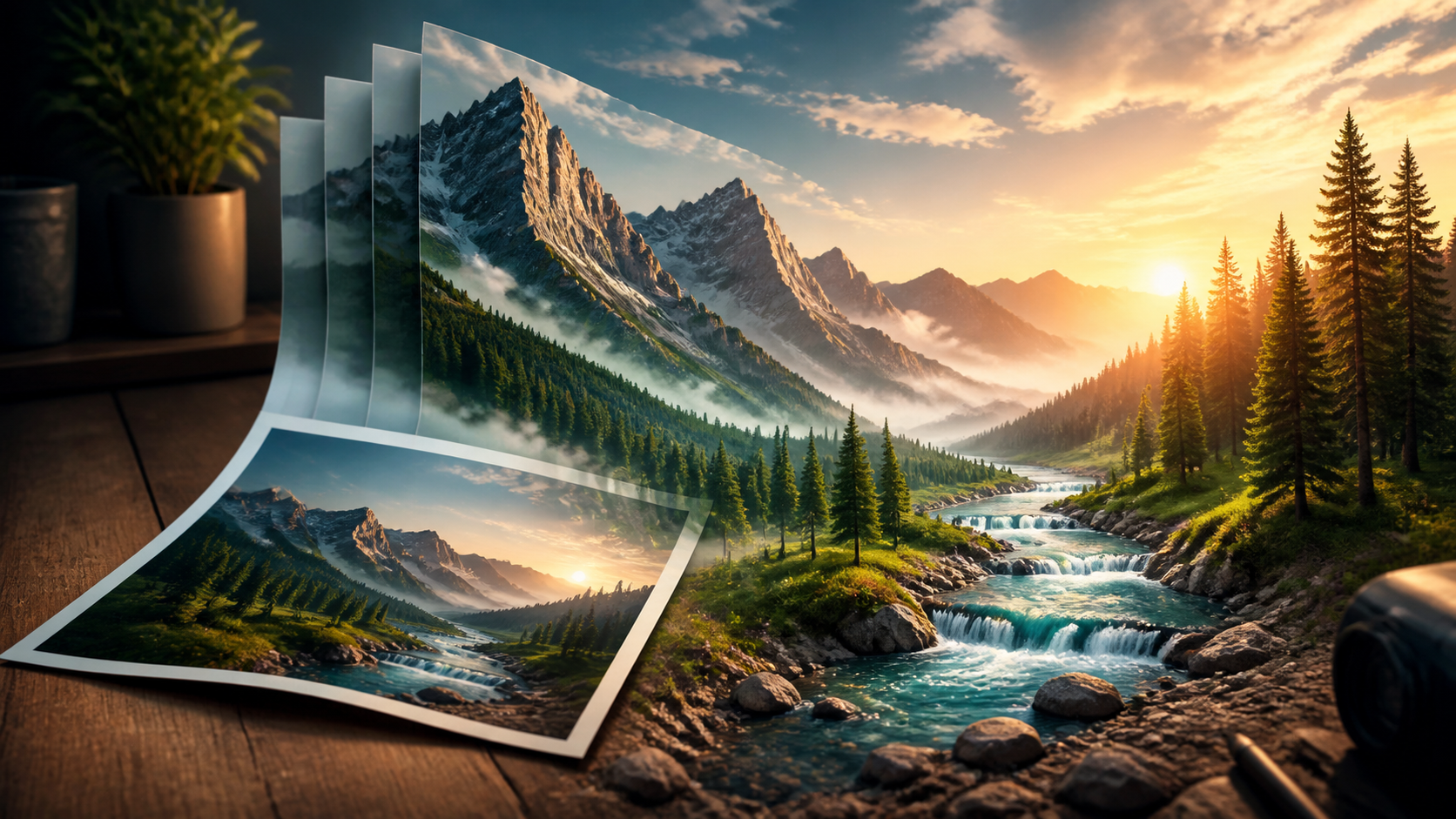
"Make photo move AI" refers to the advanced process of using artificial intelligence to animate static images, transforming them into dynamic video clips. This technology goes beyond simple effects, adding sophisticated motion, subtle movements, and narrative elements to still photographs. VideoAny achieves this through its advanced image-to-video generation capabilities, interpreting the content of a still image and intelligently generating fluid motion that brings it to life. This can range from animating a person's expression to adding dynamic elements to a landscape.
Empowering Creativity with AI Video Tools
Many AI video generation platforms operate with strict content policies that can limit creative exploration. These restrictions, while sometimes necessary, can inadvertently stifle innovative ideas and prevent the development of unique or challenging themes. While such platforms serve a purpose, they may not always fully support the breadth of artistic expression.
VideoAny is committed to providing robust tools that empower creators to bring their visions to life. We focus on enabling a wide array of creative endeavors, supporting diverse themes, concepts, and narratives. Our technology is built to assist creators in realizing their imaginative projects, fostering originality and supporting a broad spectrum of content, all while promoting responsible AI media creation and adherence to platform guidelines.
Flexible Production with a Credit-Based System
VideoAny is designed for intuitive use, ensuring that both beginners and experienced professionals can easily navigate its features. Our platform operates on a credit-based system, offering flexibility and control over your usage. This approach makes high-quality AI video generation accessible and manageable.
A credit-based system allows you to acquire credits, which are then utilized for video generation. This model enables you to scale your usage according to specific project requirements, paying only for the content you create. It's an efficient and adaptable way to produce AI-generated content, giving you command over your creative budget.
Key Considerations for AI Video Output
When creating AI-generated video, several factors contribute to the professional quality and versatility of your projects. High-definition output is crucial for ensuring clarity and visual impact, making your animated photos suitable for various platforms and professional applications.
Additionally, supporting multiple aspect ratios is vital for adapting your content to different display needs, from social media feeds to widescreen presentations. These considerations ensure that your AI-animated photos are not only dynamic but also polished and ready for diverse distribution channels.
Getting Started with VideoAny
Ready to embark on your AI video generation journey and make photos move? Here’s a simple guide to help you begin:
- Prepare Your Image: Select the static image you wish to animate. Consider the elements you want to see in motion.
- Choose Your Generation Method: Decide whether you'll use Image-to-Video directly or incorporate other methods like Text-to-Video for additional elements.
- Upload and Configure: Upload your image to the VideoAny platform and adjust any desired settings for motion, style, or effects.
- Generate Your Video: Initiate the AI generation process.
- Review and Refine: Evaluate the generated video. You can often make adjustments or generate variations to achieve your desired outcome.
For more inspiring examples and detailed guides, visit the VideoAny platform.
Transparent Pricing and Credit Management
VideoAny believes in straightforward pricing. Our credit system is designed to provide clarity and control over your spending, ensuring that you only pay for the video content you generate. This system helps manage costs effectively, allowing you to confidently create AI-animated photos without financial surprises.
For detailed information on credit packages and pricing, please visit our dedicated Pricing page.
Conclusion: Unleash Your Creative Vision with VideoAny
The power to make photos move with AI opens up new frontiers for creators across all disciplines. VideoAny provides the tools to transform static visuals into compelling narratives, empowering you to explore your imagination without technical barriers. By offering diverse generation capabilities and a flexible platform, we aim to support your journey in producing high-quality, dynamic video content. Embrace the future of visual storytelling and unleash your creative vision with VideoAny.
Frequently Asked Questions about Making Photos Move with AI
1. What does "make photo move AI" mean? "Make photo move AI" refers to the process of using artificial intelligence to animate static images, turning them into dynamic video clips. VideoAny achieves this through advanced image-to-video generation technology, adding motion, effects, and narrative elements to still photographs.
2. Does VideoAny support a wide range of creative content? VideoAny is designed to empower diverse creative expression, enabling users to generate a wide range of content. We believe in creative freedom and provide tools that support various themes and narratives, encouraging responsible AI media creation and adherence to platform guidelines.
3. What kind of video output quality can I expect? VideoAny focuses on delivering high-quality video output suitable for professional projects. Users can expect clear and visually engaging results, with support for various aspect ratios to fit different platforms and display needs.
4. How is video generation priced on VideoAny? Video generation on VideoAny operates on a credit-based system. This allows you to purchase credits and manage your spending effectively, paying for the content you generate. For detailed pricing information, please visit our Credits and Pricing page.
5. Can I use my own images and videos as inputs? Use your authorized still images with image-to-video and your authorized clips with video-to-video. You can also study reference media while writing the creative brief, but that is a planning practice rather than a claim about a dedicated generation feature.
6. What are the different ways I can generate video on VideoAny? VideoAny offers several generation methods:
- Text-to-Video: Generating video from written prompts.
- Image-to-Video: Animating static images to make photos move.
- Reference-guided planning: Defining style and motion cues before generation.
- Video-to-Video: Transforming existing videos into new styles or motions.