Categories: AI Video Workflow, Creator Strategy, Production Process
Tags: videoany, ai creation studio, ai video workflow, content strategy, creator toolkit
Introduction
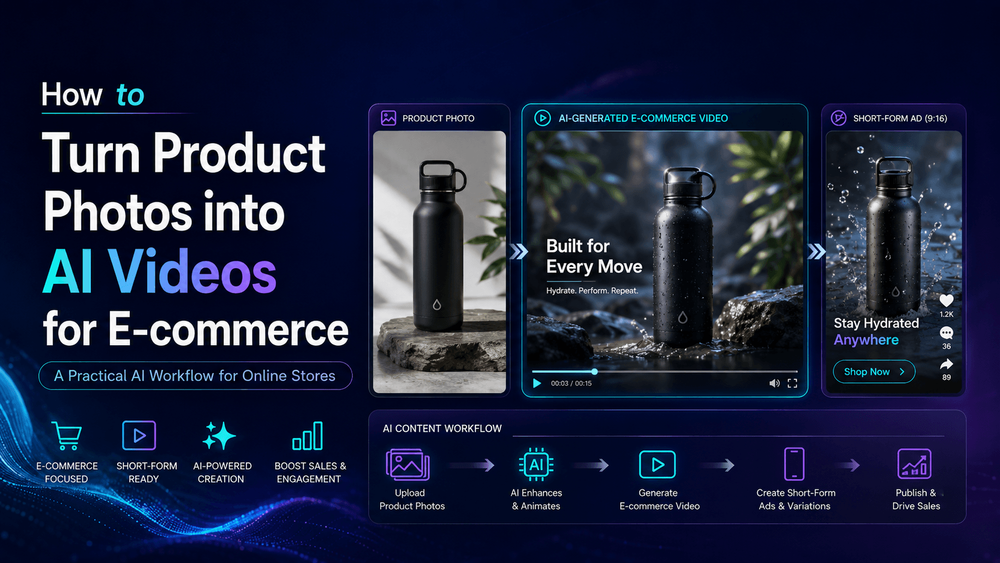
A static product photo can effectively show what you sell, but a dynamic product video makes people feel why they should care. This fundamental difference is why e-commerce brands are rapidly adopting AI video. Historically, even a simple product video demanded significant resources: a studio, lighting, props, cameras, editing software, music, and multiple rounds of reshoots. These production costs were a major bottleneck for content creation.
Today, AI video generation offers a powerful solution, transforming product photos into engaging videos. However, it's crucial to understand that this isn't about creating random AI art. For e-commerce, accuracy is paramount. The product must retain its true form, its logo must not distort, and its details must remain precise. The best approach isn't to simply "upload a product photo and hope," but rather to follow a controlled, repeatable workflow.
This guide outlines a practical, step-by-step framework for turning product photos into high-quality AI videos for e-commerce, using VideoAny. It focuses on clearer planning, faster execution, and consistent publishing across various channels, helping products feel alive, giving shoppers more context, and enabling brands to scale content without traditional production hurdles.
Core Workflow Steps for AI E-commerce Video
1) Start with the Right Product Photo
The foundation of a high-quality AI product video is the initial photograph. A blurry image, an awkward crop, or a cluttered background provides the AI model too much room for interpretation. When AI is forced to guess, e-commerce products can become inaccurate, leading to misrepresentation. Prioritizing a clean, well-lit, and accurately cropped product image is the first step towards a repeatable production process that minimizes random editing loops and ensures product integrity.

2) Decide What the Video Needs to Do
Before generating any video, clearly define its purpose. A video for a Shopify product page, a TikTok ad, a homepage hero clip, or a paid social ad each serves a distinct function and should be designed accordingly. Each channel has different audience expectations, pacing requirements, and calls to action. Understanding the video's job upfront ensures that the output is tailored for maximum impact, making your content strategy more measurable and effective.
3) Build the Scene Around the Product
Once the product image is optimized and the video's goal is clear, the next step is to choose the visual environment. The background and surrounding elements should enhance the product, not distract from it. For e-commerce, simplicity often yields the best results. A clean, supportive scene ensures the product remains the focal point, reinforcing brand messaging and preventing visual clutter that could confuse or overwhelm the viewer.
4) Keep Motion Simple and Useful
While AI video tools make it easy to introduce motion, e-commerce videos should avoid movement simply for the sake of it. The most effective product motion is typically controlled and purposeful. Examples include a slow push-in to highlight details, a gentle rotation to showcase all angles, a clean reveal, a soft light sweep, a hand placing the product on a table, or a simple before-and-after comparison. Such deliberate movements add value and context without compromising product accuracy or viewer focus.
5) Create Variations for Each E-commerce Channel
A single product video is rarely sufficient for all marketing needs. A Shopify product page, a TikTok ad, an Instagram Reel, a YouTube Short, an email campaign, and a landing page hero all demand different pacing, durations, and aspect ratios. While the core product remains the same, the video edit should be customized for each platform to maximize engagement and performance. This multi-variant approach ensures your content resonates with diverse audiences across your digital ecosystem.
6) Add Text Overlay Space from the Beginning
Most e-commerce social videos rely heavily on text overlays to convey key messages, promotions, or product features. A common mistake is to plan for text after the video has been generated. If the product fills the entire frame or important details are positioned at the top or bottom, captions can inadvertently obscure crucial product information. Planning for text overlay space from the outset ensures readability and prevents the need for costly re-edits.
7) Review Product Accuracy Before Publishing
AI-generated e-commerce videos must undergo rigorous review before going live. This isn't merely a quality control measure; it's a matter of trust. If a generated video inaccurately depicts product details—such as distorted shapes, melted logos, or incorrect colors—customers may feel misled, damaging brand credibility. A thorough review process safeguards your brand's reputation and ensures customer confidence.
8) Why VideoAny Fits E-commerce Video Creation
The primary value of VideoAny for e-commerce extends beyond its ability to generate videos. It empowers brands to transform product content into a repeatable and scalable creative workflow. E-commerce teams require both speed in content production and unwavering consistency in brand representation. VideoAny helps achieve this by providing a structured process that maintains product accuracy while enabling rapid iteration and deployment across channels. This allows brands to create more content efficiently, reducing production bottlenecks and ensuring a cohesive brand experience.
Practical Weekly Workflow
- Define Objectives: Choose 2 to 3 core workflow steps from this article and define a clear weekly objective for each.
- Draft Content: Build a concise first draft video for each selected objective.
- Refine & Publish: Improve the structure, motion, and clarity of your videos before publishing.
- Measure Performance: Compare variants using a single measurable Key Performance Indicator (KPI).
- Scale Winners: Only scale the video formats and approaches that consistently outperform your baseline.
Conclusion
The most reliable way for e-commerce brands to scale their content output is by standardizing their production process. By maintaining a stable structure, iterating strategically on individual sections, and scaling only what demonstrably performs, brands can efficiently create high-impact AI product videos. This approach ensures both creative agility and consistent brand messaging.
Next Step
Explore VideoAny workflow templates: https://videoany.io
FAQs
1) Can this workflow work for a solo creator? Yes. Start with a small weekly scope and reuse the same production blocks and principles to build efficiency.
2) How many variants should I test per post? 2 to 4 focused variants are usually sufficient to identify clear winners and gather meaningful data.
3) Should I prioritize trends or consistency? Use trends to capture immediate reach and attention, but maintain a consistent format system for long-term brand recognition and memory.
Related Reading
- Which AI Video Model Keeps Characters Most Consistent? A deep production-level analysis of AI video model character consistency and why real stability comes from workflow design, not model choice — including how creators use VideoAny to maintain identity across scenes.
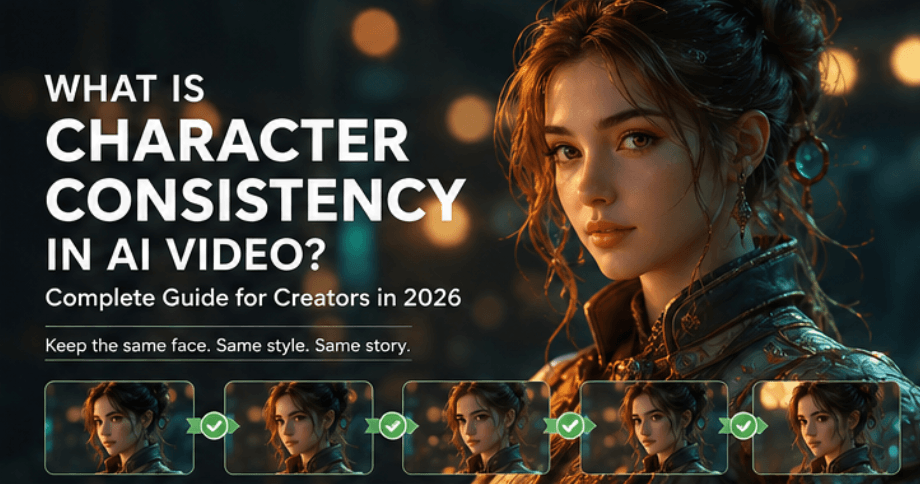
- What Is Character Consistency in AI Video? A Complete Guide for Creators in 2026: Learn what character consistency means in AI video, why AI-generated characters often change between scenes, and how creators can keep faces, outfits, styles, and identities stable using a structured workflow with VideoAny.
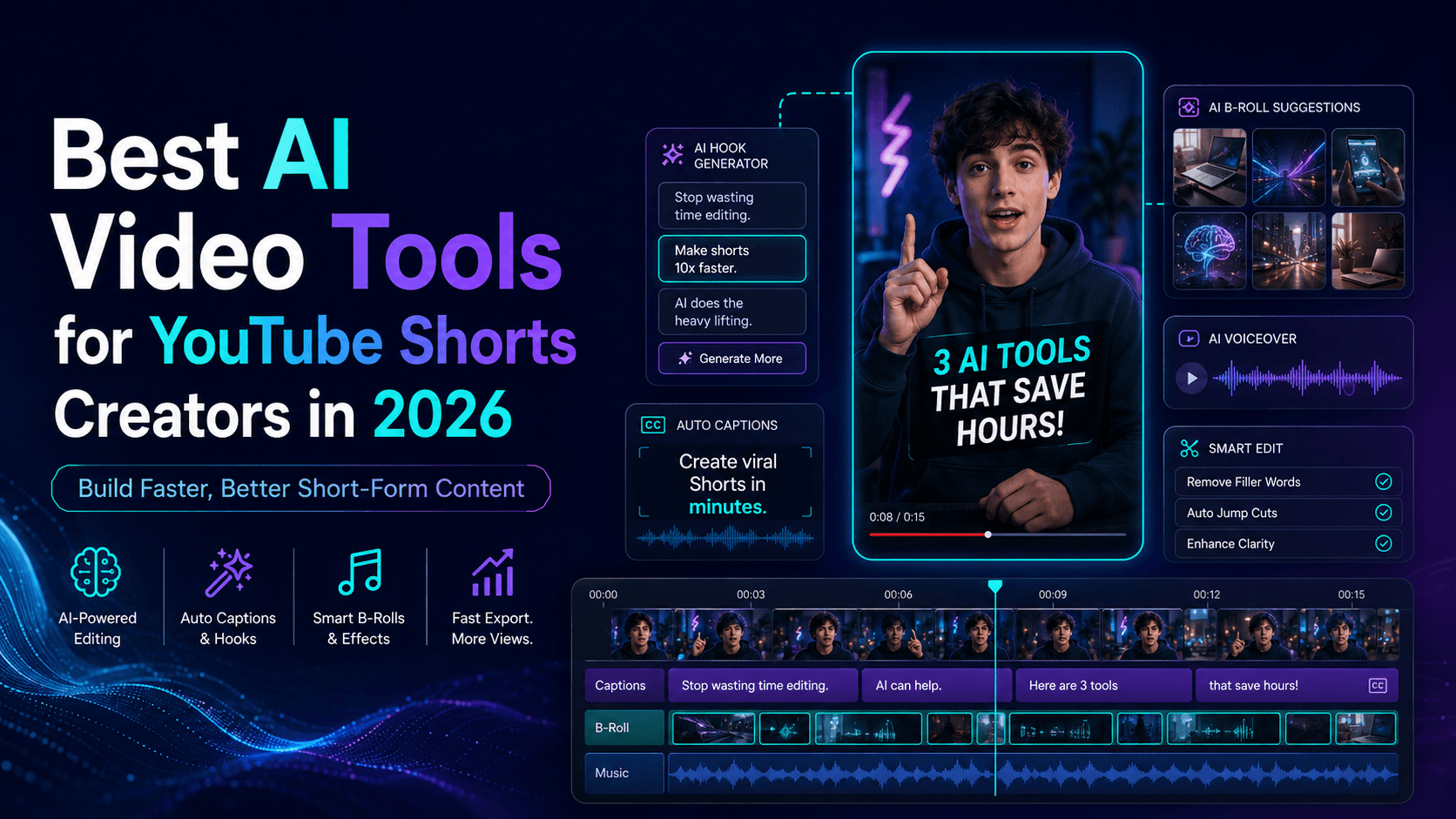
- Best AI Video Tools for YouTube Shorts Creators in 2026: Discover the best AI video tools for YouTube Shorts creators in 2026, including tools for scripts, image-to-video, character consistency, lip sync, music videos, product Shorts, and repeatable content workflows with VideoAny.
- Best AI Video Generators for Product Ads in 2026: What Actually Works for Brands: Compare the best AI video generators for product ads in 2026 and learn how to create short product videos, e-commerce ads, TikTok creatives, and branded campaigns with VideoAny.
- How to Stop AI Image-to-Video from Warping Your Character: Learn why AI image-to-video tools distort faces, hands, outfits, and proportions—and how to reduce warping with better reference images, controlled motion prompts, camera planning, and VideoAny.