Categories: AI Creation Studio, Halloween, Photo to Video
Tags: AI broom riding, Halloween AI video, photo to video, VideoAny effects
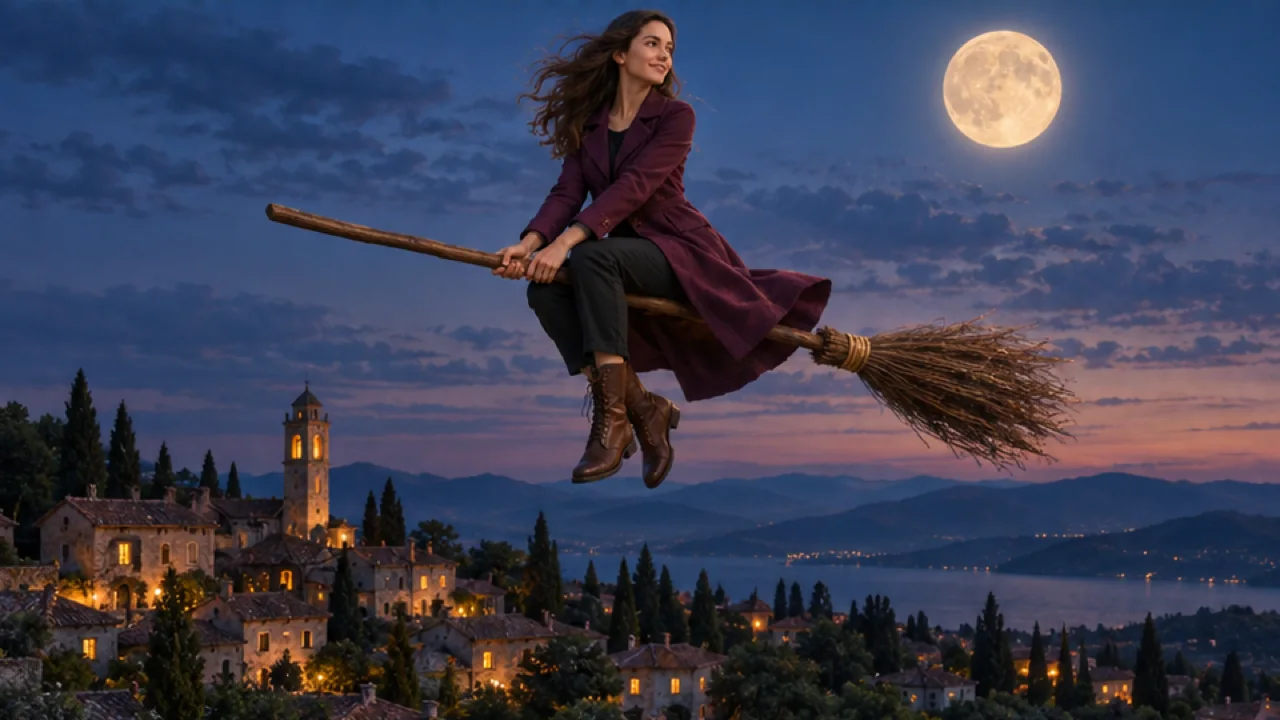
The AI broom riding trend is a short Halloween flight: someone hops onto a classic witch broom, lifts off, and soars through a moonlit sky over quiet rooftops. You do not need a costume set, a green screen, or a drone shoot. You need one clear photo and a tool that already knows the scene.
On VideoAny, use AI Broom Riding. The current effect settings, as of October 16, 2026, are:
| Setting | Current value |
|---|---|
| Input | One JPG or PNG, up to 20 MB |
| Model | Seedance 2.5 |
| Output | 5 seconds, 720p; aspect ratio follows your photo |
| Audio | Silent; no generated music, voices, or sound effects |
| Cost | 568 credits per generation |
Check the effect page for the latest settings and credit cost before generating. This guide covers photo choice, generation, review, and downloading your clip.
What the effect creates
Your upload supplies the starting image. The fixed prompt asks the model to preserve the person's recognizable face, hairstyle, and outfit while creating a wooden-broom takeoff and flight under a full moon. Facial details, clothing, pose, and background may change, so judge the whole clip rather than the opening frame alone.
The intended mood is a playful, family-friendly Halloween flight with subtle magical sparkles. The prompt excludes blood, gore, and wounds. These are scene instructions, so watch the full clip to check that the result fits your audience.
Step 1: Pick one clear full or half-body photo
Favor a sharp, well-lit photo of one person with the face fully visible. Full-body or half-body framing leaves room for the broom, kickoff, and flight pose. Front-facing or three-quarter views usually hold identity better than extreme side profiles.
Skip group shots, tight face-only crops, sunglasses that hide the eyes, heavy beauty filters, and faces half-hidden by hair or objects. You do not need a witch costume photo. Everyday clothes work; the broom and night sky are generated.
Only use a photo you have permission to use, and make sure the person is fine appearing in a fictional Halloween flight scene.
Step 2: Upload and preview
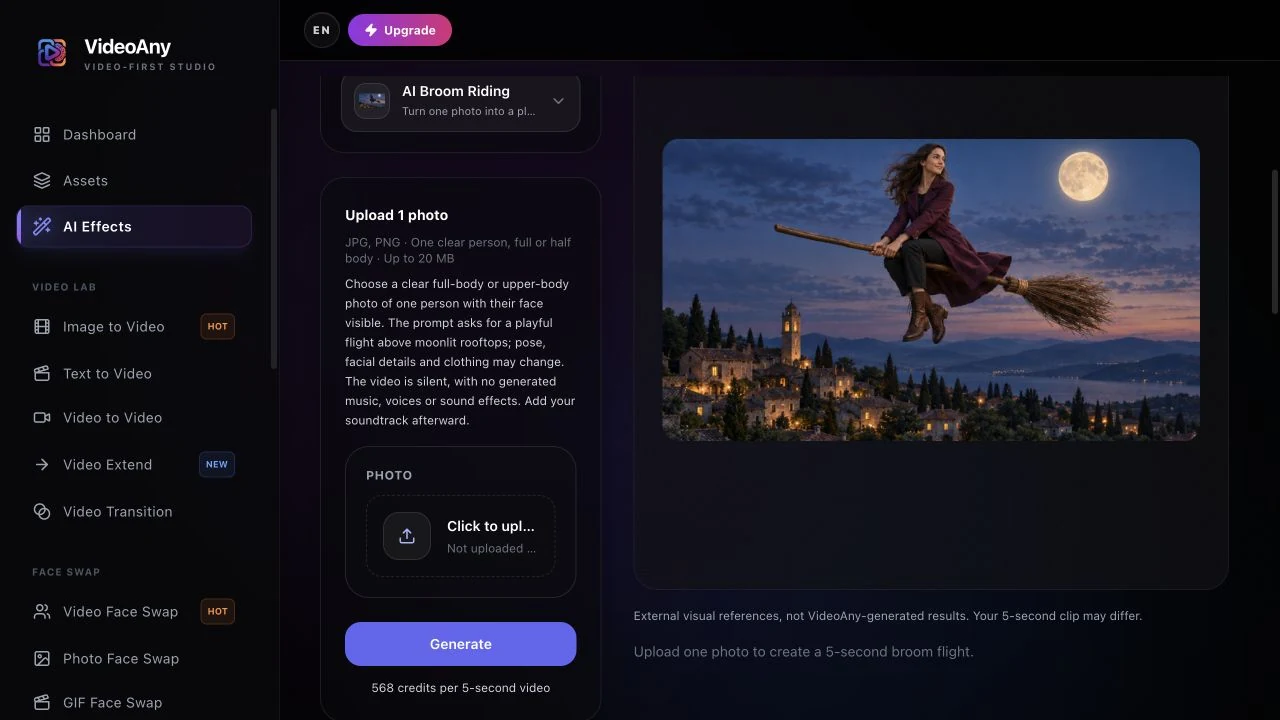
Open AI Broom Riding.
- Upload one JPG or PNG (up to 20 MB).
- Check the preview so the right person and framing are selected.
- Keep the photo you want to animate in the preview. This page uses a fixed scene prompt; there is no custom prompt to fill in.
If the preview looks wrong, replace the file before you spend credits.
Step 3: Check credits, then generate one test
Sign in and check the displayed cost and your balance. The setting as of October 16, 2026 is 568 credits for one 5-second, 720p clip.
Select Generate once and allow several minutes for processing. Five seconds is the video length, not the generation time. Keep the page open while it processes. If progress cannot be confirmed, check your generation history before starting another task.
Start with one take. Keep it for comparison if you later try a different source photo; each new generation uses credits.
Step 4: Review face, broom, and flight
Watch the whole clip once, then scrub the takeoff and the mid-air beat.
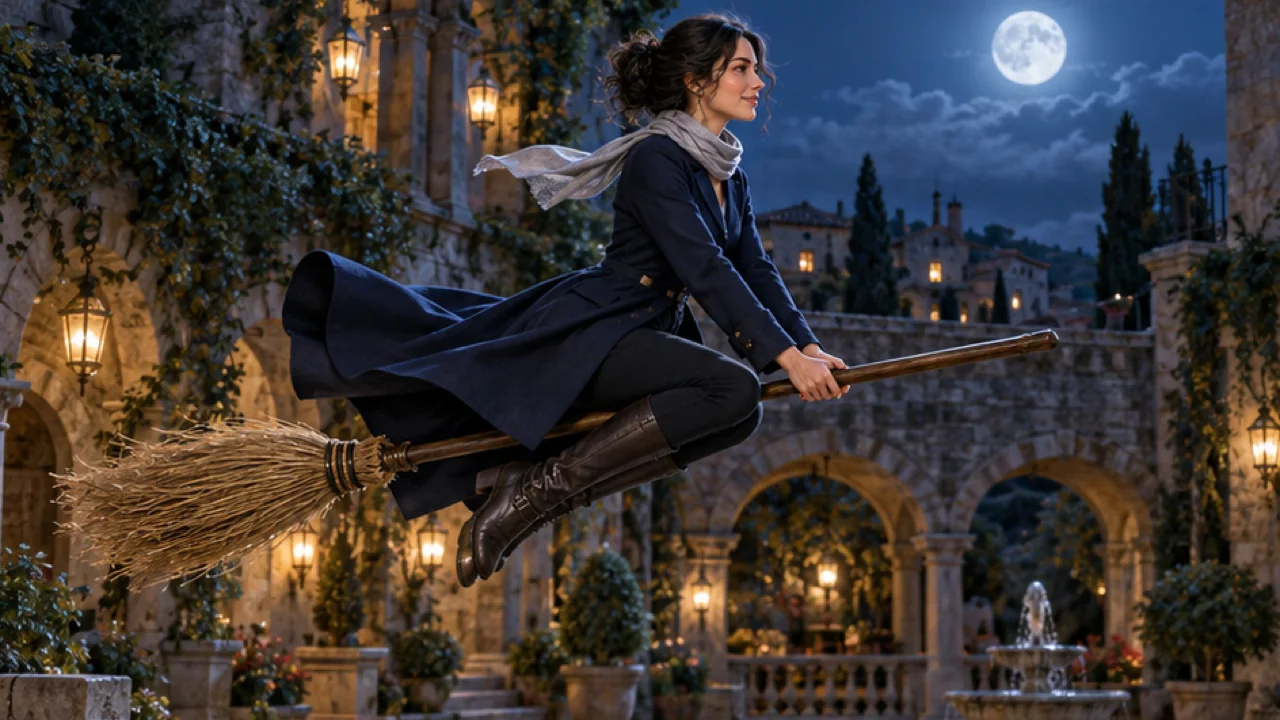
Check for:
- Face drift or a face that no longer matches the photo
- Hands or legs fused into the broom handle
- Cropping that cuts off the head or feet during flight
- A scary or gory look instead of a lighthearted flight
If the face drifts, replace the photo with a sharper, better-lit portrait and keep everything else the same. Keep the take where the person stays recognizable through the flight, not only the prettiest opening frame.
When you are happy with the result, select Download video. Save the file before preparing captions or adding audio in your editor or publishing app.
Before you share
Preview at the size your audience will see on TikTok, Reels, or Shorts. Keep captions away from the face and the broom. Label the clip as AI-generated. The downloaded clip is silent, with no generated music, voices, or sound effects. Add audio afterward and use music you have the right to share.
A short caption that supports the joke without over-explaining works well, for example "My ride is here" or "Full moon flight." Avoid presenting the scene as a real event.
Troubleshooting before another generation
- The task is still running or the page reports a progress error: check your generation history before trying again. A missing preview does not prove that the submission failed.
- The credit status is unclear: check the task and your balance, then contact support if the status remains uncertain. Do not submit repeated jobs while resolving it.
- The face changes or the broom pose looks tangled: try a sharper full-body or half-body photo with visible limbs and space around the subject. Check the new take throughout; a different photo may help, but cannot guarantee a clean result.
- The flight is cropped too tightly: use a wider original photo. The output follows the source aspect ratio, and this effect has no separate sky, costume, or framing controls.
FAQ
How many photos do I need?
One. The effect is image-to-video from a single portrait.
Do I need a prompt or a reference video?
No. The effect page already includes the scene direction. You supply the photo.
Is it free?
The current setting as of October 16, 2026 is 568 credits per generation. Check the effect page and your balance before you start.
Is it scary?
The effect aims for a playful, family-friendly flight with warm moonlight. Results can still vary, so review before posting.
Can I choose the sky or costume?
This page uses a fixed moonlit-flight prompt. It asks the model to preserve your face and outfit, but clothing, facial details, and the scene can vary.
Make your clip
Choose one clear full-body or half-body photo, open AI Broom Riding, check the current cost, and generate one take. Review the full flight before downloading and adding your soundtrack.
For another one-photo Halloween idea, read the AI ghost prank video guide. For a two-person scene, follow the AI zombie love story guide. You can also explore AI Pumpkin Head.