Categories: AI Video Reviews, Video Editing, Creator Workflow
Tags: FilmCraft, Premiere Pro, CapCut, open-source video editor, AI video editing, MCP, VideoAny
Disclosure: FilmCraft is an independent open-source project by the ArtCraft team (GitHub org
storytold). It is not made, endorsed, or supported by Adobe. Premiere Pro is a trademark of Adobe; CapCut is a trademark of its owner. VideoAny is not affiliated with ArtCraft, storytold, Adobe, or CapCut. We make AI video generation tools.
The short answer
- Pick Premiere Pro if you're paid to deliver, work with a team or agency, and need a stable editor with mature plugins,
.prprojprojects and the Adobe ecosystem. - Pick CapCut if you make short social videos, want templates, auto-captions and one-tap effects, and care more about speed than precise control.
- Pick FilmCraft if you want a free, open-source Premiere alternative with a familiar layout. It also suits you if you want AI agents to edit video for you through MCP. Expect alpha-quality software: test it on side projects before you trust it with client work.
FilmCraft fact card
Last updated: 2026-10-14
| Field | Details |
|---|---|
| What it is | A non-linear video editor (NLE). Its README calls it "an open-source, clean-room reimplementation of Adobe Premiere Pro, rebuilt in pure Rust." It is a video editor, not an AI video generator. |
| Who makes it | The ArtCraft team (getartcraft.com), GitHub org storytold |
| License | MIT OR Apache-2.0 (dual-licensed, per the README) |
| Repository created | 2026-09-30 |
| Latest release | v0.7.2 (published 2026-10-13, Beijing time) |
| GitHub traction | ~12.5k stars, ~5k forks (as of 2026-10-14) |
| Platforms | macOS (universal), Windows (x64, x86, ARM64), Linux (x86_64, aarch64, riscv64; AppImage/deb/rpm/Flatpak), FreeBSD, plus a browser build via WebAssembly (filmcraft-web zip) |
| AI / agent support | 650+ engine commands, all callable from the UI, a CLI, a JSON control channel and a built-in MCP server |
| Status | Alpha. The project's own estimate is ~86% feature breadth and ~56% "ready for real work" compared with Premiere Pro (measured 2026-10-10) |
| Key limitations | Can't open .prproj files; no VST3/AU/OpenFX plugins; H.264 is the only software delivery codec (H.265 needs a hardware encoder; no AV1 export); some effects and exports still run on the CPU; Windows and Linux get less testing; few built-in AI features |
Comparison table
| Feature | FilmCraft | Premiere Pro | CapCut |
|---|---|---|---|
| Price | Free (open source) | Subscription (check current price on adobe.com before publishing) | Free tier plus paid Pro plans (check current regional pricing before publishing) |
| Platforms | macOS, Windows, Linux, FreeBSD, browser (WASM) | macOS, Windows (check before publishing: web/mobile variants) | Windows, macOS, web, iOS, Android |
| License | MIT OR Apache-2.0 | Proprietary | Proprietary |
| AI features | Few built in; optional speech-to-text (off by default) | Adobe AI tools such as auto-transcription and Firefly-powered features (verify the current list before publishing) | Many consumer AI tools: auto-captions, templates, effects (verify current list) |
| Export | H.264/AAC MP4, ProRes 422 HQ, MXF, DNxHR, PNG sequence, GIF, WAV; H.265 via hardware only | Broad professional codec support | Social-ready MP4 presets; some features may be Pro-only (verify) |
| Interchange | FCP7 XML, FCPXML, OTIO, EDL, AAF, OMF | Native .prproj, XML, AAF, EDL | Limited |
| Learning curve | Medium-high (Premiere-style layout and shortcuts) | Medium-high | Low |
| Maturity | Alpha (two weeks old) | Industry standard for decades | Mature consumer app |
| MCP / agent support | Yes, built-in MCP server + CLI | No official MCP server (check before publishing) | No official MCP server (check before publishing) |
FilmCraft: the open-source Premiere alternative
Most people searching for "FilmCraft" want to know whether it's a real open source Premiere alternative or just a demo. Judging by the README and the release cadence (v0.5.0, v0.6.0 and v0.7.2 all shipped within about three days), it is real and moving fast.
What it gets right
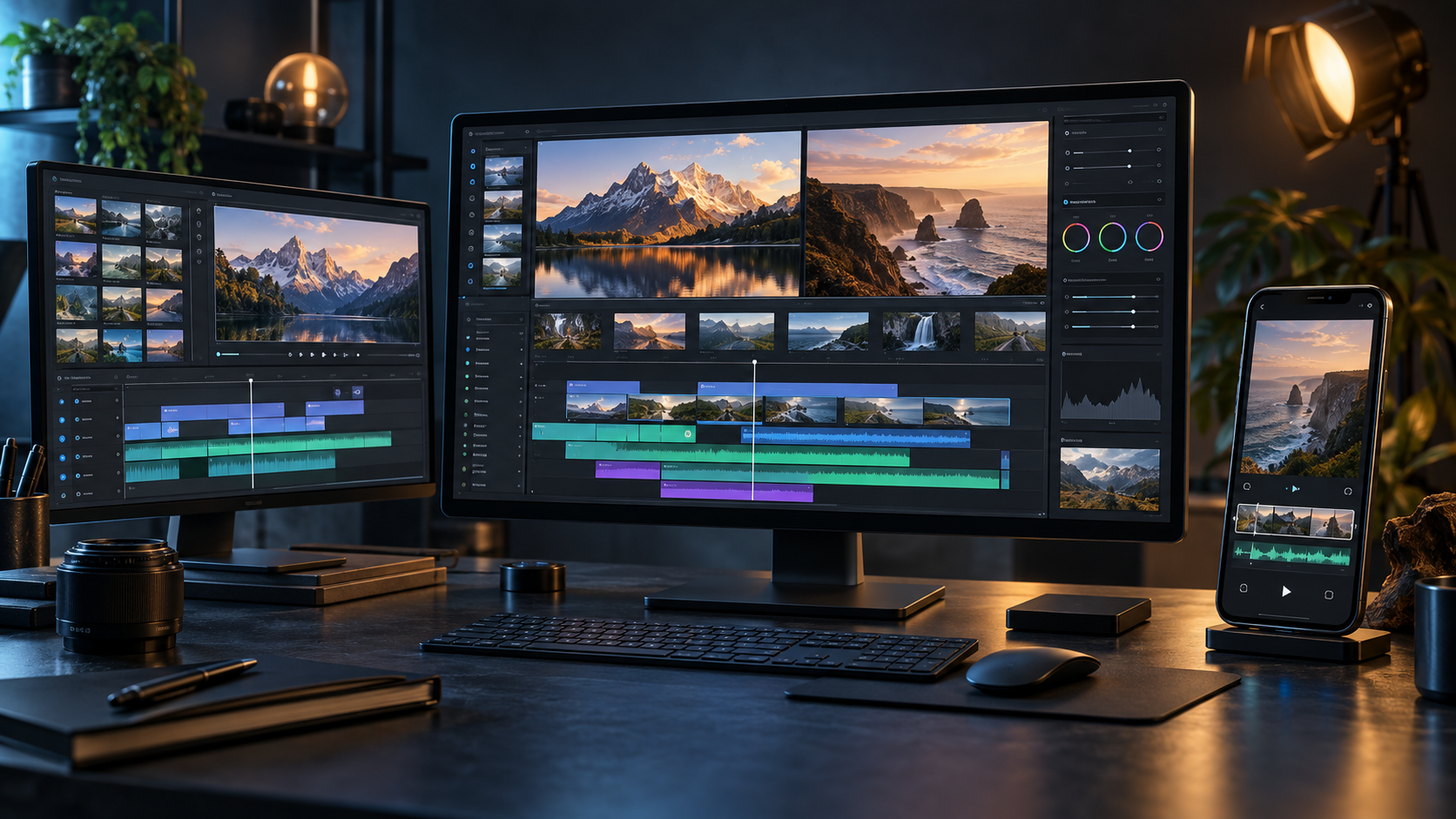
- Familiar layout. Source and Program monitors, bins, a multi-track timeline, and Editing, Assembly, Color, Effects and Audio workspaces. Keyboard presets for Premiere Pro, Final Cut Pro and Avid are included.
- Its own codecs. There's no FFmpeg inside. The H.264, HEVC, ProRes and AAC codecs are written in Rust from the public specifications, according to the project.
- Exact time. Edits are computed on integer ticks, so 23.976 and 29.97 drop-frame are exact rather than approximate.
- Safety nets. Atomic saves, rolling auto-save, and a crash-recovery journal.
- Interchange. You can move sequences in and out with FCP7 XML, FCPXML, OpenTimelineIO, EDL, AAF and OMF. That's also how you bring a Premiere sequence over, since
.prprojisn't supported yet.
FilmCraft AI: built for agents
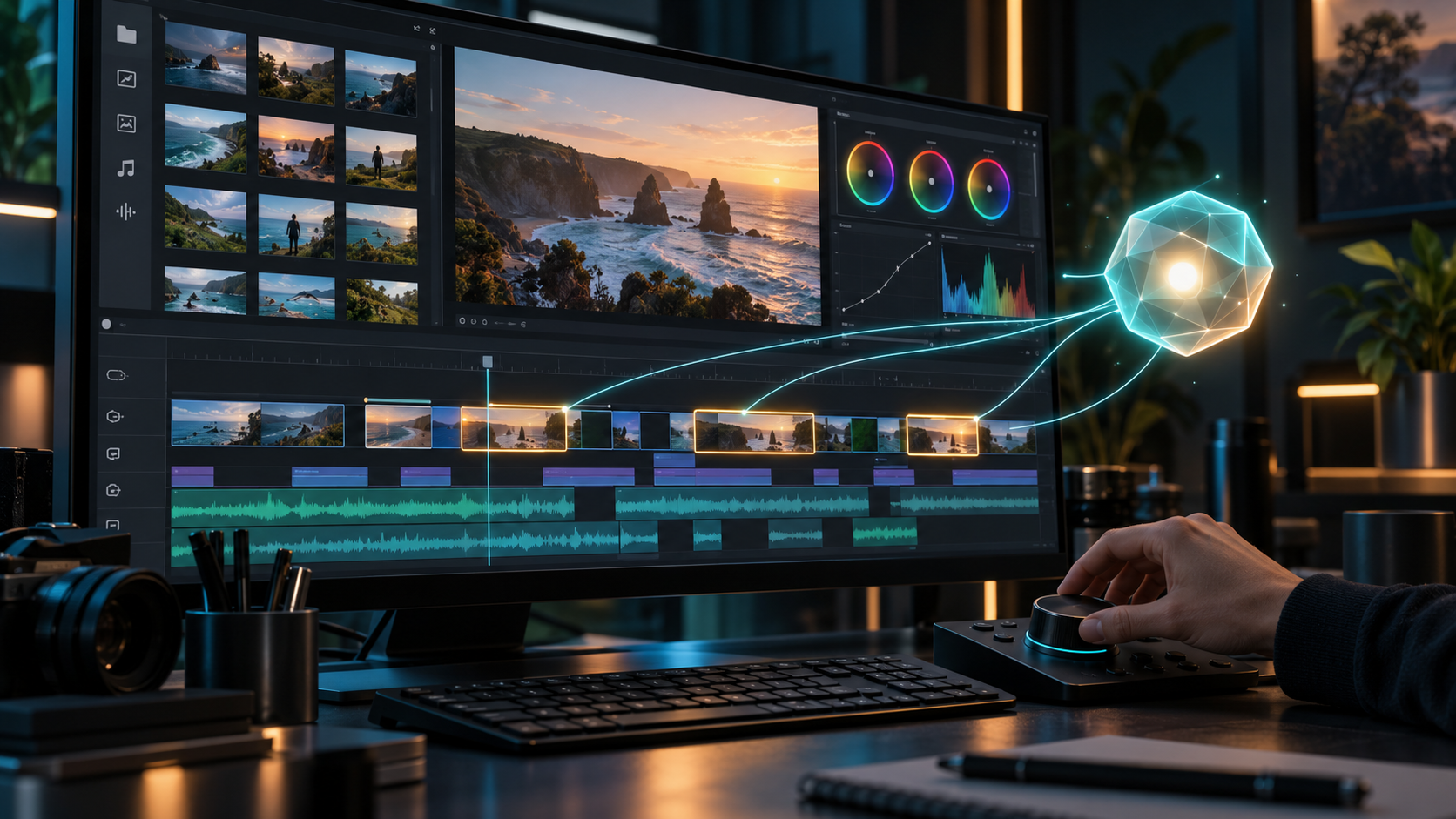
This is the part that sets FilmCraft apart. Every menu item, button and slider is a command with an id and typed parameters. The README lists more than 650 engine commands, which the UI, the CLI (filmcraft-cli), a JSON control channel and an MCP server all share. In practice, an AI agent like Claude can place clips, trim, grade and export by calling the same commands a human triggers. The project says the trailers in its screenshots were built that way.
Be precise about what "FilmCraft AI" means: FilmCraft does not generate video. It's an editor that AI agents can drive. If you need to generate footage, use a separate generator.
Where it falls short (for now)
It's alpha software. There are no plugins, delivery codec options are limited, and performance on big footage is still improving. Camera and phone files "in the wild" are less tested than the conformance streams. Don't move a client deadline onto it yet.
Premiere Pro: the professional default
Premiere Pro is still the safe choice for professional editors. Studios, agencies and freelancers share .prproj files, use third-party plugins, and rely on integration with After Effects, Audition and the rest of Creative Cloud. Adobe also keeps adding AI-assisted features, such as transcript-based editing and generative tools. Check Adobe's site for the current feature list and plan pricing, which change often.
Choose it if: you need reliability, collaboration, plugins and a large talent pool. Skip it if: you can't justify a subscription or you want an open, scriptable stack.
CapCut: fastest for short-form social
CapCut is built for speed. You get templates, auto-captions, trending effects and direct paths to vertical, TikTok-style formats, on desktop, web and mobile. It's the easiest of the three to learn. The trade-offs are less precise editorial control, limited professional interchange, and some features locked behind a paid plan. Plans and availability vary by region, so check before you depend on it.
Looking for a CapCut alternative? If you want more control and an open license, FilmCraft is worth a try, but expect a steeper learning curve. If you want CapCut-level simplicity, FilmCraft isn't that tool.
Workflow: generate clips with AI on VideoAny, then edit them in FilmCraft
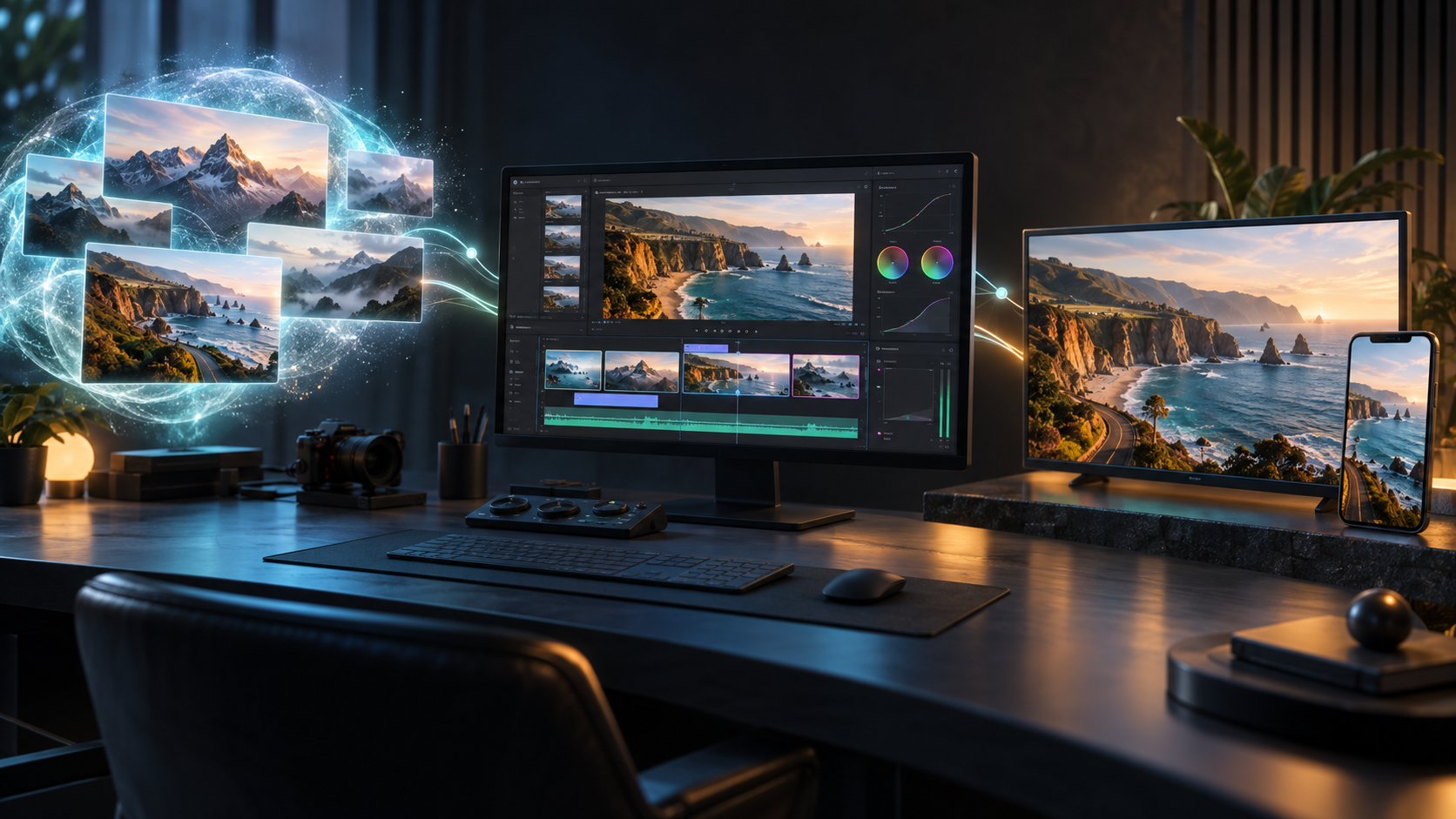
Generators and editors do different jobs. Here's a simple pipeline we use:
- Generate shots on VideoAny. Use text-to-video for establishing shots, image-to-video to animate a product photo or storyboard frame, and the video extender when a shot ends too early.
- Add voice and music. Create dialogue with lip sync or dubbing for other languages, and generate a background track with AI music.
- Download and organize. Export MP4 files and put them in a project folder with clear names (
01_intro.mp4,02_product.mp4, …). - Import into FilmCraft. Drag the files into a bin, build the sequence on the timeline, trim with ripple and roll, then add titles and captions.
- Grade and mix. AI clips from different prompts often vary in color. Use the Color workspace to match them, then use the loudness meters to balance voice and music.
- Optional: let an agent do the first pass. Connect an MCP-capable AI assistant to FilmCraft's MCP server and ask it to assemble a rough cut from your clips, following a shot list. Review every edit yourself.
- Export H.264 MP4 for the web, or ProRes if you're handing off to someone else.
This is a basic FilmCraft tutorial flow. The same steps work in Premiere Pro or CapCut if you'd rather stay with a mature editor.
FAQ
What is FilmCraft?
FilmCraft is a free, open-source non-linear video editor written in Rust by the ArtCraft team (GitHub: storytold). It reproduces the Premiere Pro workflow and runs on macOS, Windows, Linux and in the browser via WebAssembly.
Is FilmCraft made by Adobe?
No. FilmCraft is an independent, unofficial project. Adobe doesn't make, endorse or support it. Its README calls it a clean-room reimplementation of the Premiere Pro workflow.
Is FilmCraft free?
Yes. It's dual-licensed under MIT OR Apache-2.0, and its source code and installers are available on GitHub.
Can FilmCraft open Premiere Pro projects?
Not yet. .prproj files can't be opened. You can bring sequences over as FCP7 XML, AAF or OpenTimelineIO.
Does FilmCraft have AI features?
It has few built-in AI features (speech-to-text is optional and off by default). Its key AI capability is a built-in MCP server and CLI that let AI agents run more than 650 editing commands.
Is FilmCraft a good CapCut alternative?
It's a good choice if you want precise, Premiere-style editing for free. If you want templates and one-tap effects for short social videos, CapCut is still easier.
Should I switch from Premiere Pro to FilmCraft now?
Not for critical work. As of October 2026 FilmCraft is alpha software. Try it on personal or experimental projects and keep Premiere Pro for deadlines.
Sources
- FilmCraft repository and README: https://github.com/storytold/filmcraft
- FilmCraft releases (v0.7.2): https://github.com/storytold/filmcraft/releases
- FilmCraft parity notes: https://github.com/storytold/filmcraft/blob/main/docs/target-app-parity.md
- FilmCraft on ArtCraft: https://getartcraft.com/apps/filmcraft
- ArtCraft GitHub org: https://github.com/storytold
- Adobe Premiere Pro plans: https://www.adobe.com/products/premiere/plans.html
- CapCut pricing: https://www.capcut.com/pricing
- Hacker News discussion "Adobe Creative Suite Cleanroom Port to Rust" (Oct 2026): https://news.ycombinator.com/ (add exact item URL before publishing)