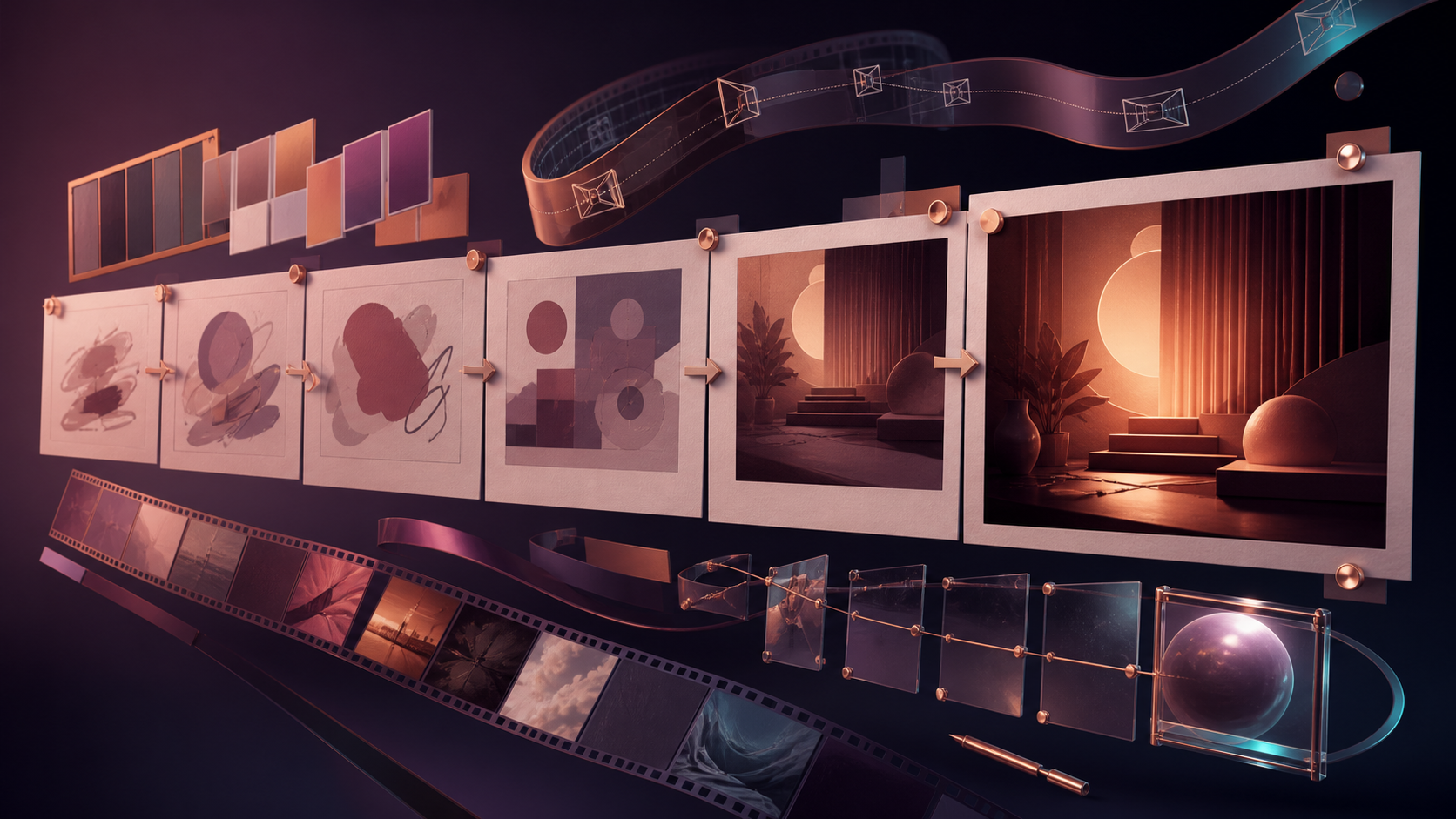
A DIY NSFW AI video generator workflow gives a solo creator control over the entire production path: concept, authorized inputs, generation method, prompt versions, budget, review, edit, and delivery. The value is not simply pressing “generate.” It is building a process that can be repeated without losing track of rights, settings, or successful creative decisions.
A practical DIY system must cover generation features, a repeatable creation flow, adult-creator use cases, credit planning, and the tradeoff between creative control and platform safeguards. The guidance below keeps those dimensions tied to current, model-specific VideoAny controls.
Responsible use: Mature-content workflows must be limited to lawful material involving consenting adults. Never create or share sexualized content involving minors, non-consensual imagery, exploitative material, deceptive impersonation, or an unauthorized likeness.
Build the DIY Project Before Generating
Create one folder for the project and separate it into:
- brief/ for the concept, audience, delivery channel, and shot list;
- rights/ for licenses, releases, consent scope, and source provenance;
- inputs/ for approved images, video, audio, and reference material;
- prompts/ for numbered prompt versions and settings;
- generations/ for untouched model outputs;
- selects/ for reviewed clips approved for editing;
- exports/ for finished deliverables.
Do not store sensitive identity files in a broadly shared folder. Remove unrelated metadata, use synthetic characters when a real identity is unnecessary, and keep the rights record separate from the generation prompt.
A simple filename such as shot-01-v03-model-ratio-duration records more than “final-final-2.mp4.” The goal is to make each decision traceable.
Choose the Generation Method
Text-to-Video for a New Shot
Use text-to-video when the scene begins as a written idea. Define an adult subject, action, environment, camera, wardrobe, lighting, tone, and intended format. Start with VideoAny Text-to-Video, then choose from the settings presented for the selected model.
Image-to-Video for a Designed Composition
Use image-to-video when an authorized still already contains the subject and framing. The prompt should describe movement and invariants: what should animate, what must remain fixed, and how the camera should move. The dedicated VideoAny Image-to-Video flow accepts this type of visual starting point.
Reference-Guided Generation for Supported Models
A reference image can guide style, composition, or selected visual traits when the model accepts it. It should be original, licensed, or otherwise authorized. A reference is not permission to copy protected artwork or reproduce an identifiable person.
Video-to-Video for Existing Motion
If an approved source clip already contains useful choreography, timing, or camera movement, video-to-video can transform its appearance while retaining some motion structure. State the invariants explicitly and confirm that the license or consent covers AI transformation.
Face Swap Only for Authorized Identity Changes
Face replacement can be technically convenient but creates a strong identity claim. Use it only with explicit permission for the specific scene and distribution channel. Do not use public figures, former partners, clients, or private individuals without the necessary rights.
A Seven-Step Solo Production Workflow
1. Define One Small Deliverable
Start with a single five-to-ten-second shot, not an entire sequence. Specify the destination, audience, aspect ratio, and the one action the clip must communicate.
2. Record Rights and Adult Status
Confirm that every identifiable subject is an adult and that the intended use is covered by consent. Record who owns each input and whether commercial distribution, animation, or identity transformation is permitted.
3. Select the Input Path
Choose text, image, reference, video, or an authorized identity workflow based on what must be preserved. Avoid uploading a face when the concept works with a synthetic adult character.
4. Write and Save Prompt Version 1
Use a consistent formula:
Adult subject + wardrobe + action + location + camera + lighting + tone + delivery format + invariants
Keep the first version focused. Add only the details that affect the shot.
5. Choose Settings and Estimate Credits
Available aspect ratio, duration, resolution, audio, and reference controls vary by model. Common delivery ratios include 16:9, 9:16, and 1:1, but support is not universal.
VideoAny uses credits. Many models calculate cost from duration and quality; others use a fixed amount per generation. Record the displayed estimate in the prompt log and review current account options on the VideoAny pricing page.
6. Generate, Review, and Change One Variable
Inspect the first pass for prompt alignment, adult age presentation, identity stability, motion, wardrobe, framing, and unwanted implications. If it fails, change one layer—such as camera movement or pacing—rather than rewriting every detail.
7. Select, Edit, and Export
Move only approved outputs into selects/. Add pacing, sound, captions, disclosure, and color work in the editor. Confirm age gates, licenses, consent, and destination-platform rules before export.
Three Safe Prompt Templates
These original examples demonstrate text, image, and reference workflows without requesting explicit sexual content.
Text-to-Video: Widescreen Fantasy Editorial
An adult fantasy performer with crimson theatrical makeup and an elaborate winged costume seated on a velvet stage, fully clothed, smoke drifting through warm backlight, subtle hand gesture, slow cinematic camera slide, sophisticated gothic editorial tone, 16:9 composition.
Review target: adult presentation is clear; costume remains consistent; hands and wings do not merge; camera motion stays slow.
Image-to-Video: Vertical Character Reveal
Input: an authorized illustration of an adult warrior seated on a ceremonial chair.
Preserve the character design, armor, face, and chamber. The adult warrior rises slowly, turns toward the window, and settles into a confident stance; metal catches a narrow beam of light; gentle push-in camera; restrained motion; 9:16 composition.
Review target: identity and armor remain stable; the prompt changes only pose, light response, and camera.
Reference-Guided Video: Square Stage Performance
Input: an original cyberpunk color-and-composition reference without an identifiable person.
An adult android dancer in a fully covered reflective costume performs a precise contemporary routine on a neon stage, use the reference only for palette and architectural rhythm, do not copy characters or logos, locked central composition with a subtle orbit, 1:1 format.
Review target: the output borrows only authorized design direction; no accidental brand marks or real identity appear.
DIY Use Cases for Adult Creators
A structured solo workflow can support:
- Adult creators: Produce non-explicit previews, stylized interstitials, and age-gated narrative tests from owned assets.
- Adult game developers: Prototype clearly adult characters, environment motion, cutscene timing, and promotional concepts.
- Artists and animators: Explore mature editorial themes, character movement, and visual styles before manual refinement.
- Cosplayers and models: Animate self-owned, consented material into short portfolio variations.
- Adult-industry marketers: Develop compliant product atmosphere, event visuals, and platform-appropriate previews.
- Meme creators: Build mature humor around synthetic characters without targeting a real person.
- Educators and researchers: Create non-exploitative explanatory visuals for legitimate adult-health, media-literacy, or safety topics.
The permission record should match the use case. A model may consent to a portfolio animation but not to an advertisement, sale, or face replacement.
Track Cost Like a Small Production
Create one row per generation:
| Shot | Prompt version | Model | Duration | Resolution | Estimated credits | Result |
|---|---|---|---|---|---|---|
| 01 | v01 | selected model | test length | test setting | displayed estimate | reject or keep |
| 01 | v02 | same model | test length | test setting | displayed estimate | reject or keep |
| 01 | final | selected model | delivery length | delivery setting | displayed estimate | approved |
This makes iteration costs visible. It also prevents a third-party flat per-second example from being mistaken for a universal VideoAny rate.
Compare DIY Tools by Reproducibility
“No filters” is not enough to support a production workflow. Compare:
- whether model inputs and settings are documented;
- whether credit estimates appear before generation;
- whether prompts and settings can be recorded consistently;
- whether outputs fit the editor and destination format;
- whether privacy, retention, sharing, and deletion terms are clear;
- whether rules protect consenting adults, identity rights, and lawful use;
- whether failed results can be refined without exposing more sensitive data.
Creative autonomy is valuable when the process is predictable and the creator remains accountable for every input and output.
Frequently Asked Questions
Do I need a large production setup?
No. One organized folder, a short shot list, a rights record, saved prompt versions, and a review checklist are enough to start.
Can I use a personal adult image?
Only if you own the image or hold permission to transform it, and every identifiable adult has consented to the planned generation and distribution.
Which aspect ratio should a DIY project use?
Choose the destination first: 16:9 for widescreen, 9:16 for mobile-first vertical video, or 1:1 for square placements when the selected model supports it.
Is 1080p always available?
No. Maximum output varies by model. Some options reach up to 4K, while others provide lower maximums. Check the current resolution control.
How do I keep a synthetic character consistent?
Reuse a clear character brief, keep wardrobe and key traits stable, change one motion variable at a time, and use an authorized reference only when the selected model supports it.
Can DIY NSFW AI video be completely private?
Do not assume confidentiality from a marketing label. Review current storage, retention, access, sharing, and deletion terms, and upload only the assets required for the test.
Finish One Shot Before Building a Series
The most useful DIY system is small enough to audit. Complete one lawful, non-explicit test shot from brief through export, record what worked, and reuse that evidence for the next clip. A repeatable process is more valuable than a pile of disconnected generations.