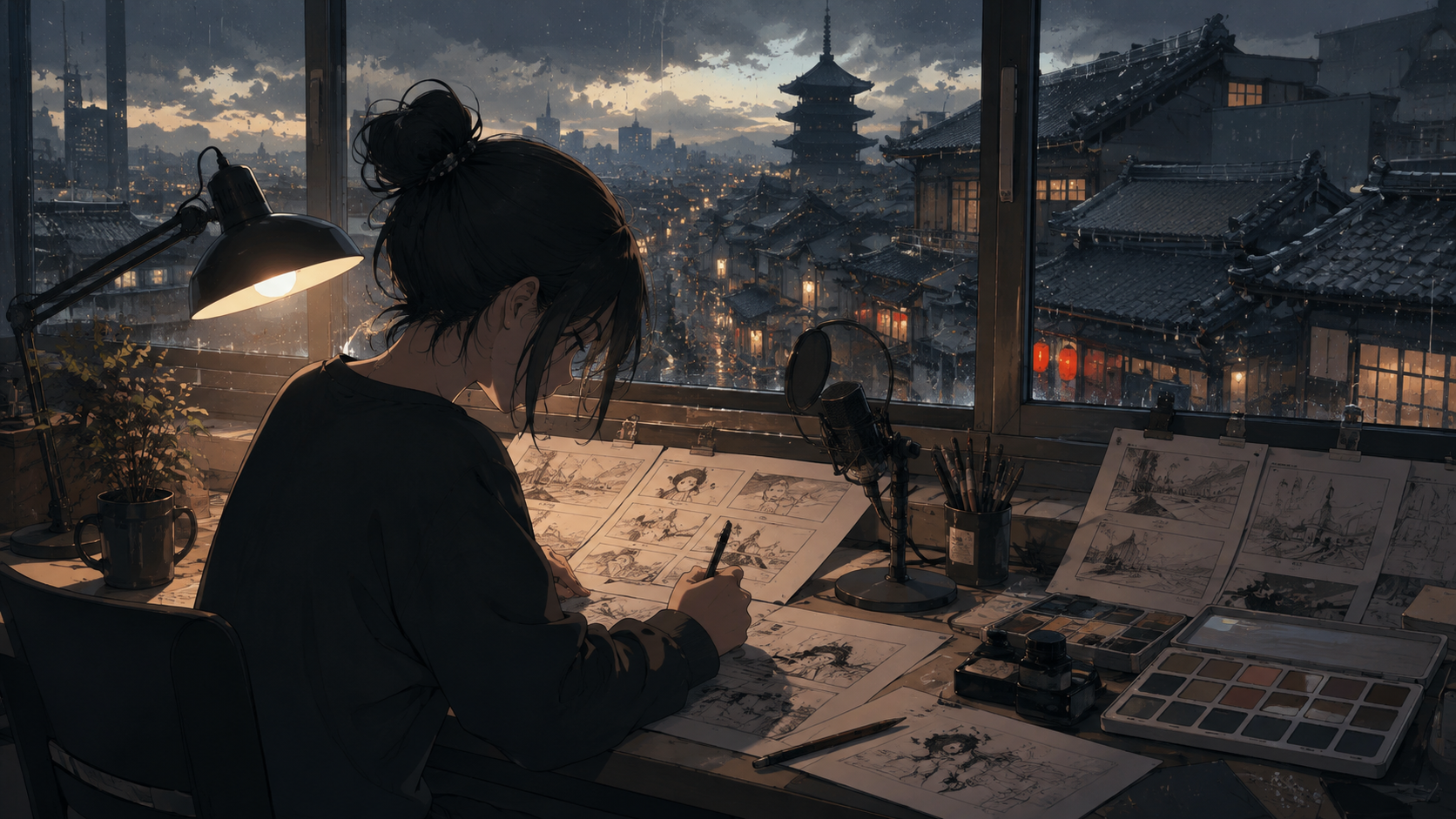
Creating compelling video content with an anime aesthetic involves a diverse set of needs, whether you're a manga artist bringing a panel to life, a musician crafting a teaser for a new release, or a content creator developing a virtual character greeting. Each project demands specific inputs, motion controls, and editing processes. While the desired visual style might be consistent, the underlying technical requirements often differ significantly.
For Japanese creators, an additional layer of consideration involves language review. This encompasses various aspects, including the handling of Japanese text in prompts or on-screen graphics, the natural pronunciation of spoken dialogue, the availability of localized user interfaces, and regional access to services. An impressive anime-style demonstration alone does not guarantee proficiency in these crucial linguistic and cultural nuances. This guide examines five prominent tools based on their documented features and then applies them to three distinct project briefs, offering practical steps for evaluation and implementation.
Aligning Tools with Your Existing Assets and Creative Vision
Before diving into specific AI video generation tools, it's essential to inventory your existing creative assets and define your project's precise requirements. Begin by cataloging approved artwork, character designs, manga panels, recorded dialogue, and musical tracks. For each asset, document its origin, permitted usage rights, and technical specifications like resolution. Often, a meticulously drawn character sheet or a high-resolution manga panel serves as a more effective starting point than a lengthy textual description.
Next, identify the elements that are non-negotiable. For a manga panel, preserving the original composition, character expression, and line art might be paramount, even if it means limiting background animation. In a music video teaser, the timing of a visual cue with a specific musical beat or the consistent appearance of a character's costume could be critical. For a virtual presenter, accurate pronunciation of names and a natural mouth performance are key.
It's helpful to conceptualize the production pipeline as distinct stages: image preparation, animation, language review, and final editing. While some platforms may integrate multiple stages, maintaining a clear understanding of each responsibility ensures that quality control points are established. Your production brief should explicitly detail who is responsible for verifying each stage, especially when working with AI-generated content.
Five Key Candidates for AI Video Generation
The landscape of AI video tools is rapidly evolving, with several platforms offering distinct capabilities. Here, we explore five prominent options, focusing on their documented features and how they might apply to various creative workflows.
Runway: Reference-Guided Image Preparation and Performance-Driven Animation
Runway offers capabilities that are particularly useful for projects requiring controlled visual references or the transfer of human performance to a digital character. Its reference-guided image preparation and recurring-character workflows are supported by features like Gen-4 Image References, which allows users to create new images incorporating specific subjects, objects, environments, or styles from reference images. These generated images can then be used as inputs for video models. While powerful, it's important to note that results "may sometimes differ from your initial vision," as stated in the Gen-4 Image References guide.
For animating characters, Runway's Act-Two provides performance-driven character animation. This feature takes a driving performance video and applies its motion to a character image or video. When using character images, gesture and body control are available. If a character video is used, Act-Two focuses on facial motion and expression while retaining the original environment and camera movement. This allows for animating characters using driving performance videos, as detailed in the Performance Capture with Act-Two documentation. When evaluating Runway, test it with your specific line art and character designs rather than relying solely on cinematic demonstrations, as consistency can vary.
Kling: Reference-Guided Video Generation
Kling is a strong candidate for projects that prioritize dynamic movement and precise reference-guided shots. Its reference-guided video generation capabilities are highlighted in its official documentation. The VIDEO 3.0 guide outlines various modes and controls for image-to-video generation and element references. When considering Kling, it's crucial to test it with the specific actions and visual elements your project requires. For instance, a demonstration of a character walking might not predict how well it handles subtle hand gestures or maintains the intricate details of a specific costume across different shots. Evaluate its ability to preserve your artistic intent under various motion conditions.
Pika: Effects-Oriented Video Experiments
Pika offers an approach suitable for rapid prototyping and exploring visual effects. Its image-to-video with effects capabilities are exemplified by tools like Pikaffects, which applies various effects to still images to generate short video clips. This functionality is useful for quickly iterating on transformation ideas or adding dynamic flair to static visuals. The Pikaffects image-to-video tool supports playful experimentation. However, it's important to recognize that this feature is designed for effects-driven exploration rather than guaranteeing anime-specific quality, faster production times, or perfect identity preservation across complex sequences. It serves as a valuable tool for quick visual tests and stylistic exploration.
Kaiber: Music-Synchronized Visual Assembly
For projects where music and visual synchronization are central, Kaiber presents a compelling option. Its music-synchronized visual assembly workflow is detailed in its Beat Sync feature. The Beat Sync guide describes how users can combine uploaded images or video clips with a soundtrack to create edits synchronized to the music. This feature supports rearranging clips, applying transitions, adjusting cut speed, and incorporating text and audio within an editing stage. This makes Kaiber particularly relevant for music video production, as it "turns your sounds and visuals into beat-synced videos." When using Kaiber, treat this as a documented assembly workflow. Always compare the visual output with the actual music to ensure the synchronization meets your creative standards, rather than assuming a nominal "beat-sync" label guarantees perfect alignment.
Vidu: Reference-Guided Video Generation
Vidu provides another strong option for reference-guided video generation. Its official Reference to Video page describes how visual references, combined with a text prompt, can guide the appearance of characters, objects, or entire scenes. This approach distinguishes between animating a single image and maintaining continuity across multiple frames using references. When evaluating Vidu, it's advisable to use your actual character design sheets and intended motion sequences. While reference support offers a powerful control mechanism, it does not inherently promise perfect recurring identity or faster generation compared to other tools. Thorough testing with your specific assets will determine its suitability for maintaining visual consistency.
These tools represent distinct approaches to AI video generation. No single platform is an overall winner; their utility depends entirely on your project's specific needs. It's important to note that no shared anime generation test or Japanese speech comparison was performed for this guide.
Project Brief One: Turning a Manga Panel into a Quiet Reveal
Consider a manga panel depicting an adult station cleaner discovering a delicate paper moth inside a closed ticket booth. The original artwork conveys a sense of quiet curiosity rather than fear. The animation should enhance this emotional beat without altering the core sentiment.
Preparation and Planning:
- Asset Separation: Begin by carefully separating the manga panel into distinct layers: the foreground subject (the cleaner), the paper moth, and the background elements (the ticket booth and surroundings). Ensure clean edges and transparent backgrounds for each element.
- Motion Design: Decide precisely what moves. Will the moth flutter, the cleaner shift, or the camera subtly pan? For this brief, prioritize minimal, impactful motion. Start with just the moth gently lifting one wing, while the cleaner's expression subtly changes through eye movement. Avoid excessive motion that might distract from the panel's original composition or emotional intent.
- Reference Points: Identify key visual elements that must remain consistent: the cleaner's rounded fringe, gray work coat, the specific line weight of the drawing, and the muted green of the booth.
Example Motion Brief: > Animate the supplied illustration of the station cleaner beside the ticket booth. A folded paper moth on the counter slowly lifts one wing. The cleaner notices it with a small change in eye direction. Preserve the rounded fringe, gray work coat, line weight, and muted green booth. Keep the composition steady and leave existing signage unchanged. No added dialogue or generated lettering.
Review and Refinement: After generation, meticulously review the output. If any existing signage distorts, either remove it from the generation area and re-add it as an editable layer in post-production, or mask it during the AI generation process. If the cleaner's expression becomes exaggerated beyond the intended subtle curiosity, prepare a corrected endpoint image to guide the AI, or reduce the requested facial movement parameters. The goal is to preserve the artistic integrity of the original panel, using movement as an enhancement rather than an automatic improvement.
Project Brief Two: Creating a Musician's Release Teaser
Imagine a fictional musician needing a teaser for a new track about a mechanical bird that sings after years of silence. Available assets include an original illustration of the bird, a workshop background, and a cleared audio excerpt from the song.
Pre-Production "Paper Edit": Before any generation, plan the sequence like a traditional editor. Sketch out key moments: a static shot of the workbench, a close-up of a spring winding, the mechanical bird slowly opening, and finally, the song's title card. Crucially, mark the exact musical event in the audio excerpt that should coincide with the bird's opening. Remember, the AI model doesn't need to generate the title card; this should be created separately with precise typography for the artist's name and release information.
Modular Generation Strategy: Generate small, focused video segments that can be easily rearranged and edited. A close-up of the spring mechanism or a silhouette of the bird against the workshop light might be more effective and controllable than attempting to generate one long, complex workshop sequence. If Kaiber's Beat Sync workflow aligns with your assets and desired outcome, explore its capabilities for combining visuals and audio. Otherwise, manually assemble the generated clips in a video editor. Always compare the visual accents with the actual music, rather than simply trusting a "beat-sync" label.
Aspect Ratio Considerations: Plan for both horizontal and vertical layouts from the outset. A mechanical wing extending gracefully across a widescreen horizontal video might be awkwardly cropped in a vertical format. Be prepared to reposition the bird, adjust the camera angle, or use an entirely different shot for vertical versions, ensuring that key elements remain visible and impactful without shrinking everything until the subject is lost.
Project Brief Three: Making an Original Character Greeting
For a short character greeting, the voice performance is paramount. Record or obtain a properly authorized voice performance before animation. Ensure the wording, pronunciation of names, tone, and pacing are approved. A fluent Japanese reviewer should evaluate both the unprocessed recording and the final video, as a correctly written script can still be delivered unnaturally.
Language and Captioning: Maintain separate notes for pronunciation guides, caption wording, and line breaks. Do not rely on an image or video generator to create readable Japanese credits or on-screen text within the scene. Instead, create captions in a dedicated video editor. Verify that your chosen font supports all necessary Japanese characters and preview the text at the final delivery size to ensure legibility.
For animating a speaking portrait, VideoAny lip-sync offers an image-plus-audio workflow. You would supply a prepared character image and your approved audio recording, then inspect the resulting lip synchronization. It's important to understand that this process does not imply integrated text-to-speech capabilities, automatic multi-speaker dialogue management, or independently verified Japanese speech quality. The focus is on synchronizing existing audio to a visual character.
Consent and Rights: When creating character greetings or any content involving digital avatars, ensure you have the necessary rights or consent for the character's likeness and any voice recordings used. Respect intellectual property and privacy.
Building a Repeatable Workflow and Handoff
For every completed shot or sequence, maintain a clear record. This should include the original reference materials, the specific motion brief provided to the AI tool, the accepted output, and a brief note explaining why that particular output was chosen. A well-organized folder of approved assets and decisions is far more reusable and efficient than sifting through a large, unreviewed history of generations.
If your next creative endeavor involves animating a prepared illustration, exploring VideoAny image-to-video can be a valuable production stage. This tool allows for generating video from static images and prompts, offering a pathway to bring your visual concepts to life. Always maintain your overarching story plan and final assembly process separately, and confirm the current model options available within the service you choose.
Ultimately, the most effective AI video workflow is one that respects your unique artwork, linguistic requirements, and intended audience. A successful initial project might be a single, carefully animated manga panel, a precisely timed musical reveal, or a clearly delivered character greeting. Each provides a concrete foundation for understanding the tools and refining your approach for future, more ambitious projects.