Categories: AI Video, AI Image, Creator Guides
Tags: videoany, ai video, ai video generator, ai content creation, creator guide
Introduction
Modern AI video workflows are most effective when they prioritize clarity and intentionality in production. Rather than simply speeding up the process, the goal is to integrate AI tools into a structured pipeline—from initial planning and asset generation to final editing and distribution. This guide outlines how to leverage VideoAny to create high-quality video content while maintaining a professional, repeatable creative process.
Responsible use: Mature-content workflows must be limited to lawful material involving consenting adults. Never create or share content involving minors, non-consensual imagery, unauthorized likenesses, or material that violates platform terms or applicable law.
Building a Repeatable Production System
To move beyond experimental clips, creators should treat AI video generation as a systematic production workflow. Success relies on clear inputs, controlled iteration, and a rigorous review process that ensures the final output aligns with your creative vision.
1. Define Your Content Outcome
Before generating a single frame, define the purpose of your video. Are you creating a short social media ad, a narrative scene for a mini-series, or a product demonstration? Identifying the format early dictates the style, pacing, and technical requirements of your generation.
2. Prepare Your Asset Inputs
Quality output starts with quality input. Gather your reference materials, which may include:
- Visual References: High-quality source images or storyboard frames.
- Character Designs: Consistent visual profiles to maintain continuity across shots.
- Script and Audio: Pre-defined voiceovers or music tracks that set the tone for the visual animation.
3. Iterative Generation
Avoid the "one-shot" approach. Generate your video in small, manageable passes. By breaking a project into individual scenes or segments, you gain more control over the motion, composition, and visual fidelity of the final result.
4. Review and Refine
Once a clip is generated, evaluate it against your original goals. Check for:
- Continuity: Do characters and environments remain consistent?
- Pacing: Does the motion feel natural and intentional?
- Technical Specs: Is the aspect ratio correct for your target platform?
- Communication: Does the video convey the intended message without requiring external explanation?
Direct Motion Without Redesigning the Image
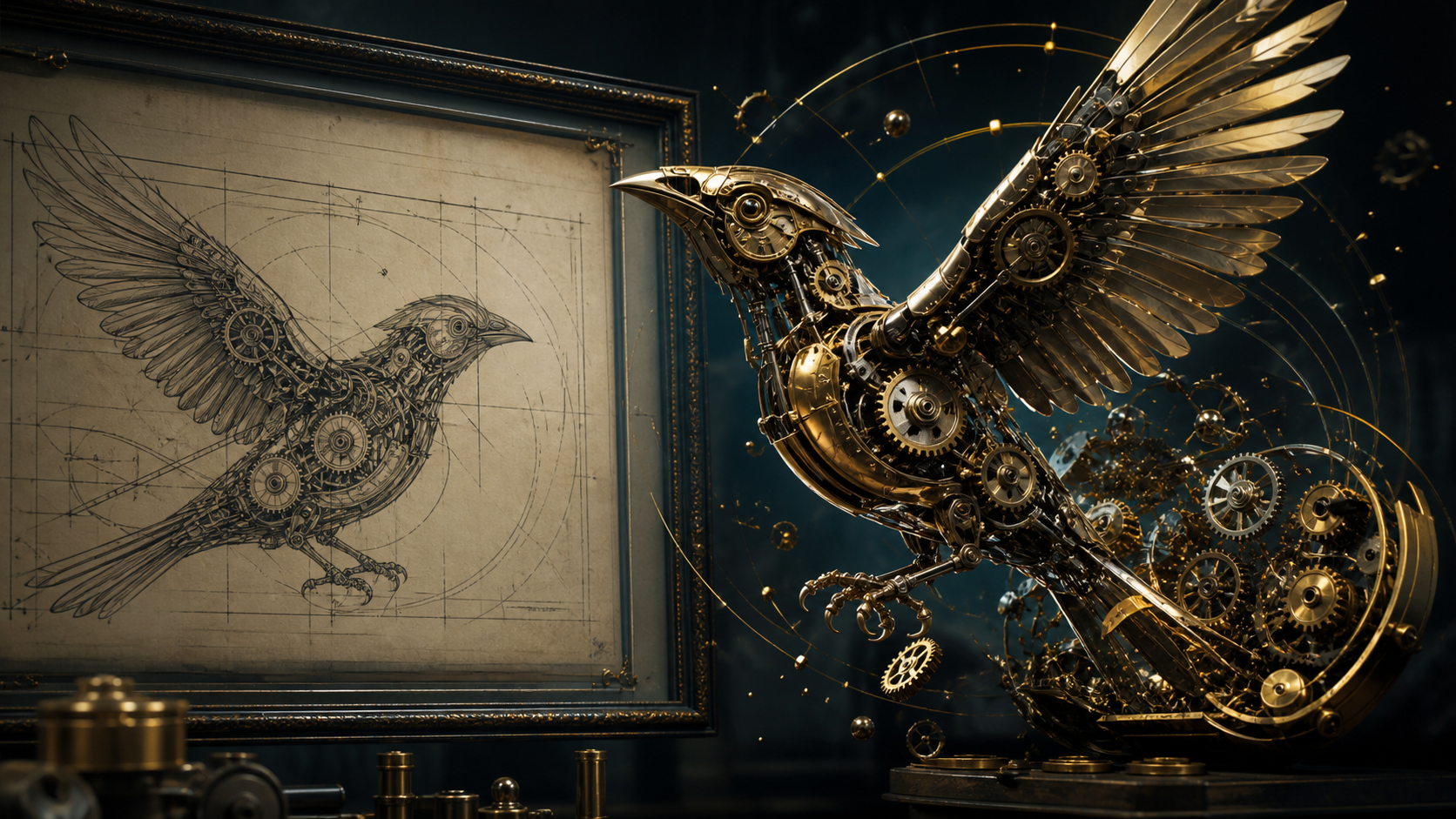
Mechanical artwork makes motion errors easy to see. First list the parts that may move—wings, a few gears, small particles, or the camera—and the details that must remain fixed, including silhouette, materials, gear count, drawing style, and background frame. A prompt should describe one movement chain rather than asking the entire image to “come alive.”
For example: “The brass bird opens its wings slowly while three visible gears rotate together; subtle camera push-in; preserve every gear position, beak shape, metal finish, framed drawing, and dark studio lighting.” Generate a short test and change only one instruction between attempts.
Scrub the result for impossible gear intersections, changing feather count, broken reflections, duplicated pieces, and motion that ignores mechanical joints. Even a visually dramatic clip is unusable if the subject redesigns itself over time. Archive the accepted prompt and settings with the source so later shots can reproduce the same motion language.
Responsible AI Creation
As you explore the creative possibilities of AI, it is essential to prioritize responsible usage. Always ensure that the content you create respects the rights and privacy of others. When using tools for face swapping or voice synthesis, obtain proper consent and ensure your work adheres to legal standards and platform policies. AI should be used to enhance human creativity, not to facilitate impersonation or the creation of non-consensual material.
Practical Weekly Workflow
- Plan: Draft a short outline to ensure the AI output supports your narrative.
- Generate: Use image-to-video tools to bring your assets to life.
- Edit: Combine your clips with audio, captions, and transitions.
- Archive: Save your prompts and source assets. Keeping a record of your successful settings makes it significantly easier to produce consistent variations in the future.
Conclusion
AI-assisted video production is a powerful tool for creators who treat it as a structured system. By combining clear creative intent with iterative generation and careful review, you can transform raw AI outputs into polished, professional communication.
Next Step
Explore the full suite of creative tools at VideoAny.
FAQs
1) Can this workflow work for a solo creator? Yes. By focusing on one repeatable format and keeping your asset list organized, you can scale your production capacity significantly as a solo creator.
2) Should I generate first or write the edit plan first? Always write the plan first. A simple outline acts as a roadmap, helping you judge whether the AI output is actually serving your final video goals.
3) What should I check before publishing an AI video? Beyond visual quality, check for motion consistency, pacing, audio synchronization, and whether the video communicates your intended idea clearly to your audience.
4) How does VideoAny fit into this workflow? VideoAny serves as the engine for your visual generation and variation needs. Once your clips are generated, you can integrate them into your broader editing pipeline for final formatting and distribution.