Categories: AI Video, AI Image, Creator Guides
Tags: videoany, ai video, ai video generator, ai content creation, creator guide
Introduction to AI Video Remixing
AI video remixing is revolutionizing how creators approach content production, offering powerful tools to transform, generate, and personalize video. This guide explores the core capabilities of AI video remix tools and outlines practical workflows to integrate them into your creative process. Whether you're looking to repurpose existing footage, animate still images, or generate entirely new scenes from text, understanding these tools can significantly enhance your output.
VideoAny provides a suite of features designed to empower creators with advanced video transformation and generation capabilities, enabling sophisticated visual storytelling and dynamic content creation.
Key Features of AI Video Remix Tools
Modern AI video remix tools integrate a range of functionalities that allow for deep manipulation and generation of video content. These features collectively provide a comprehensive toolkit for diverse creative projects.
Face Swap Technology for Personalized Remixes
Advanced face swap features enable creators to seamlessly replace faces within existing videos. This technology opens up possibilities for personalizing content, creating parodies, or even anonymizing individuals while preserving the original video's action. It's a versatile tool for adding a unique touch to your creations. When utilizing face swap technology, always ensure you have the explicit consent of all individuals involved and adhere to ethical guidelines and platform policies.
Explore face swap capabilities with VideoAny: https://videoany.io/face-swap
Image-to-Video Transformation
Transforming static images into dynamic video sequences is a core capability of AI remix tools. By providing a single image or a series of images, AI can animate them, generating fluid motion and captivating visuals. This is ideal for bringing still photography to life, crafting stunning intros, or expanding visual narratives that originated as images. This functionality is crucial for creators looking to add motion to their static assets.
Discover image-to-video creation with VideoAny: https://videoany.io/image-to-video
Text-to-Video Generation for New Creations
Beyond remixing existing content, powerful text-to-video features allow you to generate unique video from scratch. Simply describe your desired scene or action in text, and the AI will manifest your ideas into fully animated sequences. This capability unlocks new avenues for creation, enabling you to combine AI-generated clips with remixed footage for truly unique results.
Text-to-video generation can also supply new shots that bridge gaps in a remix.
Reference Image to Video for Consistent Styles
Maintaining stylistic consistency across remixed videos is essential for a professional look. Tools that offer reference image to video functionality allow you to guide the AI to generate new video content that aligns with the aesthetic, lighting, or compositional elements of a chosen image. This ensures a cohesive visual style, even when integrating diverse source materials.
Video-to-Video Transformation for Stylistic Transfers
At the heart of AI video remixing are video-to-video capabilities. By uploading an existing video, creators can apply a range of stylistic transformations, content modifications, or even alter the narrative based on prompts. This allows for deep remixing, turning a standard clip into an artistic piece or updating old footage with a fresh look and feel. It's an indispensable feature for repurposing and revitalizing your video library.
Transform your videos with VideoAny's video-to-video tools: https://videoany.io/video-to-video
High-Quality Output and Multiple Aspect Ratios
For any video content, quality and adaptability are paramount. Effective AI video remix tools should support high-definition video output, ensuring creations are crisp and clear. Furthermore, offering a range of aspect ratios—such as 16:9 for widescreen, 9:16 for vertical mobile content, and 1:1 for square social media posts—is crucial. This flexibility guarantees that remixed videos are optimized for various platforms and viewing experiences.
Creative Freedom and Content Considerations
The landscape of AI video generation platforms varies significantly in terms of content moderation and creative allowances. Creators often seek tools that support a broad spectrum of artistic expression. While exploring creative concepts, it is vital to prioritize responsible and consent-based AI media creation. Always adhere to platform terms of service, respect intellectual property rights, and comply with applicable laws. VideoAny is committed to fostering a creative environment that encourages innovation while upholding ethical standards.
How AI Video Remix Tools Work
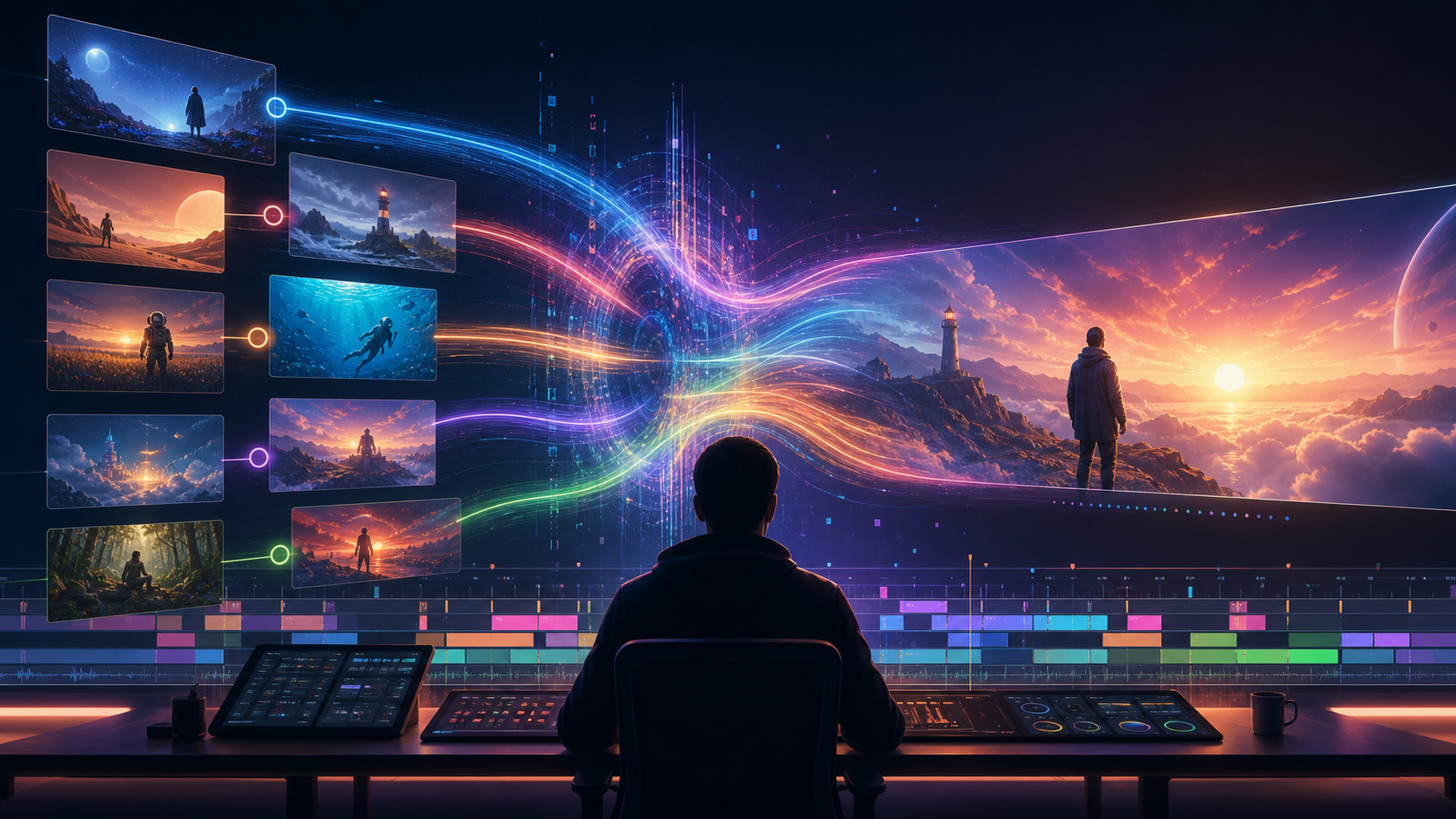
Remixing videos with AI typically follows an intuitive process:
- Upload or Select Source Material: Begin by providing the video, image, or text prompt you wish to transform or use as a basis for generation.
- Define Your Transformation: Use prompts, reference images, or specific tool settings (like face swap parameters) to guide the AI on your desired outcome.
- Generate and Review: The AI processes your input and generates the remixed or new video content. Review the output for quality, consistency, and adherence to your creative vision.
- Refine and Export: Make any necessary adjustments or generate variations, then export your final video in the desired format and resolution.
Use Cases for AI Video Remix Tools
The versatility of AI video remix tools makes them invaluable for a wide array of creators and industries:
Social Media Creators
Generate engaging content by remixing trending videos, creating unique meme formats, or personalizing clips with face swaps. Produce quick, dynamic shorts for platforms like TikTok, Instagram Reels, and YouTube Shorts with enhanced ease, keeping your audience captivated with fresh, AI-powered visuals.
Marketers and Advertisers
Quickly A/B test different ad creatives by remixing existing videos with new styles, products, or models. Create compelling promotional content from archival footage, saving time and resources on new shoots. The ability to generate diverse variations rapidly is a significant advantage for digital campaigns.
Meme Makers and Humor Enthusiasts
Craft hilarious and highly shareable memes by face-swapping individuals or characters into iconic video clips. AI tools can amplify humor, allowing for creative and niche content.
Adult Content Creators (18+)
AI video tools can assist in content production for adult creators by enabling unique scenarios from existing footage using video-to-video transformations or generating new visual elements from text prompts. When creating content, especially for adult audiences, it is paramount to ensure all material involves consenting adults, excludes minors, and strictly adheres to all legal regulations and platform policies. Responsible and ethical creation is always the priority.
Hobbyists and Experimental Artists
Experiment with abstract art, surreal video landscapes, or completely new forms of digital expression. AI video remix tools allow for boundless creative exploration, pushing the boundaries of what's possible in personal video projects.
AI Remixing Tools vs. Alternatives
Many AI video generation platforms offer varying levels of creative control and content moderation. When choosing an AI remix tool, consider how well it aligns with your specific creative needs and the types of content you intend to produce. Evaluate platforms based on their feature sets, output quality, ease of use, and their approach to supporting diverse creative expressions while maintaining responsible content guidelines.
Practical Weekly Workflow
Integrating AI video remixing into your production pipeline can streamline your workflow. Treat it as a repeatable system:
- Define the Content Outcome: Clearly outline your goal—whether it's a short ad, a story scene, a tutorial clip, a music visual, a product demo, or a social media post.
- List Required Inputs: Identify all necessary assets: prompts, reference images, product shots, character designs, storyboard frames, scripts, or audio.
- Generate or Edit in Small Passes: Work iteratively. Create small test clips or sections rather than attempting to complete the entire video in one go.
- Review and Iterate: Critically review each generated clip for continuity, pacing, visual clarity, caption space, sound needs, and platform formatting.
- Document and Save: Keep records of your prompts, source assets, and export settings. This makes reproducing variations or similar content much easier in the future.
Conclusion
AI-assisted video work is most effective when approached as a systematic production process. While the creative idea remains central, a robust workflow with clear inputs, controlled iteration, and a thorough review step transforms raw AI generations into polished, communicative video content.
Next Step
Explore VideoAny's broader toolset when you are ready to expand the workflow.
FAQs
1) Can this workflow work for a solo creator? Yes. Start by focusing on one repeatable format, keep your asset list manageable, and refine your workflow after each published clip.
2) Should I generate first or write the edit plan first? Always start with a short plan. Even a simple outline helps you evaluate whether the AI output effectively supports your final video's narrative and goals.
3) What should I check before publishing an AI video? Before publishing, check for continuity, motion quality, caption accuracy, sound synchronization, correct aspect ratio, pacing, and ensure the video clearly communicates its intended message without requiring additional explanation.
4) How does VideoAny fit into this workflow? VideoAny serves as a powerful platform for visual generation and variation. Use its tools to create or transform clips, then integrate these into your broader editing process, adding captions, audio, and platform-specific formatting as needed.
Media References