Categories: AI Video, Creator Workflow, Creative Freedom
Tags: unrestricted ai video generator, uncensored ai video, free uncensored ai video generator, text to video, creator workflow
Introduction
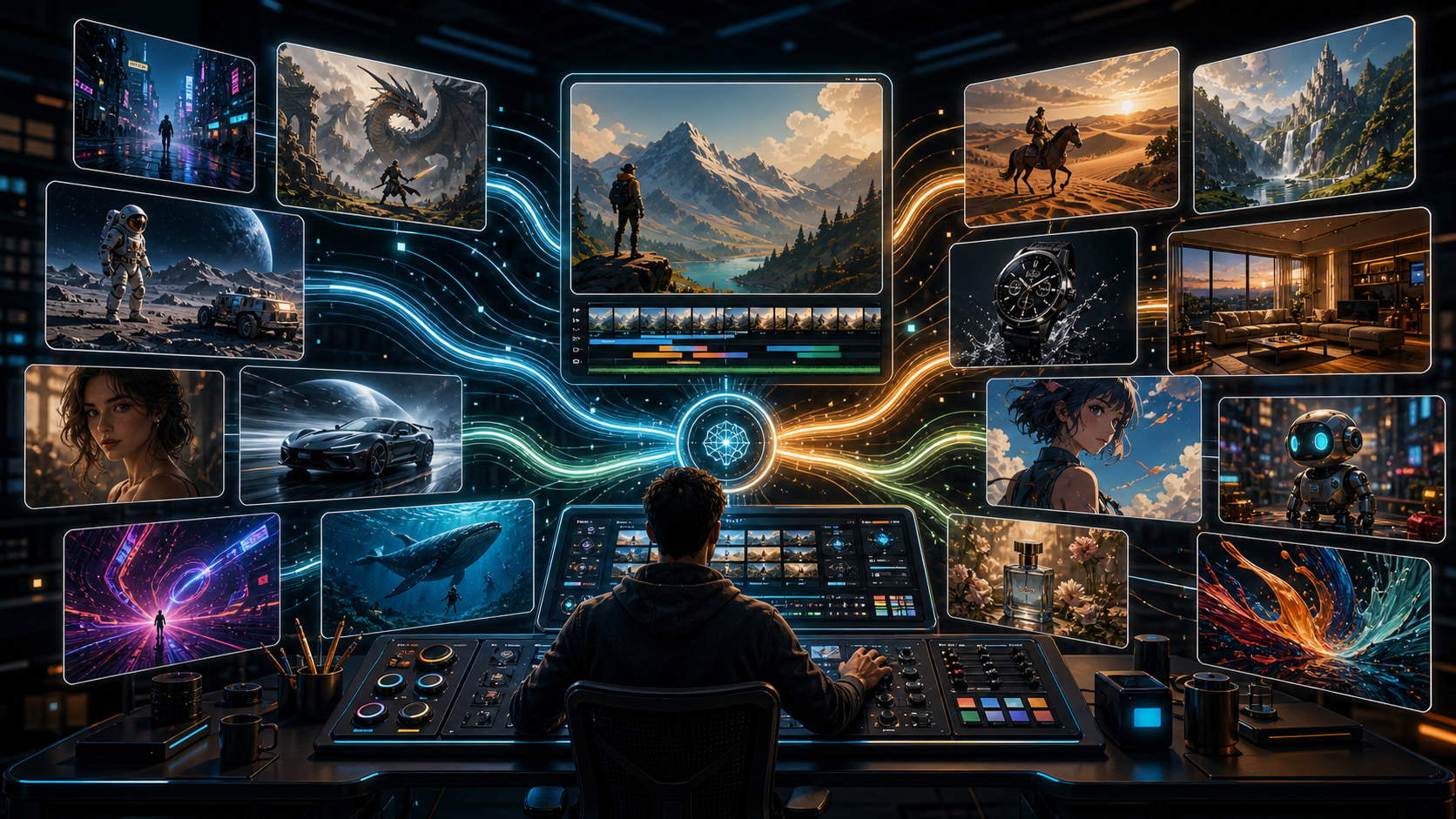
Artistic expression has always pushed boundaries. However, as generative video technology has scaled, mainstream platforms have increasingly locked down their models. For creators working in dark fantasy, horror, intense action, or romantic/sensual art, standard platform guidelines can completely break production workflows. An unrestricted ai video generator provides the necessary environment to build scenes without constant keyword flags or engine refusals.
True creative freedom means allowing the animator to decide what is visually appropriate for their project. In this guide, we investigate how unrestricted AI generation enables complex visual stories and how you can master these tools.
Why Creative Workflows Demand Unrestricted Environments
When platforms apply generic filters to generative models, the consequences for creators are severe:
- False Positives: Normal prompts containing words like "slice," "glowing blood," or "dark forest shadow" are regularly flagged as violations.
- Stifled Innovation: Creators are forced to simplify their artistic concepts to comply with rigid guidelines.
- Wasted Compute: Generative pipelines fail mid-render, leading to wasted time and budget.
"Corporate content moderation guidelines are built for advertising, not for art. If we want AI to mature as a cinematic medium, we must give directors tools that treat them like adults." — Christian Gautier, Independent Film Director & CineAI Alliance Lead
Modulating Controls in Unrestricted Systems
Operating an unrestricted model effectively requires different settings than moderation-heavy systems.
The comparison below highlights how unrestricted models give users full control over final output composition:
| Dynamic Setting | Filtered Platform | Unrestricted Platform (VideoAny) |
|---|---|---|
| Motion Physics | Truncated to avoid erratic shapes | Full velocity vector calculations |
| Stylization Options | Limited to brand-approved filters | 3D clay, anime, hyper-real, etc. |
| Prompt Vocabulary | Restricted via word lists | Fully expressive text vocabulary |
| Asset Import | Uploaded files scanned for compliance | Local files processed directly |
| Creative Workflow | Constant warning interruptions | Seamless rendering from start to finish |
Step-by-Step Generation in VideoAny
To produce high-quality cinematic results without restrictions on VideoAny, follow this method:
- Draft Your Narrative Prompt: Detail the mood, atmospheric lighting, and characters without self-censoring.
- Use the Text to Video Tool: Generate your initial draft blocks to test camera movement.
- Refine Using the Image to Video Tool: If you already have a keyframe asset or custom drawing, upload it to maintain strict continuity.
- Polish the Output: Run multiple seeds to find the perfect motion physics, and use the Video to Video Tool if you need to restyle it.
Maintaining Output Consistency
Without the handrails of safety filters, models can occasionally produce unstable outputs or structural morphs. To prevent this:
- Avoid Over-Prompting: Write concise prompts highlighting only the primary motion elements.
- Use High-Quality Seeds: A clean, detailed starting frame keeps the neural network anchored.
- Adjust Motion Parameters: Keep the motion scale moderate (between 3 and 6) to maintain physical realism.
Conclusion
An unrestricted ai video generator is an indispensable tool for artists who refuse to compromise their creative vision. Platforms like VideoAny provide the technology and freedom required to produce professional-grade visuals without corporate limitations.
FAQs
1) Does VideoAny have any content limits?
VideoAny is designed to provide ultimate creative freedom, but users must comply with legal statutes regarding digital rights and local laws.
2) Can I use these unrestricted videos on YouTube or social media?
Yes. You own the content you generate. However, you must ensure the final content complies with the hosting platform's distribution guidelines.
3) How does VideoAny keep its rendering speeds fast?
VideoAny uses optimized GPU cluster routing to compile generations within seconds, ensuring your workflow remains smooth.