Introduction
The source article promotes an adult-focused video platform with multiple generation modes, 1080p downloads, private-by-default projects, crypto checkout, and three aspect ratios: 9:16, 1:1, and 16:9. Most of that feature list mirrors its broader adult-creator page. What makes this topic distinct is the vertical deliverable: a mobile-first frame changes composition, motion, captions, crops, and channel eligibility.
This guide keeps the source’s “why creators choose it, how it works, prompt ideas, mainstream restrictions, privacy, ownership, and safety” structure while treating vendor claims as items to verify. It does not transfer the source platform’s unrestricted-content, anonymity, output-resolution, or billing claims to VideoAny.
Adult-only boundary: use fictional adults or real adults who have explicitly consented to the exact scene and distribution. Never create sexualized media involving minors or non-consenting real people.
Why Vertical Adult Video Needs a Separate Workflow
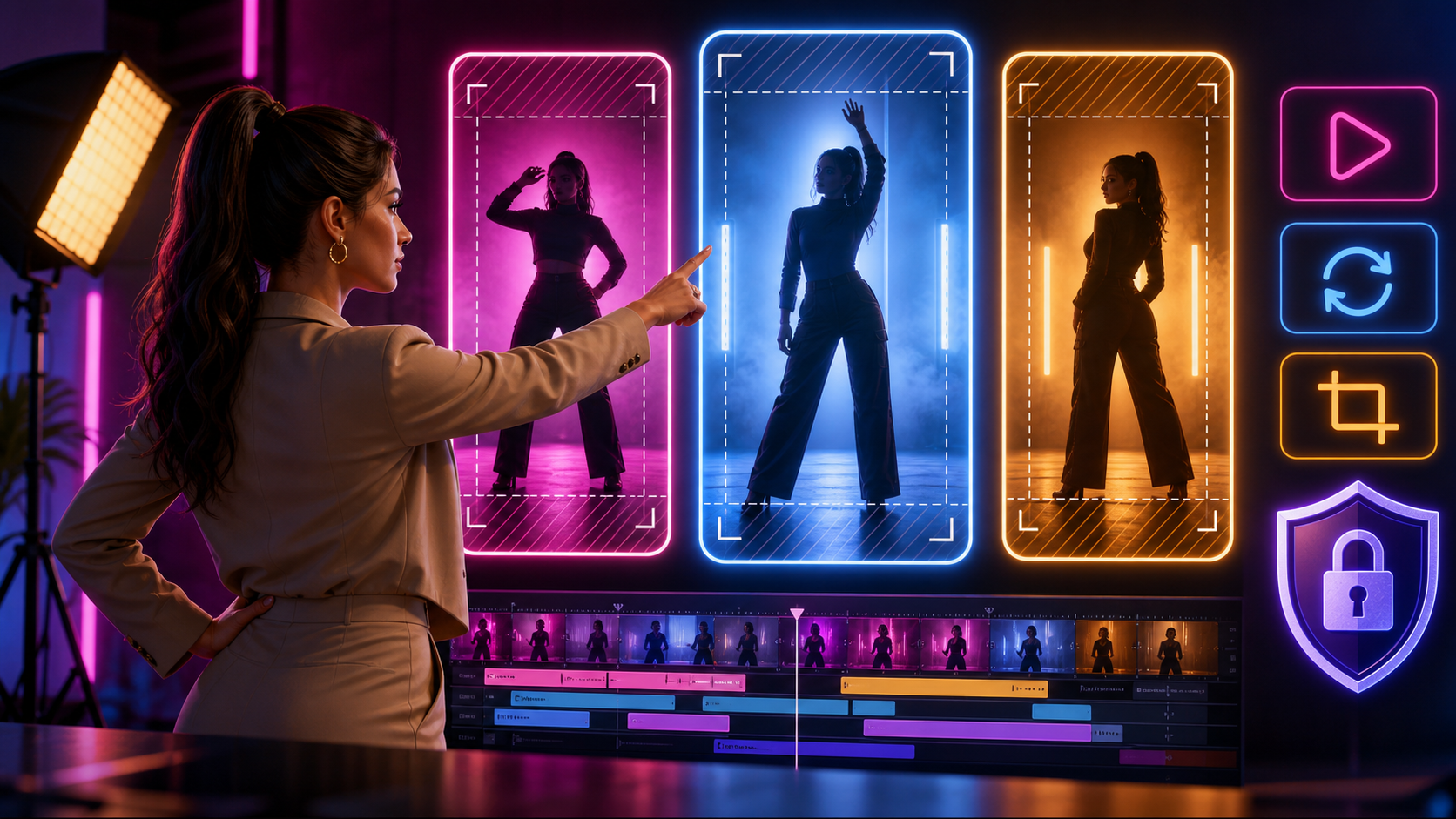
A 9:16 output is not just a landscape video turned sideways. The frame is narrow, the subject occupies more screen space, and interface overlays may cover important areas. Adult creators should evaluate:
- Native aspect-ratio support: Verify that the model truly generates 9:16 rather than center-cropping a landscape clip.
- Resolution: “1080p” can mean 1080 × 1920 for vertical output, an upscale, or a marketing label. Inspect the delivered file.
- Subject framing: Keep faces, hands, and essential movement inside a central safe region with room for captions and platform controls.
- Motion scale: Large horizontal moves leave the frame quickly. Slow push-ins, controlled turns, and vertical movement often read more clearly on a phone.
- Loop potential: A short ending that visually reconnects to the opening can improve repeatability without requiring a longer render.
- Channel fit: Do not assume that a vertical file is eligible for a mainstream short-form platform. Check the destination’s current adult-content and synthetic-media rules before production.
What the Source Platform Claims
The reference page emphasizes a combined text-to-image, image-to-image, text-to-video, image-to-video, and video-to-video workspace. It also advertises no content filters, anonymous use, private libraries, crypto payment, downloadable HD output, and full ownership.
Those claims are not self-verifying. Test the actual export, read the privacy and licensing terms, and check whether a public showcase, share link, moderation review, backup system, or model-training clause changes the meaning of “private” or “yours.”
A 9:16 Production Workflow
The source reduces production to “describe, generate, refine, download.” A more reliable vertical workflow adds planning and review:
- Document consent and rights. Identify every real adult, reference asset, voice, track, and logo, along with the permitted use.
- Choose the final channel first. Record its aspect ratio, duration, safe areas, disclosure expectations, and content limits.
- Storyboard in portrait. Sketch the opening, focal action, and closing frame on a tall canvas instead of repurposing a 16:9 board.
- Build an authorized visual reference. Use a fictional character or a consenting adult source; remove unnecessary personal metadata.
- Generate a short non-explicit motion test. Confirm identity, camera direction, crop, and background stability before a sensitive render.
- Create one action per shot. Short, controlled beats reduce limb errors and framing drift.
- Refine only failed sections. Use a second generation or authorized transformation pass instead of degrading the full sequence.
- Edit captions and audio separately. Keep text away from interface overlays and review audio rights.
- Inspect on a real phone-size preview. Look for clipped limbs, tiny detail, abrupt motion, and unreadable captions.
VideoAny provides general text-to-video, image-to-video, and video-to-video routes. Check each route’s current aspect ratios, model behavior, and content rules; this article does not claim unrestricted or NSFW-specialized support.
Prompt Structure for Vertical Video
The source’s prompt examples combine subject, wardrobe, environment, lighting, camera, and motion. Add vertical composition explicitly:
- Adult fictional subject: State age category and stable identity traits without referencing a real person you do not control.
- Portrait composition: Specify full-body, medium, or close framing; subject scale; headroom; and central safe zone.
- Environment: Choose a background with clear depth but limited horizontal clutter.
- Lighting: Define key direction, color temperature, contrast, and practical lights that stay stable during motion.
- Camera: Describe one move, such as a slow push or subtle handheld drift, and keep the subject inside the tall frame.
- Action: Use a simple start and end state that can be reviewed for continuity.
Generate the visual without embedded text when possible, then add accurate captions during editing. This avoids malformed lettering and makes platform-specific versions easier.
Why Mainstream Tools May Refuse the Prompt
General-purpose AI providers often restrict sexual content through their model and product policies. References that contain nudity or explicit motion can also trigger upload moderation. A specialized provider may accept a wider range of consensual adult fiction, but it should still enforce safeguards against minors, non-consensual intimate imagery, trafficking, impersonation, and unlawful content.
“Uncensored” does not mean rule-free, risk-free, or guaranteed. Check the current acceptable-use policy before committing source media or a publishing schedule.
Privacy, Ownership, and Safety Review
The source advertises no public profile, no shared gallery by default, no exposed personal data in generations, crypto billing, and user ownership. Ask for the details behind each phrase:
- Are uploads, prompts, outputs, and moderation logs retained or used for training?
- Can staff or vendors access flagged projects?
- Are share URLs indexed or guessable?
- Does deletion include backups, derivatives, and thumbnails?
- What license does the provider receive, and what commercial license does the creator receive?
- Does crypto billing change refund, dispute, or account-recovery options?
- How are performer-consent and non-consensual-content reports handled?
Ownership of an AI output cannot cure missing rights in an input face, performance, voice, image, or soundtrack.
Vertical Publishing Checklist
Before posting, verify consent, adult status, source rights, destination rules, synthetic-media disclosure, 9:16 dimensions, subject safe zones, captions, audio licenses, continuity, and thumbnail crop. Review the exported file rather than trusting the preview.
Frequently Asked Questions
Should I generate in 9:16 or crop later?
Prefer native 9:16 when the model supports it well. If you crop, storyboard with the future portrait frame visible and inspect every shot.
Can a solo creator use this workflow?
Yes, but the creator still needs a consent log, shot plan, quality review, storage controls, and platform-policy check.
Does a private library guarantee anonymity?
No. Login, billing, device, network, fraud, and service logs may still identify an account.
What matters most before publishing?
Consent and rights come first, followed by channel compliance, disclosure, continuity, safe framing, and final-file inspection.
Conclusion
The source page’s multi-mode workflow and 9:16 option are useful starting points, but vertical adult video needs its own composition, motion, privacy, and publishing checks. Plan for the phone frame from the first storyboard, verify every vendor claim, and treat consent and adult-only sourcing as production requirements rather than end-of-article disclaimers.