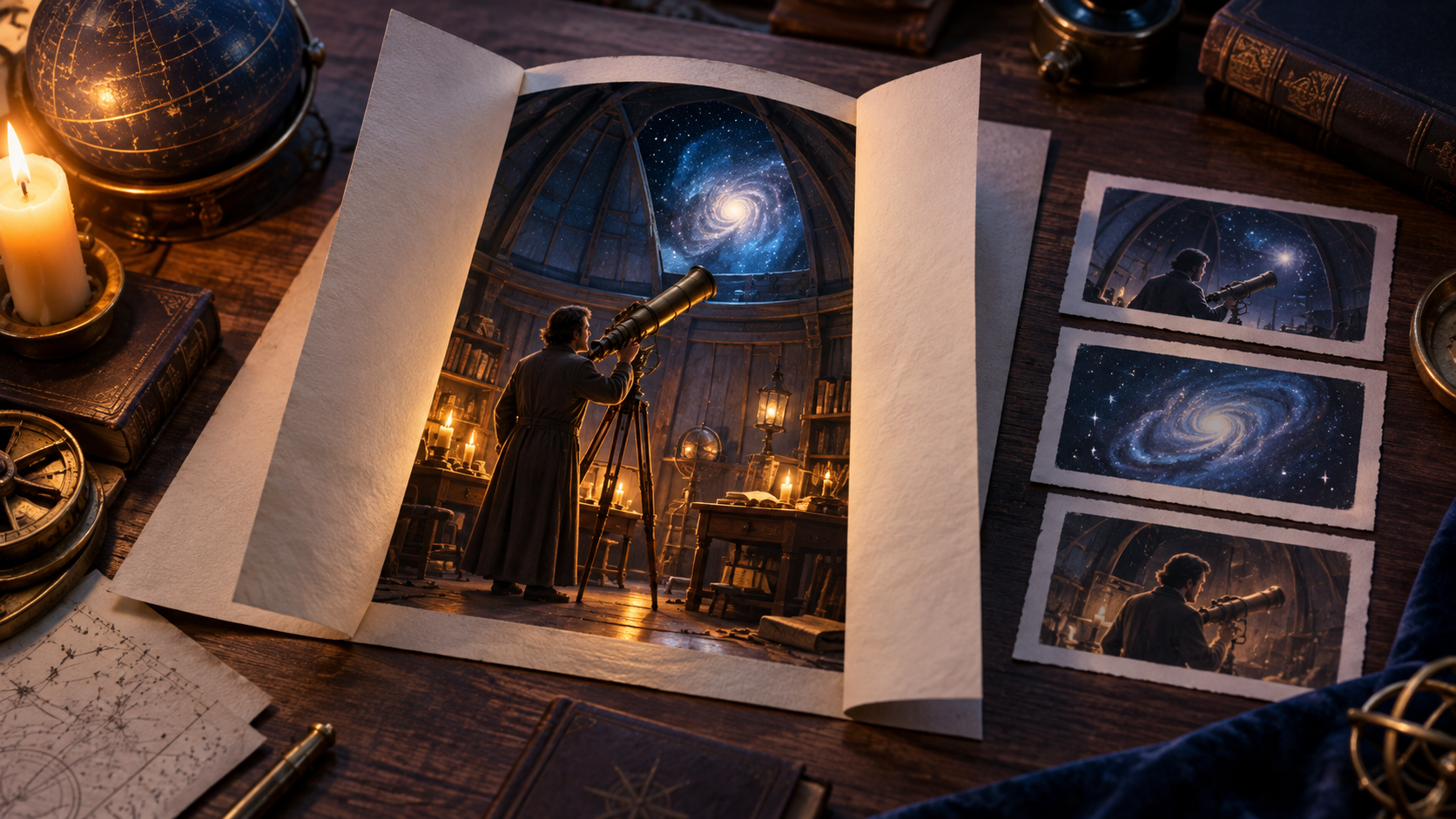
This guide details adapting a novel chapter's turning point into a 45-second video scene. The process involves translating internal prose—thoughts, feelings, and inferences—into external, visible actions and reactions. We will outline how to identify key visual moments, plan specific shots, and prepare consistent references. The goal is to create a clear sequence that conveys the narrative's cause-and-effect, distinguishing between what the audience observes and what the character understands internally.
From Prose to Visual Narrative
Translating written narrative into a visual medium involves a fundamental shift in storytelling. A novel chapter often delves into internal thoughts, complex descriptions, and abstract concepts. The goal is to identify the core dramatic turning point and externalize it through visible actions, reactions, and environmental cues. This requires a deliberate choice of what to keep as direct visual evidence, what to externalize from internal monologue into observable behavior, and what to omit if it doesn't serve the visual story.
Deconstructing the Scene: Ivo's Discovery
To illustrate this process, consider a short prose seed:
"Apprentice clockmaker Ivo meticulously polished a brass compass, a gift from his mentor. He admired its intricate workings, a testament to master craftsmanship. But as he opened the casing, a tiny, crystalline salt stain caught his eye, a detail his mentor had sworn impossible for a waterproof instrument. A sudden clang of the shop bell startled him, and he instinctively slammed the compass shut, hiding it beneath his workbench."
From this, we make explicit decisions:
- KEEP: Direct visual elements like the compass, Ivo's hands, the salt stain, the shop bell sound, and the workbench. These are concrete, observable components of the scene.
- EXTERNALIZE: Ivo's internal thoughts of admiration for his mentor and the dawning realization of betrayal. Instead, show his careful handling of the compass, a subtle hesitation or widening of eyes upon seeing the stain, and a quick, furtive movement to hide the compass. His internal conflict becomes visible action.
- OMIT: Detailed descriptions of the clock shop's interior beyond what's essential for the scene, Ivo's full backstory, or the mentor's motivations, as these are not critical for this specific 45-second turning point.
The scene's core narrative logic follows a clear cause-and-effect chain. Ivo opens the compass, revealing a salt stain. This discovery leads to his suspicion, as the stain suggests damage or exposure inconsistent with its supposed history. For the audience to grasp Ivo's internal inference—that the stain implies a specific, forbidden action by his mentor—earlier dialogue or a visual cue (like a map marking the forbidden harbor) would be necessary. Without such setup, the visual takeaway is simply Ivo discovering unexpected damage. The shop bell then rings, prompting Ivo to conceal the compass. This sequence translates internal thought (suspicion) into external action (concealment), driven by an external event (bell).
Crafting the Shot List
With the narrative beats defined, the next step is to translate them into a sequence of shots. Each shot should have a clear purpose, contributing to the overall story and maintaining continuity. The durations below are approximate editorial lengths, serving as illustrative assumptions for planning rather than guaranteed model output times.
| Shot # | Duration (s) | Visible Action | Audience Takeaway | Continuity Dependency |
|---|---|---|---|---|
| 1 | 8 | Ivo's hands carefully open a brass compass. | Establishes meticulousness, the object. | Compass closed, Ivo focused. |
| 2 | 10 | Close-up: tiny salt stain in compass interior. | Reveals the "impossible" detail. | Compass open, stain visible. |
| 3 | 8 | Ivo's face: eyes widen, flicker of concern. | Ivo realizes the stain's significance. | Gaze shifts from compass to thoughtful expression. |
| 4 | 7 | POV shop bell rings, then Ivo's startled reaction. | External interruption, urgency. | Bell rings, Ivo startled. |
| 5 | 12 | Ivo quickly closes compass, shoves under workbench. | Hides evidence, indicates fear. | Compass open, Ivo reacts, then hides. |
Before generating any video, a still-board check is crucial. For Ivo's scene, sketch or generate still images to confirm spatial direction. Which hand holds the compass? Does the hinge open away from or towards Ivo? Where is the workbench? Consistent visual logic prevents jarring cuts and maintains audience immersion.
Each shot requires a clear prompt. For instance, Shot 2 might use a reference description: 'Antique brass compass, open, showing intricate internal mechanisms. A tiny, crystalline salt stain adheres to the inner rim.' The motion instruction: 'Slow zoom into the salt stain.' Exact controls vary by tool. To explore visual generation, tools like reference stills can be a starting point for creating initial images, without guaranteeing specific outcomes.
Iteration and Refinement
Maintaining continuity across shots is vital. A simple card for Ivo's scene might track:
- Ivo's Sleeve: Rolled up, left arm.
- Compass State: Shot 1: closed to open; Shots 2-4: open; Shot 5: open to closed.
- Compass Position: Shot 1: held in left hand; Shots 2-4: held in left hand; Shot 5: held in left hand to hidden under workbench.
- Stain Visibility: Visible only when compass interior is shown (e.g., specific close-up shots).
Consistent file naming (e.g., Ivo_Scene1_Shot01_v1.mp4) and an acceptance log (Shot #, Prompt, Result) help manage iterations and ensure seamless transitions. Simplifying complex hand actions, like closing and hiding the compass in one shot, may require adjusting the preceding shot's endpoint or adding an intermediate shot. For instance, Shot 4 might end with the compass open, then Shot 5 begins with it open, showing the closing action before concealment.
When a generated shot doesn't meet expectations, change only one variable per retry. For Shot 5 (Ivo hiding the compass), if urgency is lacking:
- Attempt 1: Simplify action. Instead of 'Ivo quickly closes the compass and shoves it under the workbench,' try 'Ivo quickly shoves the closed compass under the workbench.' This reduces complex hand movement, assuming the compass is already closed from a prior action.
- Attempt 2: Change framing. Revert to the original action, then try a different camera angle—perhaps a wider shot for body language, or tighter on the hand's rapid movement. This focused approach helps identify what prompt elements or parameters influence the outcome.
Assembling the Scene and Diagnostic Checks
Once individual shots are approved, assemble them according to planned durations. Objective diagnostic checks then reveal how effectively the scene communicates.
- Mute Test: Play the assembled scene for a new viewer with audio muted. Ask: 'What did Ivo visibly notice?' and 'Why might he hide the compass?' If viewers cannot understand the damage or concealment, strengthen the visual evidence and Ivo's reaction. Repair the evidence/reaction sequence rather than adding spectacle; do not require viewers to infer a forbidden harbor unless previously established.
- Audio-Only Test: Play only the audio track, focusing on the bell cue. Assess its timing and rhythm. Does it feel sudden and startling, or out of place? This test ensures the bell's impact aligns with Ivo's reaction.
These diagnostic checks ensure the scene's visual and auditory cues convey the intended story. For exploring the generation of planned shots, platforms offering text-to-video generation can be a useful resource.
Expanding Beyond a Single Scene
Once a scene is refined, scale the process. Approved character designs, prop references, and location aesthetics become foundational 'world assets.' For the next chapter:
- New Turning Points: Identify the next key dramatic beat.
- Continuity: Track changes in appearance, prop states, and time.
- Reuse Elements: Leverage successful prompts and visual styles for consistency.
- Modular Approach: Treat each new scene as a self-contained unit, applying the same planning, generation, and diagnostic steps for efficiency.
Permissions and Rights
Always ensure you have the necessary rights or permissions to adapt any story, artwork, or character into a video. If recognizable faces or voices are used, obtain explicit consent from the individuals involved. This is a critical step to respect intellectual property and personal privacy.
FAQ
Can this workflow preserve the novel's exact wording?
Exact prose is generally optional for video, unless it constitutes meaningful dialogue or critical on-screen text. The workflow focuses on translating the narrative's core meaning and emotional impact into visual actions, expressions, and environmental details.
Is narration a good way to include original text?
Narration can effectively preserve necessary context, especially for internal monologues or complex descriptions difficult to visualize. However, use it judiciously to enhance the visual story, not replace it, to avoid an audiobook feel.
Should I generate in portrait or landscape aspect ratio?
Select your aspect ratio based on the video's intended destination and how you plan to stage your visual references. Landscape (16:9) is common for wider screens, while portrait (9:16) suits mobile-first platforms. There are no universal rules; consider your audience's viewing context.
What about permissions for characters and settings?
Always use material you own or have explicit permission to adapt. While a work's core text might be in the public domain, specific editions, translations, or derivative artwork may still be copyrighted. Verify the status of all elements separately; creating original content does not automatically negate all potential complexities.