Categories: AI Video, AI Image, Creator Guides
Tags: videoany, ai video, ai video generator, ai content creation, creator guide
Introduction
AI video workflows are most effective when they enhance clarity and creative possibility, not just speed. This guide explores the landscape of AI video creation, focusing on how platforms like VideoAny offer powerful alternatives for bringing diverse visions to life. We'll examine the core concepts behind modern AI video tools and translate them into a practical workflow for planning, generating, editing, and publishing your content responsibly.
Our goal is to provide a clear understanding of what these AI capabilities mean for creators, where they fit in a production pipeline, when they are most beneficial, and what to consider before finalizing your AI-generated clips.
Core Content Blocks
1) Unleash Your Creativity with VideoAny's AI Video Tools
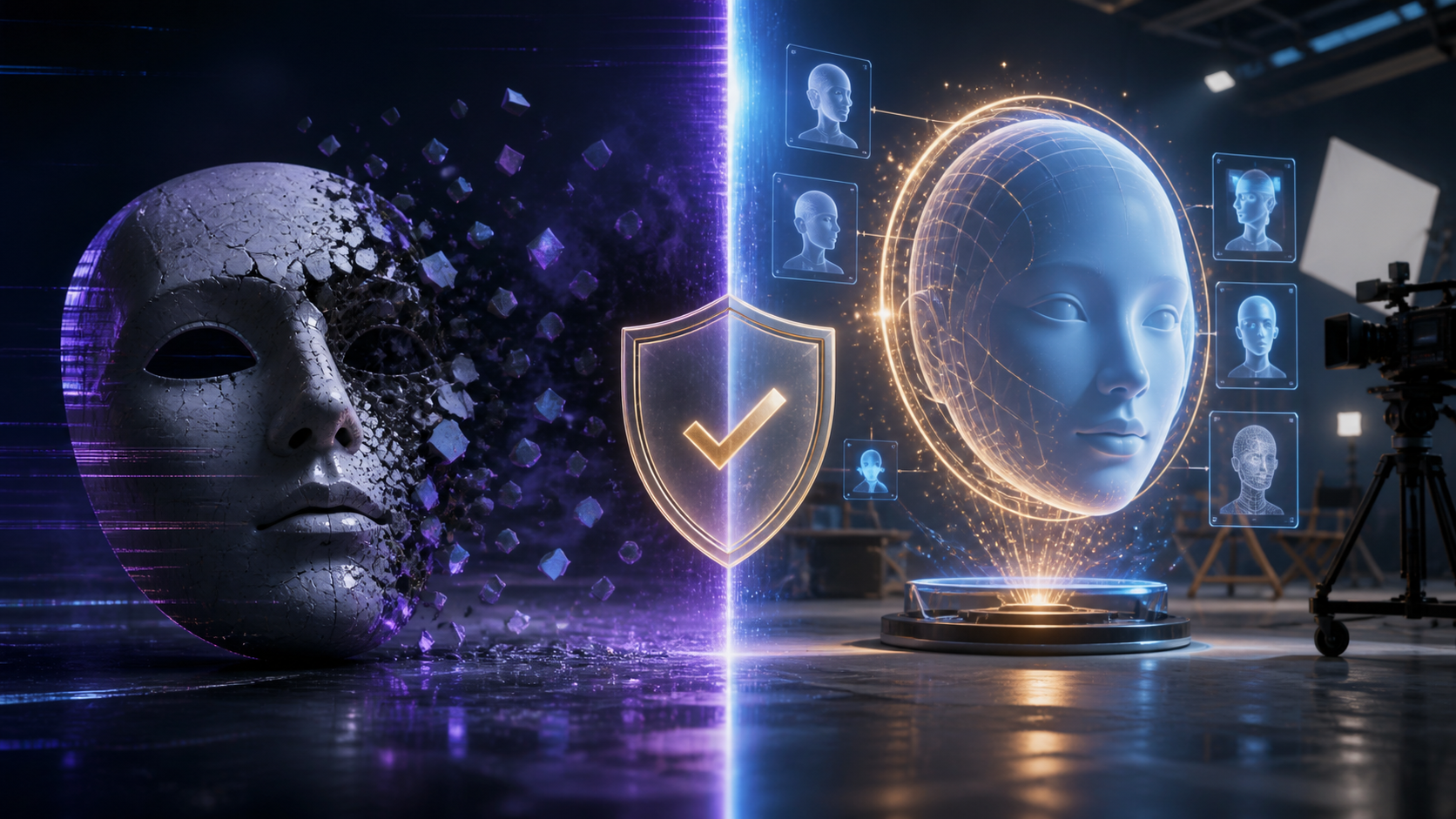
VideoAny provides a suite of advanced AI video generation tools designed to cater to a diverse range of creative needs. Our platform empowers users to explore their artistic visions, offering a powerful AI video experience that supports broad creative expression. We believe in fostering an environment where creators can bring their ideas to life, always emphasizing responsible and ethical AI media creation, including obtaining consent for any likenesses used.
2) Text-to-Video Generation: From Words to Visuals
Imagine transforming your written narratives, scripts, or even simple ideas into compelling video content. With VideoAny's text-to-video generation capability, this becomes a seamless reality. Users can input text prompts, and our advanced AI algorithms interpret them to generate dynamic and visually rich videos. This feature is ideal for storytelling, marketing, educational content, or simply experimenting with abstract concepts. It provides an accessible method for creating engaging video from text.
Explore text-to-video creation: https://videoany.io/text-to-video
3) Image-to-Video Generation: Animating Your Stills
Still images often hold immense potential for storytelling. VideoAny's image-to-video generation feature allows you to breathe life into your photographs, illustrations, or digital art. Simply upload your images, and our AI will animate them, creating engaging video sequences. This is an excellent tool for artists, photographers, and content creators looking to add a new dimension to their static visuals.
Start animating your stills: https://videoany.io/image-to-video
4) Reference-to-Video Generation: Guiding Your AI
For those who want more control over the output, reference-to-video generation allows you to provide existing footage or images to guide the AI's creative process. This means you can dictate style, motion, or character appearance with greater precision, resulting in videos that align more closely with your specific vision. This advanced capability supports both professional and amateur creators in achieving their desired aesthetic.
5) Video-to-Video Generation: Transforming Existing Footage
VideoAny also offers robust video-to-video generation functionality. Users can upload existing video footage and leverage AI to apply stylistic changes, effects, or even transform the content entirely. This opens up a world of possibilities for re-editing, creative enhancements, and generating unique variations of existing media. It's a cutting-edge feature for those looking to push the boundaries of video manipulation and artistic expression.
Transform your videos: https://videoany.io/video-to-video
6) The Importance of Creative Freedom in AI Video
The importance of unhindered AI video generation for creative freedom cannot be overstated. Many mainstream AI platforms implement content policies that, while sometimes well-intentioned, can inadvertently limit the scope of artistic expression, satire, or experimental filmmaking. Creators may find their projects constrained, leading to self-censorship.
VideoAny aims to provide tools that support creators in realizing their unique visions. We recognize that creativity thrives when artists, filmmakers, satirists, and innovators can produce content that truly reflects their ideas. This commitment to supporting diverse creation is at the core of what makes VideoAny a valuable platform for the modern creator, always within legal and ethical boundaries and with a strong emphasis on consent.
7) How VideoAny Works: A Seamless Creation Experience
VideoAny is designed for an intuitive and efficient user experience, making AI video generation accessible to everyone. Our platform focuses on providing a straightforward creative journey from concept to final output.
8) Understanding AI Video Platform Mechanics
Many AI video platforms utilize a usage-based system, often tied to the duration of the video generated, offering flexibility for various project scales. Quality is paramount for creators, with many platforms aiming for professional output suitable for diverse viewing environments. Additionally, flexibility in aspect ratios is a common feature, allowing creators to optimize videos for different social media or presentation needs without extensive post-editing.
9) VideoAny vs. Other AI Video Platforms
When considering AI video generation platforms, the approach to creative freedom can vary significantly. Some popular tools, while powerful, often come with strict content moderation policies. These policies, while sometimes intended to prevent misuse, can inadvertently stifle certain forms of artistic commentary, experimental filmmaking, or abstract expression. Creators may encounter situations where their projects are flagged or blocked for content that, while potentially provocative, adheres to legal and ethical standards.
VideoAny offers a platform built on the philosophy that users should have the tools to control their creations. We provide the technology, and you provide the vision, trusting our users to exercise responsible creativity within legal and ethical boundaries, and always with appropriate consent.
10) Getting Started with VideoAny: Your Guide to AI Video Creation
Ready to dive into the world of AI video generation? Follow these simple steps to start creating with VideoAny:
- Sign Up: Begin by creating your VideoAny account.
- Choose Your Method: Navigate to the creation interface and select your preferred method of AI video generation: text-to-video, image-to-video, reference-to-video, or video-to-video. Each method offers unique creative avenues.
- Input Your Vision: Depending on your chosen method, you'll either enter descriptive text prompts or upload your source images or videos. Be as specific or as abstract as you like—the AI is designed to interpret a wide range of inputs.
- Customize Settings: Adjust various settings such as desired video length, aspect ratio, and any specific styles or effects you wish to apply.
- Generate and Review: Once satisfied, initiate the generation process. Our AI will begin processing your request. You can monitor your video's progress and review the output.
- Download and Share: After reviewing, download your masterpiece and share it across your chosen platforms.
Practical Weekly Workflow
AI-assisted video work is strongest when treated as a repeatable production system. The creative idea still matters, but the workflow also needs clear inputs, controlled iteration, and a review step that turns raw generations into finished communication.
- Define the Content Outcome: First, clearly define your goal: is it a short ad, a story scene, a tutorial clip, a music visual, a product demo, or a social media post?
- List Required Inputs: Gather all necessary inputs: a detailed prompt, reference images, product shots, character designs, storyboard frames, a script, or audio files.
- Generate in Small Passes: Generate or edit in small passes instead of trying to finish the whole video in one attempt. Iterate and refine.
- Review Critically: Review the clip for continuity, pacing, visual clarity, caption space, sound needs, and platform format compatibility.
- Save Your Work: Save the prompt, source assets, and export settings. This makes reproducing variations or similar content much easier in the future.
Conclusion
AI-assisted video work thrives when approached with a structured production system. While the creative vision remains central, a workflow with clear inputs, iterative refinement, and a thorough review process is essential for transforming raw AI generations into polished, impactful communication. VideoAny is here to support your creative journey, empowering you to explore new possibilities in video creation responsibly and ethically.
Next Step
Explore VideoAny when visual generation or variation fits your workflow.
FAQs
1) Can this workflow work for a solo creator? Yes. Start with one repeatable format, keep the asset list small, and improve the workflow after each published clip.
2) Should I generate first or write the edit plan first? Write a short plan first. Even a simple outline helps you judge whether the AI output supports the final video.
3) What should I check before publishing an AI video? Check continuity, motion quality, captions, sound, aspect ratio, pacing, and whether the video communicates the intended idea without extra explanation. Always ensure you have appropriate consent for any likenesses or intellectual property used.
4) How does VideoAny fit into this workflow? Use VideoAny where visual generation or variation is needed, then combine the resulting clips with editing, captions, audio, and platform-specific formatting to create your final production.