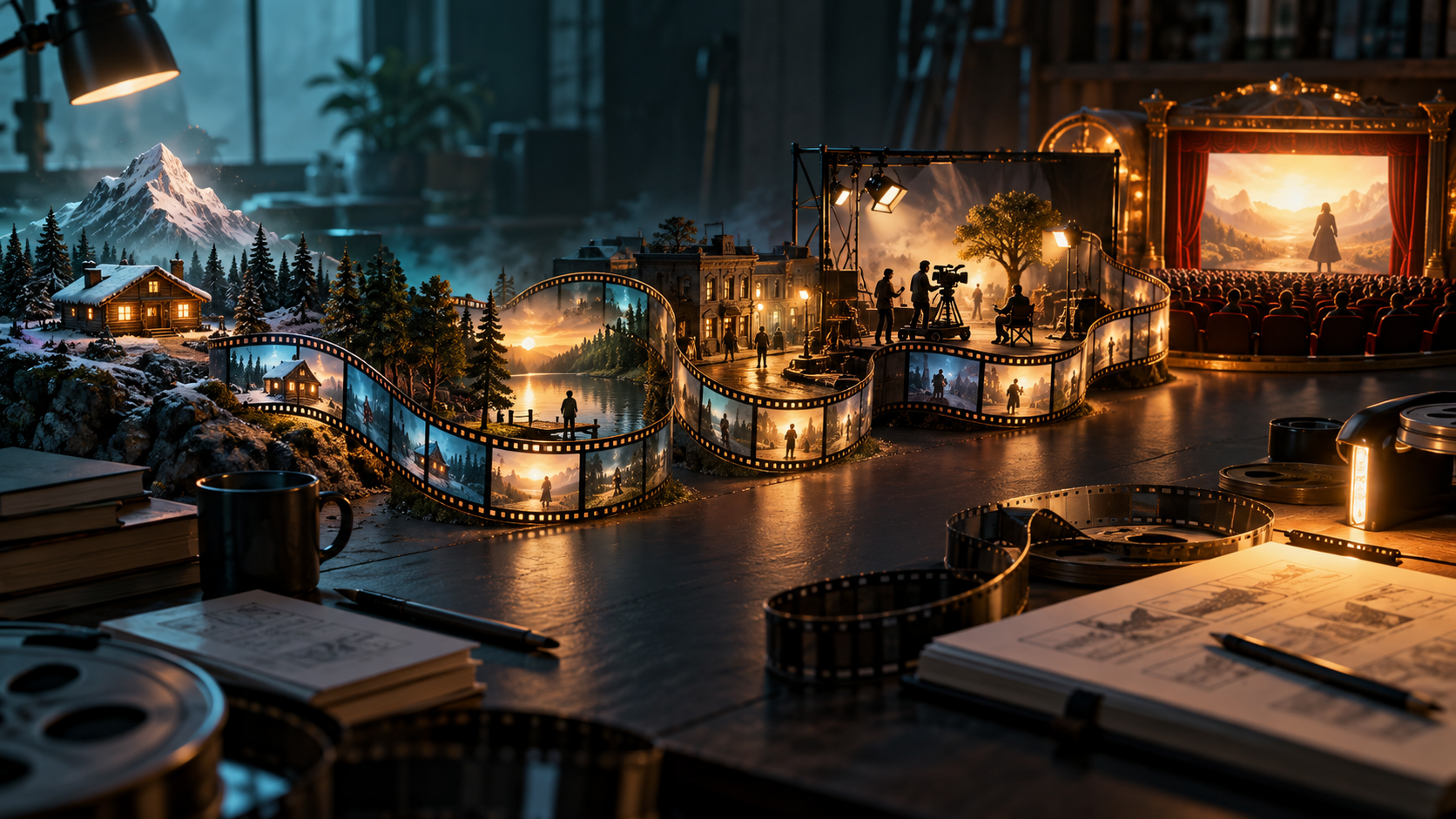
This guide treats AI-assisted video production as a human-directed workflow. It emphasizes empirical scene trials to determine project scope and feasibility. Successful long-form projects require meticulous human oversight, planning, and management. We focus on practical approaches for integrating AI outputs effectively, relying on human adaptation, direction, review, and editing to maintain narrative consistency and artistic vision throughout the production process.
Define the Film You Can Support
A successful long-form project begins with a concrete production brief. This brief must specify the target runtime, recurring situations, and required coverage for each scene. It also defines an agreed review standard for all generated content and details what constitutes a usable edit. Story decisions, reference designs for characters and environments, and the purpose of each shot must be clearly documented. These references guide the evaluation of generated content, though they do not guarantee consistent outputs. This granular planning ensures generated content serves the overall film, with tests determining the project's feasible scope.
Testing Critical and Recurring Scenarios
Before committing to large-scale generation, it's crucial to test the most challenging and frequently occurring elements of your film. Identify sequences that involve complex interactions, specific visual effects, or demanding continuity requirements. For example, if your story relies on a character performing a specific action repeatedly, or if a particular setting needs to be rendered under various conditions, test these scenarios early.
This proactive testing helps identify potential limitations of the AI models and allows for adjustments to prompts, visual references, or even story elements before significant resources are invested. A successful test of a simple landscape shot does not guarantee that a complex character interaction will work.
Consider a hypothetical film about a wetlands engineer who uncovers deliberate floodgate sabotage. A critical scene involves the engineer, Alex, discovering a warning lamp flashing red in a control room, then getting mud on their sleeve while investigating a faulty gate, and finally having a tense exchange with a colleague across a control room window. These are recurring challenges:
- Water Direction: The flow of water through the gates must be consistent, reflecting the sabotage.
- Muddy Sleeve: Alex's sleeve gets muddy; this state must persist across subsequent shots until cleaned.
- Warning Lamp: The lamp's state (flashing, solid, off) indicates system status and Alex's actions.
- Tense Exchange: Character positions, eye lines, and expressions during the confrontation need to be consistent across cuts.
Managing Story State and Continuity
Maintaining continuity goes beyond visual resemblance; it involves tracking the "state" of the story. Who knows what information? Where is a crucial object located? Has a specific event already occurred? These details are vital for a coherent narrative. A simple state ledger can help track these elements, even without specialized software.
This ledger serves as an editorial checklist, ensuring that each generated shot aligns with the current narrative reality. It helps prevent errors like a character holding an object they should have dropped, or a prop appearing in a scene before it was introduced.
Here's an illustrative state ledger for our wetlands engineer scenario:
| Element | Before Action (Scene Start) | Action (During Scene) | After Action (Scene End) |
|---|---|---|---|
| Engineer's Sleeve | Clean | Falls in mud near faulty gate | Muddy |
| Warning Lamp | Flashing Red | Engineer acknowledges, presses reset | Solid Red (acknowledged) |
| Access Card | In Alex's pocket | Used to open control room door | Left on control console |
| Colleague's Knowledge | Unaware of sabotage | Observes Alex's distress, becomes suspicious | Suspects Alex is hiding something |
| Floodgate Status | Partially open | Engineer attempts manual override, fails | Remains partially open |
Iterative Generation and Review Workflow
Creating AI-generated video for long-form projects is highly iterative. Within a fixed trial budget, review each attempt against story and continuity needs. Then, decide to accept, retry, simplify the prompt, or redesign the shot. Repetition does not guarantee success, requiring careful resource management.
Initial Generation: Use text prompts or image references to generate short video clips. For instance, to create an initial shot of Alex in the control room, you might use a prompt like "wetlands engineer, mid-30s, looking concerned at a flashing red warning lamp in a modern control room, close-up." You can explore tools for generating video from text or images, such as those found at VideoAny.
Review and Selection: Evaluate generated clips not just for visual quality, but primarily for how well they serve the story and maintain continuity. Does Alex's expression convey concern? Is the lamp clearly flashing red? Does the shot match the established visual style?
Refinement: If a clip isn't quite right, adjust the prompt, provide new reference images, or try different generation parameters. This iterative refinement is key to guiding the AI towards the desired outcome.
Assembling and Refining the Edit
Once individual shots are approved, they are assembled into sequences and then into the full film. This editing phase is where the rhythm, pacing, and overall narrative flow are established. A technically perfect shot might be too long for the edit, while a slightly imperfect one could work perfectly for a quick cut.
Rough Cut Assembly: Combine approved clips into a rough cut, focusing on the narrative sequence. Don't get bogged down in perfection at this stage; prioritize getting the story in order.
Pacing and Rhythm: Watch the rough cut to assess the pacing. Are scenes too long or too short? Does the emotional arc land effectively? Trim or extend shots as needed, using "handles" (extra frames at the beginning and end of clips) to provide flexibility.
Sound Design and Finishing: Integrate sound effects, dialogue, and music. These elements are crucial for enhancing the emotional impact and realism of the film. Finally, apply color grading and any necessary visual effects to polish the final product.
A Phased Approach to Project Feasibility
Embarking on a full movie project with AI requires a staged approach, moving from small proofs-of-concept to longer segments. This allows creators to assess feasibility and adapt their strategy as they learn their chosen tools and workflows.
Phase 1: 30-Second Stress Test (Illustrative) Focus on a challenging sequence (e.g., Alex getting mud on their sleeve and reacting to the warning lamp). The goal is to generate 7-8 usable shot placements of varied lengths, for 30 seconds of edited footage. This phase tests character appearance, prop interaction, and environmental details. If this proves too difficult with acceptable quality and effort, simplify staging, adjust visual style, or integrate other footage.
Phase 2: 3-Minute Coherent Scene (Illustrative) Expand to a full scene, such as Alex's tense exchange across the control room window, incorporating the muddy sleeve and lamp status. This phase requires approximately 45 shot placements. This tests character interaction and emotional continuity. Success here indicates the ability to maintain narrative flow over a longer segment, but acceptance rates from this phase may not apply to harder scenes.
Phase 3: 12-Minute Pilot (Illustrative) Develop a complete 12-minute pilot episode. This requires approximately 180 shot placements (720 seconds / 4 seconds per shot, as a planning assumption). If an initial test accepts 1 of every 3 generation attempts, a rough planning baseline suggests 540 attempts might be needed before pickups. This phase tests the overall story arc and the ability to manage a larger volume of assets, including extra coverage/handles, sound design, revisions, and finishing time.
Throughout these phases, implement a lock/reopen decision process for approved shots and maintain a version log.
Final Delivery Checks
Before releasing your AI-assisted film, a thorough final check is essential. Play back the entire film to confirm it meets the intended runtime and that pacing effectively conveys the story. Verify dialogue intelligibility, balanced sound effects, and legible on-screen text. Scrutinize for any missing frames, visual artifacts, or glitches. Finally, test the film on its intended playback devices (e.g., mobile, TV, web browser) to ensure proper display. Ensure all stories, artwork, and character likenesses used are either original creations, licensed for use, or have explicit permission from individuals for recognizable faces or voices.
FAQ
Can AI generate a feature-length movie automatically from a single prompt?
Before planning a budget around an automatic-film promise, test a complete scene to assess feasibility. This guide adopts human adaptation, direction, review, and editing as essential for integrating AI outputs into long-form projects, ensuring creative control and narrative coherence.
What is the realistic role of an editor in an AI-assisted film project?
The editor's role is critical. They assemble generated clips, manage pacing, ensure continuity, integrate sound, and make creative decisions. AI tools are assistants, not replacements, for editorial judgment.
When should I stop generating new clips for a scene?
Stop generating when you have accepted a sufficient number of usable clips that meet your story, continuity, and quality requirements for a specific scene. Focus on quality and relevance over quantity.
How can I estimate the scope and effort for an AI-assisted film?
Start with small, challenging test scenes to gauge the effort required for consistency and quality. Use these results to extrapolate for longer segments, factoring in prompt refinement, multiple generation attempts, review, and editing. This helps manage cost and time uncertainty.