Categories: AI Video, AI Image, Creator Guides
Tags: best text-to-video AI 2026, NSFW text-to-video AI, uncensored AI video generator, unrestricted AI video, VideoAny
Introduction
The best text-to-video AI tool is not simply the one that produces the most dramatic demo. It is the one that reliably turns your prompts into usable clips, gives you enough control to refine them, and fits the kind of content you actually make.
That distinction matters in 2026 because people searching for a text-to-video AI generator, an uncensored AI video generator, an unrestricted text-to-video tool, or an NSFW text-to-video AI are often looking for different things. A commercial team may prioritize brand consistency and predictable exports. An independent filmmaker may care more about unusual visual concepts. A creator working with lawful mature themes may need clear moderation rules and consent-aware controls rather than vague promises of “no restrictions.”
This guide brings those four search intents into one practical evaluation framework. It also shows how to build a repeatable production pipeline with VideoAny text-to-video, image-to-video, and video-to-video tools.
Responsible use: Mature-content workflows must be limited to lawful material involving consenting adults. Never create or share content involving minors, non-consensual imagery, unauthorized likenesses, or material that violates platform terms or applicable law.
General, Uncensored, Unrestricted, and NSFW: What Is the Difference?
These terms overlap, but they are not interchangeable. Understanding the underlying need makes it easier to choose a tool and avoid wasting time on platforms that do not fit your project.
| Search intent | What the creator usually needs | What to evaluate |
|---|---|---|
| General text-to-video AI | Fast ideation, social clips, ads, explainers, product visuals, or narrative scenes | Prompt fidelity, motion quality, aspect ratios, speed, and export workflow |
| Uncensored AI video | Fewer false positives when generating unconventional, artistic, horror, fashion, or mature concepts | Clear moderation rules, predictable review behavior, and an appeal or retry path |
| Unrestricted AI video | More creative control and fewer opaque interruptions during iteration | Transparent boundaries, model choice, prompt control, privacy, and reliable output |
| NSFW text-to-video AI | Lawful adult or mature-themed creation involving consenting adults | Consent, likeness rights, age safeguards, privacy, and platform distribution rules |
“Unrestricted” should not be read as “without rules.” Every legitimate service operates under applicable law and its own terms. In practice, creators usually want fewer ambiguous blocks and more transparent boundaries, not the absence of safety standards.
How to Compare the Best Text-to-Video AI Tools
Marketing labels reveal very little about day-to-day production quality. Test each candidate with the same short shot list and score it against criteria that affect your finished work.
1. Prompt fidelity
The model should follow the subject, action, environment, camera direction, lighting, and mood in the prompt. A visually impressive clip that ignores the requested action is difficult to use. Test both a simple prompt and a multi-part prompt to see where instruction-following begins to weaken.
2. Motion and temporal consistency
Look beyond a strong first frame. Check whether faces, hands, clothing, props, and backgrounds remain coherent as the scene moves. Also inspect camera movement: smooth motion is usually more useful than an energetic clip with unstable geometry.
3. Character and brand continuity
Pure text-to-video is useful for discovery, but repeatable characters and products often need reference assets. A platform that combines text-to-video with image-to-video gives you a more controlled path: design or approve a keyframe first, then animate it.
4. Creative controls
Useful controls may include aspect ratio, duration, reference images, motion strength, camera direction, seed or variation options, and model selection. More settings are not automatically better; the important question is whether the controls produce predictable differences.
5. Moderation transparency
This is especially important for uncensored, unrestricted, and NSFW searches. Evaluate whether the service explains its boundaries before you spend time preparing assets. Repeatedly changing or opaque filters can be more disruptive than a clearly documented limitation.
6. Privacy, consent, and likeness handling
If a project uses a recognizable person, confirm that you have permission and understand how uploaded assets are handled. For mature projects, keep written consent and age verification records outside the generation platform as part of your production documentation.
7. Workflow and export fit
Check whether clips can move cleanly into your editor, whether the available aspect ratios match the destination, and whether you can iterate without rebuilding a shot from scratch. A professional workflow also needs room for sound design, captions, color grading, and final quality control.

Match the Generation Mode to the Job
A strong platform does not force every idea through one generation method. Each mode solves a different production problem:
- Text-to-video is best for concept exploration, establishing shots, abstract sequences, and quickly testing several visual directions.
- Image-to-video is better when a character, product, outfit, composition, or environment must remain recognizable across takes.
- Video-to-video is useful for transforming existing footage, refining a visual style, or building variations from motion you already control.
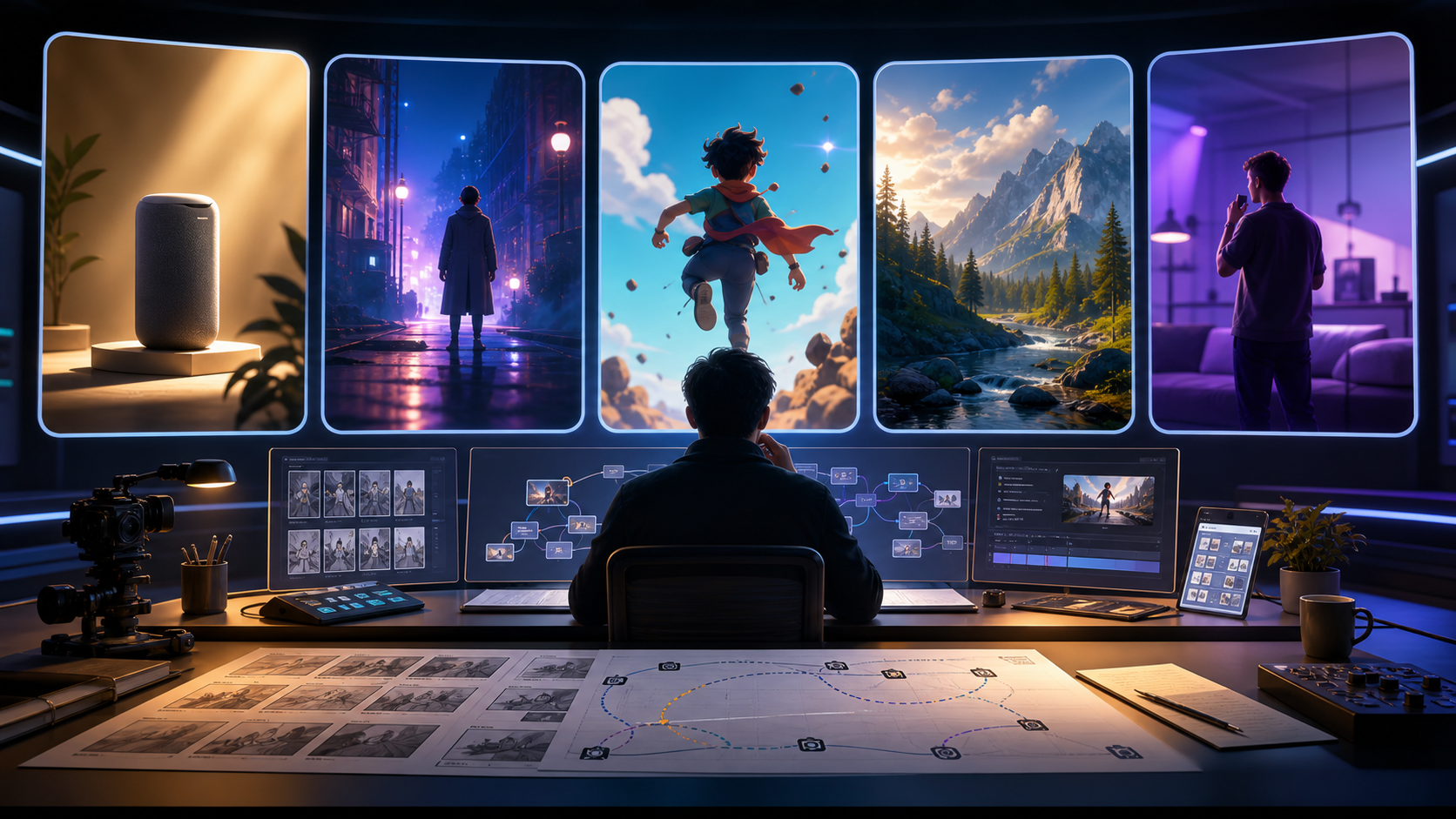
For many professional projects, the most efficient route is hybrid: use text-to-video to discover the look, create a strong reference frame for continuity, animate it with image-to-video, and use video-to-video only where an existing take needs a stylistic transformation.
A Repeatable Text-to-Video Production Workflow
Treat AI clips as production assets rather than finished films. Breaking the process into deliberate stages improves quality for general, uncensored, unrestricted, and mature-content projects alike.
- Define the outcome. Choose the destination, duration, aspect ratio, audience, and visual objective before writing prompts.
- Confirm rights and boundaries. Document ownership of scripts, images, characters, voices, and likenesses. For mature work, confirm that every depicted real person is a consenting adult and that the intended distribution channel permits the content.
- Create a shot list. Divide the idea into short shots with one main action each. A six-shot sequence is easier to direct and repair than one prompt asking for an entire story.
- Prepare reference assets. Collect approved character designs, product images, style frames, and a small vocabulary of recurring visual terms.
- Generate and compare small batches. Change one variable at a time—camera movement, action, lighting, or style—so you can identify what improved the result.
- Review continuity and artifacts. Inspect the full clip, not only the thumbnail. Check faces, hands, object permanence, background stability, motion, and unintended text.
- Finish in post-production. Assemble the best takes, then add pacing, transitions, sound, captions, and color treatment in your preferred editor.
This workflow also makes platform comparison fairer. Give each tool the same references, prompt structure, and acceptance criteria, then record usable outputs rather than judging a single lucky generation.
Prompting for More Reliable Results
A useful prompt behaves like a compact shot brief. Put the most important visual information first and avoid asking for several unrelated actions in one clip.
Use this structure:
Subject + action + setting + camera + lighting + visual style + motion constraint
For example:
A lone traveler walks through a rain-slicked city street at night, neon reflections on the pavement, low-angle 35mm tracking shot, cinematic contrast, slow controlled movement, stable background.
For a sequence, maintain a small style guide containing character descriptors, wardrobe, color palette, lens language, lighting, and negative constraints. Reuse that vocabulary across shots, but keep each prompt focused on one action.
When a text prompt cannot preserve the exact appearance you need, stop adding adjectives and switch to a reference-led image-to-video workflow. That is usually more efficient than repeatedly regenerating an under-specified character.
A Practical Test Before Choosing a Platform
Run a small benchmark before committing a full project:
- Generate one general-purpose cinematic shot.
- Generate one unusual but lawful artistic concept to test false positives and moderation clarity.
- Animate the same approved reference image twice to test consistency.
- Try both landscape and vertical delivery formats.
- Record generation attempts, usable clips, visible artifacts, and time spent correcting prompts.
- Review the service’s current terms and distribution constraints for your intended content category.
The winner is the tool that produces the highest percentage of usable shots for your workflow—not necessarily the tool with the flashiest isolated result.
Responsible Mature-Content Workflows
Creators searching for NSFW, uncensored, or unrestricted text-to-video tools still need a disciplined production standard. Before generation or publication:
- Use only consenting adult subjects and lawfully owned or licensed source material.
- Do not use a real person’s face, body, or voice without explicit authorization.
- Keep minors and age-ambiguous subjects out of mature-content workflows entirely.
- Review generated frames for unintended identity resemblance or age ambiguity.
- Check the rules of the generation service, payment provider, host, and distribution platform separately.
- Store sensitive source assets securely and remove them when they are no longer needed.
Clear safeguards protect subjects, creators, and the long-term viability of the project. They also make collaboration easier because every contributor knows which assets are approved and how they may be used.
Frequently Asked Questions
What is the best text-to-video AI tool in 2026?
The best choice depends on the job. Test prompt fidelity, motion stability, reference consistency, creative controls, moderation transparency, privacy, and export fit using the same shot list. Choose the tool that gives you the most usable clips with the least rework.
Are “uncensored” and “unrestricted” AI video generators the same?
Not necessarily. “Uncensored” usually signals fewer content-filter interruptions, while “unrestricted” often describes broader creative control. Neither term guarantees the absence of policies, legal limits, or platform rules, so review the actual terms and test permitted prompts before committing to a workflow.
What should I look for in an NSFW text-to-video AI workflow?
Prioritize clear rules, consent and likeness protections, adult-only safeguards, private asset handling, predictable moderation, and compatibility with your intended distribution channel. Generation quality alone is not enough.
Should I use text-to-video or image-to-video?
Use text-to-video for ideation and visual exploration. Use image-to-video when you need a specific character, product, composition, or environment to remain recognizable. Many polished projects use both.
How can I keep characters consistent across multiple clips?
Use approved reference images, stable character descriptions, a repeatable style guide, and short shots. Keep wardrobe, lighting, lens language, and key visual details consistent, then assemble the clips in post-production.
Should I write the script before generating visuals?
Yes. Even a short outline and shot list make it easier to judge whether each generated clip supports the story and to avoid spending generations on footage you will not use.
How does VideoAny fit into this workflow?
VideoAny brings multiple generation paths into one creative workspace. Start with text-to-video for ideas, use image-to-video for reference-led motion, explore the model catalog for project fit, and finish the selected clips in your editing pipeline.
Conclusion
Choosing the best text-to-video AI in 2026 requires more than comparing demo reels or accepting labels such as uncensored, unrestricted, or NSFW at face value. Define the content you intend to make, benchmark tools with the same shots, verify their boundaries, and measure how many outputs survive into the final edit.
A structured, hybrid workflow gives you the strongest balance of creative freedom and repeatability: explore with text, anchor important visuals with references, refine in short passes, and finish with deliberate editing. Explore VideoAny when you are ready to build that workflow in one place.
Media References
- https://cdn.videoany.io/blog/best-text-to-video-ai-2026/20260818122015-hbn98b4s.png
- https://cdn.videoany.io/blog/best-text-to-video-ai-2026/20260818122017-j2c358hw.png
- https://cdn.videoany.io/blog/best-text-to-video-ai-2026/20260818122018-b7nzh1vs.png
- https://cdn.videoany.io/blog/best-text-to-video-ai-2026/20260818122019-i8hh1r2v.png