Responsible use: Animate an identifiable person only with the subject's consent and the image rightsholder's authorization. Never use images of minors or age-ambiguous people, and do not create unauthorized likenesses, deceptive impersonations, or non-consensual intimate media.
Categories: AI Video, AI Image, Creator Guides
Tags: videoany, ai video, ai video generator, ai content creation, creator guide
Introduction
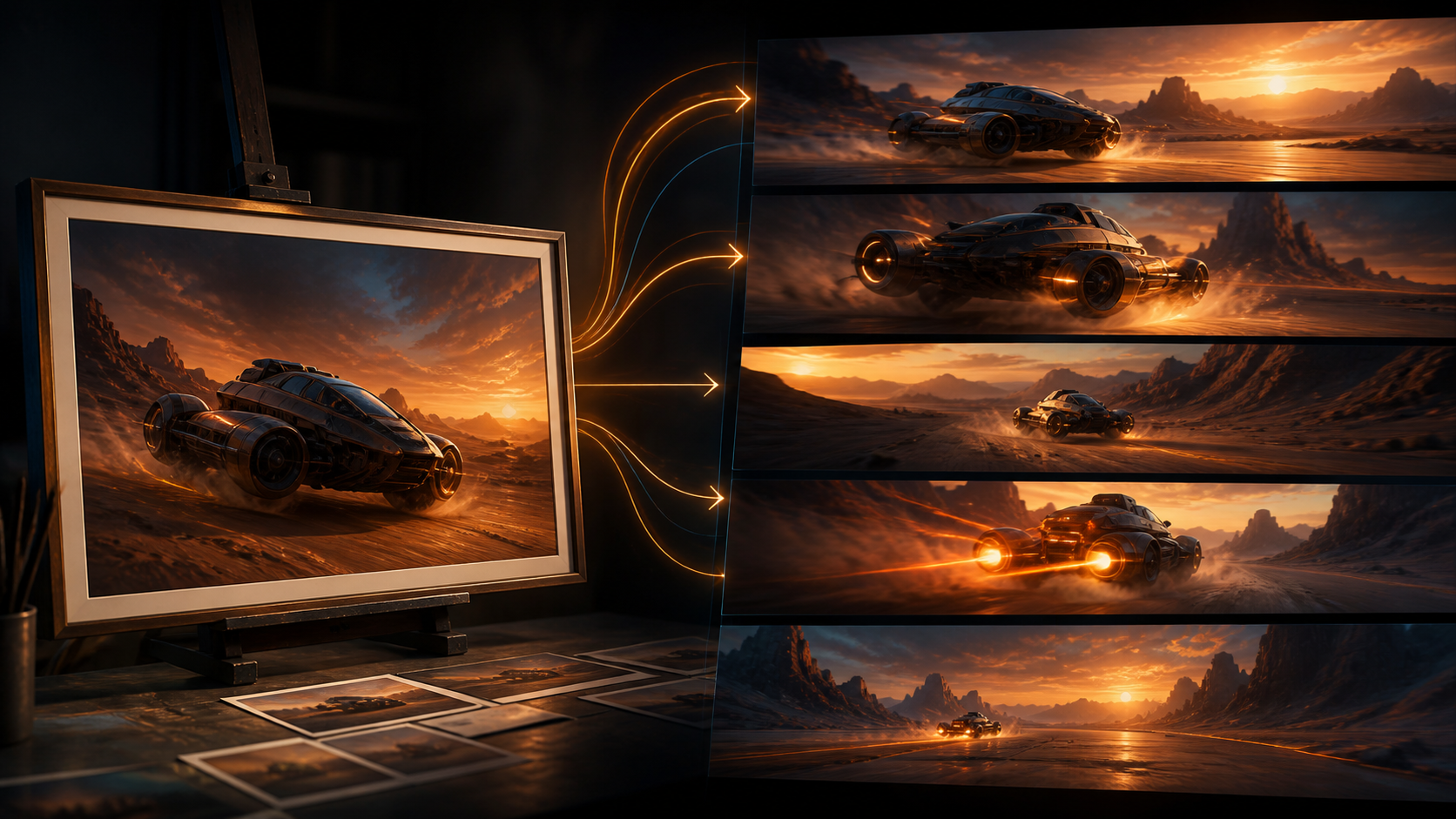
The ability to transform static images into dynamic videos has become a pivotal advancement in digital content creation. This guide explores how AI video generators from images empower creators to bring their visions to life. VideoAny offers a powerful suite of tools designed for transforming images, text, and even existing videos into compelling visual narratives. We focus on providing creators with the flexibility and quality needed for their AI-generated content, while promoting responsible and consent-based media creation.
Core Content Blocks
1) Unleash Your Creativity with VideoAny's AI Video Generation
VideoAny provides a comprehensive suite of tools designed to empower artists, marketers, educators, and storytellers. Beyond simply generating video from images, our platform aims to support a broad spectrum of creative endeavors. We recognize the importance of creative freedom in digital content creation. While many AI platforms navigate content restrictions, VideoAny is built to foster an environment where your artistic intent can be realized, allowing for the creation of content that truly reflects your vision within responsible guidelines.
2) What VideoAny Offers: Diverse AI Video Generation Options
VideoAny supports a wide range of creative expressions, from avant-garde art to compelling narratives. This approach encourages innovation, enabling the creation of unique and impactful content. For those using an AI video generator from image, this flexibility is crucial for realizing even abstract or niche visual concepts. VideoAny is designed to be both powerful and user-friendly. Creators benefit from features like support for multiple aspect ratios, making it adaptable for various platforms, from social media to larger displays. We understand the importance of high-quality output for all projects, and our platform is engineered to deliver professional-grade results.
3) The Role of Creative Freedom in AI Video Generation
For more detailed instructions and advanced tips, explore our comprehensive guide sections on VideoAny. Many AI video generation platforms implement stringent content policies. While these policies aim to promote safety, they can sometimes limit creative expression. VideoAny addresses this by offering a platform that respects and supports diverse creative visions. When utilizing our AI video generator from image, you gain access to a tool that prioritizes artistic liberty, enabling you to explore a wider range of concepts and styles.
4) How VideoAny Works: Seamless and Intuitive Creation
VideoAny aims for a seamless and intuitive creation experience. To inspire and showcase the possibilities, creators can explore galleries of AI-generated videos created by the community. These examples, ranging from abstract animations to realistic compositions, demonstrate the potential when using an AI video generator from image to bring diverse visual ideas to life.
5) Getting Started with AI Video Generation from Images
Getting started with AI video generation from images involves understanding the tools and processes available. Platforms like VideoAny typically offer transparent usage models, allowing creators to manage their costs effectively. Whether you're aiming to generate a short animated clip or a more extensive cinematic sequence, the goal is to provide a clear and understandable framework for your creative projects. For detailed information on usage and features, refer to the platform's dedicated resources.
6) Why VideoAny Supports Diverse Creative Expression
The transformation of static images into dynamic videos is a pivotal advancement in digital content creation. VideoAny is at the forefront of this innovation, providing a powerful AI video generator that works from images, text, and other video inputs. Our platform is designed for creators who seek flexibility and high quality in their AI-generated content, empowering them to explore a wide array of creative possibilities.
7) Cultivating Artistic Liberty in AI Media Creation
In contrast to platforms that may restrict unique projects or require creators to modify their concepts, VideoAny aims to provide an environment that supports artistic liberty. For those utilizing an AI video generator from image, this means having a tool that understands and facilitates a broad spectrum of creative endeavors, fostering innovation and diverse storytelling.
Practical Weekly Workflow
- Define the content outcome first: short ad, story scene, tutorial clip, music visual, product demo, or social post.
- List the required inputs: prompt, reference image, product shot, character design, storyboard frame, script, or audio.
- Generate or edit in small passes instead of trying to finish the whole video in one attempt.
- Review the clip for continuity, pacing, visual clarity, caption space, sound needs, and platform format.
- Save the prompt, source assets, and export settings so the next variation is easier to reproduce.
Conclusion
AI-assisted video work is strongest when it is treated as a repeatable production system. The creative idea still matters, but the workflow also needs clear inputs, controlled iteration, and a review step that turns raw generations into finished communication.
Next Step
Explore VideoAny: https://videoany.io
FAQs
1) Can this workflow work for a solo creator? Yes. Start with one repeatable format, keep the asset list small, and improve the workflow after each published clip.
2) Should I generate first or write the edit plan first? Write a short plan first. Even a simple outline helps you judge whether the AI output supports the final video.
3) What should I check before publishing an AI video? Check continuity, motion quality, captions, sound, aspect ratio, pacing, and whether the video communicates the intended idea without extra explanation.
4) How does VideoAny fit into this workflow? Use VideoAny where visual generation or variation is needed, then combine the resulting clips with editing, captions, audio, and platform-specific formatting. For image-to-video generation, visit https://videoany.io/image-to-video.