Categories: AI Video, AI Image, Creator Guides
Tags: videoany, ai video, ai video generator, ai content creation, creator guide
Introduction
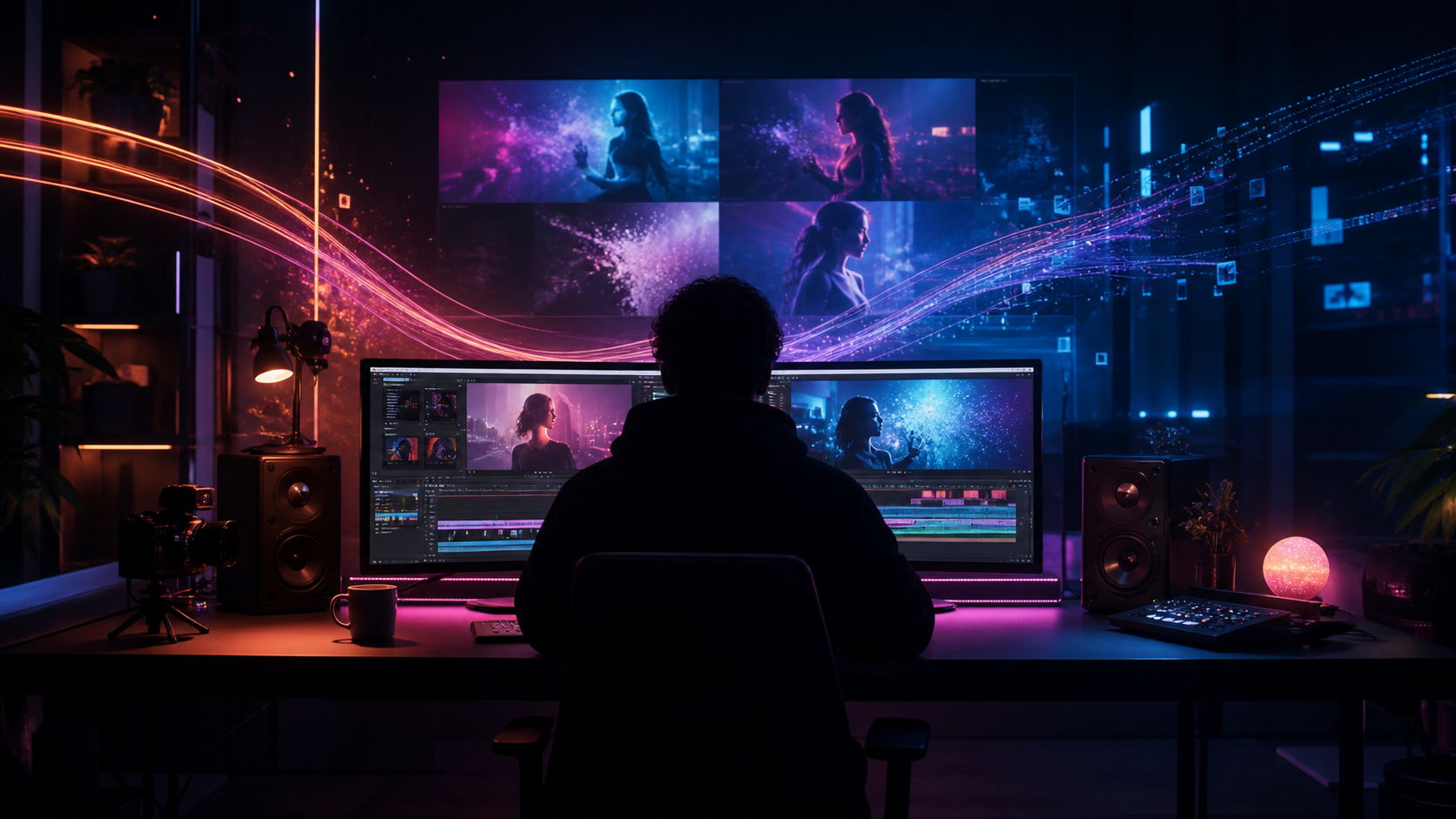
In the evolving landscape of digital media, AI video workflows are becoming essential for creators looking to scale their output while maintaining high production standards. For professionals in the adult content industry, integrating AI tools is less about replacing traditional methods and more about enhancing creative efficiency. This guide explores how to leverage VideoAny to streamline your production pipeline, from initial concept to final polish.
As with any powerful technology, responsible use is paramount. Creators should ensure that all content produced adheres to legal standards, respects the rights of others, and is created with the explicit consent of all involved parties.
Responsible use: Mature-content workflows must be limited to lawful material involving consenting adults. Never create or share content involving minors, non-consensual imagery, unauthorized likenesses, or material that violates platform terms or applicable law.
Core Production Tools for Creators
Modern AI platforms offer a suite of features that can significantly reduce the time between a creative spark and a finished asset.
- Face Swap Functionality: This tool allows creators to maintain character consistency across different scenes or preserve anonymity while experimenting with diverse personas. It is a powerful asset for narrative storytelling and character-driven content.
- Image-to-Video Transformation: By animating still photography or digital artwork, creators can add motion to static assets, creating dynamic teasers or engaging social media content with ease.
- Text-to-Video Generation: This feature allows for the rapid prototyping of specific scenarios. By describing a scene in detail, creators can generate visual sequences that might otherwise require complex set design or location scouting.
- Reference-Guided Generation: Using reference images ensures that the AI adheres to a specific aesthetic, lighting style, or character pose, providing more predictable results for professional projects.
- Video-to-Video Enhancement: This process allows for the stylistic transformation of existing footage, enabling creators to refresh older content or apply new visual effects to maintain a consistent brand aesthetic.

Use Cases in the Adult Industry
The versatility of AI video generation has opened new avenues for various roles within the industry:
- Social Media Creators: Generate high-quality promotional clips, teasers, and short-form content for platforms like OnlyFans or Fansly that capture audience attention quickly.
- Industry Marketers: Produce compelling advertising materials and promotional sequences for events or services, allowing for rapid iteration of marketing assets.
- Digital Studios: Use AI to prototype scenes, generate background visual effects, or create initial drafts for animated sequences, significantly reducing production timelines.
- Experimental Artists: Explore new visual styles and push the boundaries of digital storytelling through AI-assisted animation.
A Practical Weekly Workflow
To maximize the effectiveness of VideoAny, treat AI generation as a repeatable system rather than a one-off task:
- Define the Outcome: Start with a clear goal—whether it is a short social post, a promotional teaser, or a background asset.
- Prepare Inputs: Gather your reference images, scripts, or character designs. Having clear source material leads to more accurate AI outputs.
- Iterative Generation: Work in small, manageable passes. Generate short clips and refine your prompts based on the results rather than attempting to create a long-form video in a single generation.
- Review and Refine: Check each clip for continuity, pacing, and visual clarity. Ensure the output aligns with your brand’s aesthetic.
- Archive Assets: Save your successful prompts and source assets. Building a library of effective prompts makes future production significantly faster.
Conclusion
AI-assisted video production is most effective when it is integrated into a structured, professional workflow. By combining creative vision with the capabilities of VideoAny, creators can maintain high production values while exploring new artistic directions.
FAQs
1) Can this workflow work for a solo creator? Yes. By focusing on one repeatable format and keeping your asset list organized, a solo creator can significantly increase their output volume.
2) Should I generate first or write the edit plan first? Always write a plan first. A simple outline or storyboard helps you determine exactly what visual elements the AI needs to provide, leading to better results.
3) What should I check before publishing an AI video? Verify continuity, motion quality, pacing, and ensure that the final video effectively communicates your intended message to your audience.
4) How does VideoAny fit into this workflow? Use the platform for visual generation and stylistic variation, then integrate these clips into your standard editing software to add audio, captions, and final branding.
Media References
- https://cdn.videoany.io/blog/ai-video-generator-for-adult-content-creators/20260818104125-mixxcor6.png
- https://cdn.videoany.io/blog/ai-video-generator-for-adult-content-creators/20260818104126-z2o14gi1.png
- https://cdn.videoany.io/blog/ai-video-generator-for-adult-content-creators/20260818104127-porvrqkt.png
- https://cdn.videoany.io/blog/ai-video-generator-for-adult-content-creators/20260818104128-2sg5x9cl.png