Categories: AI Video, AI Image, Creator Guides
Tags: videoany, ai video, ai video generator, ai content creation, creator guide
Introduction
The landscape of AI-driven character interaction has evolved beyond simple, scripted chatbots. Today’s platforms focus on creating dynamic, memory-capable companions that can generate visual media on demand. For creators, understanding these tools is about more than just the interaction; it is about integrating AI-generated character assets into broader production workflows. This guide explores the core mechanics of these systems and how to approach them responsibly.
Responsible use: Mature-content workflows must be limited to lawful material involving consenting adults. Never create or share content involving minors, non-consensual imagery, unauthorized likenesses, or material that violates platform terms or applicable law.
How Modern AI Companion Engines Function
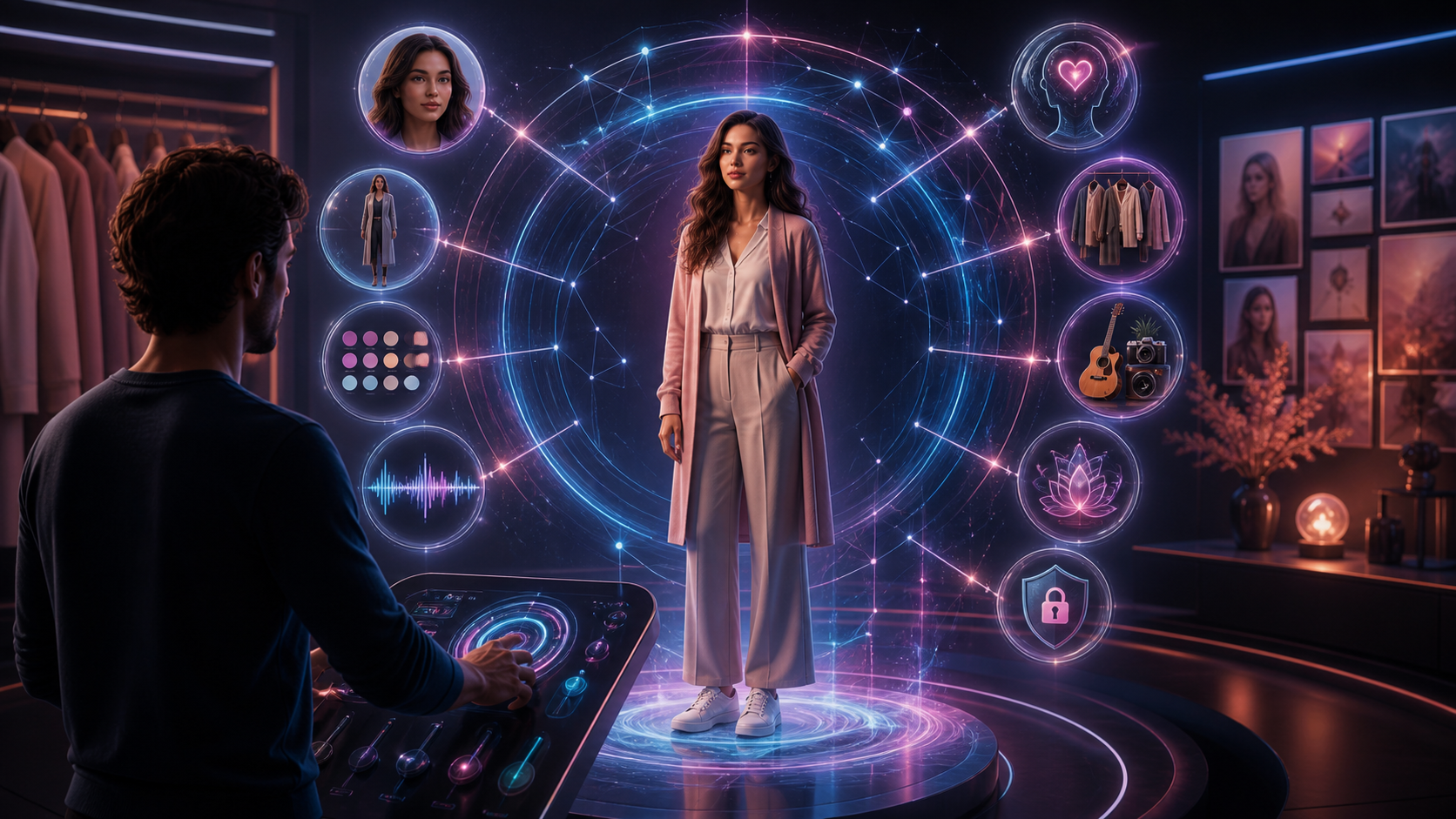
Unlike early-generation chatbots that relied on static scripts, modern AI companion engines are designed for continuity. Key features that define this experience include:
- Long-Term Memory: Systems now typically feature persistent memory, allowing the AI to recall past interactions. This ensures that the relationship or character dynamic feels continuous rather than resetting with every new session.
- On-Demand Media Generation: A major shift in this space is the ability to generate visual assets—such as photos and short video clips—directly within the chat interface. This allows for a more immersive experience where the AI can "show" rather than just "tell."
- Dynamic Personality Modeling: Advanced engines are built to simulate natural conversation, allowing for more nuanced roleplay and character-driven scenarios.
Privacy and Responsible Creation
When engaging with AI platforms, data privacy and ethical usage are paramount. Users should prioritize platforms that offer robust encryption for stored conversations and media.
Furthermore, responsible creation is essential. When using AI to generate character-based media, creators must ensure that all content is produced with consent and adheres to legal standards. This means avoiding the creation of non-consensual imagery, content involving minors, or any material that violates platform terms of service or local laws. Always use these tools within the bounds of ethical creative practices.
Integrating AI Assets into Your Workflow
For creators looking to leverage these tools for projects, it is helpful to treat AI-generated content as a component of a larger production pipeline.
- Define the Objective: Whether you are building a character for a story or generating assets for a video project, start with a clear goal.
- Iterative Generation: Rather than attempting to generate the perfect asset in one go, use small, iterative prompts. This allows for better control over the final output.
- Review and Refine: Once you have generated your assets, review them for continuity and quality. If you are using these in a video project, consider how they integrate with your editing software, captions, and audio.
Getting Started with VideoAny
If you are looking to incorporate AI-driven visual generation into your creative process, VideoAny offers a suite of tools designed to streamline your production. From text-to-video capabilities to advanced image-to-video transitions, you can experiment with different formats to see what best fits your creative vision.
FAQs
1) Can this workflow work for a solo creator?
Yes. By focusing on one repeatable format and keeping your asset list organized, a solo creator can efficiently produce high-quality AI-assisted content.
2) Should I generate first or write the edit plan first?
Always write a plan first. A clear outline helps you understand exactly what assets you need, saving time during the generation phase.
3) What should I check before publishing an AI-generated video?
Always verify continuity, motion quality, and pacing. Ensure that the final output aligns with your intended message and that all content is compliant with platform guidelines.
4) How does VideoAny fit into this workflow?
VideoAny serves as a versatile engine for visual generation. You can use it to create specific clips or character-based assets, then combine those outputs with your own editing, sound design, and narrative structure to create a finished product.