Categories: AI Video, AI Image, Creator Guides
Tags: videoany, ai video, ai video generator, ai content creation, creator guide
Introduction
Modern AI video workflows are most effective when they move beyond simple generation and become part of a structured production pipeline. For creators focused on mature-themed or adult-oriented animation, the goal is to balance artistic expression with technical precision. This guide explores how to integrate VideoAny into your creative process to produce high-quality, narrative-driven content that respects the necessity of consent and professional standards.
Responsible use: Mature-content workflows must be limited to lawful material involving consenting adults. Never create or share content involving minors, non-consensual imagery, unauthorized likenesses, or material that violates platform terms or applicable law.
The Evolution of Mature-Themed AI Animation
Creators often face challenges when traditional platforms impose rigid constraints that limit the scope of their visual storytelling. The shift toward more flexible AI tools allows for the exploration of complex narrative scenes, character-driven drama, and stylized visual concepts.
When working with mature themes, it is essential to prioritize the creation of content that involves consenting adults and adheres to legal and ethical standards. By utilizing advanced AI models, creators can now focus on the nuances of lighting, character design, and atmosphere—elements that define high-quality animation.

Key Features for Sophisticated Storytelling
To achieve professional results, creators should leverage a suite of tools that offer both control and creative depth. Whether you are developing a short narrative or a complex visual sequence, the following capabilities are vital:
- Text-to-Video Generation: Transform detailed prompts into cinematic sequences. For example, a prompt describing a "cyberpunk assassin in a neon-lit alleyway" allows the AI to interpret lighting, texture, and mood.
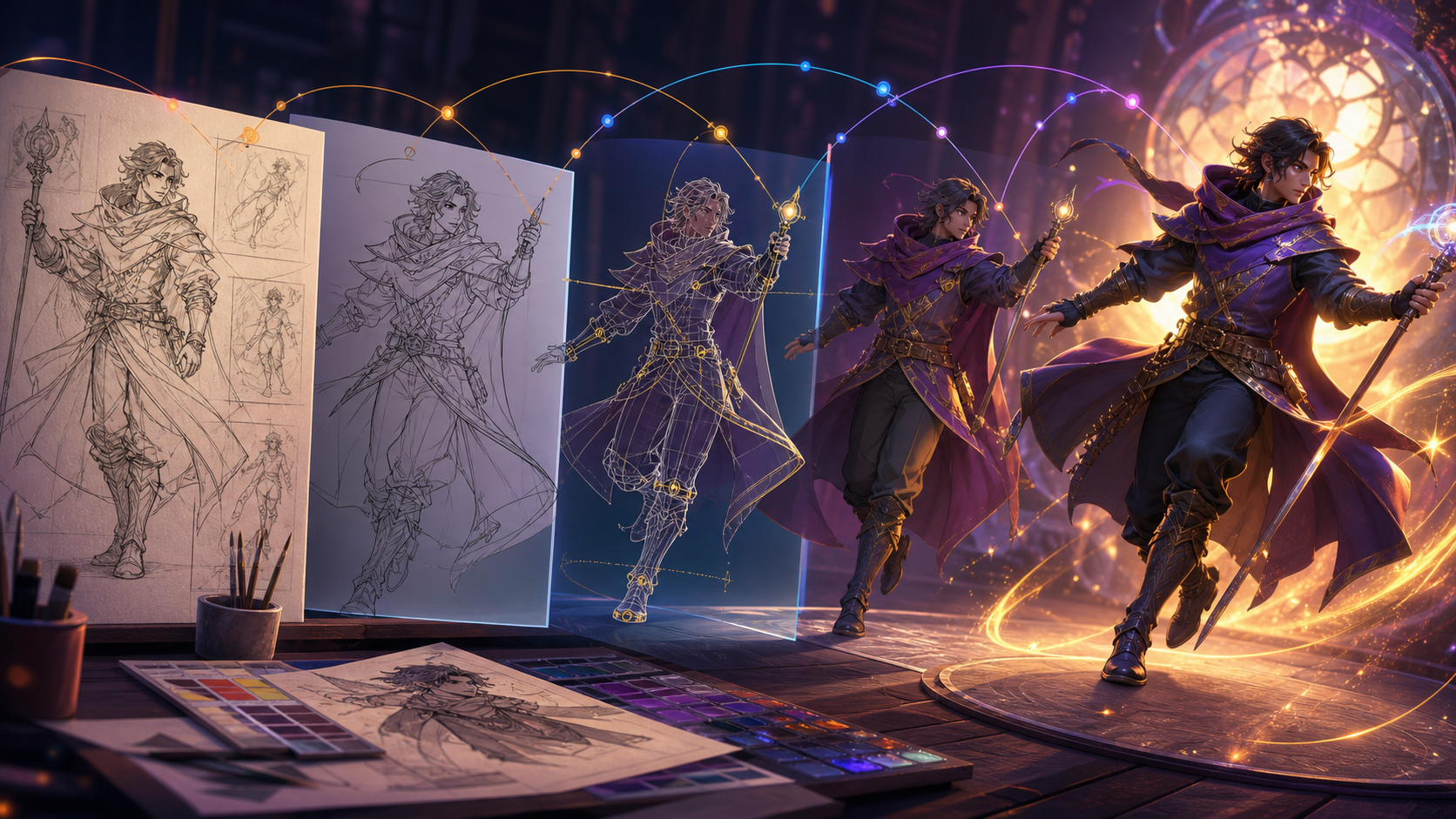
- Image-to-Video Integration: Use static character designs or environment art as a foundation to ensure visual consistency across your project.
- Customizable Parameters: Adjusting aspect ratios and style settings ensures that your output is ready for specific platforms, whether you are producing for cinematic 16:9 displays or vertical social media formats.

How to Build Your Production Pipeline
Creating compelling animation is an iterative process. Follow these steps to bring your vision to life using VideoAny:
- Conceptualization: Define your narrative goals. Are you creating a character study or a fast-paced visual sequence?
- Tool Selection: Choose the appropriate input method. If you have a specific character design, start with Image-to-Video to maintain continuity.
- Prompt Engineering: Be descriptive. Include details about the environment, character attire, lighting conditions, and the desired emotional tone.
- Refinement: Use the output as a base for further editing. AI is a powerful starting point, but the final polish—pacing, sound design, and narrative flow—remains the responsibility of the creator.
Practical Weekly Workflow
- Define the Outcome: Start with a clear plan for your video—whether it is a short story scene or a music visual.
- Asset Preparation: Gather your prompts, reference images, and character designs before jumping into the generation interface.
- Iterative Generation: Generate in small segments. It is easier to manage continuity when working scene-by-scene.
- Review and Polish: Always check for visual clarity, pacing, and continuity before finalizing your project.
Conclusion
AI-assisted video production is most successful when treated as a repeatable system. By combining creative intent with a structured workflow, you can produce professional-grade animation that reflects your unique perspective. Always ensure your content adheres to platform terms and legal requirements, focusing on responsible, consent-based creation.
Next Steps
Explore the full suite of tools at VideoAny.
FAQs
1) Can this workflow work for a solo creator? Yes. By focusing on a repeatable format and keeping your asset list organized, a solo creator can produce high-quality work efficiently.
2) Should I generate first or write the edit plan first? Always write a plan first. A simple outline helps you determine if your AI outputs align with your final narrative goals.
3) What should I check before publishing an AI video? Review for continuity, motion quality, aspect ratio, and sound. Ensure the final video communicates your intended idea clearly.
4) How does VideoAny fit into this workflow? Use VideoAny for visual generation and variation, then combine your clips with external editing software for final assembly, audio syncing, and color grading.