Categories: AI Video, AI Image, AI Audio, Creator Tools
Tags: videoany, ai video generator, ai image generator, ai audio generator, video-first studio, text to video, image to video, video to audio
Introduction
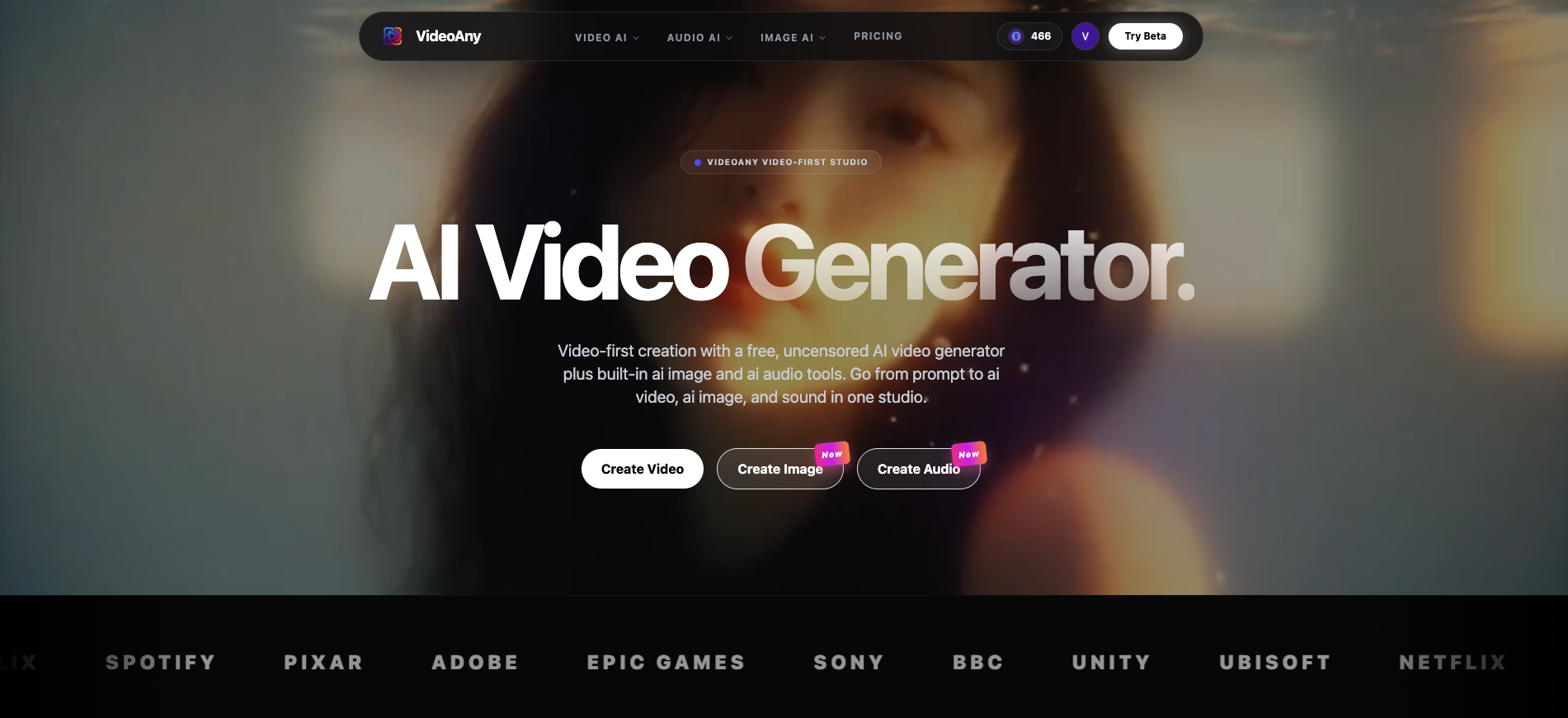
VideoAny is a video-first AI studio that helps you create AI video, AI images, and AI audio in one place. Whether you’re making short-form content, ads, or story clips, you can go from idea → assets → publish-ready output without a complex production setup.
What You Can Create with VideoAny
Here’s the simple way to think about the workflow: start with your core idea (text, an image, or an existing clip), then generate what you need.
1) AI Video (Text or Image → Video)
- Turn text prompts into share-ready clips
- Animate a single image into smooth motion
- Iterate fast until the pacing and look feel right
Suggested entry points:
- Image to Video: https://videoany.io/image-to-video
- Text to Video: https://videoany.io/text-to-video
2) AI Images (Text → Image, Image → Image)
- Generate thumbnails, concept frames, and ad creatives
- Re-style or rework existing images for variations
- Keep a consistent look across a series
Suggested entry points:
- Text to Image: https://videoany.io/text-to-image
- Image to Image: https://videoany.io/image-to-image
3) AI Audio (Text / Image / Video → Audio or Music)
- Generate sound effects and background music
- Add audio that fits the mood of your clip
- Speed up editing when you need “good enough” fast, then refine
Suggested entry points:
- Video to Audio: https://videoany.io/video-to-audio
- Text to Audio: https://videoany.io/text-to-audio
- Text to Music: https://videoany.io/text-to-music
Who VideoAny Works Best For
- Creators & influencers: fast content loops for Reels/TikTok/Shorts
- Marketers & brands: quick campaign variations and ad testing
- Filmmakers & editors: generate drafts, temp assets, and sound layers
- Teams: keep everything in one workflow instead of hopping tools
A Simple, Repeatable Workflow
- Pick the goal: social post, ad, demo, story clip
- Generate the anchor asset: a hero image or a short video draft
- Add supporting assets: audio, variations, thumbnails
- Iterate: small changes to prompt/style/settings
- Export: download and publish
Responsible Use
Create only with content you have rights to use. If your content includes identifiable people, get permission and follow platform rules.
Conclusion
If you want video-first creation with AI video + AI image + AI audio in one studio, VideoAny is designed to keep the workflow simple and fast.
Call to Action
Start here:
- Create AI video: https://videoany.io/image-to-video
- Create AI audio: https://videoany.io/video-to-audio
- Create AI images: https://videoany.io/text-to-image
FAQs
1) Do I need editing experience to use VideoAny?
No. Start with a short prompt or a single image, then iterate based on previews.
2) Can I create a full post (video + image + audio) in one place?
Yes. That’s the goal: generate your video, thumbnails, and audio inside one workflow.
3) Is VideoAny only for video?
It’s video-first, but also includes AI image and AI audio tools to support video production.