Categories: AI Video Workflow, Creator Strategy, Production Process
Tags: videoany, gpt image 2, flux 2 pro, nano banana 2, ai model comparison
Introduction
This guide compares GPT Image 2, Flux 2 Pro, and Nano Banana 2 across the criteria that matter in production: prompt adherence, anatomy, text rendering, speed, photorealism, character consistency, cost, and unique features. The honest answer is not that one model wins everything. Each model solves a different type of creative bottleneck.
For VideoAny users, the model choice matters because a video workflow often starts with one approved still. The better the still, the less correction you need once motion begins.
Model Overview
GPT Image 2 is best when the prompt has multiple constraints: exact object placement, legible text, repeatable characters, and design logic. Flux 2 Pro is strongest when anatomy, skin texture, and photorealism are the main requirements. Nano Banana 2 is built for speed, conversational editing, and high-volume iteration.
Round 1: Prompt Adherence
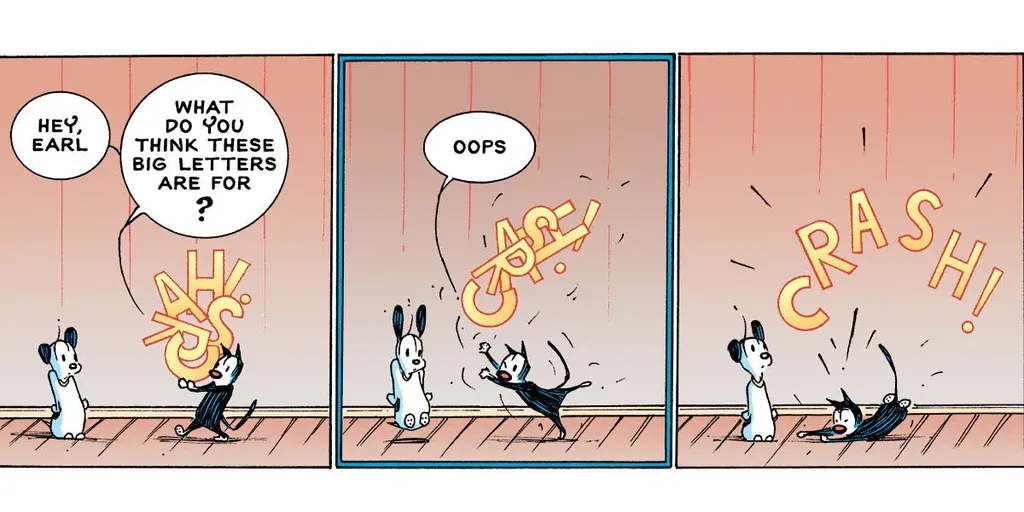
The source test asks for specific objects in specific positions. This is where GPT Image 2 usually feels more reliable. It follows layout constraints instead of producing a beautiful image that ignores half the instructions.
Use GPT Image 2 for ads, UI mockups, posters with text, product compositions, and any brief where the details are not optional.
Round 2: Human Anatomy
Flux 2 Pro has a strong case when the image depends on hands, feet, body pose, realistic skin, or close-up human detail. If a campaign needs believable people more than exact typography, Flux-style outputs can be the safer first test.
Round 3: Text Rendering
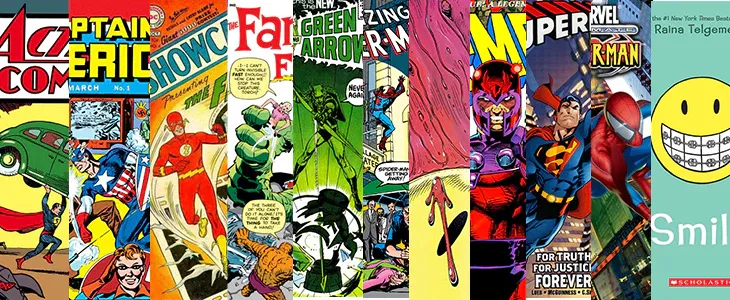
GPT Image 2 is the practical winner for signs, mugs, packaging, comic panels, menus, and interface labels. If the words inside the image matter, test text rendering separately before choosing a model.
Round 4: Speed
Nano Banana 2 shines when time and volume matter. If you need hundreds or thousands of quick alternatives, the fastest model can win even if the final polish is slightly lower.
Round 5: Photorealism
Photorealism is subjective. The source describes a blind comparison approach, which is the right method: show outputs without model names and ask which result feels real. For production, judge realism by your use case, not by model reputation.
Round 6: Character Consistency
GPT Image 2 is a strong choice for recurring faces, outfit continuity, mascot systems, and multi-image campaign sets. If the image will become a VideoAny animation or series, consistency at the still stage matters.
Cost and Workflow
Price per image is less useful than cost per usable image. A cheap model that requires ten retries may be more expensive than a pricier model that nails the brief in two attempts. Track usable output, edit time, and downstream video quality.
Practical Decision Guide
- Use GPT Image 2 for precision, text, layouts, and consistent characters.
- Use Flux 2 Pro for human realism and anatomy-heavy scenes.
- Use Nano Banana 2 for fast ideation and conversational edits.
- Compare models on one controlled prompt before scaling.
- Bring only the winning stills into VideoAny.
Conclusion
There is no universal winner. GPT Image 2 is the best default for structured creative work, Flux 2 Pro is excellent for believable people, and Nano Banana 2 is valuable for speed. Choose the model that reduces friction for the asset you actually need to publish.
Next Step
Explore VideoAny image-to-video workflows: https://videoany.io
FAQs
1) Which model should beginners use?
Start with the model that best matches the job: precision, realism, or speed.
2) Why compare image models for video?
Because the quality and consistency of the still image affects the final video.
3) Is GPT Image 2 always the best?
No. It is strong for controlled prompts, but Flux and Nano Banana can win on realism or speed.