Image to SVG Converter
Convert PNG, JPG, or WebP to clean vectors with an AI image to SVG workflow. Use this image to svg converter online for logos, icons, and text glyph styles.
SVG Result
Your generated SVG will appear here after processing.
Image to SVG Examples
ImageToSVG.examples.viewAll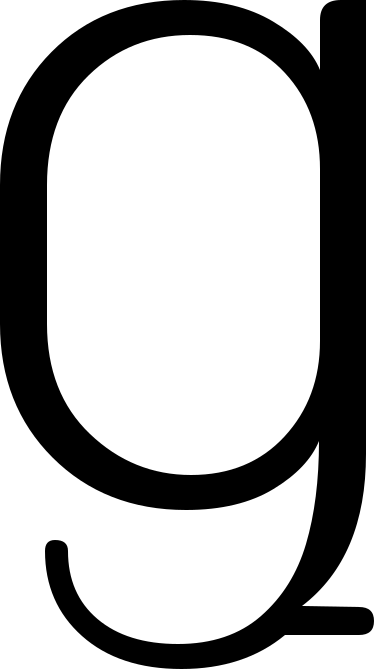
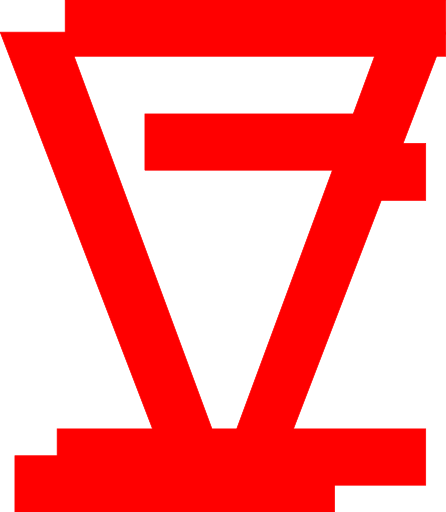
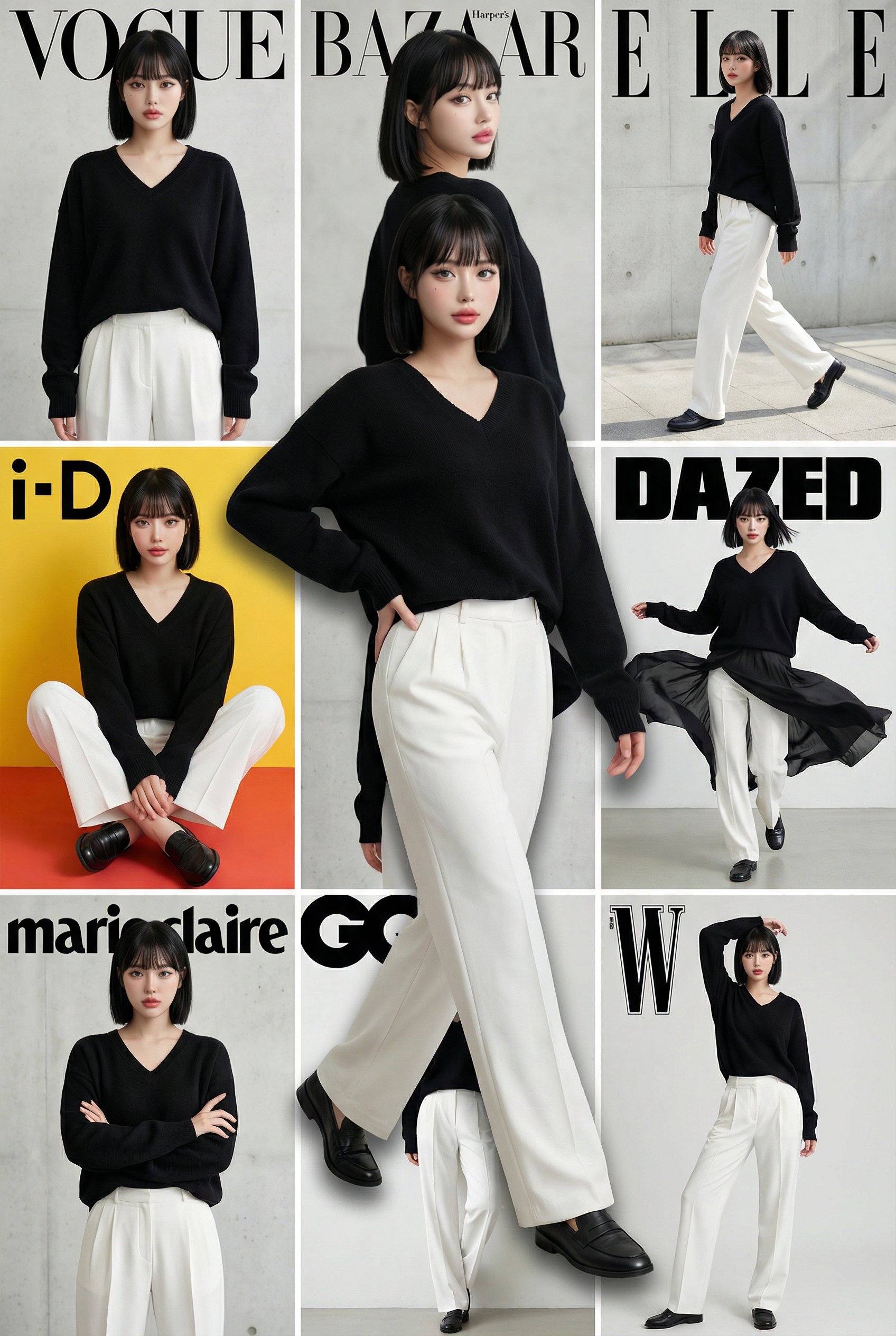


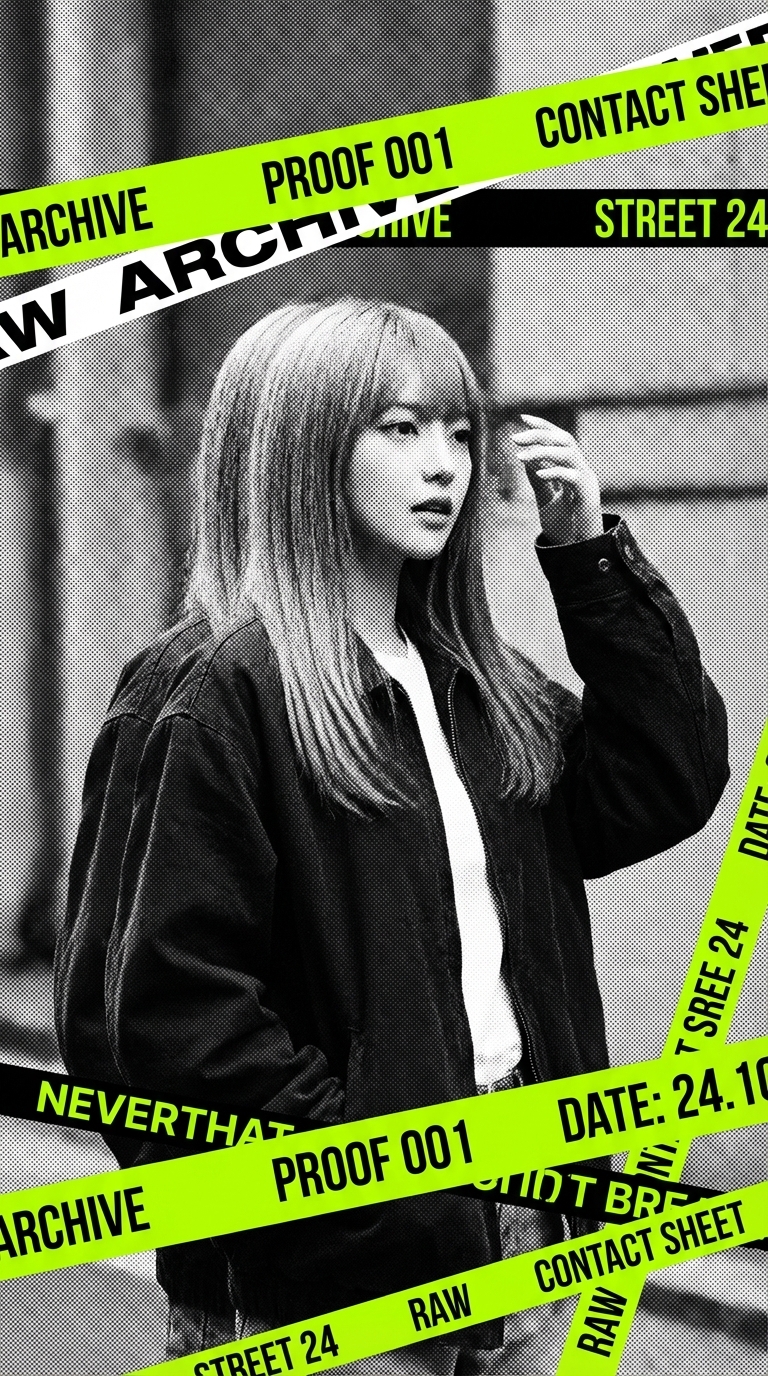
Image to SVG Converter Features
Fast Convert Image to SVG
Run convert image to svg tasks in a few clicks with queue-based processing and clear status feedback.
Image to SVG AI Styling
Use image to svg ai controls like fill color, stroke color, and stroke width to match your visual language.
Image to SVG Online Workflow
No desktop software needed. This image to svg online tool works directly in your browser.
Production-Ready Exports
Download scalable SVG for UI icons, design systems, print graphics, and lightweight web assets.
How Image to SVG Works
Add a Reference Image
Upload a PNG/JPG/WebP file or paste a URL to start your image converter to svg workflow.
Set Prompt and Style
Enter target text and adjust output size, fill color, and optional stroke settings.
Generate and Download
The tool processes your request and returns an SVG file you can download instantly.
Image to SVG FAQ
Image to svg means converting raster images into scalable vector graphics. If you want to convert image to svg for logos, icons, or typography, this workflow gives you clean vector output that scales without quality loss.
Manual tracing is precise but slow. Image to svg ai and ai image to svg workflows automate shape extraction and style transfer so you can iterate faster, then fine-tune in your design tool if needed.
Yes, depending on your account credits and plan. Many users look for image to svg free or convert image to svg free options first, then upgrade when they need higher volume and faster queues.
Yes. This is an image to svg online tool, so you can convert image to svg online directly in the browser without installing desktop software.
Yes. Phrases like image convert to svg, image converter to svg, and convert image to svg all refer to the same core task: turning raster input into vector SVG output.
Yes. You can turn image to svg for many design assets, including logo drafts, icon systems, stylized text, and UI graphics. Start with clear source images for better geometry.
Use high-contrast references with clear edges and minimal blur. Cleaner inputs produce more consistent vector paths and better final SVG structure.
If your goal is to convert image to svg with predictable quality, focus on clean references, clear prompts, and constrained style settings. This keeps vectors usable for real design and product work.
Why this converter is effective
This image to svg converter combines reference-guided style with structured SVG output, helping teams move from concept to production faster.
Compared with manual-only methods, convert image to svg online workflows reduce repetitive tracing and speed up iteration cycles.
Tips for better SVG output
- Use reference images with simple backgrounds and strong contrast.
- Keep prompt text short when generating glyph-based outputs.
- Start with default size and colors, then refine stroke settings.
- Review the generated SVG in your editor before production use.
Responsible use
Only upload files you own or have permission to transform. Respect copyright, trademark, and brand usage policies.
- Use licensed or self-created reference images.
- Do not submit protected marks without permission.
- Follow platform policy and local laws when publishing outputs.
Ready to create your next release?
Upgrade for faster queues, higher resolutions, and expanded usage options.