AI Mecha Transformation
Watch metallic armor unfold around your body in a human-scale mecha-suit transformation.
Use a full-body or half-body photo with space around the shoulders and arms. The design is a wearable suit with a visible face.
568 credits per 5-second video
External visual references, not VideoAny-generated results. They illustrate the setting or style; the generated 5-second clip may differ.
Explore the armor-transformation style
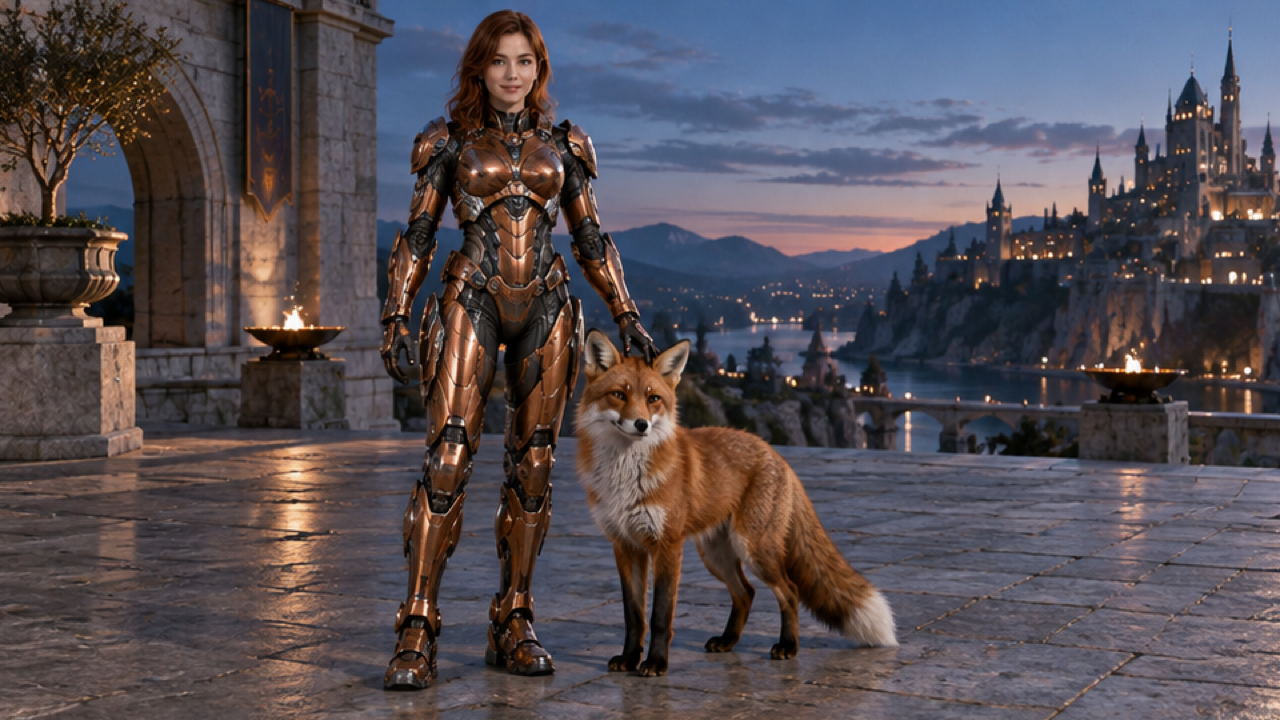
These references show human-scale armor with uncovered faces. The fox and fruit are details of the reference scenes; the effect centers on the armor transformation.
Open-face armor reference
A person with an uncovered face wears copper-colored human-scale armor beside a fox on a terrace at dusk.
Dreamina ↗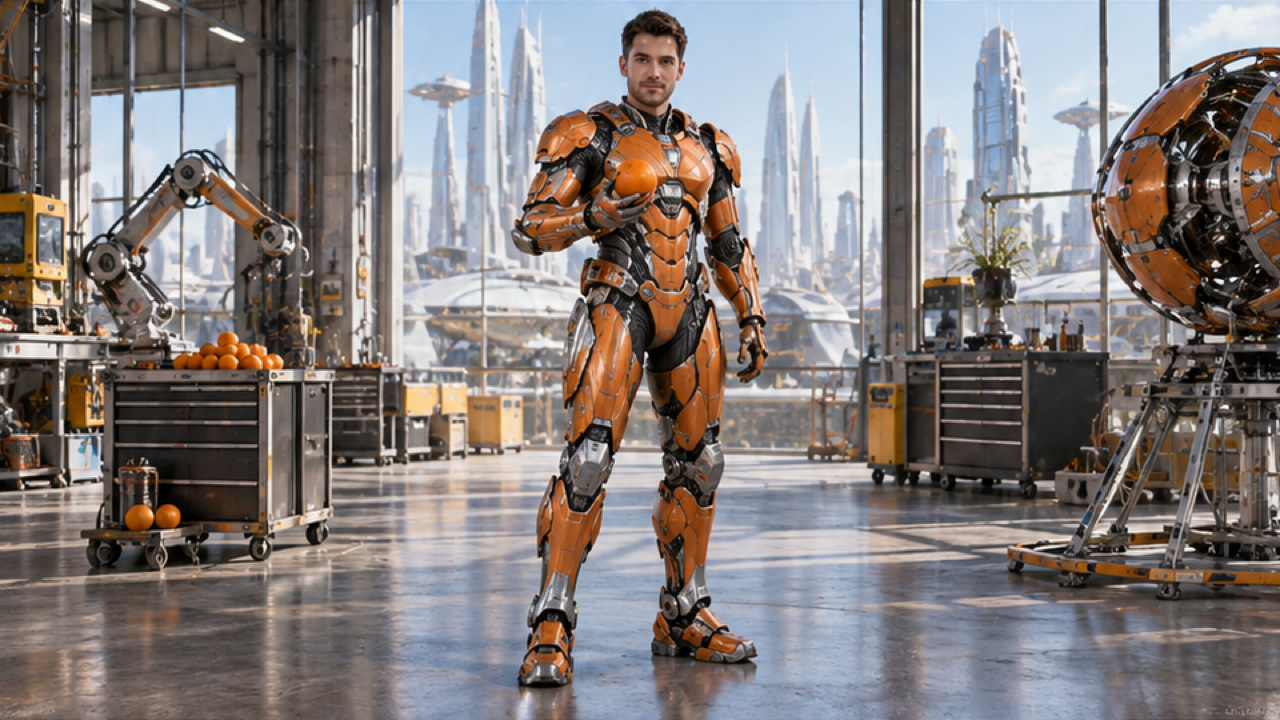
Articulated armor reference
A person in orange articulated armor stands in a bright workshop holding an orange, with the face uncovered.
Dreamina ↗External visual references, not VideoAny-generated results. They illustrate the setting or style; the generated 5-second clip may differ.
Upload your photo
Choose one clear full-body or half-body photo of one person, with the face visible and room around the arms.
Generate your video
Sign in, check that you have 568 credits and select Generate. Allow several minutes for the 5-second video.
Preview and download
Preview the assembling armor and open-face suit, then download the silent 5-second clip.
AI Mecha Transformation FAQ
The prompt asks metallic armor plates to unfold and lock around the person in your photo, forming a wearable, human-scale suit with an open face area.
The intended design leaves the face visible instead of covering it with a closed helmet. Your photo guides the face, though AI may change facial details during the transformation.
The prompt asks for an armor transformation without weapons or combat. The focus is on unfolding plates and a finished suit pose.
Each generation costs 568 credits. You need at least 568 credits in your account to start.
No. The clip is silent. Add mechanical sounds or music in your editor if needed.
Blurred images, complex poses, content checks or temporary service issues can affect generation. AI may alter facial details, clothing and motion. If progress cannot be checked, review your generation history before starting again.
One photo is used for image-to-video generation with Seedance 2.5: 5 seconds, 720p, 568 credits, no audio. The aspect ratio follows the source photo. Generation can take several minutes; 5 seconds is the clip length.
Ready to create your next release?
Upgrade for faster queues, higher resolutions, and expanded usage options.